Best Customer Service Chatbots in 2026: 10 Tools Compared
By ToolNimba Editorial Team November 8, 2026 12 min read

- Top pick
 Intercom
SaaS teams going AI-first
Starting price$29 per seat per monthCheck out IntercomRead our review - Runner-up
 Zendesk
Large support desks
Starting price$55 per agent per monthCheck out ZendeskRead our review - Also great
 Freshchat
Freshworks users on a budget
Starting price$19 per agent per monthCheck out FreshchatRead our review
How we researched this
We compared official pricing and feature pages, app store listings, privacy policies and public user reviews. Prices change, so check the provider's site before you pay.
Key takeaways
- Intercom and Zendesk lead for teams that need AI plus a full help desk, but their AI usage fees can matter more than the seat price.
- Tidio, Crisp, and HubSpot give small teams a real free starting point, while Freshchat suits teams already using Freshworks products.
- Drift and Ada fit larger or sales-led operations better than a solo shop, since both lean toward custom pricing and longer setup.
- Always test a bot on your ten most common questions before you pay, because a polished demo can hide gaps in your own help content.
Quick comparison
| Name | Best for | Starting price | Free plan | |
|---|---|---|---|---|
| Intercom | SaaS teams going AI-first | $29 per seat per month | Free trial (14 days) | Visit |
| Zendesk | Large support desks | $55 per agent per month | Free trial (14 days) | Visit |
| Freshchat | Freshworks users on a budget | $19 per agent per month | Yes | Visit |
 Drift | B2B sales conversations | See website | No | Visit |
 HubSpot | Teams already using HubSpot CRM | Free | Yes | Visit |
 Tidio | Small stores needing chat plus AI | $29 per month | Yes | Visit |
 LiveChat | Chat-first support teams | $19 per agent per month | Free trial (14 days) | Visit |
 Crisp | Small teams wanting simple pricing | See website | Yes | Visit |
 Ada | High-volume enterprise support | See website | No | Visit |
 ChatBot | Quick website bots from your docs | See website | Free trial (14 days) | Visit |
The best customer service chatbots
We looked for bots that answer real customer questions, hand off cleanly to a person, and work without a developer on staff for the basics.
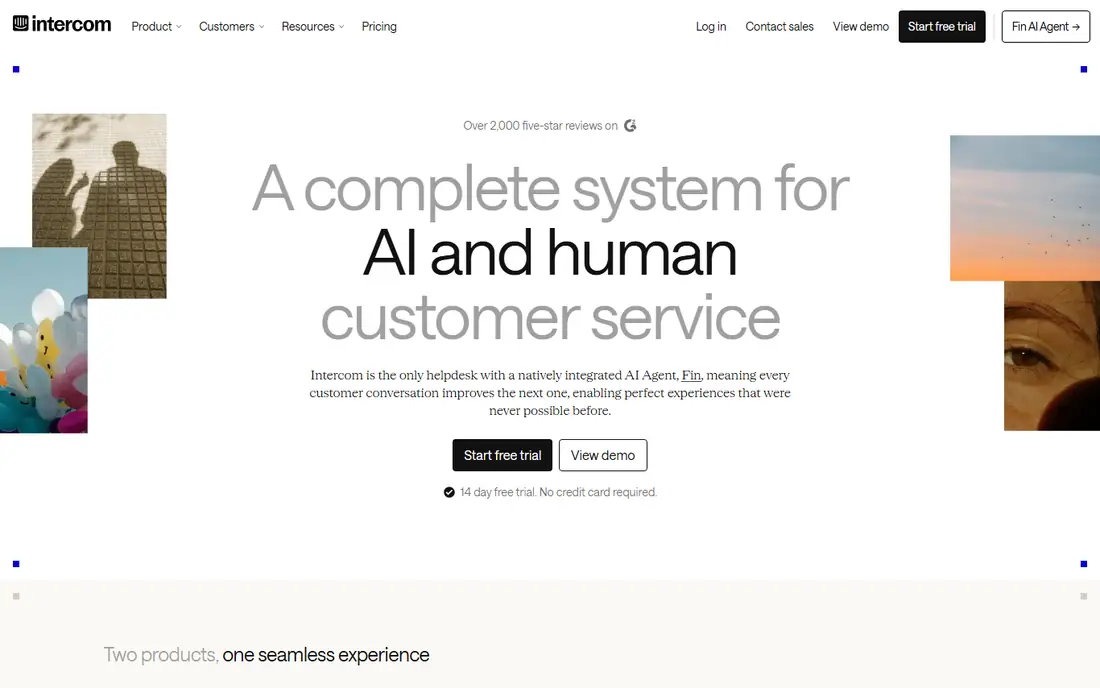
Intercom earns the top spot for product-led teams because Fin, its AI agent, is built to do more than greet visitors. It reads your help center and support content, answers in full sentences, and can take actions such as checking an order or updating a record when connected. When it cannot resolve a chat, it passes the full conversation to your team, so customers do not have to repeat themselves.
The catch is cost control. Seats start at a reasonable level, but Fin is billed at $0.99 per resolved outcome on top of seats, so a busy month can cost far more than the headline plan. That model rewards teams that keep help content tidy and track resolution rates closely.
- Fin AI agent resolves chats end to end
- Strong inbox, help center, and automation in one place
- Clear per-resolution pricing for AI outcomes
- AI fees add up at high volume
- Lower plans can feel limited for larger teams
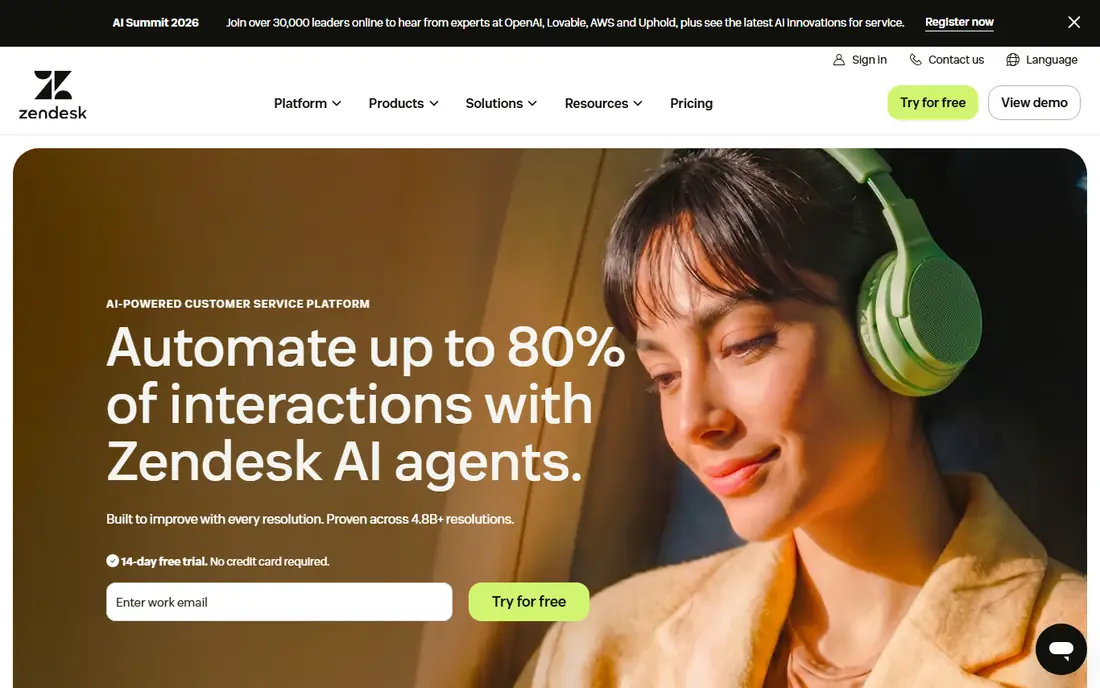
Zendesk is the safe choice when support is a real operation, not a side task. Tickets, chat, email, and social messages land in one queue, managers can route by intent, language, or priority, and reporting goes far beyond a simple chat count. Its AI agents handle routine questions across channels, while Copilot drafts replies and summaries for human agents.
Small teams should pause before signing up. The Suite Team plan is the entry point for the full package, and AI resolutions are billed separately once included allowances run out. If you have only a handful of chats a week, a lighter tool will feel faster and cheaper. If you have multiple agents, shifts, and service level targets, Zendesk gives you controls the lighter tools do not.
- Deep ticketing, routing, and reporting across chat, email, voice, and social
- AI agents and Copilot help for human agents
- Large integration library
- Setup takes longer than lighter tools
- AI resolution fees sit on top of seat prices
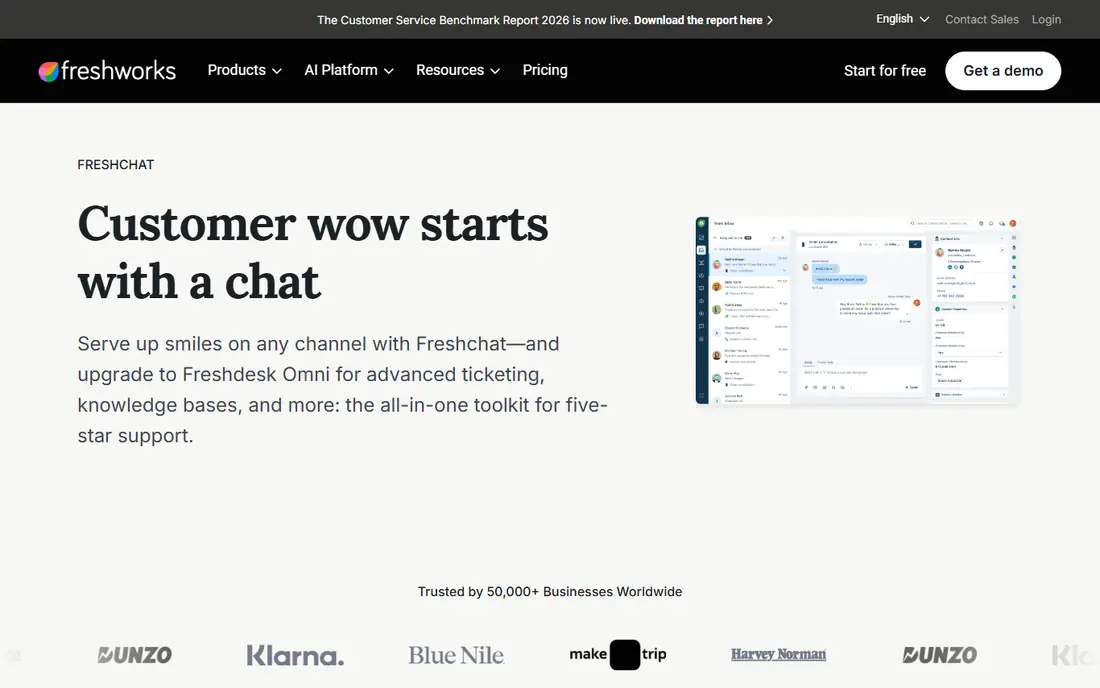
Freshchat makes sense if you already use Freshdesk or other Freshworks products, or if you want a help desk and a bot from one vendor. The free plan covers basic live chat, and paid plans add bots, campaigns, and more detailed reporting. Freddy AI, the Freshworks AI layer, can answer from your knowledge base and hand off to an agent with context.
Watch the AI billing unit. Freddy AI Agent sessions cover a window of time rather than a single resolved case, and extra sessions are sold in blocks after a free allowance. That can still be good value for steady volume, but teams with spiky traffic should model a busy month before they commit.
- Free plan for small teams
- Freddy AI works across chat and email
- Fits neatly with Freshdesk ticketing
- AI sessions are billed in blocks, not only on resolution
- Advanced features sit on higher plans
Drift belongs on this list for a different job than pure support. It started as a conversational marketing tool, and it still shines when a website visitor is a potential buyer who needs qualifying, routing to the right rep, and a booked meeting. Playbooks can ask about company size, budget, and timeline, then send hot leads straight to sales.
That focus is also its limit for support teams. If your main need is answering order, billing, and how-to questions all day, Drift will feel sales-heavy and priced like an enterprise sales tool. Pricing is now custom through Salesloft, so small businesses cannot compare it at a glance. Choose Drift when revenue conversations are the priority and support is a secondary use.
- Strong lead qualification and meeting booking flows
- Good for sales-led B2B sites
- Part of Salesloft, so sales tooling is close at hand
- No public starting price
- Support use cases are secondary to sales
- Setup suits larger teams
HubSpot is the easiest starting point if your customer records already live in HubSpot. The free tools include live chat and a chatbot builder, and chats attach to contact records so your team sees past deals, tickets, and notes in one place. That context alone saves a lot of back and forth for small teams.
The free bot handles rules-based flows well, such as routing by topic or booking a meeting. For a true AI agent that resolves conversations on its own, you will need a paid Service Hub plan, and that cost is per seat. Still, for a team that already pays for HubSpot or plans to, starting free and adding AI later is a sensible path with no migration pain.
- Free chatbot and live chat tools
- Conversations attach to CRM contacts
- Easy to grow into paid Service Hub plans
- Full AI agent features need paid Professional plans
- Advanced automation is gated
- Reporting depth grows with plan level
Tidio is built for small businesses that want to be live today, not after a long implementation. You can install the widget, set up a few automated flows, and let Lyro, its AI agent, answer common questions from your website and help pages. It also covers Messenger, Instagram, WhatsApp, and email on paid plans, which helps stores that sell through more than one channel.
The pricing needs a careful read. Tidio meters human conversations, Lyro conversations, and flow visitors separately, so a traffic spike can push more than one meter at once. The free plan is genuinely useful for testing, with a small monthly conversation allowance. If your volume is modest and steady, Tidio is excellent value.
- Free plan with live chat and ticketing
- Lyro AI answers from your site content
- Fast setup for online stores
- Human conversations, Lyro conversations, and flows are metered separately
- Costs rise with traffic
LiveChat does one thing very well, which is live conversation between customers and agents. The widget loads quickly, agents can juggle chats with canned replies and file sharing, and managers get clear reports on response time and satisfaction. For teams where a human reply is the product, that focus is a strength, not a gap.
Automation is the trade-off. LiveChat sells its AI chatbot and related tools as separate products, so a team that wants a bot plus live chat should price both parts together. There is no permanent free plan, only a trial, and per-agent billing means adding agents adds cost in a straight line. If your volume is chat-heavy and your agents are the answer, LiveChat is hard to beat on speed and polish.
- Fast, reliable live chat widget
- Strong canned responses, routing, and reporting
- Separate AI products for automation
- AI chatbot features are sold separately from core chat
- No free plan, only a trial
- Per-agent pricing grows with headcount
Crisp appeals to small teams that hate per-seat math. The free plan covers a shared inbox and live chat, and paid plans are priced per workspace rather than per agent, which can save money as a team grows. It also bundles a help center and contact form, so a tiny business can cover the basics from one dashboard.
The honest limit is AI depth. Crisp has bot and automation features, but it does not match the AI resolution tooling of Intercom or Zendesk for complex support. If you need an AI agent to close a large share of tickets on its own, shortlist Crisp for price and simplicity, then test its bot against your hardest questions.
- Free plan for small teams
- Shared inbox plus chat, email, and knowledge base
- Flat workspace pricing on paid plans
- AI features are more basic than Intercom or Zendesk
- Advanced channels and automation sit on higher plans
Ada is designed for companies that handle thousands of conversations and need automation to hold up under that load. Its AI agent answers across chat and other channels, supports many languages, and gives managers detailed views of automation rates and missed intents. It can sit alongside a help desk your team already uses, rather than forcing a full switch.
For a small business, Ada is usually the wrong first buy. Pricing is custom, onboarding takes real planning, and the value only shows at volume. For a larger company with a big support queue, a messy mix of channels, and a need to deflect routine contacts without hurting satisfaction, Ada is one of the serious enterprise options to put through a pilot.
- AI agent built for high-volume, multilingual support
- Strong automation and analytics for large teams
- Works alongside existing help desks
- Custom pricing only
- Overkill and too costly for small teams
- Implementation needs planning and clean content
ChatBot, from the LiveChat group, is a focused bot builder rather than a full support suite. You can build flows visually, train the bot on your site and documents, and hand chats to LiveChat agents when a person is needed.
Because it is a bot layer, do not expect deep ticketing, workforce reporting, or CRM depth in the same package. Price and included AI resolutions also vary by plan, so confirm what your volume needs before you buy. For a team that wants a working bot in days, with a clean handoff to humans, ChatBot is a practical pick.
- Visual builder with no coding for common flows
- Trains on your website and help content
- Integrates with LiveChat for handoff
- Pricing and AI resolution allowances vary by plan
- Less of a full help desk than Zendesk or Intercom
- Best as a bot layer, not a suite
How we picked these
We compared official feature pages, pricing pages, app store listings, privacy policies, and public reviews for each product, and we kept only tools that are live and actively sold in October 2026. We favored products that answer real support questions, offer a human handoff, and publish enough pricing detail to compare fairly, while still including custom-priced enterprise options where they clearly lead their niche. We did not claim hands-on testing, and where a vendor hides pricing or changes plans often, we marked it as See website rather than guessing a number.
What to check before you buy a support bot
Start with your own questions, not a vendor demo. List your twenty most common support contacts from the past three months, then run each shortlisted bot against that list. A bot that handles refunds, shipping, password resets, and plan changes well will save more time than one with a long feature page and weak answers on your top five topics.
Count the full bill, not the headline price
Seat prices, AI resolution fees, session blocks, and conversation meters all count. Ask each vendor for a monthly total at your current volume, then at double that volume, so a busy season does not surprise you. If pricing is custom, get that estimate in writing before a pilot.
Check the handoff and the knowledge base
A good bot knows when to stop. It should pass the full transcript, customer details, and attempted answers to an agent, and it should fall back gracefully when it is unsure. That only works if your help content is current, so plan time to clean up outdated articles before launch and to review failed bot answers each week.
Mind privacy and channel fit
Read the privacy policy for how conversation data is stored and whether it trains models. Check that the bot covers the channels your customers actually use, whether that is website chat, email, WhatsApp, or social messages, and that it works on mobile without a clunky widget.
Sources
- https://www.intercom.com/pricing
- https://www.zendesk.com/pricing/
- https://www.freshworks.com/live-chat-software/pricing/
- https://www.drift.com
- https://www.hubspot.com/pricing/service
- https://www.tidio.com/pricing/
- https://www.livechat.com/pricing/
- https://www.crisp.chat/en/pricing/
- https://www.ada.cx
- https://www.chatbot.com/pricing/
Frequently asked questions
What is the best chatbot for customer service?
There is no single winner for every team. Intercom suits AI-first SaaS teams, Zendesk suits large desks, and Tidio or HubSpot suit small teams that want a low-cost start. Match the tool to your volume, channels, and budget, then test it on your real questions.
What is the best chatbot software for customer service on a small budget?
Tidio, Crisp, and HubSpot all offer free plans that cover live chat and basic bots, and Freshchat also has a free tier. Start free, measure how many chats the bot resolves, and only pay when volume or AI features justify it.
Are AI chatbots for customer service worth it?
They are worth it when routine questions dominate your queue and your help content is accurate. They save agent time on repeats and give instant answers outside business hours. They are less useful when most contacts are complex, emotional, or need account changes a bot cannot safely make.
Can a chatbot replace human support agents?
No, and vendors that suggest otherwise should be treated with caution. A good bot handles repeats and gathers context, while people handle edge cases, complaints, and high-value conversations. The best setups use bots to reduce queue load, not to remove humans entirely.
How much do the best conversational AI tools for customer service cost?
Costs vary widely, from free plans to custom enterprise contracts. Entry paid plans in this guide start around $19 to $29 per agent or per month, plus AI usage fees on several platforms. Always model AI fees at your real volume, since they often exceed seat costs at scale.
Do I need coding skills to set up a customer service chatbot?
Most tools on this list offer visual builders and templates that need no coding for basic flows. You may still need help for deep integrations, such as order systems or CRMs, and for custom actions beyond answering questions. Start with templates, then add integrations once the basics work.