Best Cyber Security Software in 2026: 9 Tools Compared
By ToolNimba Editorial Team November 10, 2026 10 min read

- Top pick
 Bitdefender
Strong all-around protection
Starting price$29.99 per yearCheck out BitdefenderRead our review - Runner-up
 Norton 360
Families and identity protection
Starting price$49.99 per yearCheck out Norton 360Read our review - Also great
 McAfee
Homes with many devices
Starting price$49.99 per yearCheck out McAfeeRead our review
How we researched this
We compared official pricing and feature pages, app store listings, privacy policies and public user reviews. Prices change, so check the provider's site before you pay.
Key takeaways
- Bitdefender and Norton lead on lab results and breadth, but renewal prices are higher than first-year prices, so check the renewal rate before you buy.
- A free scanner such as Avast One Free or the free Malwarebytes scanner can be enough for a careful user on one computer, while a suite adds a VPN, password tools, and identity checks.
- Households with many devices get better value from plans that cover five or more devices, or unlimited devices, than from single-device plans.
- No tool blocks every threat, so backups and careful downloading matter as much as the software you pick.
Quick comparison
| Name | Best for | Starting price | Free plan | |
|---|---|---|---|---|
| Bitdefender | Strong all-around protection | $29.99 per year | Free trial | Visit |
| Norton 360 | Families and identity protection | $49.99 per year | Free trial | Visit |
| McAfee | Homes with many devices | $49.99 per year | Free trial | Visit |
 Malwarebytes | Cleaning infected computers | $44.99 per year | Yes | Visit |
 Avast One | Capable free protection | Free | Yes | Visit |
 Kaspersky | Privacy-minded users | $39.99 per year | Free trial | Visit |
 ESET | Lightweight protection | $29.99 per year | Free trial | Visit |
 Trend Micro | Beginners who want simplicity | $29.95 per year | Free trial | Visit |
 Microsoft Defender | Built-in Windows protection | Free | Yes | Visit |
The best cyber security software
We compared official feature pages, pricing pages, app store listings, and public lab results to find software that protects home computers without slowing them to a crawl. The list below mixes full suites with lighter tools, so you can match the level of protection to the devices you actually own.
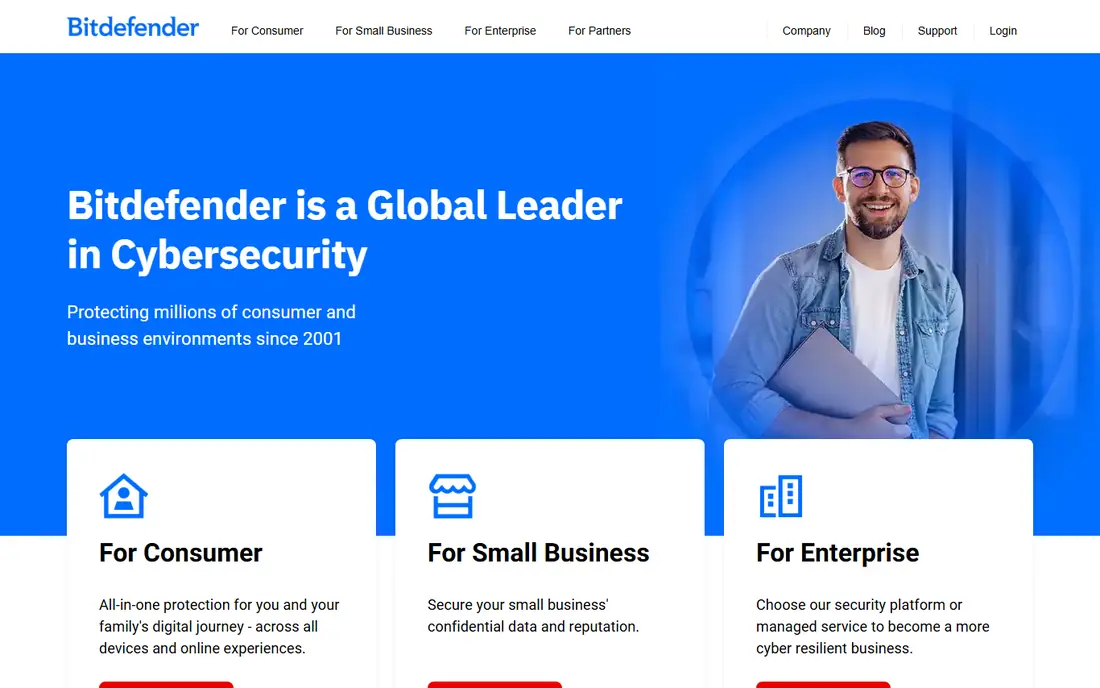
For households that want one subscription to cover the main devices, this is a sensible starting point. Its multi-layer protection covers malware, ransomware, and phishing, and the interface stays simple enough for a first-time buyer.
Bitdefender Total Security covers Windows, Mac, Android, and iOS, and it adds webcam protection, a password manager, and parental controls on higher plans. The suite is a good fit when you want one plan for a mixed household and do not want to tune many settings by hand. The main catch is the upsell pattern: the bundled VPN has a daily cap unless you upgrade, and the first-year discount does not last. Read the renewal price on the checkout page before you pay.
- Strong lab results
- Light on system resources
- Covers multiple devices
- Bundled VPN is capped on basic plans
- Renewal price is higher than the first year
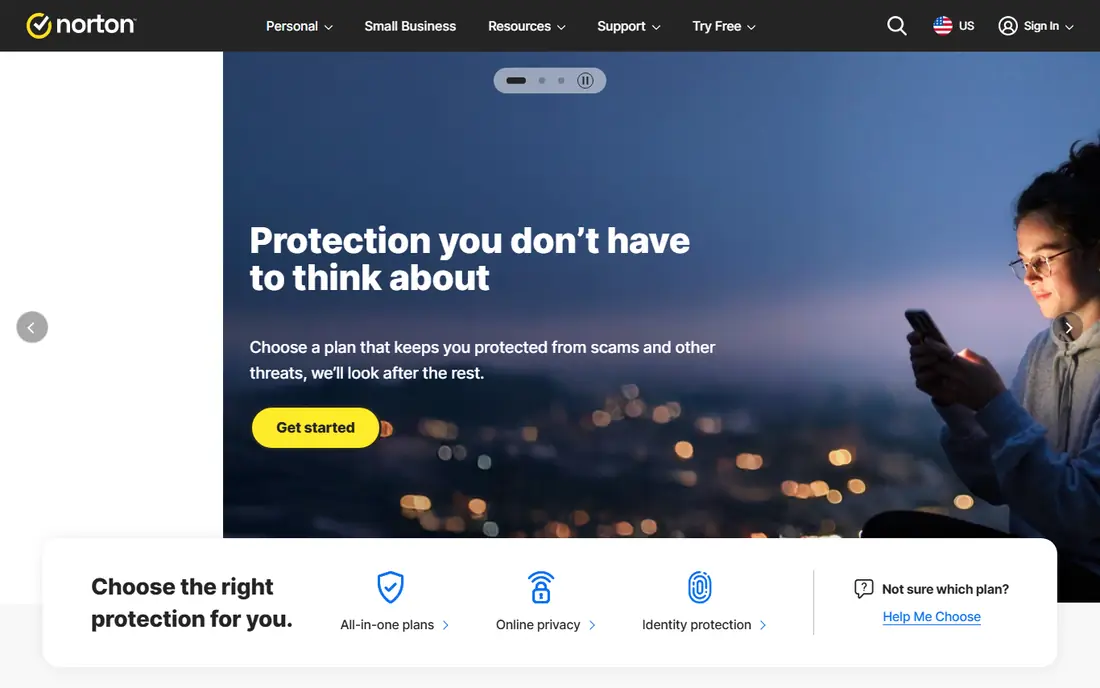
If you want strong protection without a lot of setup, this option earns a close look. Norton 360 Deluxe bundles antivirus with a VPN, dark web monitoring, parental controls, and cloud backup, which suits families that want many tools in one place.
The Deluxe plan covers up to five devices and includes 50GB of cloud backup, which helps if you want a simple backup for documents and photos. Identity features and LifeLock options on higher plans add monitoring that a basic antivirus does not offer. The trade-off is price at renewal, which is much higher than the first-year offer, and the suite can feel heavier on an older machine. If you only need basic protection, a lighter plan may serve you better.
- Unlimited VPN on paid plans
- Dark web monitoring
- Cloud backup included
- Renewal price rises sharply
- Heavier on older computers
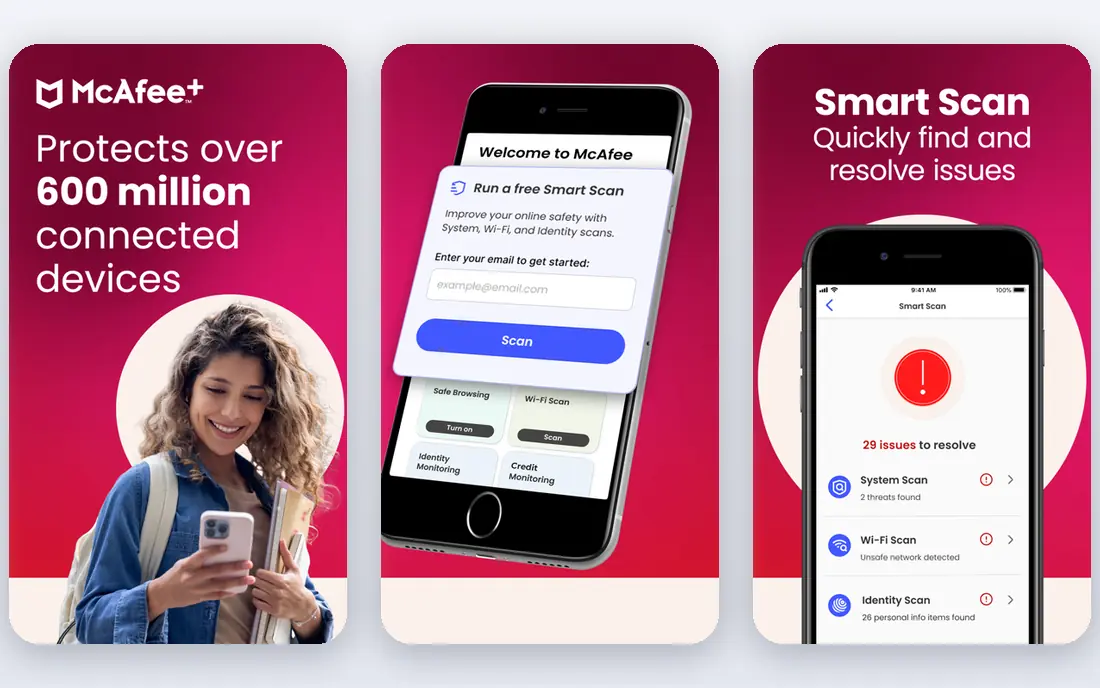
Shoppers who care most about value for a large household will find a lot to like here. McAfee stands out for households that keep adding devices, because some plans cover unlimited devices for one price.
That model removes the need to count phones, tablets, and laptops when you renew, and the family tools help parents manage devices from one dashboard. Identity monitoring and a VPN are included on higher plans, which keeps the main extras together. The dashboard can feel crowded, and not every feature works the same way on every platform. Check the plan page for the devices you own before you assume a feature is included.
- Unlimited devices on some plans
- Identity monitoring
- Easy family dashboard
- Interface can feel busy
- Some features vary by platform
This one suits people who already know what they want and do not want extra tools in the way. Malwarebytes is best known as a cleanup tool, and it earns that place because it often finds adware and unwanted programs that other tools miss.
The free version scans on demand, while Premium adds real-time protection, ransomware protection, and web protection. It is a strong pick as a second scanner alongside another antivirus, or as a simple paid option for one computer. It does not bundle a VPN or password manager, so buyers who want a full suite will need separate tools. For cleanup and straightforward protection, that focus is a strength rather than a gap.
- Strong on-demand scanner
- Simple interface
- Good second-opinion tool
- No bundled VPN
- Fewer extras than full suites
A good choice when ease of use matters more than a long list of extras. Avast One is a useful starting point when the budget is zero, because the free tier covers core antivirus protection without a card.
Paid plans add a VPN, firewall controls, and cleanup tools, and the same account can cover computers and phones. The interface groups protection, privacy, and performance tools in one place, which helps new users find what they need. The free plan will prompt you to upgrade, and some advanced features work best on Windows. If you can live with those prompts, the free tier is a practical way to stay protected.
- Usable free tier
- VPN and cleanup tools on paid plans
- Covers multiple platforms
- Free plan shows upgrade prompts
- Some features are Windows focused
Consider this if you want a well-known name with support that is easy to reach. Kaspersky Premium combines malware protection with a VPN, password manager, and identity checks in a single suite.
It suits users who want strong technical protection and are comfortable with a suite that offers many settings. Performance impact is low in lab summaries, which matters on a mid-range laptop that also runs work and video calls. Availability and sales channels vary by region, so check that you can buy and renew it where you live. Renewal pricing also rises after the first year, so compare the two-year total.
- Strong malware blocking
- Ransomware protection
- Good value on first-year plans
- Availability varies by region
- Renewal price is higher
This pick stands out for a specific strength that the broader suites do not match as well. ESET is the pick for older computers and gamers, because it uses fewer resources than most full suites while still blocking common threats.
The Essential plan covers core antivirus, anti-phishing, and device protection, and higher plans add a VPN and identity protection. Gamers and people on older hardware often notice the difference when a scan runs in the background. The trade-off is a smaller bundle of extras and a plain interface. If you want backup, parental controls, and a full VPN in one plan, another suite may fit better.
- Very light on resources
- Strong for gamers
- Simple controls
- Fewer bundled extras
- Interface looks plain
For buyers on a tighter budget, this is worth checking before paying for a full suite. Trend Micro Maximum Security is easy to set up and easy to leave alone, which suits buyers who do not want to manage settings.
It covers computers and phones, adds phishing protection and social media privacy checks, and keeps the main controls in a clear dashboard. That simplicity helps households where one person manages security for everyone else. The entry plans cover fewer devices than some rivals, and the bundled VPN has limits on basic tiers. Count your devices first, and upgrade only if you need the extra coverage.
- Simple setup
- Good phishing protection
- Social media privacy checks
- VPN is limited on basic plans
- Fewer devices on entry plans
When privacy or a lighter footprint is the priority, this option deserves attention. Microsoft Defender is already on Windows computers, so it is the simplest option for a careful user who does not want another subscription.
It provides real-time protection, firewall controls, and ransomware protection through controlled folder access, and it updates through Windows Update. For one Windows PC used by a careful adult, it can be enough on its own. It does not cover phones in the same way, and it lacks a bundled VPN, password manager, or identity monitoring. If you want cross-device coverage or those extras, pair it with separate tools or choose a paid suite.
- Built into Windows
- No extra cost
- Solid lab scores
- Windows only for full features
- No VPN or identity bundle
How we picked these
We started from the products that appear most often in independent lab tests and on vendor pricing pages, then checked each official site for current plans, device limits, and free tiers. We kept only products that are still sold and supported in October 2026 and that fit home use, not business-only tools.
We compared detection claims against public lab summaries, noted where a bundled VPN or password manager is capped, and flagged renewal pricing where vendors publish it. We did not claim hands-on testing, and we treated first-year discounts as temporary, not as the long-term price.
What to check before you pay
Start with device count. Count every computer, phone, and tablet you want covered, then pick a plan that covers that number without buying two subscriptions. Next, check the operating systems: some features are Windows only, and Mac, Android, and iOS coverage can differ on the same plan. ### Protection versus extras. Real-time malware blocking, ransomware protection, and phishing protection are the core features. A VPN, password manager, parental controls, and cloud backup are useful extras, but a capped VPN or a small backup allowance may not replace a separate service. ### Price over two years. Add the first-year price and the renewal price together, because that total is closer to what you will actually pay. A cheaper first year with a steep renewal can cost more than a steadier plan. ### Free tools done right. If you choose a free tool, pair it with automatic updates, a separate backup, and the built-in firewall on your device. Free plans often lack real-time protection on some platforms, so read the plan page, not just the headline.
Sources
Frequently asked questions
What is the best cyber security software for most people?
For most home users, a full suite from Bitdefender or Norton covers the main risks in one subscription, including malware blocking, phishing protection, and a VPN. The right choice depends on device count and whether you want parental controls or identity monitoring. Check the renewal price before you commit.
What is the best network security software for a home network?
For a home network, a suite with a firewall, phishing protection, and device coverage across computers and phones matters more than a business firewall. Router-level controls from your internet provider and strong Wi-Fi passwords also help. Business network tools are usually overkill for a home.
Are free cyber security tools safe to use?
Free tools from established vendors can be safe, but they usually cover fewer devices and offer fewer extras than paid plans. Some free versions only scan on demand and do not block threats in real time. Download only from the vendor site or an official app store.
Do I need cyber security software if I use Windows Defender?
Microsoft Defender provides solid built-in protection on Windows and is a reasonable base for a careful user on one PC. A paid suite adds coverage for other devices, identity monitoring, a VPN, and ransomware rollback. If you bank, shop, and share a computer, the extra layers are worth considering.
How often should I run a full scan?
A full scan once a month is a sensible routine for most users, with quick scans running in the background the rest of the time. Run a full scan sooner if the computer slows down suddenly, shows pop-ups, or behaves in a strange way. Keep the software updated so scans use current threat data.