Best Database Software in 2026: 8 Apps Compared
By ToolNimba Editorial Team November 5, 2026 9 min read

- Top pick
 PostgreSQL
Free relational apps and analytics
Starting priceFreeCheck out PostgreSQLRead our review - Runner-up
 MySQL
Web apps and ecommerce
Starting priceFreeCheck out MySQLRead our review - Also great
 MongoDB
Flexible document apps
Starting priceFreeCheck out MongoDBRead our review
How we researched this
We compared official pricing and feature pages, app store listings, privacy policies and public user reviews. Prices change, so check the provider's site before you pay.
Key takeaways
- PostgreSQL is the safest default for most web apps, with strong reliability, extensions and free open source licensing.
- MySQL remains a strong choice for web, content and ecommerce apps, with wide hosting support and a familiar SQL model.
- MongoDB suits document-based apps with flexible schemas, while Redis is best for caching and real-time speed.
- Microsoft SQL Server and Oracle Database fit enterprises that need deep integration, compliance and support.
- Supabase and SQLite cover opposite ends of the scale, from a managed Postgres platform to a tiny embedded database.
Quick comparison
| Name | Best for | Starting price | Free plan | |
|---|---|---|---|---|
| PostgreSQL | Free relational apps and analytics | Free | Yes | Visit |
| MySQL | Web apps and ecommerce | Free | Yes | Visit |
| MongoDB | Flexible document apps | Free | Yes | Visit |
 Microsoft SQL Server | Microsoft and enterprise apps | See website | Yes | Visit |
 Oracle Database | Mission-critical enterprise systems | See website | Yes | Visit |
 Redis | Caching and real-time data | Free | Yes | Visit |
 SQLite | Embedded and mobile apps | Free | Yes | Visit |
 Supabase | Managed Postgres with auth and storage | $25 per month | Yes | Visit |
The best database software
A database choice shapes how fast your app runs, how easily it scales and how much work your team spends on operations. We compared official documentation, pricing pages, cloud offerings and public reviews, with a focus on data model, reliability, scaling, managed options, licensing and the skills a small team actually needs.
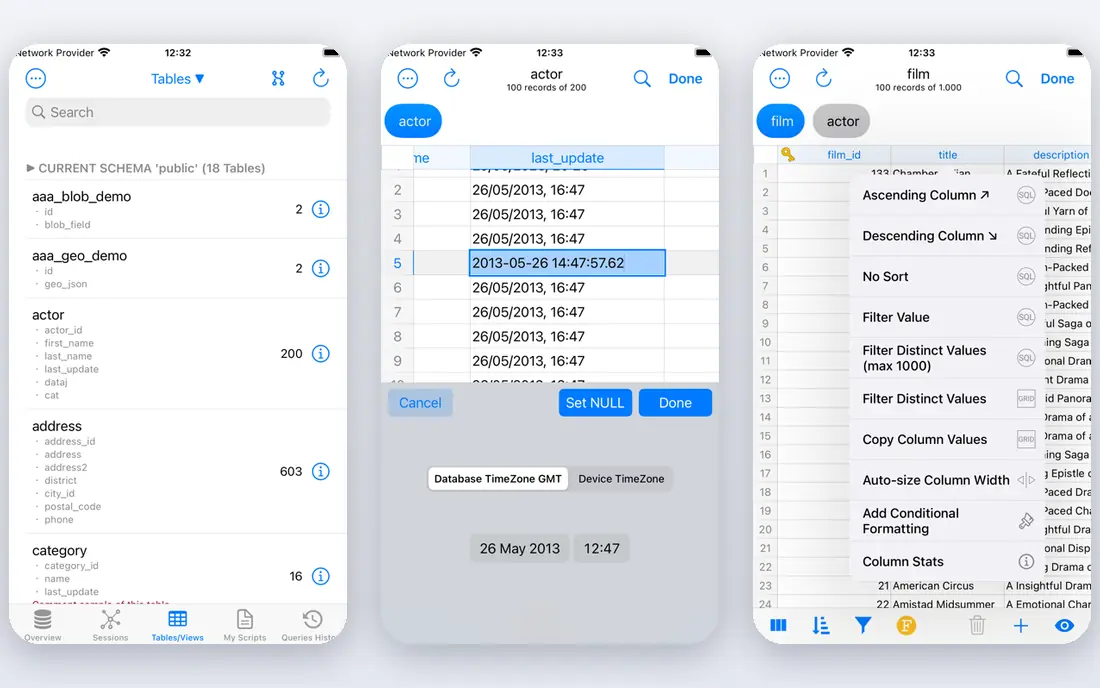
PostgreSQL is the database most teams should consider first for a new relational app. It handles transactions reliably, supports advanced indexing, full-text search, JSON data and geospatial queries through PostGIS, and it runs on every major cloud. That breadth means one database can serve a web app, an analytics query and a location feature without a second system.
The honest limit is scaling out. Read replicas are straightforward, but sharding and multi-writer setups need tools like Citus or careful application design. For a single primary database with serious load, PostgreSQL is a proven, free choice, and managed services remove much of the operations burden if you do not want to run it yourself.
- Free and open source
- Strong SQL, JSON and geospatial support
- Huge extension ecosystem
- Horizontal scaling needs extra tooling
- Managed hosting costs vary by provider
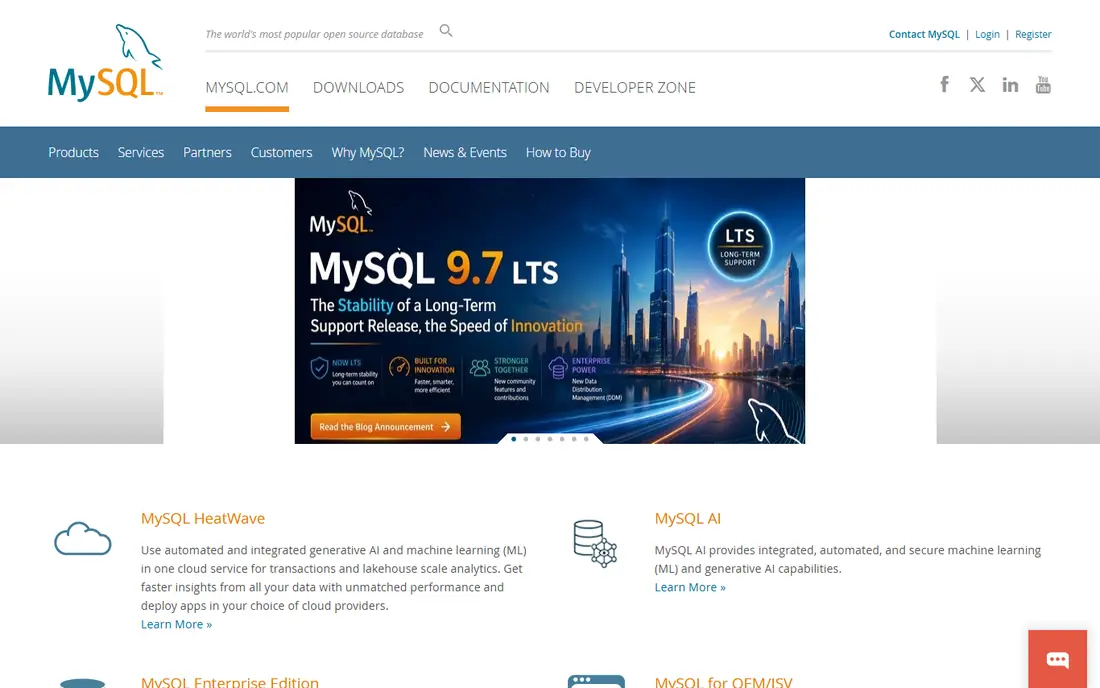
MySQL powers a huge share of the web, from WordPress sites to ecommerce stores, and that familiarity is a real advantage. Hosting providers support it everywhere, developers know its SQL dialect, and it performs well for read-heavy workloads. The Community Edition is free, while managed MySQL on major clouds removes backup and patching work.
Advanced enterprise features and support sit behind commercial editions, so check the edition you need before you plan a large deployment. MariaDB, a community fork, is worth comparing if open source licensing matters to your team. For a standard web app with clear relational data, MySQL remains a dependable, low-friction pick.
- Free Community Edition
- Very wide hosting and CMS support
- Familiar and fast for read-heavy apps
- Some advanced features need commercial editions
- MariaDB is a popular fork to compare
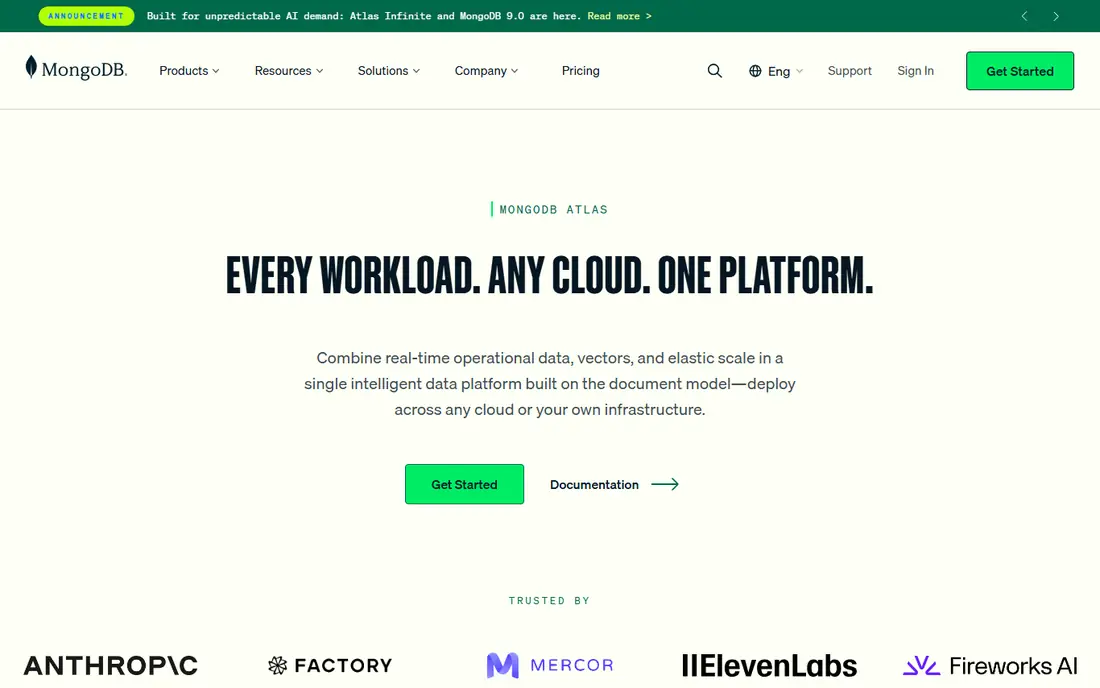
MongoDB stores data as flexible JSON-like documents, which suits apps where each record has a different shape, such as content systems, catalogues and IoT data. You can change fields without a full schema migration, and MongoDB Atlas provides a managed cloud with a free tier for testing and small apps. That speed helps product teams ship early versions quickly.
Relational data with many joins can become awkward in a document model, and you should design for your query patterns, not just your storage shape. Costs on Atlas also need monitoring as data and traffic grow. For document-centric apps with evolving schemas, MongoDB is a strong, well-supported choice.
- Flexible document model
- Atlas managed cloud with a free tier
- Good for fast-changing schemas
- Joins and complex transactions need careful design
- Atlas costs can grow with scale
Microsoft SQL Server is the natural pick for a team standardised on Windows, Azure and .NET. It integrates with Active Directory, Power BI and Azure services, and its tooling for management, reporting and analysis is mature. Express and Developer editions let you learn and build for free, while Azure SQL provides a managed path for production.
Licensing needs careful planning, especially for larger deployments, and teams outside the Microsoft stack may find PostgreSQL simpler and cheaper. For an enterprise that already runs Microsoft systems, SQL Server reduces integration work and gives a clear support path. Confirm the edition and licensing model before you commit to a large rollout.
- Deep Azure and .NET integration
- Strong tooling and reporting
- Express and Developer editions free
- Licensing can be complex and costly at scale
- Best value mainly inside the Microsoft stack
Oracle Database is built for large organisations where downtime, compliance and data integrity carry high costs. It offers deep features for partitioning, security, availability and performance tuning, and it integrates closely with Oracle Cloud and enterprise applications. A free edition lets developers test and learn without a licence.
The trade is cost and complexity. Licensing, support and tuning need expertise, and a small web app will not need most of what Oracle offers. For a bank, telecom or large enterprise with mission-critical systems, Oracle remains a top-rated database software choice. For a startup, PostgreSQL or MySQL will usually be faster and cheaper.
- Proven for high-volume, compliance-heavy workloads
- Strong availability and security features
- Oracle Cloud integration
- Custom pricing and complex licensing
- Overkill for most small apps
Redis is best understood as a speed layer, not as your only database. It stores data in memory, which makes it excellent for caching, session storage, leaderboards, queues and real-time counters. Many apps pair Redis with PostgreSQL or MySQL, using Redis to serve hot data quickly while the relational database holds the source of truth.
Persistence, memory sizing and failover need planning, since in-memory data behaves differently from disk-based storage. Redis Cloud offers a managed route with a low entry price. If your app feels slow because of repeated queries or session lookups, Redis is often the simplest fix.
- Very fast in-memory performance
- Caching, sessions and queues in one tool
- Managed cloud available
- Data is mainly in memory, so persistence needs planning
- Not a replacement for a full relational database
SQLite is a tiny, reliable relational database that lives in a single file, with no server to install or manage. It is used in mobile apps, desktop software, browsers and edge devices, and it supports full SQL transactions. For a single-user app, a prototype or a local cache, SQLite is often all you need.
It is not designed for a high-write web app with many concurrent users, where a server database like PostgreSQL is better. SQLite also lacks built-in user management and network access. For the right job, though, its simplicity is a strength, and many large apps use it alongside a server database.
- Free and public domain
- Zero setup
- Reliable for single-device apps
- Not built for many concurrent writers
- No separate server process
Supabase gives you PostgreSQL plus the backend pieces a web app usually needs, including authentication, file storage, realtime updates and auto-generated APIs. That combination lets a small team ship a full app without building a separate backend first. The free tier covers small projects, while the Pro plan at $25 per month adds more capacity and support.
It is still Postgres underneath, so complex queries and scaling still benefit from database knowledge. Supabase is best for builders who want managed Postgres with modern app features in one place, rather than assembling auth, storage and a database from separate services. For a new web or mobile app, it is one of the fastest routes to a working backend.
- Managed Postgres plus auth, storage and realtime
- Free tier for small projects
- Easy APIs for web apps
- Pro plan starts at $25 per month
- Advanced Postgres tuning still needs knowledge
How we picked these
We compared official documentation, pricing pages, licensing terms and public reviews for databases that are widely used in 2026, from open source engines to managed platforms. A product stayed on the list if it could serve a real production use case, whether that is a web app, analytics, caching, mobile storage or enterprise system. We gave weight to reliability, data model fit, managed options, community support and total cost.
We did not claim hands-on testing we did not do. Instead, we weighed vendor documentation against independent comparisons and developer feedback, and we used See website where pricing is custom or usage-based. That approach helps you match a database to your app type first, then check hosting and licence costs for your scale.
How to choose database software for your app
Start with your data shape and your traffic pattern, not with a popularity ranking. A relational app, a document app and a cache have different best tools, and many systems use more than one.
Decide SQL or NoSQL by your queries
Choose SQL, usually PostgreSQL or MySQL, when your data is relational and you need joins, transactions and consistent reporting. Choose a document store like MongoDB when records vary in shape and change often. Choose Redis as a speed layer, not as a replacement for your main store, and SQLite when the app runs on one device.
Decide self-hosted or managed early
Managed hosting costs more per month but saves time on backups, patches, monitoring and scaling. Self-hosting gives control and can be cheaper, but it needs operations skill. For most small teams, a managed service like Supabase, Atlas or a cloud Postgres offering is the safer starting point.
Plan for backups, growth and exit
Check automated backups, point-in-time recovery, connection limits and export options before you commit. A database that is hard to back up or hard to leave creates risk that only shows up during an outage or a migration. Test a restore, not just a backup, before you trust it with production data.
Sources
Frequently asked questions
What is the best database software for beginners?
PostgreSQL is a strong beginner pick for a relational app, with free access, clear documentation and wide tutorial support. Supabase is also good for beginners who want managed Postgres with auth and storage included, while SQLite is simplest for a local or mobile project.
What is the best rated database software for web apps?
PostgreSQL and MySQL are the most widely recommended for web apps, with PostgreSQL leading on features and MySQL leading on hosting familiarity. MongoDB is a strong alternative for document-based web apps with flexible schemas.
Is MongoDB better than PostgreSQL?
It depends on your data. MongoDB is better for flexible documents and fast-changing schemas, while PostgreSQL is better for relational data, joins, transactions and analytics. PostgreSQL also handles JSON well, so many teams do not need a separate document store.
What is the best database platform for analytics?
PostgreSQL works well for moderate analytics, while dedicated warehouses like BigQuery and Snowflake suit very large analytical workloads. Start with your main database for analytics, and move to a warehouse only when query volume or data size makes that necessary.
What is the best software for database management on a small team?
Supabase, MongoDB Atlas and managed cloud Postgres services reduce operations work for a small team, with dashboards, backups and scaling handled by the provider. Self-hosted PostgreSQL or MySQL gives more control, but needs someone to own updates and backups.
Should I use SQLite or PostgreSQL for a mobile app?
Use SQLite for data stored on the device itself, and PostgreSQL, often through Supabase or another managed service, for shared server data. Many mobile apps use both, with SQLite for offline work and a server database for syncing across users.