Best Demo Platform Software for Product Demos in 2026: 9 Tools Compared
By ToolNimba Editorial Team November 9, 2026 9 min read

- Top pick
 Storylane
All-round demo creation
Starting price$40 per monthCheck out StorylaneRead our review - Runner-up
 Navattic
HTML demos at scale
Starting priceSee websiteCheck out NavatticRead our review - Also great
 Walnut
Personalized sales demos
Starting price$575 per monthCheck out WalnutRead our review
How we researched this
We compared official pricing and feature pages, app store listings, privacy policies and public user reviews. Prices change, so check the provider's site before you pay.
Key takeaways
- Storylane and Supademo offer the lowest entry prices for teams that want clickable demos fast, while Walnut and Reprise suit larger sales teams.
- HTML capture gives the most faithful copy of a live product, but screenshot and video demos are quicker to build and easier to update.
- Sandbox demos, where prospects can try a real product safely, usually sit on higher priced plans, so check that feature before you buy.
- A free plan is useful for a first demo, but analytics, personalization, and security controls are what separate the paid tiers.
Quick comparison
| Name | Best for | Starting price | Free plan | |
|---|---|---|---|---|
| Storylane | All-round demo creation | $40 per month | Yes | Visit |
| Navattic | HTML demos at scale | See website | Yes | Visit |
| Walnut | Personalized sales demos | $575 per month | No | Visit |
 Arcade | Fast visual demos | Free | Yes | Visit |
 Supademo | Budget-friendly tours | $38 per month | Yes | Visit |
 Reprise | Enterprise presales | See website | No | Visit |
 Tourial | Guided demo centers | See website | No | Visit |
 Guideflow | Broad demo formats | $35 per month | Yes | Visit |
 Consensus | Video-led demo automation | See website | No | Visit |
The best demo platform software for product demos
A good demo platform lets a prospect try your product before a sales call, without handing over live data or a login. The tools below cover the main approaches, from quick screen captures to full product clones.

Storylane is our pick for most teams because it covers the common demo jobs in one place. You can capture screens, stitch them into a guided tour, add hotspots and text, and share the result with a link. Marketing teams can embed demos on a website, while sales teams can present them live and track which steps prospects actually view.
The catch is the tier ladder. The starter plan is fine for a first demo, but teams that need HTML editing, deeper analytics, or sandbox environments will move to Growth or Premium quickly. That is still cheaper than an enterprise platform, yet it is worth mapping the features you need against the plan list before you commit.
- Screenshot, video, and HTML demos in one editor
- Presenter mode for live calls
- Demo hubs for sharing collections
- HTML editing and sandbox demos sit on higher tiers
- Pricing rises fast as seats are added
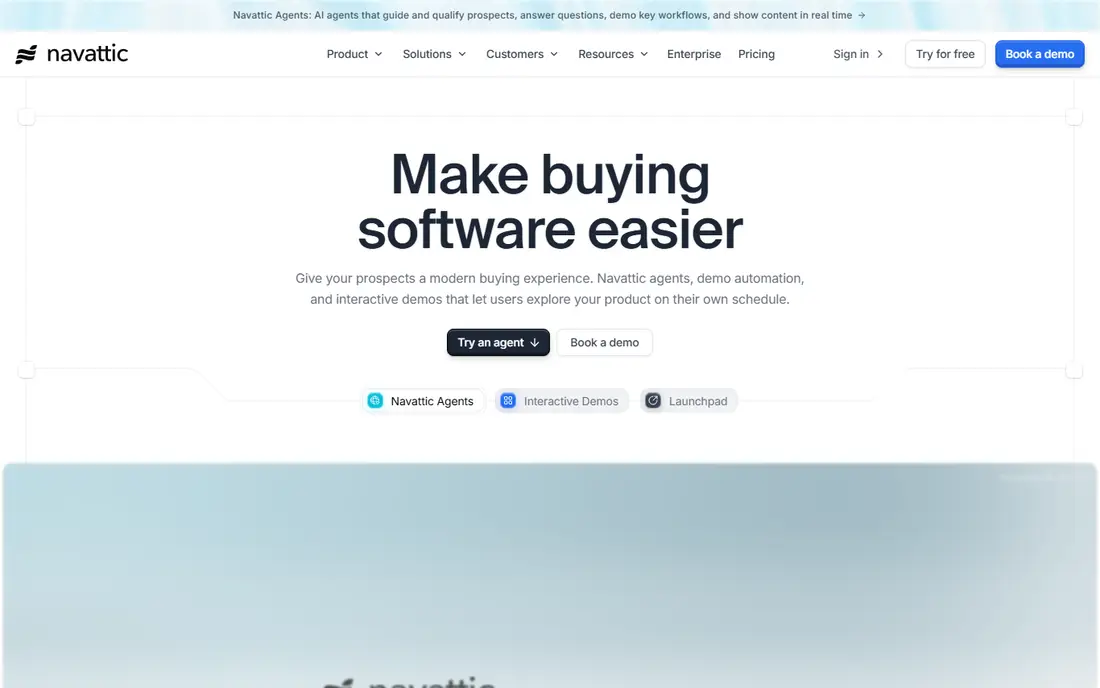
Navattic focuses on HTML demos, which copy the look and feel of your real product more closely than screenshots. That matters when prospects judge a product on its interface, because buttons, menus, and layouts behave much like the live app. The editor lets teams edit text and hide sensitive data before publishing.
The main drawback is opacity around price. The free starter plan covers a single demo, which is enough to test the capture quality, but teams need a sales conversation to price a full rollout. If budget approval needs a public number, that extra step can slow a purchase.
- Faithful HTML capture of a live product
- Launchpad pages for sales follow-up
- AI help with demo building
- Paid pricing is not published
- Sandbox demos require a higher tier
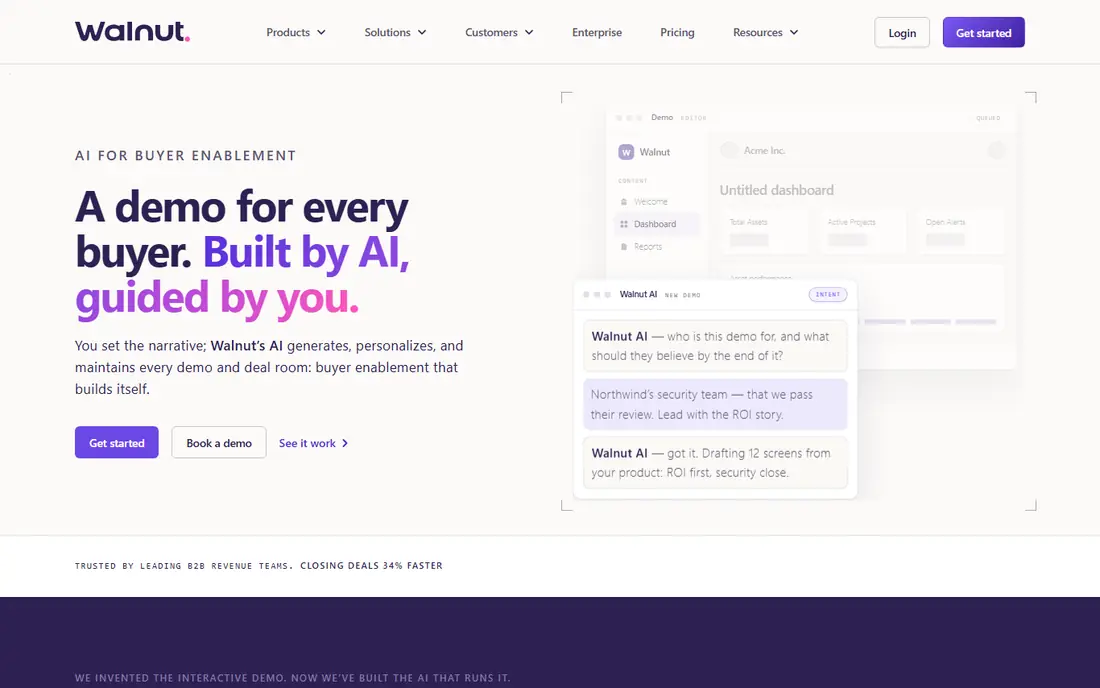
Walnut is built for sales-led teams that personalize every demo. Reps can change names, logos, data, and copy for a specific account, so a prospect sees a version that looks made for them. That personal touch can help in competitive deals where a generic tour feels thin.
The trade-off is cost and commitment. There is no free plan to try first, and the entry tier is priced for teams, not solo sellers. Smaller companies may get similar results from a cheaper capture tool, while larger sales orgs will value the governance and presenter controls.
- Strong personalization for each prospect
- Separate editor and presenter seats
- AI drafting for new demos
- No self-serve free plan
- Entry price is high for small teams
Arcade wins on speed. Record a flow, tidy the steps, and you have a shareable demo that looks polished without much editing. Marketing teams use it for launch pages, help articles, and social posts, where a clean visual story matters more than a perfect product clone.
The limit shows up for presales teams. Deep customization, sandbox environments, and enterprise controls sit higher up, and the product leans toward marketing use. If your main need is a quick, attractive tour, that is fine. If you need demo operations across a large sales team, compare it closely with Storylane or Navattic.
- Very fast recording to published demo
- Polished visual style
- AI voiceovers for video demos
- HTML capture is limited to higher tiers
- Weaker presales workflow than enterprise tools
Supademo is a sensible budget pick for teams that mainly need guided tours. The editor is straightforward, the free plan lets you test the format, and the paid entry tier stays below many rivals. It works well for product onboarding, customer success walkthroughs, and sales leave-behinds.
Growth is where the fuller feature set lives. Teams that need HTML demos or sandbox environments should price that tier, not the entry tier, or they will be disappointed. For simple tours, though, the lower price is a genuine advantage.
- Low entry price
- Simple editor for step-by-step tours
- Useful for onboarding and enablement
- HTML and sandbox features require the Growth tier
- Analytics are lighter than enterprise platforms
Reprise is the heavyweight option for enterprise presales. Instead of a tour made of captures, it can clone a product environment so prospects interact with something close to the real thing, with safe sample data injected. That depth suits large deals where a demo must survive technical scrutiny.
The cost is money and time. Pricing is quoted, implementation can take weeks, and the platform expects a dedicated demo owner. Companies selling smaller deals will rarely need this depth, but for large enterprise sales it can be the difference between a tour and a trial.
- Cloned product environments
- Data injection for realistic demos
- Strong security and governance controls
- Quote-based pricing
- Setup can take weeks for complex products
Tourial organizes demos into a center on your website, so visitors can pick the tour that matches their role or problem. That structure helps marketing teams turn a single demo into a self-serve path, with different tours for different buyers. Engagement data shows which tours hold attention and where visitors drop off.
Pricing is not published, which makes quick comparison harder. Tourial fits mid-market and larger companies with steady website traffic, rather than a small team that needs one demo this week. Ask for a quote tied to your expected visitor volume.
- Demo centers that group tours by use case
- Good for website visitors
- Analytics on demo engagement
- Quote-based pricing
- Less suited to small teams on a tight budget
Guideflow covers more formats than most tools at this price. A solo builder can start cheap, and teams can move up to HTML capture, sandbox demos, and offline demos as needs grow. That breadth makes it a flexible pick for product teams that serve several audiences.
The tier design needs a careful read. The cheapest plan is limited, and the features many buyers want, such as HTML capture, start higher. Still, the published pricing makes it easy to compare, which is more than some enterprise rivals offer.
- Screenshot, HTML, sandbox, mobile, and live demo formats
- Low-priced solo plan
- Clear tier ladder
- HTML capture starts on the Growth tier
- Smaller community than the biggest rivals
Consensus takes a video-led approach, letting prospects watch a guided demo on demand before they ever talk to sales. That can qualify interest early and save reps from repeating the same walkthrough. Teams can also support live demos and track which parts of a demo get watched.
It is not the best fit for every product. Highly interactive software may be better served by a clickable HTML demo, where the prospect drives. Consensus suits products with a clear story that video can tell well, and teams should trial the format with real prospects before rolling it out widely.
- On-demand video demos for early-stage buyers
- Live demo support with data handling
- Presales analytics
- Quote-based pricing
- Video-first format suits some products better than others
How we picked these
We compared official feature pages, pricing pages, and public product documentation for the leading demo platforms, and checked which formats each tool supports, where key features are gated, and what a free plan actually includes. We favored tools with a live, maintained product and a clear demo use case, and we left out generic screen recorders that do not produce guided, shareable product demos.
What to check before you buy
Start with the demo format your buyers need. A screenshot tour is fast and easy to maintain, an HTML demo looks most like the real product, and a sandbox lets prospects explore freely. Pick the format first, then shortlist tools that offer it at a price you can sustain.
Next, test personalization and analytics. Can you tailor a demo for one account without rebuilding it, and can you see where prospects stop? Those two features decide whether a demo platform earns its keep after launch. Finally, check security controls, such as hiding real customer data, single sign-on, and custom domains, if your buyers work in regulated industries.
Sources
Frequently asked questions
What is demo platform software?
It is software that turns a product into a guided, shareable demo, usually a clickable tour, a video walkthrough, or a safe sandbox copy. Prospects can explore the product without a live account, and sellers can track engagement and follow up.
Are interactive demos better than videos?
Clickable demos suit products where the interface is the selling point, because the prospect drives the experience. Videos suit a clear story or a product with a long setup. Many teams use both, with video for awareness and clickable tours for evaluation.
Do I need a sandbox demo?
A sandbox helps when prospects want to try real workflows with sample data, but it costs more and takes more setup. Start with a guided tour, and add a sandbox when prospects repeatedly ask to try the product themselves.
How much should a small team budget?
A small team can start free or around 35 to 40 dollars per month for basic tours. Budget more, often several hundred dollars per month, once you need HTML capture, personalization, or sandbox environments for several sellers.
Can I embed demos on my website?
Yes, most tools on this list offer embed codes or hosted demo centers. Check that embedded demos load fast, work on mobile, and do not require a login, or visitors will leave before the first step.