Best Diabetes App in 2026: 9 Apps Compared
By ToolNimba Editorial Team November 9, 2026 9 min read

- Top pick
 mySugr
All-round diabetes logging
Starting priceFreeCheck out mySugrRead our review - Runner-up
 Glucose Buddy
Detailed manual logging
Starting priceFreeCheck out Glucose BuddyRead our review - Also great
 Dexcom
 CGM users
Starting priceFreeCheck out DexcomRead our review
How we researched this
We compared official pricing and feature pages, app store listings, privacy policies and public user reviews. Prices change, so check the provider's site before you pay.
Key takeaways
- mySugr is the best all-round logger for manual entries, with a friendly design and clinic-ready reports.
- Dexcom and FreeStyle LibreLink suit CGM users best, because they show live sensor data rather than typed readings.
- Glucose Buddy and Diabetes:M suit people who want detailed logs of glucose, insulin, food and activity in one place.
- Check device and meter compatibility first, since the best app is the one that connects to the hardware you already use.
Quick comparison
| Name | Best for | Starting price | Free plan | |
|---|---|---|---|---|
| mySugr | All-round diabetes logging | Free | Yes | Visit |
| Glucose Buddy | Detailed manual logging | Free | Yes | Visit |
| Dexcom | Dexcom CGM users | Free | Yes | Visit |
 FreeStyle LibreLink | FreeStyle Libre CGM users | Free | Yes | Visit |
 One Drop | Coaching plus logging | Free | Yes | Visit |
 Tidepool | Data sharing and reports | Free | Yes | Visit |
 Glooko | Clinic and device data in one view | See website | Free trial | Visit |
 SNAQ | Carb counting with photos | Free | Yes | Visit |
 Diabetes:M | Flexible logging and reports | Free | Yes | Visit |
The best diabetes apps
A diabetes app should make logging fast, show trends you can act on, and produce reports your care team can read. Some apps work with continuous glucose monitors, while others rely on manual entries from a fingerstick meter. This guide covers both, so you can match the app to your device and routine. This is general information only, not medical advice, and you should discuss changes to insulin, medication or targets with your clinician.
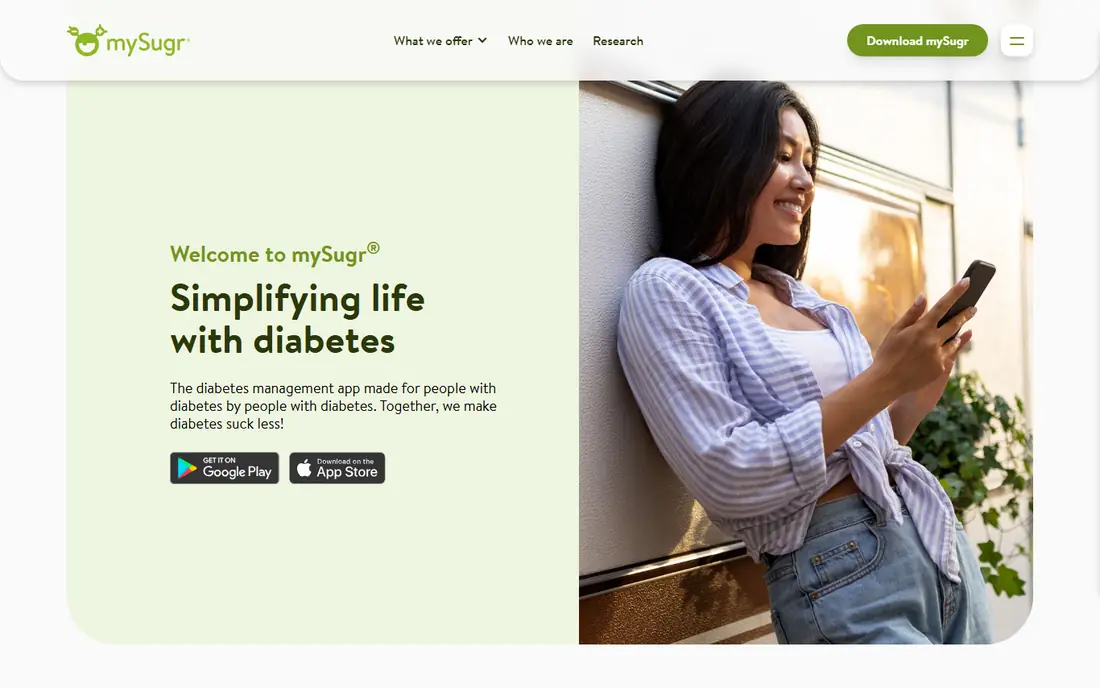
mySugr is the most popular dedicated diabetes logger for good reason. It covers blood glucose, insulin, carbs, meals, activity and mood in one timeline, and its estimated A1C gives a rolling sense of longer-term control between lab tests. The design uses challenges and small rewards to keep logging consistent, which helps when daily tracking feels like a chore.
The free version covers core logging, while Pro adds smart search, detailed PDF reports and wider health app connections. If you log by hand and want an app you will actually open every day, mySugr is our pick for most people.
- Friendly logging for glucose, carbs, insulin and activity
- Estimated A1C view
- Clinic-ready reports
- Full PDF reports and some features need Pro
- No live family follower view
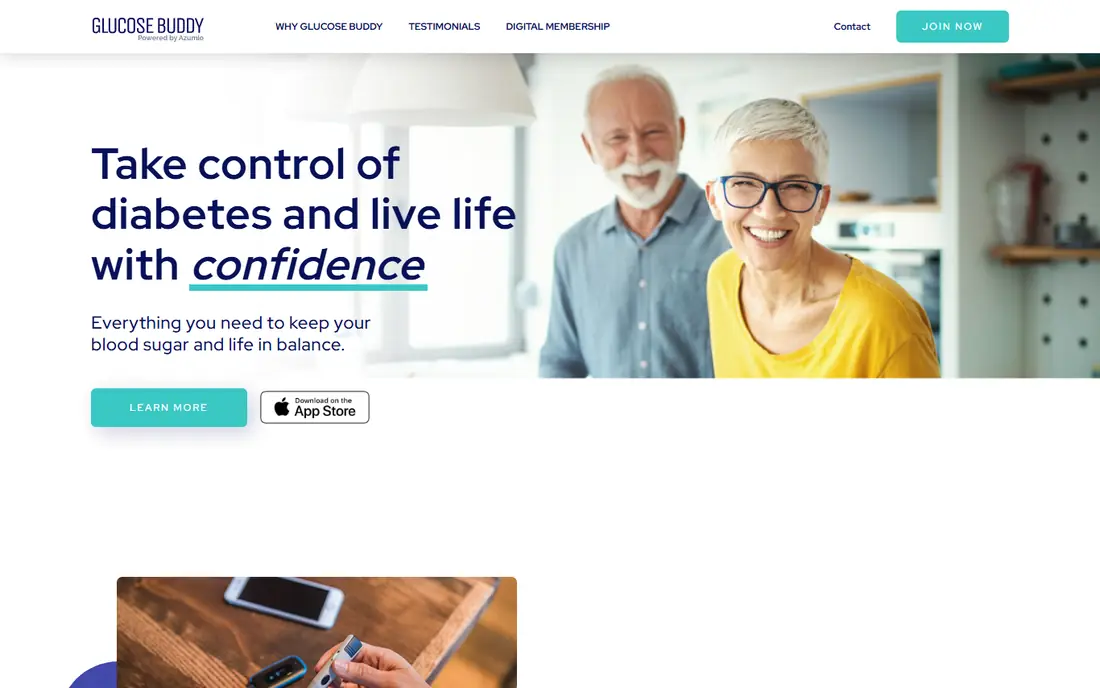
Glucose Buddy has served people with diabetes for many years as a detailed manual logger. It records glucose, insulin, carbs, weight, blood pressure and activity, then rolls entries into daily, weekly and monthly summaries with an A1C trend view. Reports export as PDF or CSV, which clinics can read easily.
The free tier carries advertising, and cross-device sync costs extra, which can annoy users who switch between phone and tablet. For a fingerstick user who wants depth without a sensor, Glucose Buddy remains a solid, proven choice.
- Long-running logger
- Logs glucose, insulin, weight and blood pressure
- PDF and CSV reports
- Free tier includes advertising
- Sync across devices is a separate paid feature
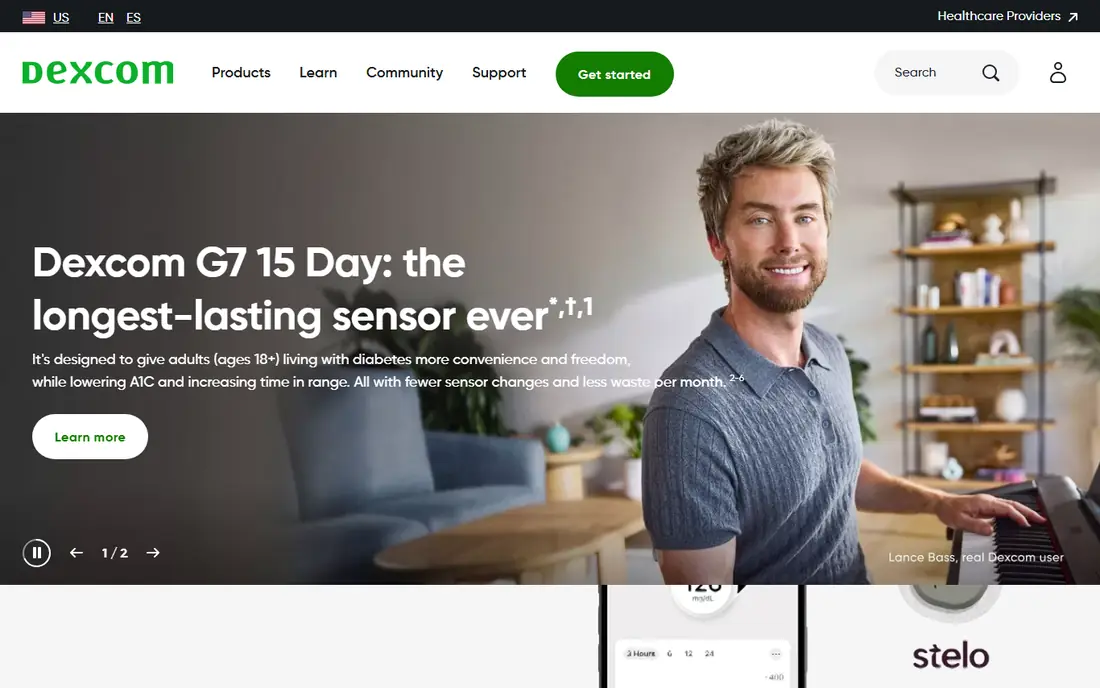
Dexcom is the companion app for Dexcom continuous glucose monitors, and it is essential rather than optional for those users. It shows live glucose values, trend arrows and graphs, sends customizable low and high alerts, and lets you share data with family members or caregivers through the Follow feature. That live view changes daily decisions in a way manual logs cannot.
Dexcom only works with Dexcom sensors, and the hardware carries its own cost, usually through insurance or direct purchase. If you already use or plan to use a Dexcom CGM, this is the app to use, with a third-party logger as a backup only if you need extra reports.
- Live CGM glucose readings and trends
- Customizable alerts
- Sharing with followers
- Requires a Dexcom sensor
- Sensor and transmitter costs are separate
FreeStyle LibreLink, also known as LibreLink, is the companion app for Abbott FreeStyle Libre sensors. It scans or receives sensor readings, displays glucose trends and time in range, and lets you share data with your care team through connected reports. For Libre users, it turns sensor data into a daily view without extra hardware.
Like Dexcom, it only works with its own sensor family, and some features differ by sensor version and country. If you use a FreeStyle Libre sensor, LibreLink is the natural first app, and it pairs well with a manual logger only if you want extra food or insulin detail.
- Reads FreeStyle Libre sensors
- Shows trends and time in range
- Easy sharing with clinicians
- Requires a FreeStyle Libre sensor
- Features vary by sensor generation and region
One Drop combines logging with coaching, which suits people who want guidance alongside data. It logs glucose, food, medication and activity, and offers coaching programs and connected meter bundles for users who want more support. The app aims to turn readings into next steps, not just charts.
Coaching and premium features require payment, and availability is strongest in the US. One Drop fits users who know they stick with a plan better when a coach checks in, rather than users who only want a simple log.
- Glucose, food and activity logging
- Coaching programs
- Connected meter options
- Coaching and premium features need a subscription
- US-focused availability
Tidepool is a nonprofit platform that gathers diabetes device data into one visual record. It connects to many pumps, CGMs and meters, then shows glucose, insulin and device data together in reports that clinicians can read at a glance. Data sharing with care teams and family is central to its design.
Tidepool is less of a quick daily logger than mySugr or Glucose Buddy, and connecting devices takes a few steps. It shines as a second home for your data: a free place where everything lands together for appointments and longer-term review.
- Free and nonprofit
- Pulls data from many devices
- Clear visual reports for clinics
- Not a full daily logger for everyone
- Setup takes more steps than simple apps
Glooko collects data from a wide range of meters, CGMs, pumps and fitness devices into one account that patients and clinics can both view. That breadth helps when you use devices from different brands, or when your clinic already uses Glooko for remote review. Food, medication and activity logging sit alongside device data.
Pricing and plan details vary, especially for clinic-linked use, so check the current offer for individual users. Glooko fits people whose care team wants remote data access, or who juggle several devices and want one combined record.
- Broad device compatibility
- Clinic sharing workflows
- Food and activity logging
- Pricing varies by plan and clinic use
- Interface is more clinical than playful
SNAQ focuses on the hardest daily task for many people with diabetes: counting carbs accurately. You photograph a meal or scan a barcode, and SNAQ estimates carbs and links the meal to later glucose readings, so you can see how foods affect you. That feedback loop helps users learn their own patterns faster than a plain food diary.
SNAQ is newer than mySugr or Glucose Buddy, and its full feature set needs a paid plan. It works best as a carb counting companion, paired with your main glucose logger or CGM app, rather than as a total replacement for both.
- Photo-based carb counting
- Food database and barcode scanning
- Glucose feedback on meals
- Newer and smaller than long-running loggers
- Premium features need payment
Diabetes:M offers flexible logging for people who want detail and control. It tracks glucose, insulin, carbs and activity, includes bolus calculation support for insulin users, and produces detailed reports and statistics. Users who like to customize targets, tags and views will find more room here than in simpler apps.
That flexibility makes the interface busier, and new users may need time to set it up well. Diabetes:M suits experienced users who want a deep, customizable log and are willing to spend a little time configuring it.
- Flexible logging for glucose, insulin and carbs
- Bolus calculator tools
- Detailed reports
- Interface is busier than simpler apps
- Some features need a premium plan
How we picked these
We compared official app pages and app store listings for logging features, device compatibility, sharing, reports and free tiers, plus public reviews about everyday use. We favored apps that are actively maintained in 2026, work for Type 1 or Type 2 users, and state their free or premium terms clearly. We did not claim hands-on testing, and we treated CGM companion apps as device-specific picks rather than general loggers.
What to check before you choose a diabetes app
Start with your hardware. If you use a CGM, its companion app comes first, and any other app must accept its data or manual entries. If you use a fingerstick meter, check whether the app connects to your meter model or requires typed entries, since typing every reading lowers long-term use.
Check sharing and reports next. Can you send a PDF or share live data with your clinician or a family member, and does the report show the time ranges your clinic asks for? Review privacy terms for health data, confirm the app works on your phone system, and test logging for a week before paying for premium features.
Sources
- https://www.mysugr.com
- https://www.glucosebuddy.com
- https://www.dexcom.com
- https://www.freestylelibre.com
- https://www.onedrop.today
- https://www.tidepool.org
- https://glooko.com
- https://www.snaq.ai
- https://diabetes-m.com
- https://caringvillage.com/blog/caregiver-tech/best-diabetes-apps/
- https://www.snaq.ai/blog/best-carb-counting-apps-for-diabetes
Frequently asked questions
What is the best app for diabetes overall?
mySugr is the best all-round pick for manual logging, because it covers glucose, insulin, carbs and activity in a design people keep using. CGM users should start with their sensor companion app, Dexcom or FreeStyle LibreLink, instead.
Are diabetes apps free?
Many offer free tiers that cover core logging, including mySugr, Glucose Buddy, SNAQ and Diabetes:M. Premium features such as detailed PDF reports, coaching or cross-device sync usually need payment, so check what the free tier includes before committing.
Can a diabetes app replace my glucose meter or CGM?
No. An app records, displays and analyzes readings, but it does not measure blood glucose on its own unless it connects to a meter or CGM sensor. Always keep your prescribed testing routine and discuss any change with your clinician.
Do diabetes apps share data with my doctor?
Many do, through PDF or CSV reports, clinic portals or direct sharing features. Dexcom, FreeStyle LibreLink, Tidepool and Glooko all support sharing with care teams, though the exact method varies by app and clinic system.
What is time in range?
Time in range is the share of time your glucose stays within a target range set with your clinician, usually shown by CGM apps. It gives a fuller picture than a single reading, because it shows how much of the day sits high, low or in target.
Is my health data safe in a diabetes app?
Reputable apps use account security and privacy policies that explain data use, but health data is sensitive, so read those terms before syncing a CGM or meter. Use a strong password, turn on device security, and avoid sharing reports publicly.