Best Dictation Apps in 2026: 9 Apps Compared
By ToolNimba Editorial Team November 10, 2026 10 min read

- Top pick
 Wispr Flow
Dictating into any app
Starting price$12 per monthCheck out Wispr FlowRead our review - Runner-up
 Apple Dictation
Apple users
Starting priceFreeCheck out Apple DictationRead our review - Also great
 Google Docs Voice Typing
Writing in Google Docs
Starting priceFreeCheck out Google Docs Voice TypingRead our review
How we researched this
We compared official pricing and feature pages, app store listings, privacy policies and public user reviews. Prices change, so check the provider's site before you pay.
Key takeaways
- Wispr Flow is the strongest modern dictation app for dictating into any program with AI cleanup.
- Apple Dictation and Google Docs Voice Typing are the best free starting points, since both cost nothing extra.
- Dragon Professional remains the pick for specialized vocabularies and offline professional work, at a high one-time price.
- Otter.ai is better for meeting transcription than for live dictation into a document.
- For sensitive work, check whether audio is processed on your device or sent to a vendor server before you dictate.
Quick comparison
| Name | Best for | Starting price | Free plan | |
|---|---|---|---|---|
| Wispr Flow | Dictating into any app | $12 per month | Yes | Visit |
| Apple Dictation | Apple users | Free | Yes | Visit |
| Google Docs Voice Typing | Writing in Google Docs | Free | Yes | Visit |
 Dragon Professional | Specialized professional dictation | $699 one-time | No | Visit |
 Microsoft Word Dictate | Microsoft 365 users | Free with Microsoft 365 | No | Visit |
 Otter.ai | Meeting transcription | Free | Yes | Visit |
 Speechnotes | Free browser dictation | Free | Yes | Visit |
 Braina | Windows voice control | See website | See website | Visit |
 Descript | Editing audio through text | $16 per month | Yes | Visit |
The best dictation apps
Dictation and transcription sound similar, but they are different jobs. Dictation turns your live voice into text as you speak. Transcription turns a recording or a meeting into text afterward. The list below leans toward live dictation, with a few transcription tools included because readers often compare them side by side.
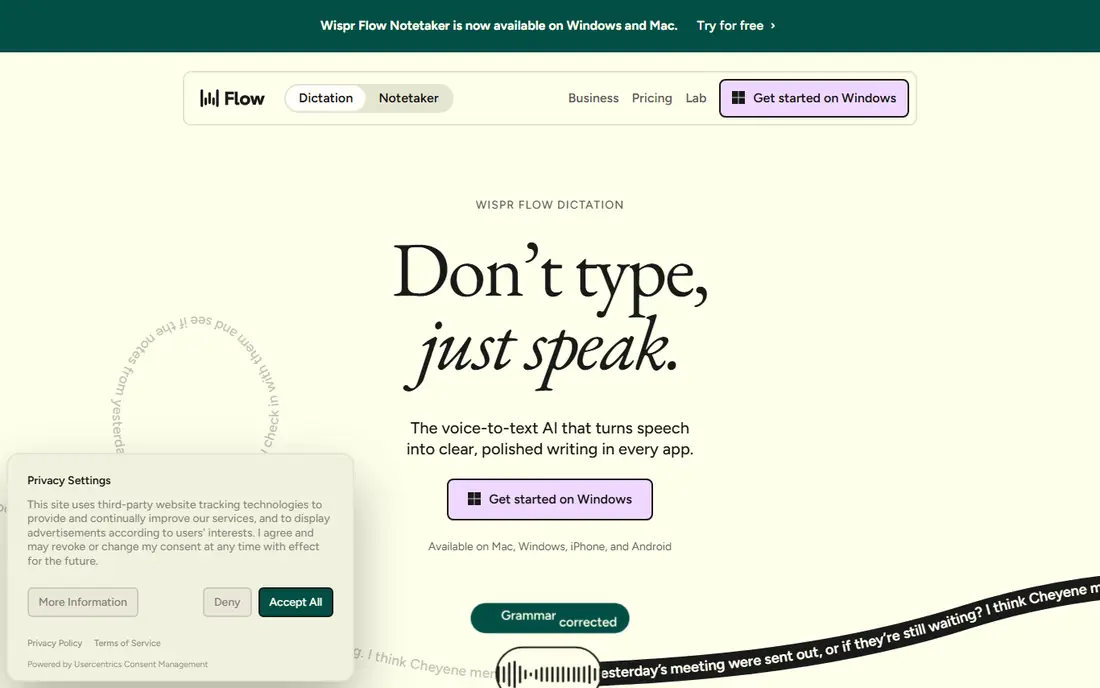
Wispr Flow is our pick for most people who want modern dictation. You press a key, speak, and text appears in whatever app is open, whether that is a document, an email, or a chat window. Its AI cleanup removes filler words and fixes phrasing, so the result reads closer to written text than a raw transcript.
The free tier covers about 2,000 words per week, which suits light daily use. Heavy dictation needs the paid plan, listed at $12 per user per month billed annually, or $15 per month billed monthly in some listings. If you dictate every day, that cost is easy to justify. If you dictate once a week, start free and upgrade only when you hit the limit.
- Works across apps, not just one editor
- AI cleanup removes fillers
- Free tier for light use
- Free tier limits words per week
- Accuracy depends on microphone quality
- Paid plan needed for heavy use
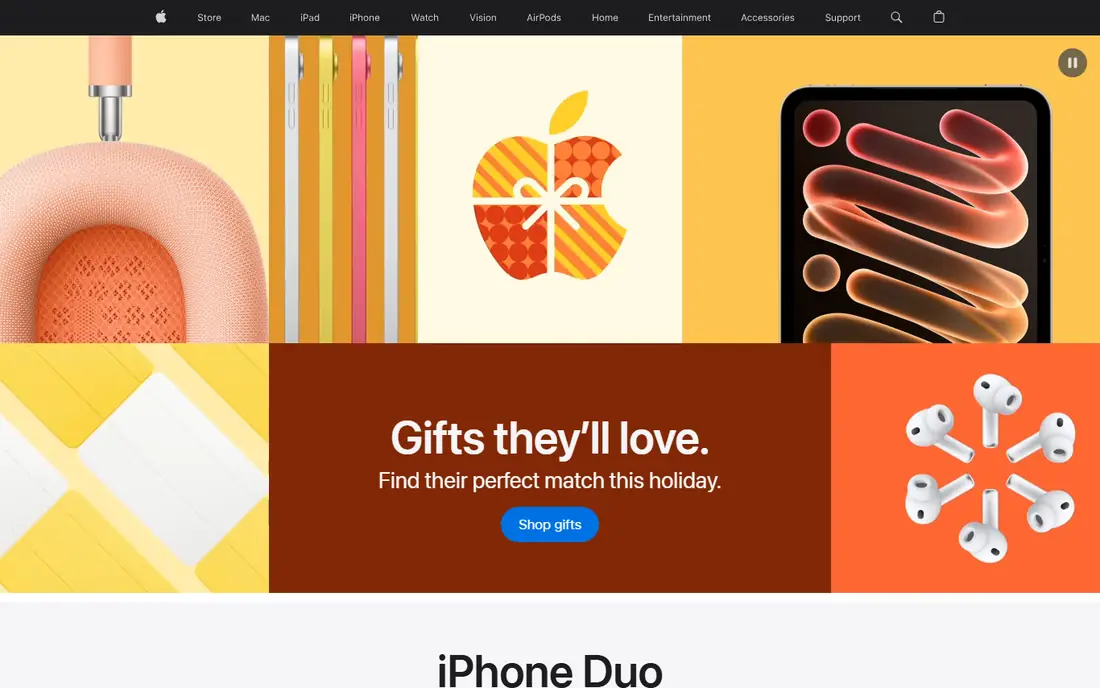
Apple Dictation is the easiest dictation tool to try, because it is already on your Mac, iPhone, or iPad. Turn it on in settings, press the dictation key, and speak into almost any text field. On supported devices, processing happens on the device, which is a privacy advantage for sensitive drafts.
It lacks the AI rewriting that makes Wispr Flow feel polished. You will still need to speak punctuation and fix phrasing by hand. For light daily dictation, short messages, and first drafts, though, free and built-in beats a subscription you may not need.
- Built into macOS and iOS at no extra cost
- On-device processing on supported devices
- System-wide use
- Apple devices only
- Fewer AI cleanup features than Wispr Flow
- Punctuation needs spoken commands
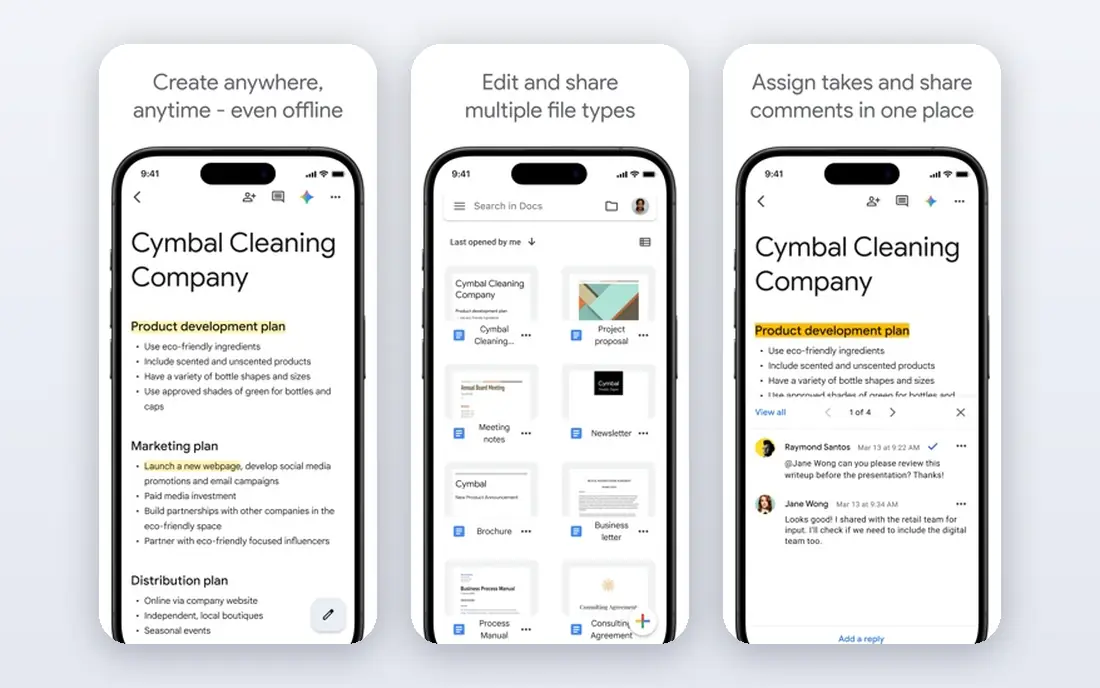
Google Docs Voice Typing is the best free dictation tool for writers who already live in Google Docs. Open a document in Chrome, turn on Voice Typing, and speak. It supports a wide range of languages and handles long sessions well for a free tool. There is nothing to install and nothing to pay.
The limit is scope. It works inside Google Docs, not across every app on your computer. If you write in Docs all day, that limit barely matters. If you dictate emails, notes, and code comments too, a system-wide tool like Wispr Flow or Apple Dictation will fit better.
- Free with a Google account
- Supports many languages
- No install needed in Chrome
- Works only inside Google Docs
- Needs an internet connection
- Formatting commands are basic
Dragon Professional, from Nuance, remains the professional standard for dictation with specialized vocabulary. Lawyers, clinicians, and technical writers can train custom words, commands, and document templates that consumer tools do not match. It also works offline, which matters for confidential work and for offices with strict data rules.
The price is the barrier. Dragon Professional Individual is listed around $699 as a one-time purchase, and setup takes real time before accuracy peaks. For everyday writing, free tools are enough. For professional dictation where a misheard term has consequences, Dragon is still the tool many specialists choose.
- Custom vocabularies for legal, medical, and technical work
- Offline use on Windows
- Long track record
- High one-time price
- Windows focused
- Setup and voice training take time
If you already pay for Microsoft 365, Word Dictate is the dictation tool you already own. It sits inside Word, works on desktop, web, and mobile, and handles punctuation commands reasonably well. For reports, letters, and long documents inside Word, it is a natural fit.
It is not a system-wide dictation tool, and it is not free on its own. Readers without Microsoft 365 should try Apple Dictation or Google Docs Voice Typing first. Readers who live in Word, though, will find Dictate hard to beat for convenience, since there is nothing new to install.
- Built into Word on desktop, web, and mobile
- Solid accuracy
- No extra app to learn
- Requires a Microsoft 365 subscription for full use
- Limited outside Word
- Fewer AI cleanup options
Otter.ai belongs on this list with a clear warning: it is a meeting tool first. It joins calls, transcribes speech live, labels speakers, and produces searchable notes and summaries. For interviews, lectures, and team meetings, that workflow is excellent. The free plan covers a limited number of minutes per month, and Pro is listed at $8.33 per user per month billed annually.
Do not buy Otter.ai if your main job is dictating a draft into a document. You will be working against its design. Buy it, or use its free plan, if your main job is capturing what other people said in a meeting and finding it again later.
- Live meeting transcription
- Speaker identification
- Searchable transcripts and summaries
- Built for meetings, not live dictation into a document
- Free plan limits minutes per month
Speechnotes is the best free browser dictation option for writers who want to start in seconds. Open the site, allow microphone access, and speak. Text appears in a clean editor, and long sessions auto-save so a lost tab does not lose a whole draft. A paid plan is listed around $1.90 per month billed annually to remove ads and add features.
It will not match Wispr Flow for AI cleanup or Dragon for specialized vocabulary. It also depends on a browser and a connection. For quick dictation, a first draft, or a computer where you cannot install software, Speechnotes is a practical free choice.
- Free in the browser with no install
- Simple interface
- Auto-save for long sessions
- Ads on the free version
- Browser based, so offline use is limited
- Fewer advanced features
Braina is the only tool here built around full Windows voice control as well as dictation. You can dictate text, open programs, search the web, and control your computer by voice, which suits users with accessibility needs and users who want hands-free control beyond a document. It also supports offline dictation for many tasks, a privacy plus.
The Windows-only limit and dated interface will put off Mac users and design-focused buyers. Pricing varies by edition, so check the vendor site for the current plan before you buy. For Windows users who want voice control, not just dictation, Braina is worth a close look.
- Dictation plus full Windows voice control
- Works offline for many tasks
- Supports many languages
- Windows only
- Interface feels dated
- Pricing and free options vary by edition
Descript is included because many creators search for dictation tools and actually need an editor. You transcribe audio, then cut words from the transcript to cut them from the audio or video. That text-based editing saves hours for podcasters and video makers. A free plan covers limited transcription, and paid plans start around $16 per month billed annually.
For plain dictation into a document, Descript is heavier than you need. For creators who record first and edit second, it changes the workflow completely. Pick Descript when editing recorded speech is the job, and pick Wispr Flow or Apple Dictation when live dictation is the job.
- Edit audio and video by editing text
- Filler removal
- Transcription built in
- Overkill for plain dictation
- Learning curve
- Paid plan needed for serious use
How we picked these
We compared official pricing pages, feature pages, and recent dictation roundups, checking which tools are still available and truly fit dictation or closely related transcription. We favored tools with a free or trial path, clear platform support, and documented accuracy or privacy trade-offs. We did not claim hands-on testing we did not do. Our ranking favors live dictation first, with meeting and editing tools included only where readers commonly compare them.
How to choose a dictation tool
Match the tool to the job
Live drafting calls for Wispr Flow, Apple Dictation, Google Docs Voice Typing, or Dragon. Meeting notes call for Otter.ai. Audio editing calls for Descript. Buying a meeting tool for drafting, or an editor for quick notes, will frustrate you even if the tool itself is good.
Test with your microphone and your voice
Accuracy depends heavily on microphone quality, background noise, and speaking style. Test any shortlisted tool with the microphone you will actually use, in the room you will actually dictate in. A headset microphone often improves results more than switching apps.
Check privacy before sensitive dictation
Some tools process audio on your device, while others send it to vendor servers for transcription. For medical, legal, or unpublished work, read the privacy policy and favor on-device or enterprise options. Do not dictate passwords, client confidences, or unpublished manuscripts into a consumer tool without checking where the audio goes.
Sources
- https://www.wisprflow.ai
- https://www.apple.com
- https://docs.google.com
- https://www.nuance.com
- https://www.microsoft.com
- https://www.otter.ai
- https://www.speechnotes.co
- https://www.brainasoft.com
- https://www.descript.com
- https://rankite.com/blog/best-talk-to-text-software
- https://bestwriting.com/best-dictation-software
Frequently asked questions
What is the best dictation app?
Wispr Flow is the best modern dictation app for most people, because it works across apps and cleans up filler words. Apple Dictation is the best free option for Apple users, and Google Docs Voice Typing is the best free option for Google Docs writers. Dragon Professional leads for specialized professional vocabularies.
What is the best dictation software for writers?
Writers who draft in many apps should try Wispr Flow first. Writers who draft in Google Docs can use Voice Typing for free, and writers on Mac or iPhone can use Apple Dictation for free. Writers with specialized terms should look at Dragon Professional, which supports custom vocabularies.
What is the best voice to text software for free?
Apple Dictation and Google Docs Voice Typing are the strongest free voice to text options, since both cost nothing extra beyond the device or account you already have. Speechnotes is the best free browser option for computers where you cannot install software. All three handle everyday dictation well.
Is Dragon dictation software still available?
Yes. Dragon Professional Individual, from Nuance, is still sold for Windows-focused professional dictation, with custom vocabularies and offline use. It costs around $699 as a one-time purchase, which makes it a specialist purchase rather than a casual download.
Can dictation software work offline?
Some tools can. Apple Dictation on supported devices and Dragon Professional offer offline dictation, and Braina supports offline tasks on Windows. Most browser and cloud tools, including Google Docs Voice Typing and Otter.ai, need an internet connection for full accuracy and features.
What is the difference between dictation and transcription?
Dictation turns your live voice into text as you speak, usually into a document or any app. Transcription turns a recording or a meeting into text afterward, often with speaker labels and summaries. Otter.ai and Descript lean toward transcription, while Wispr Flow, Apple Dictation, and Dragon lean toward live dictation.