Best Digital Asset Management Software in 2026: 9 Tools Compared
By ToolNimba Editorial Team November 8, 2026 10 min read

- Top pick
 Bynder
Large brands and portals
Starting priceSee websiteCheck out BynderRead our review - Runner-up
 Brandfolder
Asset analytics and distribution
Starting priceSee websiteCheck out BrandfolderRead our review - Also great
 Canto
Fast search for mid-market teams
Starting priceSee websiteCheck out CantoRead our review
How we researched this
We compared official pricing and feature pages, app store listings, privacy policies and public user reviews. Prices change, so check the provider's site before you pay.
Key takeaways
- Bynder is our pick for large brands that need portals, templates and governance in one DAM, but it is priced by quote.
- Brandfolder and Canto are strong mid-market choices, with Brandfolder stronger on asset analytics and Canto stronger on fast, simple search.
- Cloudinary is the best pick for developer-led teams, because it combines DAM with media transformation and delivery.
- Pics.io, Filecamp and Air are the clearer small-team options, with published starting prices and faster setup.
- ResourceSpace is the open source option, with no license fee for the software itself, though hosted support plans are paid.
Quick comparison
| Name | Best for | Starting price | Free plan | |
|---|---|---|---|---|
| Bynder | Large brands and portals | See website | No | Visit |
| Brandfolder | Asset analytics and distribution | See website | No | Visit |
| Canto | Fast search for mid-market teams | See website | No | Visit |
 Cloudinary | Developer-led media teams | Free | Yes | Visit |
 Pics.io | Small teams on Drive or S3 | $100 per month | Free trial | Visit |
 Filecamp | Branded client sharing | $29 per month | Free trial | Visit |
 Air | Creative team collaboration | $25 per month | Yes | Visit |
 ResourceSpace | Open source DAM | Free | Yes | Visit |
 Frontify | Brand guidelines plus DAM | See website | No | Visit |
The best digital asset management software
Digital asset management software, or DAM, stores, tags, searches and shares images, videos, logos, documents and brand files in one place. The right DAM depends on team size, asset volume, and whether you need portals, analytics, delivery, or just a tidy shared library.
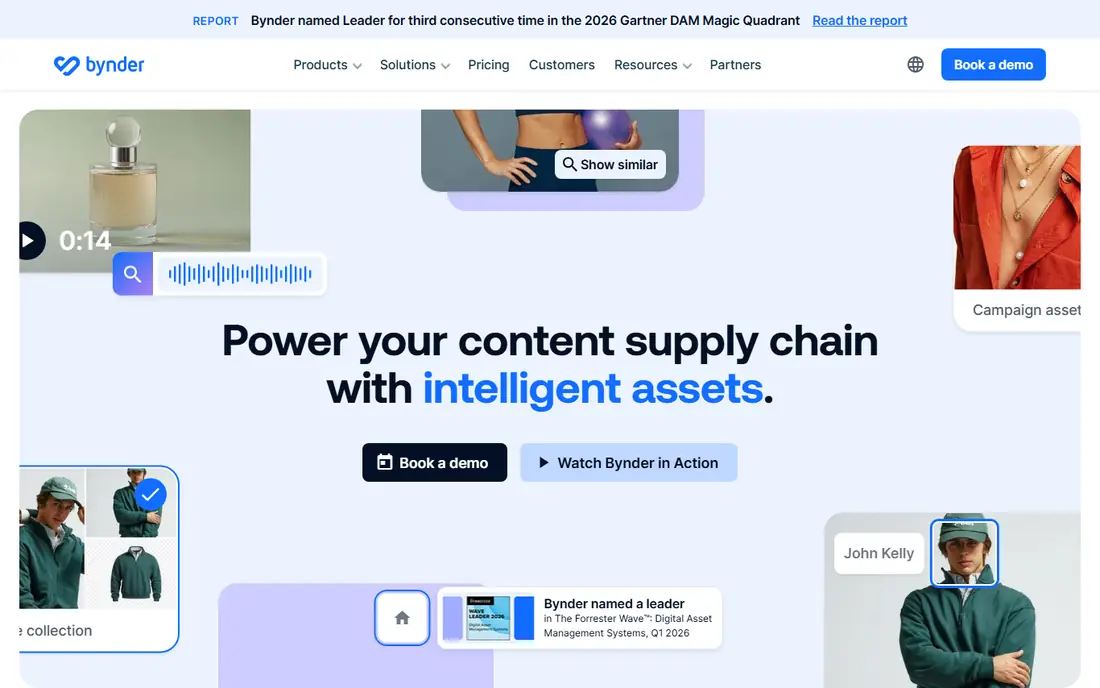
Bynder is the enterprise DAM many large brands choose when shared drives stop working. It centralizes assets, controls who can download or edit them, and lets teams create branded portals for agencies, retailers and partners. Templating tools let local teams adapt approved designs without breaking brand rules, and approval workflows keep new assets under control.
Pricing is quote-based and modular, so your total depends on users, storage, modules and support. That makes Bynder a poor fit for a small team that wants a published price and a quick start. For a brand with many users, regions and partners, Bynder scale and governance justify the sales conversation.
- Strong brand portals and templating
- Approval workflows
- Many integrations and a delivery layer
- Custom quote pricing
- Implementation and admin effort for large deployments
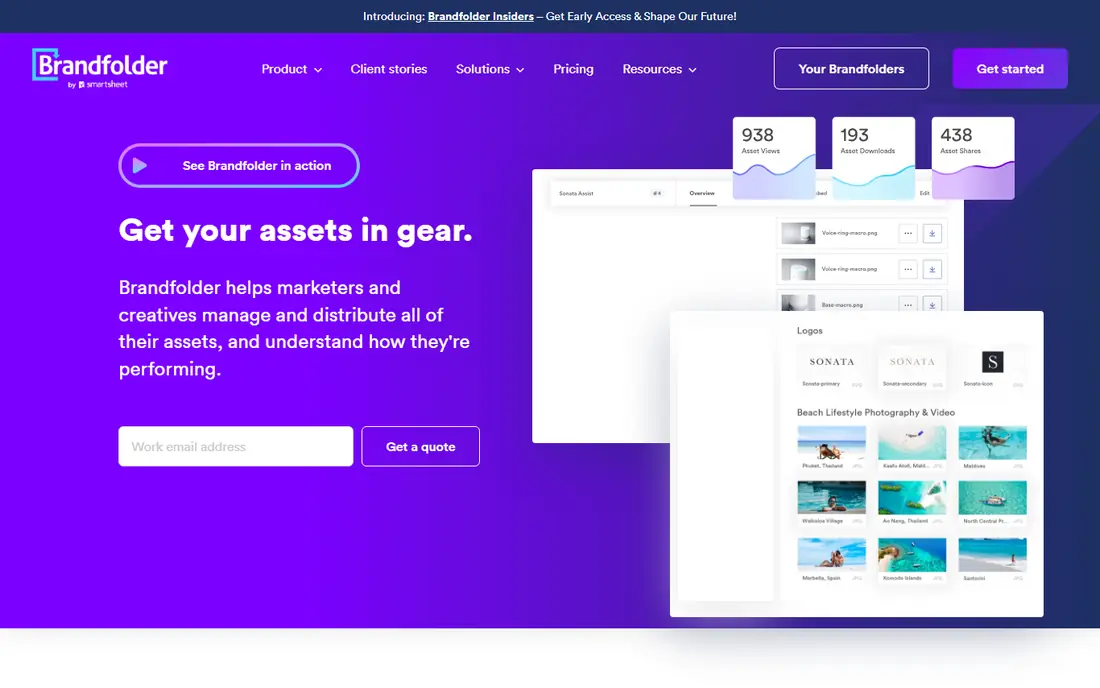
Brandfolder, now part of Smartsheet, is known for asset analytics: teams can see which assets are used, where they are used, and which ones are ignored. That insight helps marketing teams retire stale files and invest in formats that actually get used. Templating and distribution tools support brand teams that share assets with many partners and channels.
Pricing is quote-based, with third-party estimates varying widely by team size, so you should get a proposal based on your users and storage. Brandfolder suits teams that need visibility into asset performance, not just storage. If you only need a shared library, a published-price tool will be cheaper and faster.
- Strong asset analytics and usage insight
- Templating
- Distribution through a content delivery network
- Custom quote pricing
- Part of Smartsheet, so ecosystem fit matters
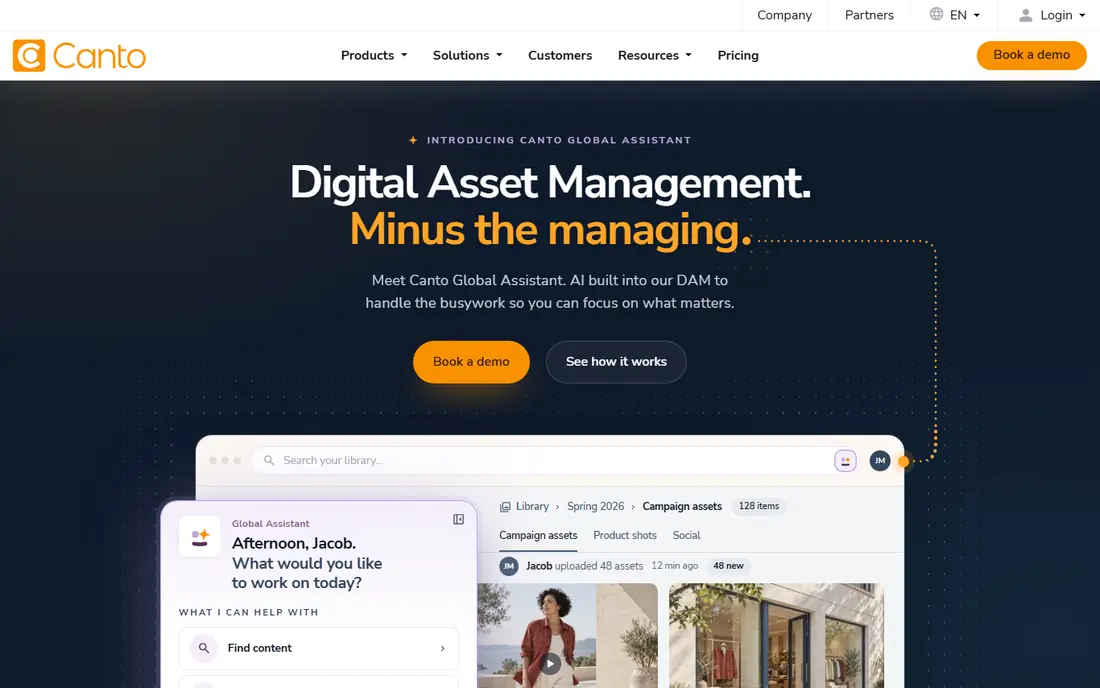
Canto is the approachable mid-market DAM. Its visual search and AI auto-tagging help teams find images without perfect manual tagging, which is a common failure point in shared drives. Non-technical users can upload, search and share without training, and the system handles large image libraries well.
Like Bynder and Brandfolder, Canto is quote-based, with tiered packages based on team size, storage and capabilities. That means a small team cannot simply sign up at a published price. For a mid-sized marketing team that needs fast search and a short learning curve, Canto is one of the easiest enterprise DAMs to adopt.
- Fast visual search and AI auto-tagging
- Approachable for non-technical teams
- Good for large image libraries
- Custom quote pricing
- Some advanced features are in higher packages
Cloudinary is different from a pure DAM, because it also transforms and delivers media. Developers can resize, crop, convert and optimize images and video through URLs and APIs, then deliver them through a content delivery network. Its DAM features organize assets, while its pipeline handles the technical work that usually needs a separate image service.
The free plan is useful for testing and small projects, with paid plans from $89 to $99 per month in recent listings depending on billing, and enterprise DAM pricing by quote. Usage costs for storage, transformations and bandwidth can grow, so teams should monitor usage. For developer-led teams, Cloudinary combination of DAM and delivery is hard to match.
- Free plan to start
- Media transformation and delivery built in
- AI tagging and background removal
- DAM enterprise pricing is quote-based
- Usage-based costs can grow with transformations and bandwidth
Pics.io is a smart choice for teams that already store files in Google Drive or Amazon S3 and do not want to migrate them. It adds DAM features, such as tagging, search, collections and version control, on top of that storage, so your files stay where they are. AI visual similarity and semantic search help teams find assets by content, not just by filename.
Pricing starts from $100 per month for a Solo plan in recent listings, with higher tiers for more users, storage and AI features. That published structure makes budgeting easier than quote-only DAMs. Pics.io suits small and mid-sized teams that want DAM without a migration project.
- Layers DAM on Google Drive or Amazon S3
- AI visual search
- Published tier pricing
- Depends on your existing storage
- Higher tiers rise with users and AI indexing
Filecamp is a cloud DAM for marketing and creative teams that share assets with clients and partners. Every plan includes unlimited users, so you can give clients and colleagues logins without counting seats, and your portal can carry your own logo and branding. Proofing and commenting tools let clients leave feedback on images without email threads.
Pricing starts from $29 per month for 20 GB, with $59 and $89 plans for larger storage in recent listings, and extra storage charged separately. That makes Filecamp affordable for delivered and selected work, but less suited to storing every raw file you have ever shot. For client sharing and brand distribution, it is a clear, published-price option.
- Unlimited users on every plan
- Custom branding
- Proofing and commenting
- Published pricing
- Storage limits by plan, with extra storage charged
- Not built for huge raw archives
Air is a DAM built for creative teams, with visual boards, collections and collaboration that feel closer to a design tool than a file archive. Teams can track versions and approvals, find approved assets quickly, and adapt them for different channels. A free plan lets small teams test the workspace before paying, with a Starter plan from $25 per month in recent listings.
Some plans use credits for enriched storage and AI features, so costs can rise with heavy use. Air suits creative teams that collaborate on assets daily and want a visual, modern workspace. Teams that mainly need a static archive may find Filecamp or Pics.io simpler.
- Free plan available
- Visual boards and collaboration
- Version and approval tracking
- Credit-based pricing on some plans
- Costs rise with enriched storage and AI use
ResourceSpace is free open source DAM software, which means there is no annual license fee for the software itself. It offers strong search, metadata, collections and permissions, and teams can self-host it on their own servers. That control appeals to nonprofits, universities and technical teams that want to own their data and avoid per-user pricing.
The trade-off is support and hosting. Paid hosted plans, with support and upgrades, start from several hundred dollars per month in recent listings, and self-hosting needs someone to maintain updates and backups. ResourceSpace suits technical teams with a low license budget and the skills to run it. Non-technical teams will likely prefer a hosted DAM such as Filecamp or Air.
- Free open source software with no license fee
- Strong search and metadata
- Self-hosting option
- Hosted support plans are paid
- Setup and maintenance need technical skill
Frontify combines brand guidelines, templates and DAM in a single brand hub, so teams can see the rules and the assets together. That helps distributed teams and partners use the right logo, color and template without asking brand managers for files. Its AI brand assistant can answer questions from guidelines, which is useful for large organizations with many local teams.
Pricing is quote-based, and Frontify is best viewed as a brand platform, not just a file store. A team that only needs storage will find it more than necessary. A team that manages brand consistency across regions, agencies and partners will get value from the combined guidelines and DAM approach.
- Brand guidelines, templates and DAM in one hub
- AI brand assistant
- Good for distributed brand teams
- Quote-based pricing
- DAM alone may be more than some teams need if they only want storage
How we picked these
We compared official pricing pages, product documentation and public reviews, and we kept tools that offer real DAM features, such as tagging, search, permissions and sharing, rather than plain cloud storage. We included enterprise, mid-market, small-team and open source options, and we listed pricing as See website where vendors do not publish a price, rather than repeating third-party estimates as vendor prices.
How to choose a DAM without a painful migration
Start by auditing what you actually have. Count assets, check how many are duplicates or outdated, and list the formats you use most, including video and source files such as PSD or AI files. That audit decides storage needs and whether you need transformation, version control or just search.
Pilot with real files and real users
Run a pilot with a messy, real folder, not a clean demo set. Ask marketing, design and sales to find ten assets each, share a portal link with a partner, and approve a new asset through the workflow. The tool that handles messy real files with the least training is usually the right one, even if another tool has a longer feature list.
Plan tagging before you upload
Decide on a small, consistent tag and folder structure before migration, and use AI tagging to fill gaps, not to replace that structure. A DAM with perfect software and chaotic tags will still fail, because no one can find anything. Assign one owner for taxonomy and review it quarterly.
Sources
Frequently asked questions
What is digital asset management software?
Digital asset management software stores, tags, searches and shares digital assets such as images, videos, logos and documents in one system. It replaces shared drives and email attachments with controlled access, version history and searchable metadata.
What is the best digital asset management software for small businesses?
Filecamp, Pics.io and Air are the strongest small business options, because they have published starting prices and faster setup than enterprise DAMs. Filecamp starts from $29 per month, Air from $25 per month, and Pics.io from $100 per month in recent listings.
How much does DAM software cost?
Costs range from free open source software and free plans to quote-based enterprise contracts. Published small-team prices run from $25 to $100 per month, while enterprise DAMs such as Bynder, Brandfolder and Canto are priced by quote based on users, storage and modules.
Is Cloudinary a DAM?
Yes, Cloudinary includes DAM features, but it also transforms and delivers media through APIs and a content delivery network. It is best for developer-led teams that need both asset organization and automated media delivery.
Can I use Google Drive as a DAM?
Google Drive alone is storage, not a full DAM, but Pics.io adds DAM features on top of Drive or Amazon S3. That setup gives you tagging, search and collections without migrating files to a new storage system.