Best Digital Signature Software in 2026: 8 Tools Compared
By ToolNimba Editorial Team November 12, 2026 9 min read

- Top pick
 DocuSign
Enterprise and client-facing teams
Starting price$10 per monthCheck out DocuSignRead our review - Runner-up
 Adobe Acrobat Sign
PDF-heavy workflows
Starting price$14.99 per monthCheck out Adobe Acrobat SignRead our review - Also great
 Dropbox Sign
Simple sending
Starting price$15 per monthCheck out Dropbox SignRead our review
How we researched this
We compared official pricing and feature pages, app store listings, privacy policies and public user reviews. Prices change, so check the provider's site before you pay.
Key takeaways
- DocuSign suits teams whose clients expect a familiar brand and deep integrations, but envelope limits matter at high volume.
- Adobe Acrobat Sign suits PDF-heavy teams already using Adobe tools, while Dropbox Sign suits teams that want simple sending.
- Signeasy and SignNow offer strong value for small teams, with Signeasy standing out for unlimited documents on its entry plan in third-party comparisons.
- Zoho Sign and BoldSign suit budget-conscious teams, with free tiers that help very light senders avoid a paid plan.
- Always check envelope or transaction limits, signer authentication, and audit trail detail before you choose, not just the monthly price.
Quick comparison
| Name | Best for | Starting price | Free plan | |
|---|---|---|---|---|
| DocuSign | Enterprise and client-facing teams | $10 per month | Free trial | Visit |
| Adobe Acrobat Sign | PDF-heavy workflows | $14.99 per month | Free trial | Visit |
| Dropbox Sign | Simple sending | $15 per month | Free trial | Visit |
 PandaDoc | Proposals and documents | $19 per month | Yes | Visit |
 SignNow | Budget teams | $8 per user per month | Free trial | Visit |
 Signeasy | Small teams and solo senders | $10 per user per month | Free trial | Visit |
 Zoho Sign | Budget and Zoho users | $10 per user per month | Yes | Visit |
 BoldSign | Small businesses on a budget | See website | Yes | Visit |
The best digital signature software
Good signature software should make signing fast for recipients and safe for senders. We compared official pricing and feature pages, envelope limits, templates, reminders, audit trails, and integrations, then grouped each tool by the sender it serves best.
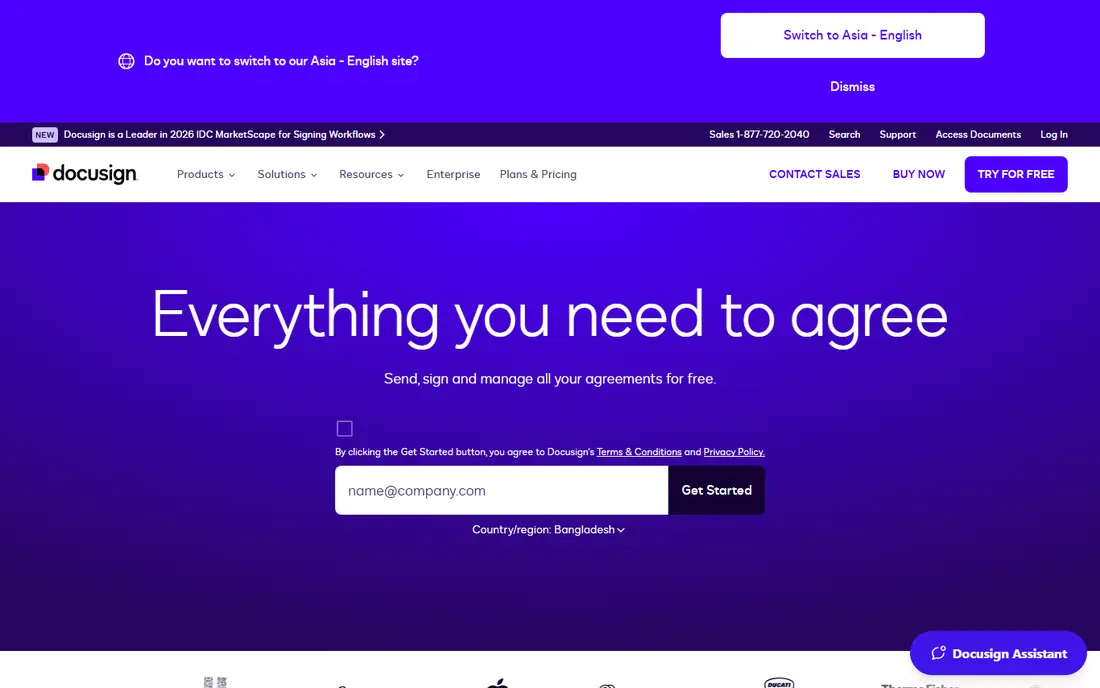
DocuSign is the safe choice when clients, partners, or legal teams expect a known brand. Recipients can sign without an account, senders get templates, reminders, and tracking, and larger teams can add workflows, identity checks, and contract management. Its integration range, including Salesforce and major storage tools, also helps larger operations.
The catch is volume. Entry plans cap how much you can send, and teams that send dozens of documents a month often need a higher plan. Before you commit, count your monthly envelopes, check the annual allowance, and confirm what happens when you exceed it.
- Widely recognized by clients
- Deep integrations and templates
- Strong audit trail and compliance options
- Envelope limits on lower plans
- Realistic team pricing sits well above the entry plan
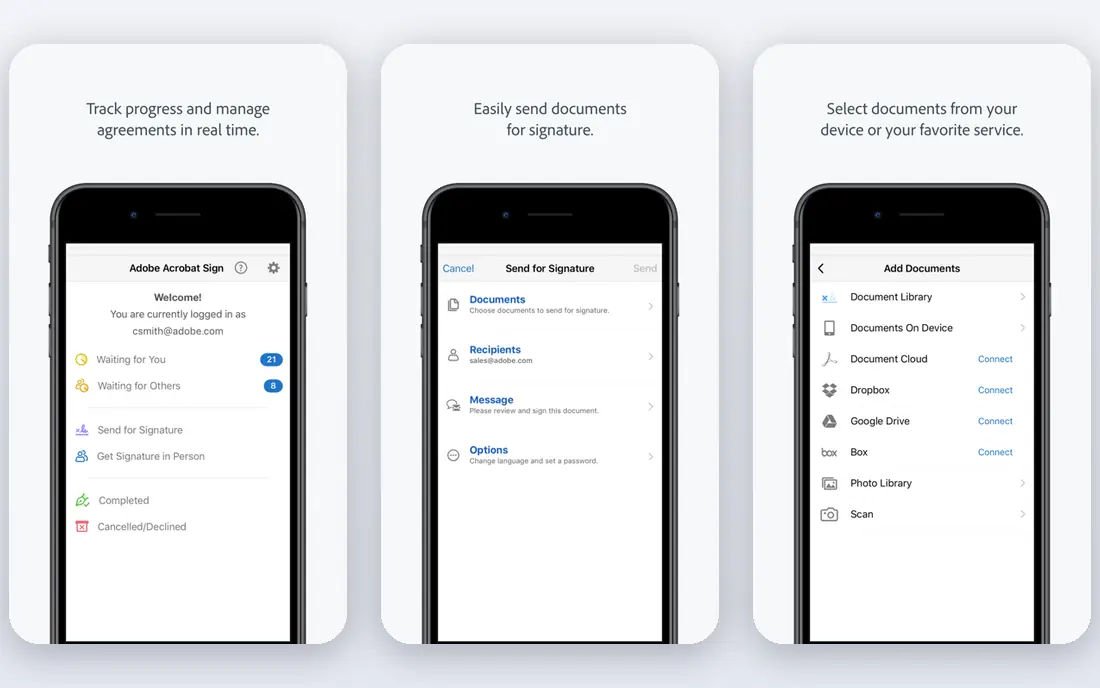
Adobe Acrobat Sign suits teams that already live in PDFs. You can edit, prepare, send, and track documents without switching tools, and Acrobat Pro subscribers may already have signing included. That bundle value matters for design, legal, and operations teams that use Adobe daily.
For pure sending volume, dedicated tools may offer clearer tracking and simpler pricing. Check transaction limits, signer authentication options, and whether you need standalone Sign or the Acrobat bundle, because the two routes price differently.
- Strong PDF editing and signing in one place
- Good Microsoft and Adobe integrations
- Familiar for Acrobat users
- Tracking interface feels less focused than dedicated rivals
- Transaction limits vary by plan
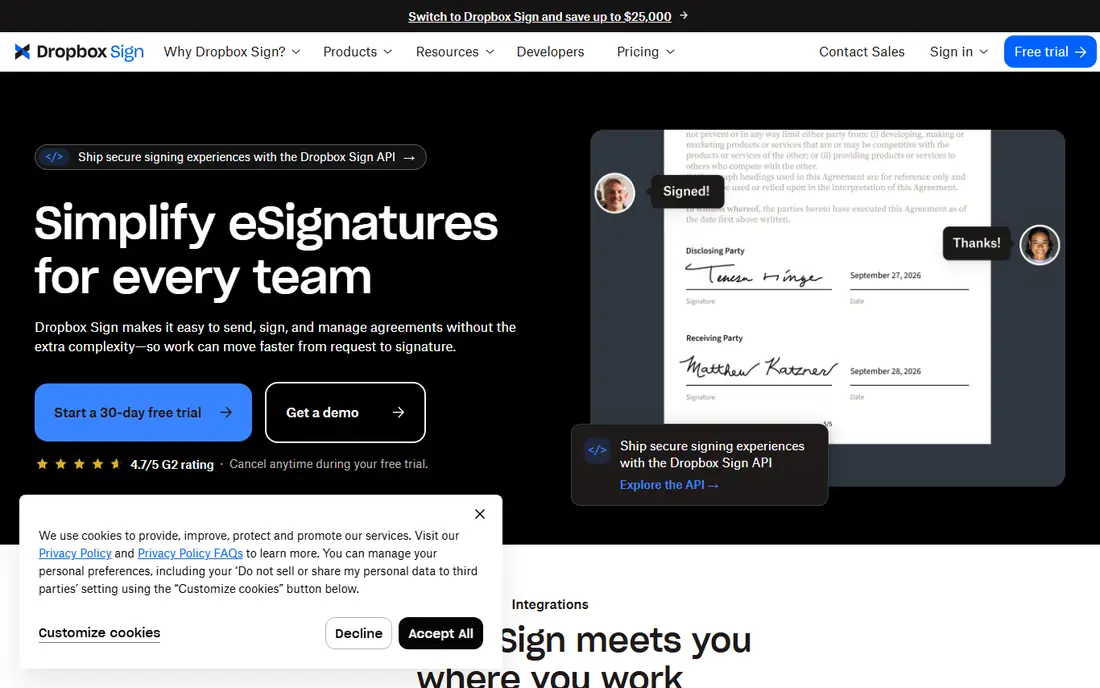
Dropbox Sign, formerly HelloSign, is built for teams that want signing to feel effortless. Upload a document, place fields, send, and track completion, with little setup. Dropbox and Google Drive links help teams that already store contracts in those systems.
It is less of a document creation tool. If you need proposals, quotes, and rich templates with pricing tables, PandaDoc fits better. For straightforward contracts, NDAs, and HR forms, Dropbox Sign keeps the process short for both sender and signer.
- Very easy sending and signing flow
- Good Dropbox and Google integrations
- Unlimited documents on some plans in comparisons
- Fewer document creation features than PandaDoc
- Higher plans needed for advanced branding and controls
PandaDoc suits sales teams that send proposals, not just contracts. Templates, content blocks, pricing tables, and approval workflows help a proposal move from draft to signed deal in one tool. Document analytics also show when a recipient opens and reads a proposal, which helps follow-up timing.
If you only need simple signatures, PandaDoc may feel heavy and pricier than a focused signer. Its free plan helps light users test the flow, but teams with steady volume should price the paid seat plan and check document limits.
- Strong templates for proposals and quotes
- Document analytics and approvals
- CRM integrations
- Signature-only users pay for document features they may not need
- Free plan has annual document limits
SignNow is a practical pick for small teams that need reliable signing at a low price. Paid plans offer document sending without the envelope pressure found on some rivals, plus templates, reminders, and mobile signing. That combination suits real estate, HR, and service teams with steady paperwork.
The design is functional rather than polished, and complex approval chains may need a higher plan or another tool. For most day-to-day contracts, though, SignNow covers the core job at a price that is easy to justify.
- Low entry price
- Unlimited documents on paid plans in comparisons
- In-person and mobile signing
- Interface feels more basic than DocuSign
- Advanced workflow features sit on higher plans
Signeasy stands out for solo founders and small teams that send often. Its entry plan is reported to offer unlimited documents with no envelope cap, which removes the surprise upgrades that hit high-volume senders on other tools. In-person signing and a clean mobile app also help field teams and service businesses.
Larger firms with complex routing, advanced identity checks, or deep CRM workflows may still prefer DocuSign or PandaDoc. For a small team that values simple, predictable sending, Signeasy is a strong value pick.
- Unlimited documents on entry plan in third-party comparisons
- Clean mobile signing
- Full audit trail
- Fewer enterprise workflow features than DocuSign
- Integrations are narrower at the top end
Zoho Sign suits teams already using Zoho CRM, Books, or other Zoho apps, because signing fits into that workflow without a separate vendor. Its free tier lets very light senders sign a few documents a month at no cost, which is useful for freelancers and tiny firms.
The free tier will not suit steady senders, and the design is plain compared with DocuSign. Still, the paid plans offer solid value, especially when Zoho Sign is bundled with other Zoho tools your team already pays for.
- Free tier for light senders
- Good value in the Zoho suite
- Templates and audit trails included
- Free tier caps monthly documents
- Interface feels utilitarian
BoldSign targets small businesses that want predictable signing costs. Comparisons highlight unlimited envelopes without overage charges on business plans, plus SMS signature requests and custom branding at a low price. That mix suits teams that send often but do not need enterprise contract management.
Because published prices have varied, confirm the current plan and limits on the vendor site before budgeting. Also check integrations with your CRM and storage tools, since BoldSign is newer and narrower than the largest rivals.
- Low-cost plans in comparisons
- Unlimited envelopes with no overages on some plans
- SMS signing requests and branding
- Pricing has varied across sources, so confirm current plans
- Smaller integration range than DocuSign
How we picked these
We compared official vendor pricing and feature pages, third-party pricing comparisons, and public documentation, and checked that each homepage loads and matches the product. We favored tools with clear audit trails, templates, reminders, and signer authentication, and we kept a mix of enterprise, mid-market, and budget options. We did not claim hands-on testing, and where prices differed across sources we wrote See website.
How to choose the right signer
Start with volume, not brand. A tool that is cheap for five documents a month can become costly at fifty.
Count envelopes and transactions
Check monthly and annual limits, what counts as an envelope, and what happens when you exceed the allowance. Unlimited document plans suit high-volume senders, while capped plans suit occasional senders who value brand recognition.
Check legal and security needs
Look for a full audit trail with signer identity, timestamps, and IP details, plus authentication options such as access codes or ID checks. In the United States, the ESIGN Act and state UETA laws give electronic signatures legal standing for most contracts, but regulated documents and notarization have separate rules, so check your specific case.
Test the signer experience
Send a test document to a colleague and watch how it looks on a phone. A clean signing flow with clear fields and no forced account creation reduces delays and follow-up messages. Also test reminders, expiration settings, and bulk send if you send similar forms often.
Confirm integrations and storage
Make sure signed documents land where your team already works, whether that is Google Drive, Dropbox, Salesforce, or Zoho. Automatic filing saves time and reduces the risk of a signed contract sitting in an inbox.
Sources
Frequently asked questions
Is a digital signature legally binding?
In most cases in the United States, yes, under the federal ESIGN Act and state UETA laws, as long as signers consent and the process records intent. Some documents, such as certain wills and court filings, have separate rules, so check legal advice for regulated cases.
What is the difference between an electronic signature and a digital signature?
An electronic signature is a broad term for any mark showing agreement, such as a typed name or drawn signature. A digital signature uses cryptographic methods to verify identity and detect changes. Most tools on this list offer electronic signatures with audit trails, while advanced digital signatures add certificate-based identity checks.
How many documents can I send per month?
It depends on the plan. Some plans cap envelopes or transactions per year, while others offer unlimited documents. Always check the annual allowance, not just the monthly headline, and confirm overage rules before you choose.
Do recipients need an account to sign?
No, most tools let recipients sign from an email link without creating an account. Senders need an account to prepare and track documents, but signers should be able to complete the process on a phone or computer in a few steps.
Which e-signature tool is best for small businesses?
Signeasy, SignNow, Zoho Sign, and BoldSign all offer strong value for small teams. Signeasy suits high-volume small senders, SignNow suits budget teams, and Zoho Sign suits teams already in the Zoho suite. DocuSign remains the safer pick when clients require a familiar brand.
Can I use e-signature software for contracts and HR forms?
Yes, most teams use these tools for sales contracts, NDAs, offer letters, and HR forms. Use templates, set signing order where needed, and store completed documents with their audit trails for future reference.