Best Drawing Software for PC in 2026: 9 Options Compared
By ToolNimba Editorial Team November 8, 2026 8 min read

- Top pick
 Krita
free digital painting
Starting priceFreeCheck out KritaRead our review - Runner-up
 Clip Studio Paint
comics and manga
Starting priceSee websiteCheck out Clip Studio PaintRead our review - Also great
 Adobe Photoshop
painting plus photo editing
Starting price$22.99 per monthCheck out Adobe PhotoshopRead our review
How we researched this
We compared official pricing and feature pages, app store listings, privacy policies and public user reviews. Prices change, so check the provider's site before you pay.
Key takeaways
- Krita is the best free PC painting app for most artists, with brushes, layers, and animation.
- Clip Studio Paint is the strongest comic and manga choice, with panel, tone, and animation tools.
- Adobe Photoshop remains the most complete paid option for painting plus photo editing, while Affinity is a strong free alternative for illustration.
- MediBang Paint, FireAlpaca, and GIMP cover free comic, sketching, and photo-editing needs on Windows.
Quick comparison
| Name | Best for | Starting price | Free plan | |
|---|---|---|---|---|
| Krita | free digital painting | Free | Yes | Visit |
| Clip Studio Paint | comics and manga | See website | Free trial | Visit |
| Adobe Photoshop | painting plus photo editing | $22.99 per month | Free trial | Visit |
 Affinity | free illustration and design | Free | Yes | Visit |
 Corel Painter | traditional media simulation | See website | Free trial | Visit |
 MediBang Paint | free comics with cloud sync | Free | Yes | Visit |
 FireAlpaca | beginners and clean line art | Free | Yes | Visit |
 GIMP | photo editing that doubles as painting | Free | Yes | Visit |
 Inkscape | vector illustration and logos | Free | Yes | Visit |
The best drawing software for PC
The best drawing app for PC depends on whether you paint, draw comics, design vectors, or sketch for fun, and on whether you prefer free software or a one-time purchase over a subscription.
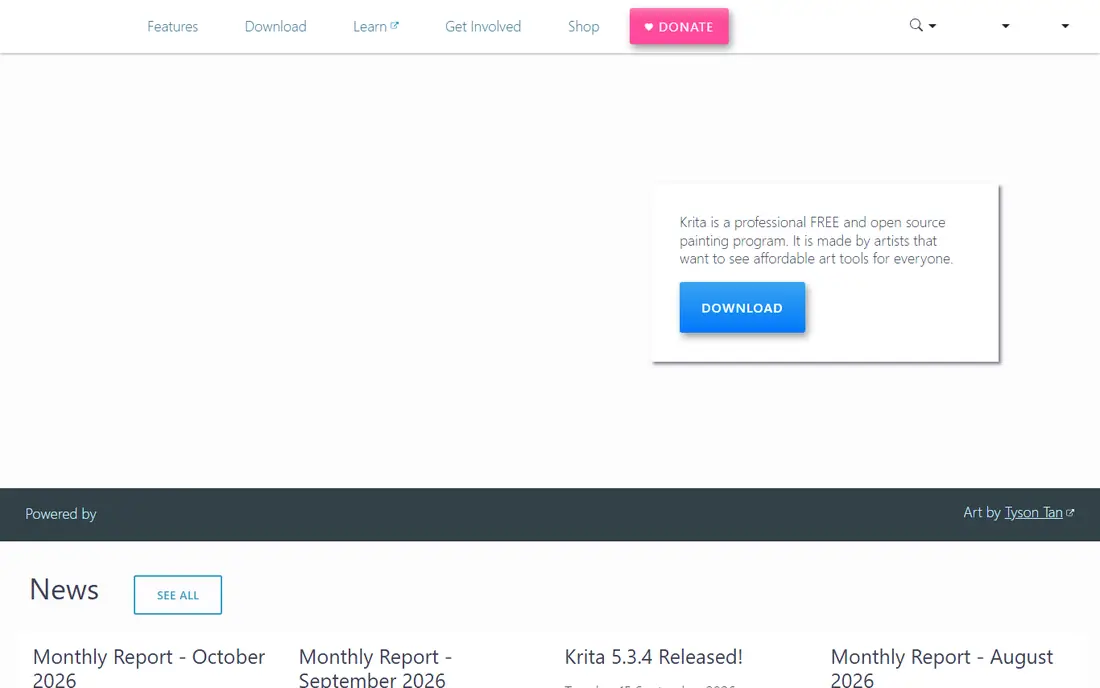
Krita is the free PC painting app we would suggest first to most artists.
It offers many brushes, stabilisers, layers, and an animation timeline, plus PSD support for sharing work. The catch is complexity. Panels and options assume you want control, so beginners should start with a simple brush set and hide tools they do not use.
Before you commit to Krita, check the current plan limits, renewal price, and cancellation terms on its official site, and test it with a small real task that matches how you will use it every week.
- Free and open source
- Strong brush engines
- Animation timeline
- Interface can overwhelm beginners
- Heavier on older PCs
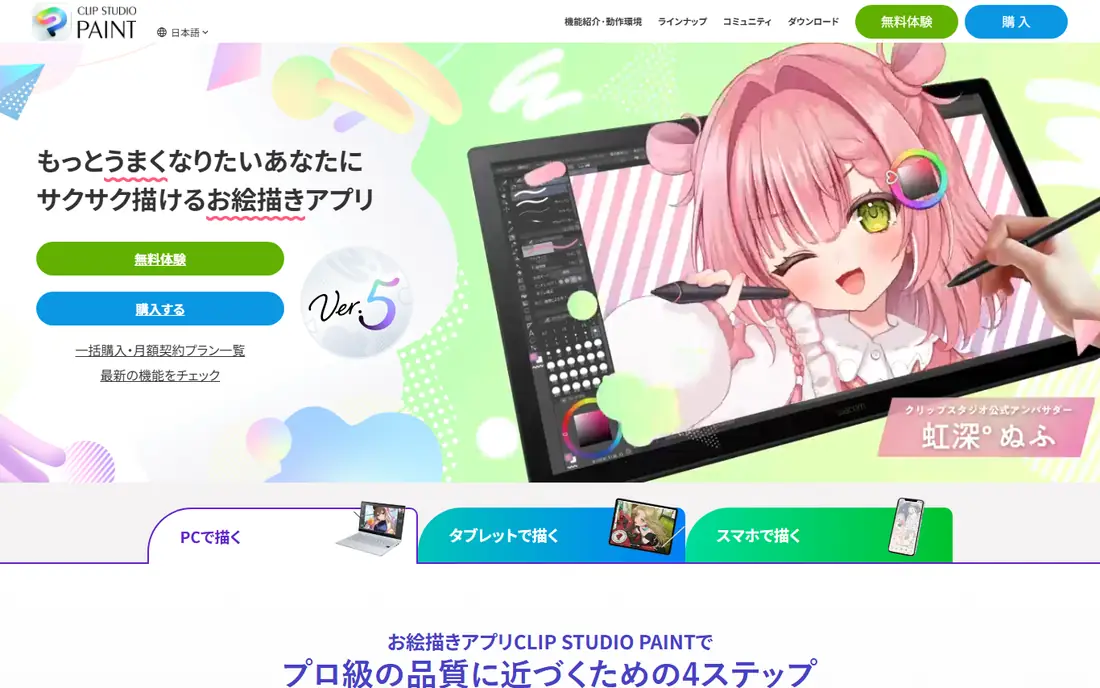
Clip Studio Paint is the standard choice for comic and manga artists on PC.
It offers panel creation, screentones, perspective rulers, and animation tools that general painting apps lack. The catch is licensing. Desktop licences and subscriptions have changed, so check the current offer for your device count before buying.
Before you commit to Clip Studio Paint, check the current plan limits, renewal price, and cancellation terms on its official site, and test it with a small real task that matches how you will use it every week.
- Panel and tone tools
- Animation
- Large asset library
- Licensing has changed over time
- Full features need paid plans
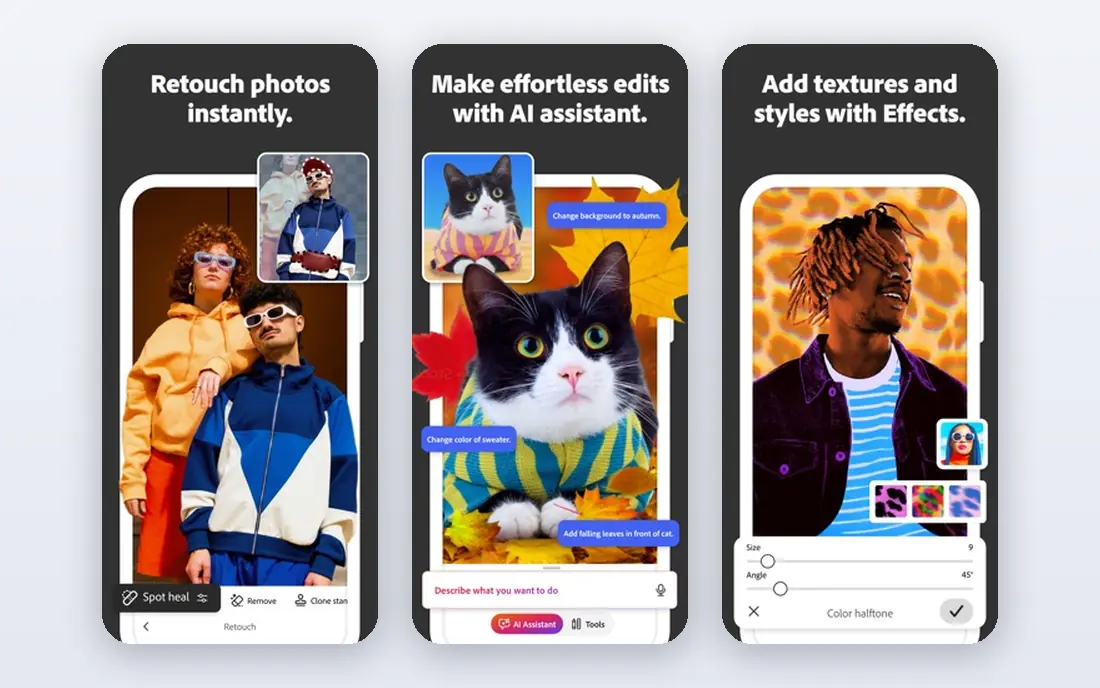
Photoshop remains the most complete paid option for artists who also edit photos.
Its brush engine, layers, masks, and compositing tools handle illustration and photo work in one app, and most tutorials assume it. The catch is ongoing cost. You never stop paying, and painters who only need painting tools may find Krita enough.
Before you commit to Adobe Photoshop, check the current plan limits, renewal price, and cancellation terms on its official site, and test it with a small real task that matches how you will use it every week.
- Deep brush and layer tools
- Photo editing
- Huge tutorial library
- Subscription-only
- Interface can overwhelm beginners
Affinity is a strong free alternative for illustration and design on PC.
It covers vector illustration, raster painting, and page layout tools in a professional suite, without a subscription in its current free model. The catch is change. Its pricing model changed in 2025, so confirm the current free terms and any paid add-ons on the vendor site.
Before you commit to Affinity, check the current plan limits, renewal price, and cancellation terms on its official site, and test it with a small real task that matches how you will use it every week.
- Free since late 2025 in many reports
- Vector and raster tools
- Professional file support
- New free model means plan details should be checked
- Learning curve for full suite
Corel Painter suits artists who want digital paint to feel like traditional media.
Its brushes simulate oil, watercolour, pastel, and other media with texture and blending that general apps do not match. The catch is price and focus. It is a specialist painting tool, not a photo editor or vector designer, so check whether that focus fits your work.
Before you commit to Corel Painter, check the current plan limits, renewal price, and cancellation terms on its official site, and test it with a small real task that matches how you will use it every week.
- Realistic oil, watercolour, and pastel brushes
- Natural media focus
- Higher one-time cost
- Heavier system needs
MediBang Paint is a friendly free option for comic artists and beginners.
It offers panel tools, tones, brushes, and cloud saving, so work can move between PC and mobile. The catch is depth. It is simpler than Clip Studio Paint, so professional comic teams may outgrow it as projects grow.
Before you commit to MediBang Paint, check the current plan limits, renewal price, and cancellation terms on its official site, and test it with a small real task that matches how you will use it every week.
- Free
- Comic panel tools
- Cloud sync across devices
- Some features need an account
- Interface is simpler than Clip Studio
FireAlpaca suits beginners who want a fast, simple drawing app on an older PC.
It opens quickly, offers a clean brush and layer setup, and handles line art well without a heavy interface. The catch is scope. It lacks the animation and comic depth of Krita and Clip Studio Paint, so treat it as a sketching home base.
Before you commit to FireAlpaca, check the current plan limits, renewal price, and cancellation terms on its official site, and test it with a small real task that matches how you will use it every week.
- Free
- Light and fast
- Clean interface for line art
- Fewer advanced features
- No built-in cloud sync focus
GIMP is best known as a free photo editor, but it also works for painting and illustration.
It offers layers, masks, filters, and plugin support, which helps artists who edit photos and paint in one app. The catch is workflow. Its brush and painting setup feels less direct than Krita, so painters should try Krita first for pure painting.
Before you commit to GIMP, check the current plan limits, renewal price, and cancellation terms on its official site, and test it with a small real task that matches how you will use it every week.
- Free and open source
- Strong photo editing
- Many plugins
- Interface is less painter-friendly
- Brush workflow takes setup
Inkscape suits PC artists who draw logos, icons, and scalable illustrations.
Vector shapes stay sharp at any size, and its path, text, and fill tools cover most logo and icon work. The catch is type. It is not a painting app, so artists who want textured brushes should pair it with Krita or another raster tool.
Before you commit to Inkscape, check the current plan limits, renewal price, and cancellation terms on its official site, and test it with a small real task that matches how you will use it every week.
- Free and open source
- Scalable vector art
- Logo and icon work
- Not a raster painting app
- Learning curve for vector tools
How we picked these
We compared official feature pages, pricing pages, app store listings, privacy and support pages, and public reviews for each option. We checked whether each product still exists, fits the topic, and offers a clear price or free tier, and we marked prices as See website where vendor pricing varies by plan, region, or account type.
We did not claim hands-on testing we did not do. Instead, we weighed plan limits, ease of setup, and honest weaknesses alongside strengths, so the list mixes well-known leaders with smaller options that suit specific needs.
How to pick drawing software for your PC
Start with your main output. Painters need brush control and stabilisation, comic artists need panels and tones, and logo designers need vector tools. Check tablet support, pressure sensitivity, and file compatibility with PSD or common formats if you share work. Try free apps first to learn what brush feel and interface you like, then pay only for features you will use weekly, such as comic tools, animation timelines, or advanced photo editing. Check system needs too, since heavier apps need more RAM and a better graphics setup.
It also helps to write down your must-have features before you look at prices, because a low headline price can hide limits on users, records, exports, or support that matter later. Compare at least two options side by side on the same task, such as creating a record, sending a message, or completing a booking, and note where each one feels slow, confusing, or incomplete. Ask support a real question during the trial, since response quality often predicts how a problem will be handled after you pay.
Check the vendor pricing page again before you buy, since plans, limits, and promotions change. A short trial with your real workflow will tell you more than any feature list.
Sources
Frequently asked questions
What is the best free drawing software for PC?
Krita is the best free all-round painting app. MediBang Paint suits comics, FireAlpaca suits clean line art, and GIMP suits photo editing with painting tools.
What is the best drawing app for PC for beginners?
Krita, MediBang Paint, and FireAlpaca are beginner-friendly free options. Clip Studio Paint is also accessible for comics, with a paid licence.
Is Clip Studio Paint or Krita better?
Krita is free and strong for painting. Clip Studio Paint is stronger for comics, manga, and animation workflows, and it offers paid desktop licences and subscriptions.
Can I use Photoshop for drawing on PC?
Yes. Photoshop offers brushes, layers, and photo editing in one app, but it is subscription-only and photo-first, so painters may prefer Krita or Clip Studio Paint.
Do I need a drawing tablet for PC drawing software?
A mouse can work for simple sketches, but a pressure-sensitive tablet gives far better line control. Entry-level tablets from Wacom, Huion, and XP-Pen are enough to start.