Best Ebook App in 2026: 9 Apps Compared
By ToolNimba Editorial Team November 9, 2026 10 min read

- Top pick
 Kindle
Largest ebook store
Starting priceFreeCheck out KindleRead our review - Runner-up
 Kobo Books
EPUB readers and Kobo devices
Starting priceFreeCheck out Kobo BooksRead our review - Also great
 Apple Books
iPhone, iPad and Mac readers
Starting priceFreeCheck out Apple BooksRead our review
How we researched this
We compared official pricing and feature pages, app store listings, privacy policies and public user reviews. Prices change, so check the provider's site before you pay.
Key takeaways
- The best ebook app depends on where your books already live, since purchased books often stay inside one store.
- Libby is the best free starting point for US readers with a public library card, with ebooks, audiobooks and magazines at no cost.
- Kindle has the largest store, Kobo is the strongest choice for EPUB files, and Google Play Books is the most flexible for your own uploads.
- Check device support before you buy, especially if you read on an e-reader, a tablet and a phone.
Quick comparison
| Name | Best for | Starting price | Free plan | |
|---|---|---|---|---|
| Kindle | Largest ebook store | Free | Yes | Visit |
| Kobo Books | EPUB readers and Kobo devices | Free | Yes | Visit |
| Apple Books | iPhone, iPad and Mac readers | Free | Yes | Visit |
 Google Play Books | Your own EPUB and PDF files | Free | Yes | Visit |
 Libby | Free library borrowing | Free | Yes | Visit |
 Hoopla | Library books, comics and media | Free | Yes | Visit |
 Everand | Subscription reading and audio | $11.99 per month | Free trial | Visit |
 Nook | Barnes and Noble readers | Free | Yes | Visit |
 Moon+ Reader | Android readers with their own files | Free | Yes | Visit |
The best ebook apps
An ebook app is more than a reader. It decides which store you buy from, which files you can open, and whether your notes sync across devices. We compared official store pages, app listings and help pages, and we focused on catalog size, file support, offline reading and real cost, including subscriptions and single purchases.
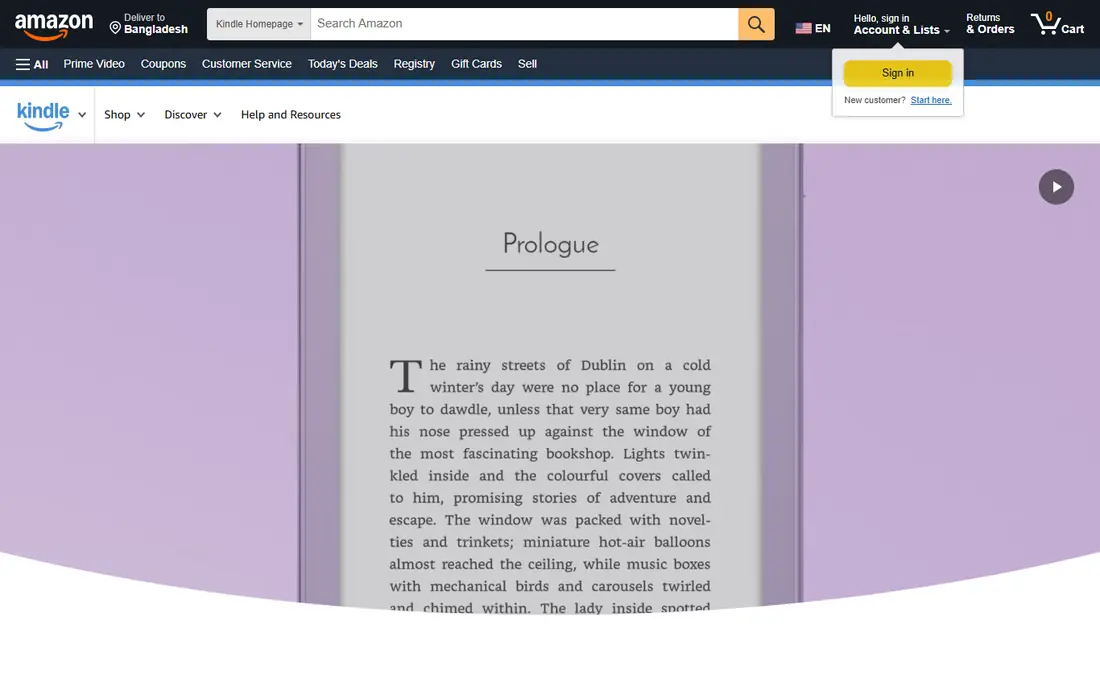
Kindle is the safe default for most readers because the store is so large and the reading experience is consistent. Books sync across the app, the web reader and Kindle e-readers, and features such as highlights, notes, dictionary lookup and adjustable fonts are well developed. If you read a lot of new releases and bestsellers, you will rarely hit a gap in the catalog.
The main cost is lock-in. Books bought from Amazon are meant to be read in Kindle apps and on Kindle devices, so switching later is awkward. Kindle Unlimited, at $11.99 per month in recent listings, suits heavy readers who enjoy its catalog, but it does not include every major new release. Buy Kindle for breadth and convenience, not for open file freedom.
- Largest ebook catalog
- Syncs across phones, tablets and Kindle devices
- Kindle Unlimited offers a large subscription library
- Purchases are tied to Amazon apps and devices
- EPUB support works through Send to Kindle rather than direct opening
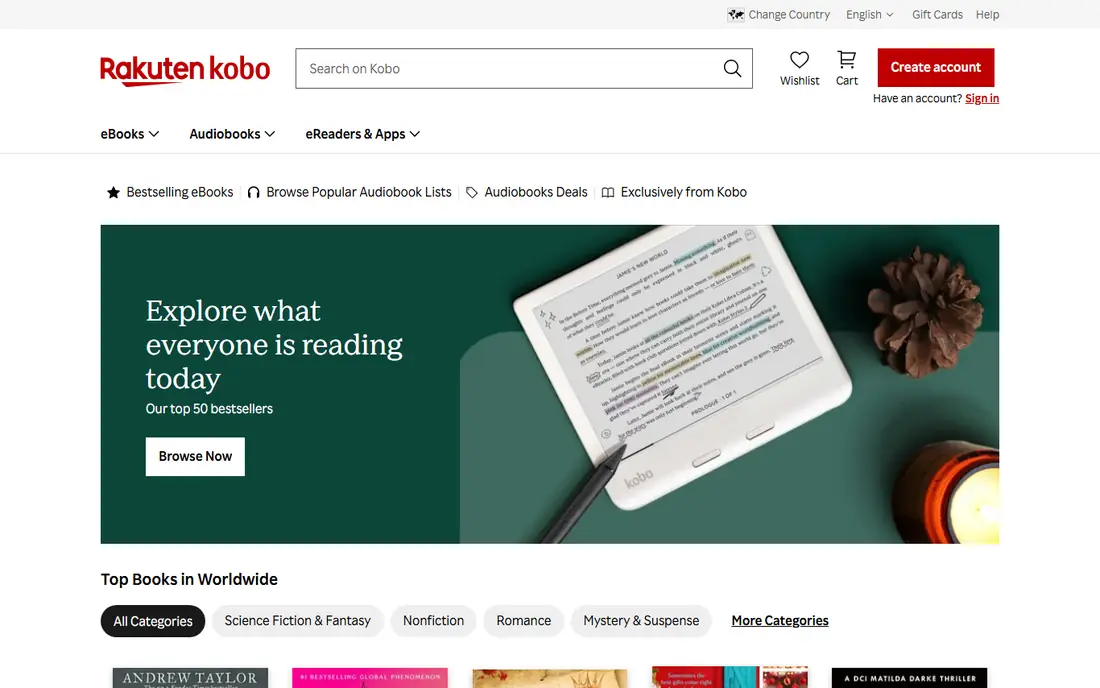
Kobo Books is our pick for readers who care about open formats and e-reader choice. It handles EPUB files naturally, syncs with Kobo e-readers, and offers deep reading settings for fonts, margins and layout. Kobo Plus, listed at $7.99 per month for ebooks and $9.99 per month with audiobooks in recent listings, gives subscription readers another route beyond single purchases.
Kobo does not match Kindle for sheer catalog depth in every genre, and availability can vary by region. For readers who already own EPUB files or who want a Kobo e-reader, those limits matter less than the format freedom. If you value owning files you can move, Kobo is the strongest mainstream store here.
- Strong EPUB support
- Syncs with Kobo e-readers
- Kobo Plus subscription for ebooks and audiobooks
- Store is smaller than Kindle in some categories
- Some features vary by country
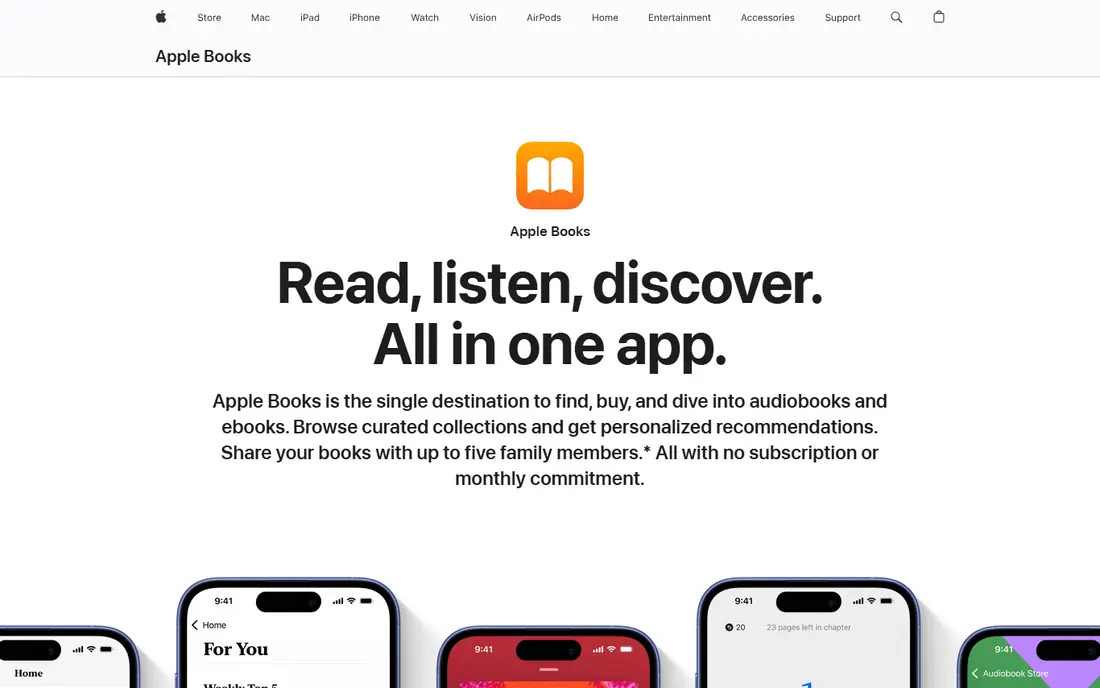
Apple Books is the simplest choice if you already live on iPhone, iPad or Mac. The app is built in, the store is easy to browse, and purchased books and audiobooks sync across Apple devices. Imported EPUB and PDF files sit alongside store purchases, which helps readers who mix bought books with documents and older files.
The limit is obvious: there is no Apple Books app for Android or Windows in the same form, so your library does not travel well outside Apple hardware. There is also no all-you-can-read subscription to compare with Kindle Unlimited. Choose Apple Books for polish and convenience inside the Apple world, not for cross-platform freedom.
- Clean reading experience on Apple devices
- Good audiobook store
- Imports your own EPUB and PDF files
- Apple devices only
- No subscription library for ebooks
Google Play Books is the most flexible mainstream app for readers with a personal library. You can buy books individually, upload your own EPUB and PDF files, and read across Android, iOS and a web browser. That mix suits readers who have collected files over years and do not want another subscription.
Discovery and recommendations feel thinner than Kindle, and some readers prefer a dedicated e-reader app for long sessions. Still, for cross-platform reading without a monthly fee, Google Play Books is hard to beat. It is also a good second app for Kindle or Kobo owners who need a home for loose files.
- Works on Android, iOS and the web
- Upload your own EPUB and PDF files
- Books are priced individually with no subscription required
- Store discovery is weaker than Kindle
- Uploaded files are limited to EPUB and PDF
Libby, from OverDrive, should be the first app most US readers install. With a public library card, you can borrow ebooks, audiobooks and magazines for free, download them for offline reading, and place holds on popular titles. There are no late fees because loans expire and return on their own, which removes the main worry of library borrowing.
The catch is availability. Your library buys a limited number of digital copies, so a new bestseller may mean a wait. That trade is easy to accept when the price is zero, and many readers pair Libby with a paid store for books they cannot wait for. If you have a library card and have not tried Libby, start here before you pay for anything.
- Free with a public library card
- Ebooks, audiobooks and magazines
- No late fees, since loans return automatically
- Popular titles may have hold queues
- Catalog depends on your library
Hoopla works differently from Libby. Many titles are available instantly, without a hold queue, because libraries pay per borrow rather than buying a fixed number of copies. That makes Hoopla a good companion app when Libby has a long wait for the book you want. Comics, graphic novels and other media add value for households that read in several formats.
Your library sets a monthly borrow limit, so heavy readers can run out before the month ends. Hoopla also depends on your library taking part, so check availability first. Used alongside Libby, it covers many gaps and keeps reading free, which is why we include both library apps in this list.
- Free with a participating library card
- Instant borrows with no hold queues on many titles
- Comics, music and video alongside books
- Monthly borrow limit is set by your library
- Catalog varies by library
Everand, formerly Scribd, suits readers who want one subscription for ebooks, audiobooks and magazines. The standard plan is listed at $11.99 per month and includes one premium title credit alongside a wider catalog. For readers who finish several books a month and enjoy mixing text and audio, that bundle can be better value than buying each title alone.
Be clear about the model before you subscribe. Everand is not unlimited access to every book, and premium titles are controlled through title credits. If you mainly read new bestsellers on release day, a store such as Kindle or Kobo may serve you better. If you read widely across backlist titles, Everand is a strong subscription pick.
- Ebooks, audiobooks and magazines in one subscription
- Offline reading
- Broad catalog beyond bestsellers
- Premium titles use a credit or credit-based system
- Not every new release is included
Nook is the natural choice for readers who already buy from Barnes and Noble or use a Nook device. The app is straightforward, books sync across supported devices, and the store covers a wide range of fiction, nonfiction and children's titles. For US readers who like the idea of a bookstore-backed library, Nook feels familiar and grounded.
The ecosystem is smaller than Kindle or Kobo, and Nook devices are less widely sold than they once were. That does not make the app a poor reader, but it does mean you should check device plans before building a large library here. If you already shop at Barnes and Noble, Nook is a logical and low-friction home for your ebooks.
- Tied to Barnes and Noble store and Nook devices
- Clean reading app for phones and tablets
- Good for US readers near a store
- Smaller ecosystem than Kindle and Kobo
- Device range is narrower
Moon+ Reader is for Android readers who already have files and want full control over how they look. It offers detailed typography settings, themes, gestures and library organisation, and it works with files from your device and compatible online sources. Readers who care about layout, night reading and custom controls will find more here than in most store apps.
Moon+ Reader is not a store-first app, so you will need your own books or another source to fill it. It is also Android only, which rules it out for iPhone readers. Pair it with Libby, Kobo or Google Play Books for content, and use Moon+ Reader as the reading surface when control matters most.
- Deep control over fonts, themes and layout
- Supports many file formats
- Works well with your own library and OPDS sources
- Android only
- No built-in bookstore of the same scale
How we picked these
We compared official store pages, app listings and help pages for apps that are actively maintained and truly fit ebook reading. We weighed catalog access, file support, device coverage, offline reading and cost, and we mixed large stores with free library apps and one file-focused reader. We did not claim hands-on testing, and prices are starting prices or subscription rates from vendor and store listings at the time of writing, so check the current listing for your country before you subscribe.
What to check before you choose
Start with your existing library. If you already own many Kindle books, staying with Kindle saves hassle. If you own EPUB files or plan to buy a Kobo e-reader, Kobo or Google Play Books will treat those files better. Next, check your library card, since Libby and Hoopla may already cover much of your reading for free.
Then think about how you read. Subscription fans should compare Kindle Unlimited, Kobo Plus and Everand by catalog, not just price, and check whether new releases you want are included. File-focused readers should test EPUB, PDF and annotation support with a real book, not just a sample. Finally, check offline reading, font controls and sync across the devices you actually use, because a beautiful app on one phone is little use if your library stops at the tablet.
Sources
Frequently asked questions
What is the best free ebook app?
Libby is the best free starting point for most US readers, because a public library card gives free ebooks, audiobooks and magazines. Google Play Books, Kindle, Kobo and Apple Books are also free to download, but you pay per book unless you use a subscription or library source.
Is Kindle or Kobo better for ebooks?
Kindle has the larger store and the widest device sync, while Kobo is better for EPUB files and for readers who want a Kobo e-reader. Choose Kindle for catalog breadth and Kobo for format freedom, and check which store carries the authors you read most.
Can I read my own EPUB files in these apps?
Yes, in several of them. Kobo, Google Play Books, Apple Books and Moon+ Reader all handle EPUB files, although the exact method varies. Kindle uses Send to Kindle for EPUB and PDF files, so test with one of your own books before you commit to a store.
Do ebook subscriptions include new releases?
Not always. Kindle Unlimited, Kobo Plus and Everand include large catalogs, but major new releases are often sold individually rather than included. Check the subscription catalog for a few titles you plan to read next before you pay.
Which ebook app works on the most devices?
Google Play Books works on Android, iOS and the web, which makes it the most cross-platform store app here. Kindle also covers phones, tablets, computers and Kindle devices, while Apple Books is limited to Apple hardware and Moon+ Reader is Android only.