Best Electronic Signature Software in 2026: 9 Tools Compared
By ToolNimba Editorial Team November 9, 2026 9 min read

- Top pick
 DocuSign
Widely recognized signing
Starting price$11 per monthCheck out DocuSignRead our review - Runner-up
 Adobe Acrobat Sign
PDF-centered teams
Starting price$14.99 per monthCheck out Adobe Acrobat SignRead our review - Also great
 PandaDoc
Proposals and contracts
Starting price$19 per monthCheck out PandaDocRead our review
How we researched this
We compared official pricing and feature pages, app store listings, privacy policies and public user reviews. Prices change, so check the provider's site before you pay.
Key takeaways
- DocuSign remains the most widely recognized choice, but its useful team plans start higher than its entry price suggests.
- SignNow, BoldSign and Xodo Sign give small teams lower-cost routes to unlimited or generous sending.
- PandaDoc suits sales teams that need proposals and signatures in one flow, while Adobe Acrobat Sign suits teams already working in PDF files.
- Envelope limits matter more than the headline price, so check how many documents you send each month before you choose.
Quick comparison
| Name | Best for | Starting price | Free plan | |
|---|---|---|---|---|
| DocuSign | Widely recognized signing | $11 per month | Free trial | Visit |
| Adobe Acrobat Sign | PDF-centered teams | $14.99 per month | Free trial | Visit |
| PandaDoc | Proposals and contracts | $19 per month | Yes | Visit |
 Dropbox Sign | Simple team signing | $15 per month | Free trial | Visit |
 SignNow | Budget-conscious teams | $8 per month | Free trial | Visit |
 Signeasy | Straightforward mobile signing | $10 per month | Free trial | Visit |
 BoldSign | Low-cost high-volume signing | $5 per month | Yes | Visit |
 Xodo Sign | Small business signing | $10 per month | Yes | Visit |
 Jotform Sign | Form-based signing | $34 per month | Yes | Visit |
The best electronic signature software
We compared official pricing pages, feature lists and public documentation for tools that let people send, sign and track documents online. The picks below cover solo users, small teams and larger groups, with a clear note on where each one falls short.
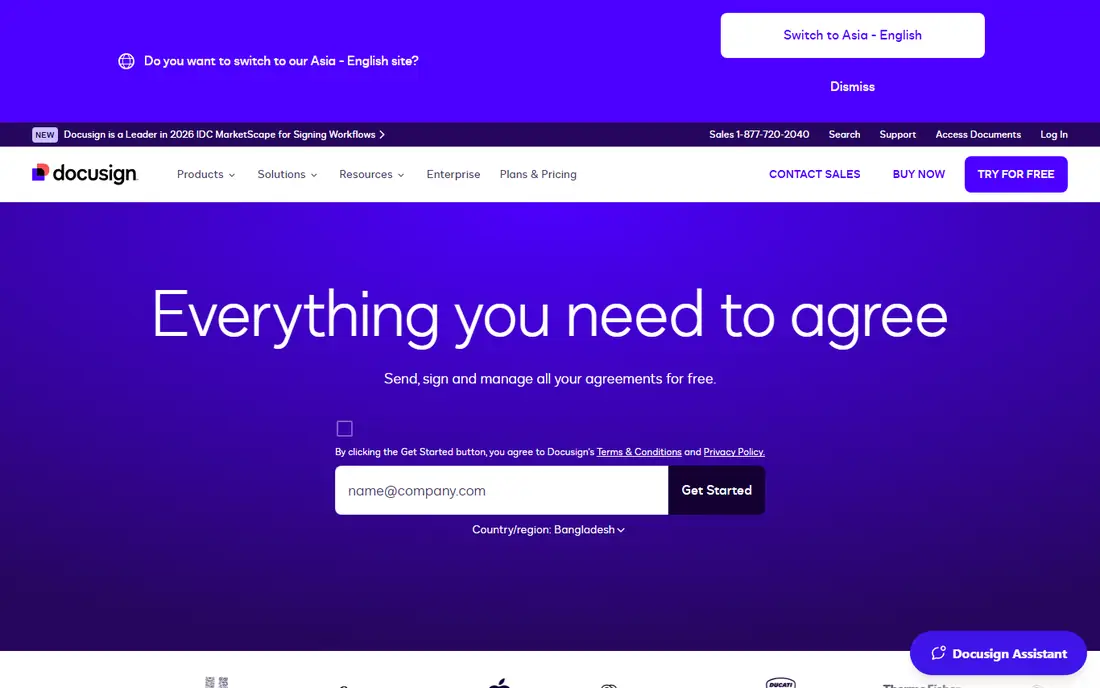
DocuSign is our pick for most people when recipients need to trust the signing link at first glance. Many clients, landlords and partners have signed through it before, so there is less explaining to do. Templates, automatic reminders and a clear audit trail cover the basics well, and the mobile app makes signing away from a desk simple.
The catch is volume. The Personal plan covers only a small number of sends each month, so active users often need Standard or Business Pro. Prices shown with annual billing also look lower than month-to-month prices. If you send only a few documents a year, a free or cheaper tool may do the same job.
- Wide recognition with recipients
- Strong templates and reminders
- Broad integrations with common business tools
- Envelope limits can add cost at higher volume
- Annual billing gives the lowest advertised monthly rates
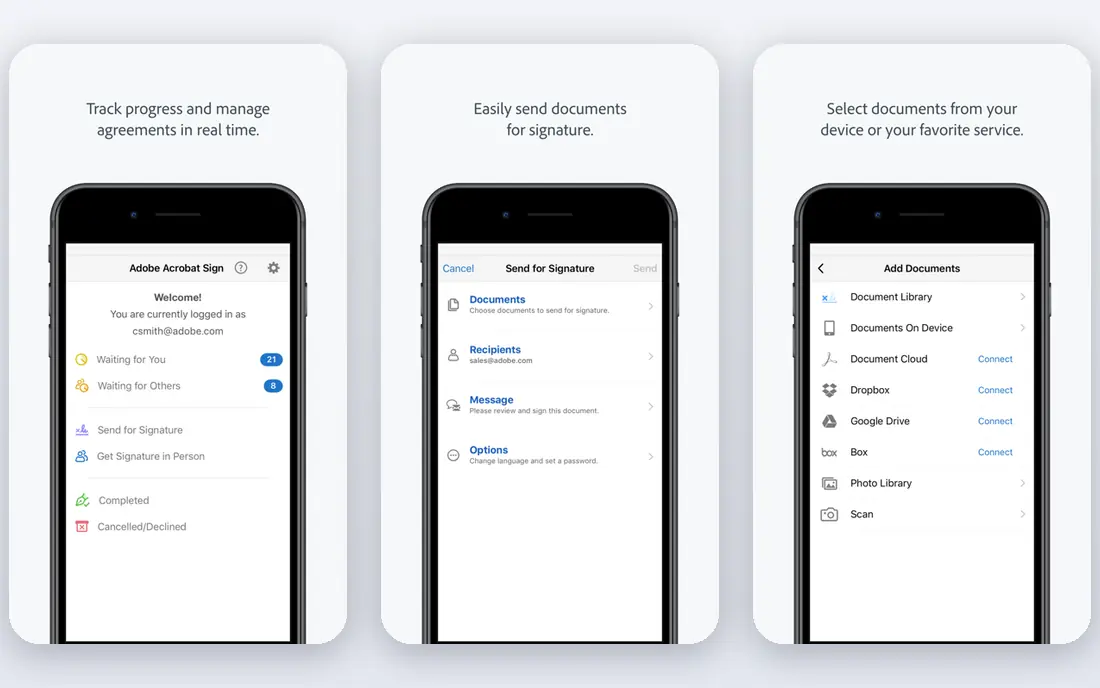
Adobe Acrobat Sign fits teams that already live in PDF files. You can edit, combine and prepare a document, then send it for signature without switching tools. That matters for contracts that need cleanup before they go out. The signing experience is clean, and recipients do not need an Adobe account to sign.
For very light use, the full Acrobat setup may be more than you need. A simpler tool will send a basic contract faster and at a lower price. Acrobat Sign earns its place when PDF work and signing happen together every week.
- Strong PDF editing alongside signing
- Familiar Adobe interface for many office users
- Good form field controls
- Can feel heavy for simple one-off signatures
- Some advanced features sit on higher tiers
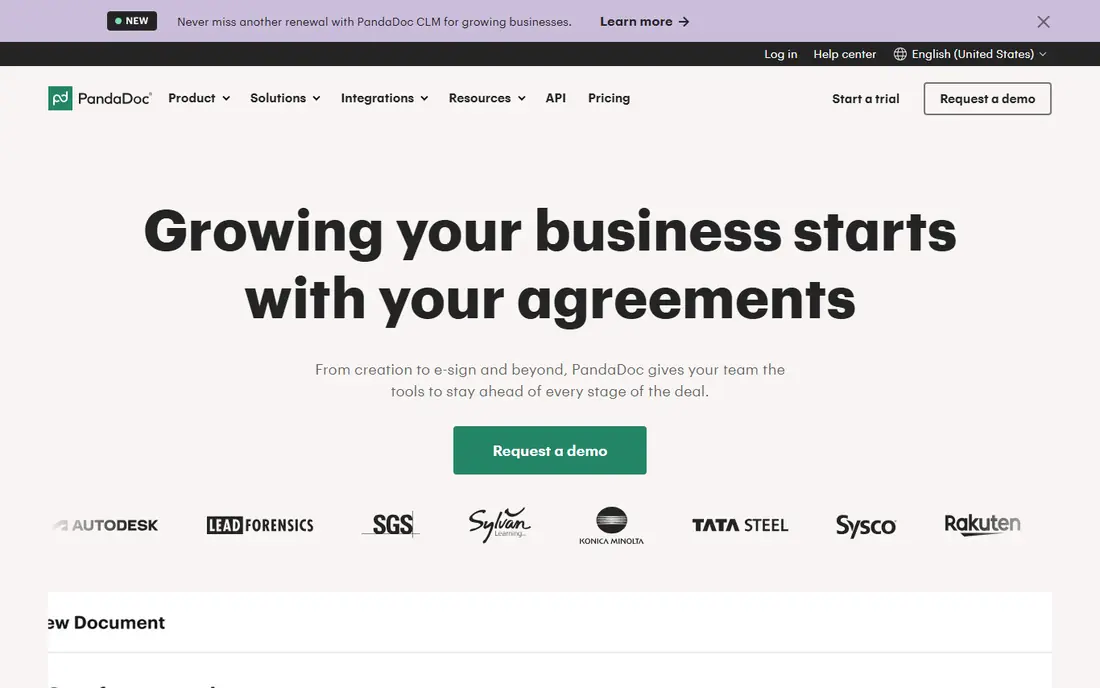
PandaDoc is a better fit for sales and service teams than for someone who only needs a signature. You can build a proposal, add pricing, and collect a signature in the same document. That reduces back-and-forth and keeps the whole deal in one link. Analytics also show when a prospect opens or finishes a document.
If you do not need proposals, you will pay for tools you rarely open. PandaDoc still signs well on its own, but its value shows most when documents start as sales material rather than as a finished PDF that only needs a signature.
- Proposal, quote and contract tools in one place
- Useful templates and content blocks
- Tracking shows when a document is opened
- Higher starting price than signing-only tools
- Some features require a paid plan
Dropbox Sign, formerly HelloSign, keeps the focus on sending and signing without a long learning curve. Upload a document, add signer fields, send it, and track progress. That simplicity helps small teams that want to start the same day. Dropbox users also get a natural place to store signed copies.
Teams that need complex approval chains or built-in proposal tools may outgrow it. For routine agreements, NDAs and consent forms, Dropbox Sign does the job with less setup than larger platforms.
- Very easy setup for new users
- Clean signing flow for recipients
- Works well with Dropbox storage
- Fewer document creation tools than PandaDoc
- Paid plans needed for team features
SignNow is our pick for teams that watch costs closely. The entry price undercuts most rivals, yet you still get templates, team sharing and a usable audit trail. It handles common contracts, hiring paperwork and vendor forms without fuss. That combination makes it a practical default for small businesses.
The trade-off is polish. The interface is functional rather than refined, and a few integrations do not go as deep as DocuSign or Adobe. If your recipients need the most familiar brand name, SignNow may need a short explanation. For everyday internal and client signing, it is strong value.
- Low starting price
- Supports team folders and templates
- Mobile signing included
- Interface feels plainer than DocuSign
- Some integrations are less deep
Signeasy works well for people who sign on a phone or tablet. In-person signing, where a client signs on your device, is handled cleanly. Templates cover repeat forms, and the audit trail records the steps for each document. Freelancers and field teams often find it faster than desktop-first tools.
It is less of a document creation platform than PandaDoc, so teams that build proposals from scratch may need another tool. For straightforward signing, especially on mobile, Signeasy keeps friction low.
- Easy mobile signing and in-person signing
- Simple templates
- Clear audit trail
- Less suited to complex sales documents
- Higher tiers needed for advanced workflows
BoldSign stands out on price. The entry plan is among the cheapest in this list, and paid plans are built for teams that send a lot. SMS signature requests and custom branding help when you need a professional look without an enterprise budget. The core signing flow is direct and easy to follow.
The main risk is familiarity. Some recipients may not know the name, so a short note in your email can help. Integration coverage is also narrower than the largest platforms. If price and volume drive your choice, BoldSign deserves a close look.
- Very low starting price
- Generous sending on paid plans
- Custom branding on higher tiers
- Smaller brand recognition than DocuSign
- Fewer third-party integrations
Xodo Sign combines PDF handling with signing, which suits small businesses that edit documents before sending them. The free tier lets light users test the flow before paying. Paid plans add team features and more sending capacity without a steep jump in price.
Larger firms with strict compliance workflows may still prefer DocuSign or Adobe. For a small team that wants one place to prepare and sign PDFs, Xodo Sign is a tidy option.
- Free tier for light use
- PDF tools alongside signing
- Simple team workflows
- Less enterprise depth than DocuSign or Adobe
- Advanced controls sit on paid plans
Jotform Sign is different from most tools here because it starts with forms. If you collect information and a signature in the same step, such as a client intake form or a consent form, it saves a separate step. Conditional logic and automated follow-ups help repeat processes run with less manual work.
The paid starting price is higher than signing-only rivals, so it makes sense mainly when forms matter. If you only need to sign a finished PDF, a cheaper tool will do. When data collection and signing belong together, Jotform Sign is hard to beat.
- Strong form builder behind signing
- Good for intake and consent forms
- Automation for repeat workflows
- Higher starting price for paid plans
- Overkill for simple signature-only needs
How we picked these
We compared official pricing pages, feature descriptions, app store listings and public documentation for tools that are available in the United States. We favored tools with a clear free plan or trial, a working audit trail, and a signing flow that does not require recipients to create an account. Prices can change, so check the vendor page before you buy.
What to check before you pay
Start with volume, not brand. Count how many documents you send in a typical month, how many signers each one needs, and whether you need templates, reminders or payment collection. A cheap plan with a low envelope limit can cost more than a higher plan once overage fees apply.
Next, test the recipient experience. Send a test document to yourself and to a colleague, and open it on a phone. If fields are hard to find or the link looks unclear, signers will delay. Also confirm where signed copies are stored, who can access them, and whether you can download a full audit trail. For regulated work, confirm compliance claims on the vendor site rather than assuming every tool meets every standard.
Sources
Frequently asked questions
What is the best electronic signature software for most people?
DocuSign is a safe default because recipients recognize it and it covers templates, reminders and integrations well. SignNow or BoldSign may suit you better if cost matters more than brand recognition.
Is there a best free app to learn to sign documents, or a free e signature app?
BoldSign, Xodo Sign, PandaDoc and Jotform Sign offer free tiers, but free plans usually limit sends or features. For occasional personal use, a free tier is often enough. For regular business use, a paid plan gives you templates and a fuller audit trail.
What is the best e signature app for mobile signing?
Signeasy and DocuSign both handle mobile signing well, with apps for common phones and tablets. Signeasy is a strong choice for in-person signing, while DocuSign is useful when recipients may already know the brand.
What is the best online contract signing software for sales teams?
PandaDoc fits sales teams because it combines proposals, quotes and signatures in one document. Dropbox Sign and SignNow are simpler choices if your contracts are already finished PDFs.
Are electronic signatures legally valid in the United States?
In most cases, yes, under the federal ESIGN Act and state laws based on the Uniform Electronic Transactions Act, when intent and consent are clear. Some documents, such as certain wills and court filings, have special rules, so check local requirements for high-stakes cases.
How do envelope limits work?
An envelope usually counts as one document package sent for signature, even if it has several signers. Vendors set monthly or yearly limits per user, and sending more can trigger overage charges or require a plan upgrade. Count your real volume before choosing a tier.