Best Email Service for Business in 2026: 8 Services Compared
By ToolNimba Editorial Team November 12, 2026 9 min read

- Top pick
 Google Workspace
Most small businesses
Starting price$7 per user per monthCheck out Google WorkspaceRead our review - Runner-up
 Microsoft 365
Microsoft-centered teams
Starting price$7 per user per monthCheck out Microsoft 365Read our review - Also great
 Zoho Mail
Lowest-cost business email
Starting price$1 per user per monthCheck out Zoho MailRead our review
How we researched this
We compared official pricing and feature pages, app store listings, privacy policies and public user reviews. Prices change, so check the provider's site before you pay.
Key takeaways
- Google Workspace and Microsoft 365 now match at $7, $14, and $22 per user per month, so the choice comes down to the apps your team already uses.
- Zoho Mail is the budget pick at $1 per user per month, and it suits teams that only need solid email without a full office suite.
- Fastmail and Proton Mail suit teams that want email first, with cleaner inboxes and stronger privacy controls.
- Set up your own domain, mail authentication, and backups from day one, since switching later is harder than starting right.
Quick comparison
| Name | Best for | Starting price | Free plan | |
|---|---|---|---|---|
| Google Workspace | Most small businesses | $7 per user per month | Free trial | Visit |
| Microsoft 365 | Microsoft-centered teams | $7 per user per month | Free trial | Visit |
| Zoho Mail | Lowest-cost business email | $1 per user per month | Yes | Visit |
 Fastmail | Email-first teams | $5 per user per month | Free trial | Visit |
 Proton Mail | Privacy-focused businesses | $6.99 per user per month | Yes | Visit |
 Hostinger Mail | Email bundled with hosting | $0.39 per mailbox per month | No | Visit |
 Namecheap Private Email | Cheap email with a domain | See website | Free trial | Visit |
 MXroute | Simple email hosting | See website | No | Visit |
The best email services for business
A business email service gives you an address on your own domain, admin controls, and support that a free personal account does not. These eight cover full suites, budget email, and privacy-first options.
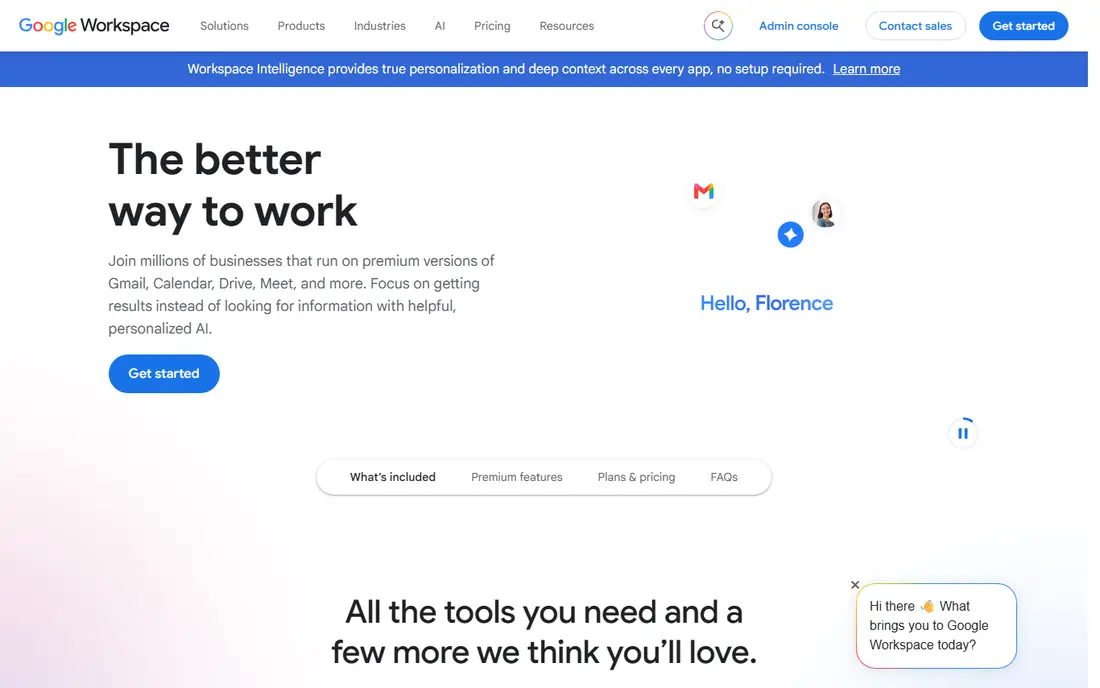
Google Workspace is our pick for most small businesses because Gmail is familiar, setup is fast, and the suite covers documents, storage, and video meetings in one bill. Business Starter costs $7 per user per month on an annual plan, with 30 GB of pooled storage per user, custom-domain Gmail, and Meet. Standard at $14 adds 2 TB pooled storage and meeting recording, while Plus at $22 adds 5 TB and stronger security controls.
The main limits are storage at the entry tier and the lack of desktop Office apps. Heavy file users may outgrow 30 GB, and teams that live in Word and Excel may prefer Microsoft. For a team that already uses Gmail and Google Docs, though, Workspace is the simplest professional setup.
- Gmail on your own domain
- Docs, Drive, and Meet included
- Easy admin for small teams
- Entry storage is 30 GB pooled per user
- Desktop Office apps are not included

Microsoft 365 matches Google Workspace at $7, $14, and $22 per user per month after its July 2026 price change, so price no longer decides between them. Business Basic at $7 gives Outlook email, web and mobile Office apps, Teams, and 1 TB of OneDrive per user. Standard at $14 adds desktop Word, Excel, and PowerPoint, and Premium at $22 adds Defender for Business and stronger device controls.
The storage deal is generous at the entry tier, and Outlook remains the standard inbox in many offices. The admin center is more complex than Google Admin, so a very small team may need an hour to set up users, domains, and security. If your team works in Office files all day, Microsoft 365 is the natural pick.
- Outlook and Teams included
- 1 TB OneDrive per user at every tier
- Desktop apps from Standard up
- Admin center has a steeper learning curve
- Entry tier has web and mobile apps only
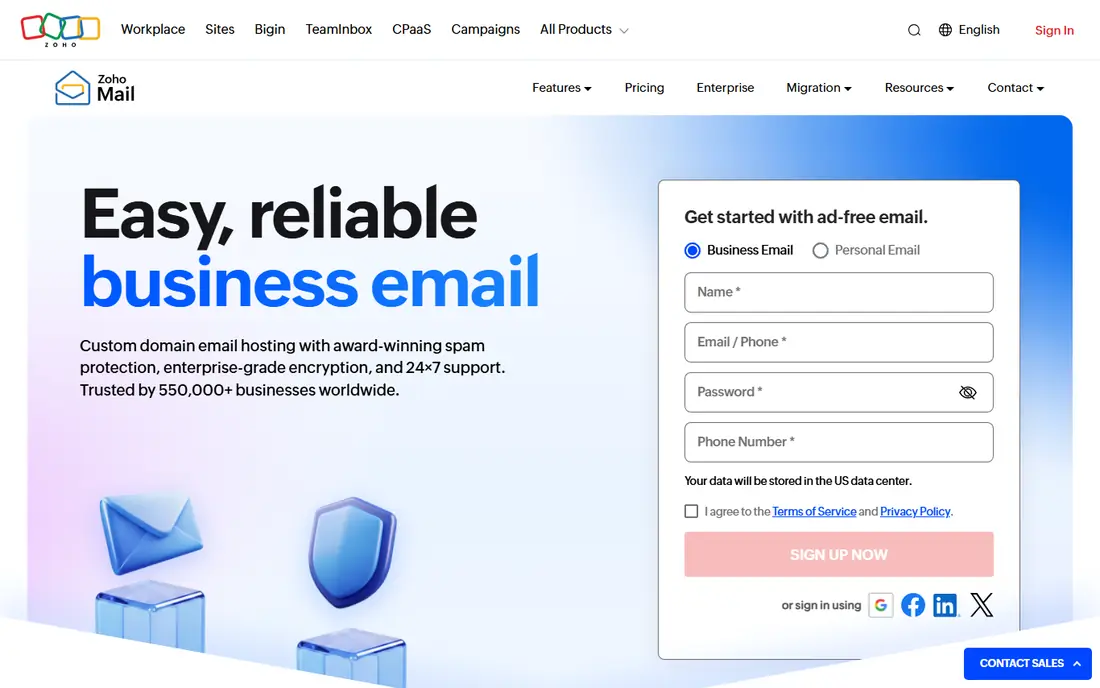
Zoho Mail is the budget pick by a wide margin. Mail Lite costs $1 per user per month when billed annually, and a 10-person team pays $120 a year instead of $840 for either big suite. You get custom-domain email, a clean web and mobile inbox, calendars, and admin controls, plus a free tier for very small teams.
The trade-off is the suite around it. Zoho offers documents, CRM, and more, but its collaboration tools are less polished than Google Docs or Microsoft Office, and some outside apps integrate with it less deeply. If email is the job and every dollar counts, Zoho Mail is hard to beat. If your team collaborates in documents daily, the big suites earn their price.
- Very low entry price
- Clean ad-free inbox
- Works with the wider Zoho suite
- Fewer collaboration features than Google or Microsoft
- Smaller third-party integration range
Fastmail suits teams that want excellent email and nothing else. It offers custom-domain mail, fast search, calendars, contacts, and masked email addresses for sign-ups, all in an interface that stays out of the way. Business pricing starts near $5 per user per month when billed annually, though the displayed price can vary by term, so check the checkout total.
The honest limit is scope. Fastmail does not include a document suite or video meetings, so teams that need those will pay for a second service. But for a business that lives in email and uses its own tools for documents, Fastmail gives a better inbox than either big suite at a lower price than both.
- Fast, clean, ad-free inbox
- Strong calendar and contacts
- No office-suite upsell
- No full office suite
- Price varies by billing term
- Fewer native integrations than the big suites
Proton Mail is the pick for businesses where privacy is a selling point or a legal need. Mail is end-to-end encrypted by default, accounts carry no ads, and the company is based in Switzerland. Business plans start at $6.99 per user per month when billed annually in recent comparisons, with higher tiers adding more storage and controls.
Encryption brings practical limits. Some third-party tools cannot read encrypted mail, and desktop Outlook or Apple Mail access goes through the Proton Bridge app. Search inside encrypted mail is also more limited than in Gmail. If privacy matters more than deep integrations, those limits are worth accepting.
- End-to-end encryption by default
- Based in Switzerland with strong privacy laws
- No ads or tracking
- Desktop clients need the Bridge app
- Some integrations are limited by encryption
- Higher price than Zoho
Hostinger Mail suits a business that already hosts its website with Hostinger. Mail plans list from $0.39 per mailbox per month, but that introductory price requires a 48-month term and renews at $1.59 per mailbox per month, so read the term before you judge the deal. You get webmail, calendars, and spam filtering in a simple package.
The catch is scope. Hostinger Mail is email, not a collaboration suite, and its best value depends on staying with Hostinger hosting. For a new website plus email on one bill, it is a cheap and simple start. For a growing team that needs shared documents and meetings, a full suite will fit better.
- Very low bundled price
- Simple setup with Hostinger hosting
- Titan-based webmail
- Introductory price needs a long term and renews higher
- Best value only if you host with Hostinger
Namecheap Private Email is a plain, low-cost way to get an address on a domain you already own there. Plans are simple, setup takes minutes, and a free trial lets you test webmail before paying. It suits a solo owner or a tiny team that needs a professional address without a suite.
The limits are the same as any budget mail host: no document suite, no video meetings, and modest storage on lower tiers. If you register and host your domain with Namecheap, keeping email there too keeps billing simple. If your team grows past a handful of people, a suite with admin and security controls becomes the better buy.
- Low-cost email tied to your domain
- Simple plans
- Good for solo owners and tiny teams
- Limited collaboration tools
- Storage and features vary by tier
- Support is ticket-based
MXroute is a no-frills email host for people who know what they want: mailboxes on their own domains, without per-user seat fees. Many plans allow unlimited domains and email addresses within a storage limit, which suits a business with several brands or many role addresses like sales, support, and info.
It is not a suite, and its control panel is plainer than Gmail or Outlook. Users comfortable with DNS and mail settings will be fine, while beginners may prefer the guided setup of Google or Microsoft. For a cost-conscious team that only needs reliable email, MXroute is a solid, quiet option.
- Straightforward email hosting
- Unlimited domains and addresses on many plans
- No per-user seat pricing
- No office suite
- Interface is plain
- Best for users comfortable with email settings
How we picked these
We compared official pricing pages and current October 2026 business email comparisons, and kept only services that are live, support custom domains, and serve small businesses. We favored a mix of full suites, budget mail, and privacy-first options, and we noted where introductory prices, billing terms, or renewals change the real cost. We did not claim hands-on testing.
What to check before you choose
Start with your domain and your apps. If your team lives in Google Docs, pick Google Workspace. If it lives in Word, Excel, and Outlook, pick Microsoft 365. If it only needs email, a budget or email-first service saves money every month.
Next, check storage, user limits, and security features at the tier you will actually buy, not the top tier. Entry plans differ on mailbox size, pooled storage, and admin controls, and those details matter once the team grows. Finally, set up mail authentication records for your domain, turn on two-factor sign-in for every user, and arrange a backup, since neither big suite backs up your mail for you by default.
Sources
- https://workspace.google.com
- https://www.microsoft.com/microsoft-365/business
- https://www.zoho.com/mail
- https://www.fastmail.com
- https://proton.me/mail
- https://www.hostinger.com
- https://www.namecheap.com
- https://www.mxroute.com
- https://www.techrepublic.com/article/best-business-email-providers/
- https://theplainmanual.com/google-workspace-vs-microsoft-365/
- https://engeltech.us/google-workspace-vs-microsoft-365/
Frequently asked questions
How much does business email cost per user?
Entry prices in October 2026 run from $1 per user per month for Zoho Mail Lite to $7 per user per month for Google Workspace Business Starter and Microsoft 365 Business Basic. Email-first services like Fastmail sit near $5, while Proton Mail starts near $6.99. Prices assume annual billing and rise on monthly billing.
Can I use my own domain with business email?
Yes, all the services on this list support custom domains, so you can send from an address like you at yourbusiness dot com. Setup involves adding mail records to your domain settings, and most providers guide you through it. Keep your old address active until the new one is tested.
Is Google Workspace or Microsoft 365 better for a small business?
Neither wins on price now, since both list at $7, $14, and $22 per user per month. Pick Google Workspace if your team prefers Gmail, Docs, and Meet. Pick Microsoft 365 if your team prefers Outlook, Teams, and desktop Office apps. Both let you mix tiers, so light email users can sit on the entry plan.
Do I need a full suite, or is email alone enough?
Email alone is enough if your team uses separate tools for documents, meetings, and storage. A suite saves money and admin time once several people collaborate daily, since one login covers mail, files, and calls. Solo owners and tiny teams often do fine with budget mail plus free document tools.
How do I move email from a personal account to a business account?
Most providers offer a migration tool that copies mail from Gmail, Outlook, or another host. Run the migration before you tell clients about the new address, check that old mail arrived, and update your website, invoices, and signatures. Keep the old account for a month as a safety net.