Best Esignature Service in 2026: 9 Options Compared
By ToolNimba Editorial Team November 12, 2026 9 min read

- Top pick
 DocuSign
Widely recognized signing
Starting price$25 per monthCheck out DocuSignRead our review - Runner-up
 Adobe Acrobat Sign
PDF-heavy teams
Starting price$19.99 per monthCheck out Adobe Acrobat SignRead our review - Also great
 Dropbox Sign
Simple Dropbox-linked signing
Starting price$15 per monthCheck out Dropbox SignRead our review
How we researched this
We compared official pricing and feature pages, app store listings, privacy policies and public user reviews. Prices change, so check the provider's site before you pay.
Key takeaways
- DocuSign remains the safest choice when clients or partners expect a familiar signing experience.
- SignNow offers the lowest paid entry point here, from $8 per month, but caps yearly signature invites.
- PandaDoc suits sales teams that need proposals and signing in one document workflow.
- Check envelope or invite caps before paying, since they matter more than the headline monthly price.
Quick comparison
| Name | Best for | Starting price | Free plan | |
|---|---|---|---|---|
| DocuSign | Widely recognized signing | $25 per month | No | Visit |
| Adobe Acrobat Sign | PDF-heavy teams | $19.99 per month | No | Visit |
| Dropbox Sign | Simple Dropbox-linked signing | $15 per month | No | Visit |
 PandaDoc | Sales proposals and contracts | $19 per month | Yes | Visit |
 signNow | Low-cost small business signing | $8 per month | No | Visit |
 Zoho Sign | Teams already using Zoho | $10 per month | Yes | Visit |
 Signeasy | Simple mobile signing | $10 per month | No | Visit |
 SignWell | Low-cost templates and signing | $10 per month | Yes | Visit |
 BoldSign | Budget signing with a free tier | See website | Yes | Visit |
The best esignature service
An esignature service lets clients sign contracts, forms, and agreements online with a legal audit trail, instead of printing and scanning. The services below differ mainly in price, envelope caps, and how much document workflow they add around signing.
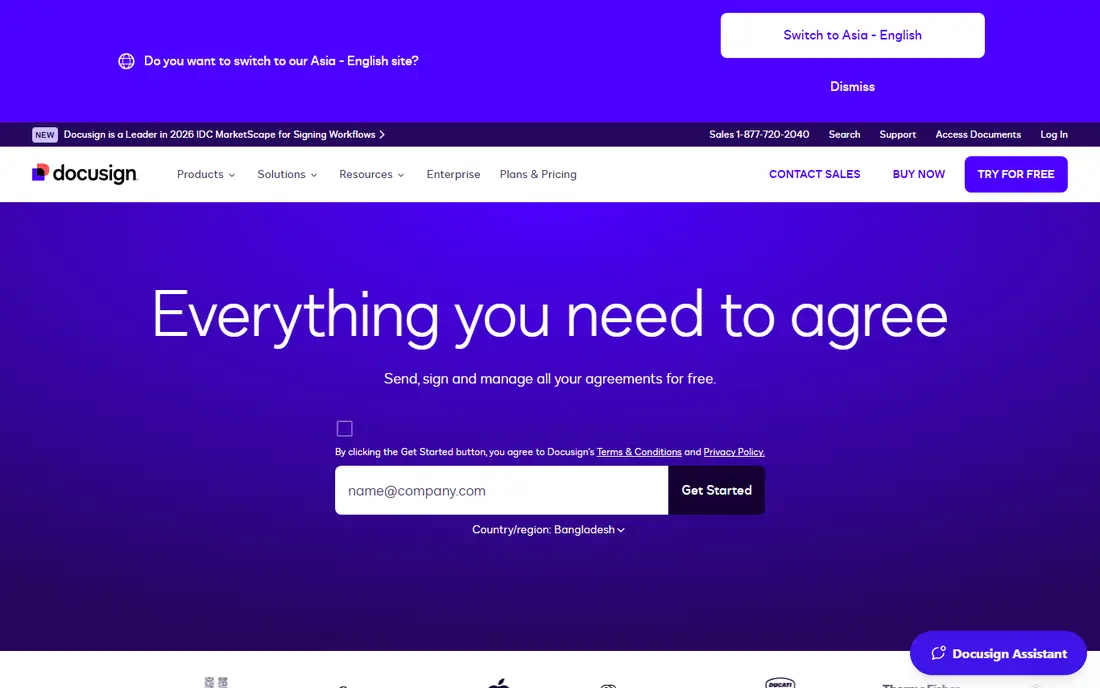
DocuSign is the name most clients already know, and that familiarity is worth something: signers rarely need instructions, and partners rarely question the result. Its Standard plan is listed at $25 per user per month on annual billing, with templates, reminders, and a tamper-evident audit trail. Integrations cover major CRMs and cloud storage, which helps sales and HR teams.
The catch is the envelope cap: Standard allows 100 envelopes per user per year, so high-volume senders need a higher plan or pay overage. Month-to-month billing is also much higher than the annual rate. If volume is modest and recognition matters, DocuSign is still our first pick.
- Most widely recognized brand
- Strong templates and integrations
- Detailed audit trail
- Standard plan caps envelopes at 100 per user per year
- Price rises sharply month to month
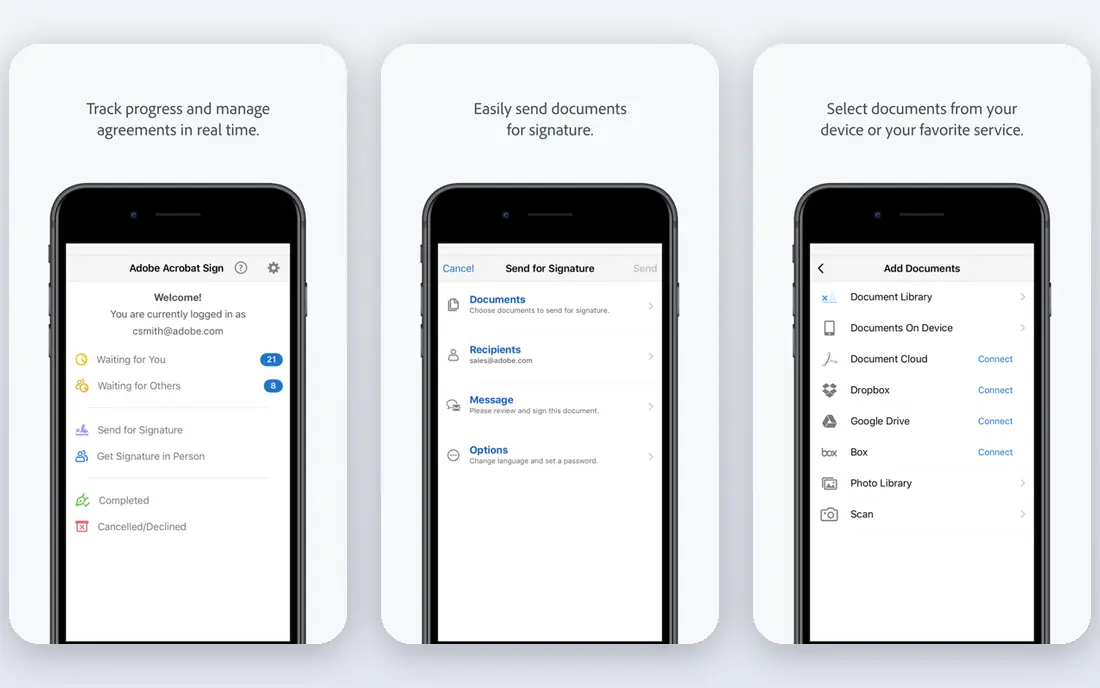
Adobe Acrobat Sign suits teams that live in PDFs. It pairs signing with Acrobat's editing, form, and document tools, and it meets strong compliance needs for larger firms, including regulated industries. Acrobat Pro, which includes Sign features for many buyers, is listed near $19.99 per month in recent comparisons, though exact bundle pricing varies.
Simpler tools are faster for a one-off signature, and Adobe's menus can feel dense to a new user. But if your documents start, live, and end as PDFs, and you already pay for Acrobat, Acrobat Sign is the natural choice.
- Deep PDF editing alongside signing
- Strong enterprise compliance
- Acrobat bundle value
- Pricing varies by bundle
- Interface can feel heavier than simpler rivals
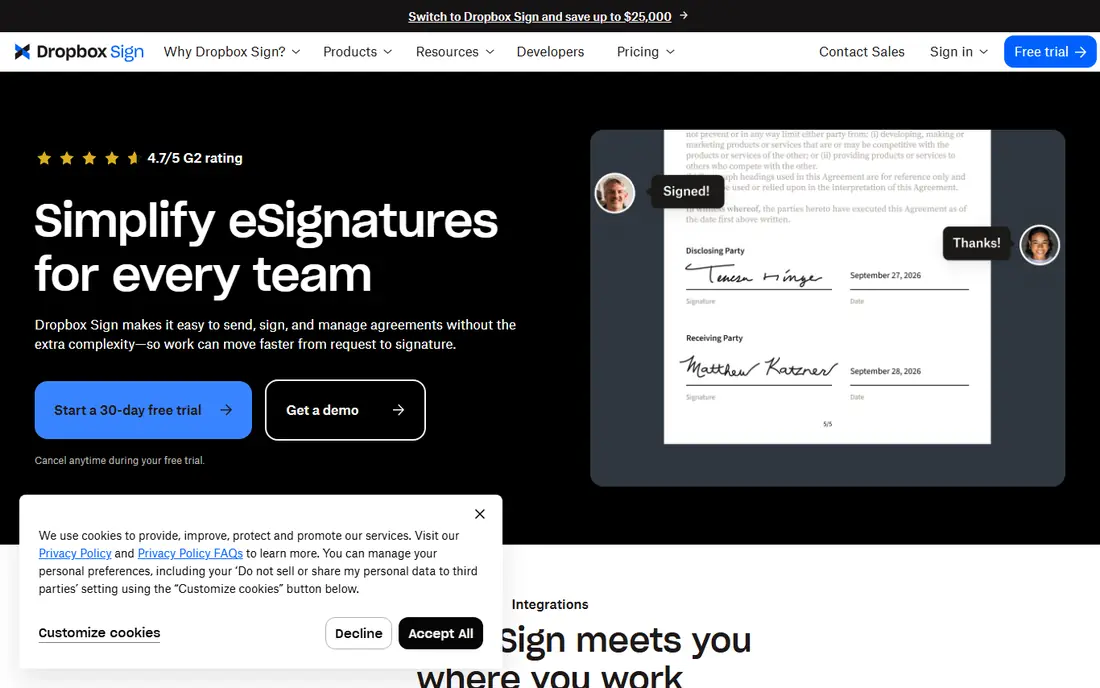
Dropbox Sign, formerly HelloSign, is built around simplicity: upload a document, add signer fields, send, and track. Its Essentials plan costs $15 per month and offers unlimited signature requests, which removes the envelope-count worry that affects DocuSign. If your files already live in Dropbox, the link is convenient.
It does less around the signature itself than PandaDoc or DocuSign, with fewer proposal, quoting, and workflow tools. For a small business that mainly needs clean, reliable signing without extra machinery, that simplicity is a strength.
- Very simple sending flow
- Unlimited signature requests on Essentials
- Dropbox integration
- Fewer document automation features than PandaDoc
- Price is per user
PandaDoc is more than a signing tool: it builds proposals, quotes, and contracts with pricing tables, then collects signatures in the same document. Its Starter plan is listed at $19 per user per month on annual billing, and a free eSign plan covers basic signing for users who only need to send documents out. That combination suits sales teams that currently juggle a proposal tool and a separate signer.
The trade is cost and scope. Teams that only need signatures may find PandaDoc more than they need, and CRM integrations and advanced workflows sit on higher tiers. If documents are part of selling, though, PandaDoc earns its price.
- Proposals, quotes, and signing in one flow
- Free eSign plan for basic signing
- Good templates
- Best features sit on higher tiers
- Per-seat pricing adds up for larger teams
SignNow is the budget pick on this list, with paid plans from $8 per month. It covers templates, bulk sending, mobile signing, and audit trails, which is a strong feature set at that price. Small firms that send a modest number of documents each month get a lot for the money.
Watch the cap: entry plans limit signature invites per year, reported at 100 per workspace, so heavy senders must move to a higher plan. Read the current cap before you buy, and compare it with your real yearly volume rather than your monthly average.
- Lowest entry price here
- Bulk sending and templates
- Mobile signing
- Yearly invite cap on entry plans
- Higher tiers needed for heavy volume
Zoho Sign costs $10 per user per month on paid plans and offers a free tier for light use, which makes it an easy add-on for teams already using Zoho CRM, Books, or other Zoho apps. Signing, templates, reminders, and audit trails are all included, and documents can flow from CRM records without extra tools.
Outside the Zoho ecosystem, its case is thinner: DocuSign and PandaDoc offer deeper integrations and workflows. Inside Zoho, though, the price and the native links make Zoho Sign the obvious choice, especially for small firms standardizing on Zoho.
- Low price
- Free plan for basic use
- Connects with Zoho CRM and Books
- Standalone feature depth trails DocuSign
- Best value only inside Zoho
Signeasy focuses on getting a document signed with minimal fuss, and its mobile app is a particular strength for people who sign on a phone. Paid plans start at $10 per month, with templates, in-person signing, and team features on higher tiers. Setup is quick, which matters for a freelancer or a two-person firm that cannot spare a day for onboarding.
Larger teams with complex approval chains may outgrow it, since workflow depth trails DocuSign and PandaDoc. For straightforward signing, especially on mobile, Signeasy is a calm, affordable pick.
- Simple setup
- Strong mobile app
- Good for individuals and small teams
- Advanced workflow features are thinner
- Per-user pricing for teams
SignWell, formerly Docsketch, suits small firms that send the same documents repeatedly. Templates make repeat sending fast, and a free tier lets a solo user test the flow before paying. Paid plans start at $10 per month, adding branding, attachments, and higher limits.
Its integration list is smaller than DocuSign's, and some clients may not recognize the name, though signers do not need an account to sign. If your work is repeat forms and simple contracts, SignWell gives strong value for the price.
- Quick setup for repeat documents
- Free tier
- Signer attachments and branding on paid plans
- Smaller integration catalog
- Brand is less recognized by some clients
BoldSign is a newer, budget-friendly signer with a free tier for light use and paid plans for teams that need templates, branding, and higher volume. Its sending flow is clean, and it suits small firms that want a modern interface without paying DocuSign prices. Being part of Syncfusion gives it a stable parent company behind the product.
The main risk is recognition and maturity: fewer third-party integrations and less long-term track record than the leaders here. For a small team that mainly needs reliable signing at low cost, BoldSign is worth a trial, with DocuSign as the safer pick for client-facing work.
- Free tier for light use
- Clean sending flow
- Part of the Syncfusion product family
- Less widely known than DocuSign
- Enterprise features are newer
How we picked these
We compared official pricing pages and plan descriptions, plus reviewer comparisons of envelope caps and features. We favored services that work in the US, offer a clear audit trail, and cover distinct needs: recognition, low cost, sales documents, mobile signing, and ecosystem fit. We did not claim hands-on testing; our notes reflect vendor pages and reviewer findings.
What to check before you choose
Count your real yearly volume first, since envelope and invite caps decide the true cost more than the monthly fee. Next, check signer experience: can clients sign on mobile without an account, and do reminders work automatically. Then confirm templates, branding, and integrations with the tools you already use, and check legal validity for your document types and states.
Finally, test the full flow with a real document before committing: send it to yourself, sign it on a phone, and download the completed copy with its audit trail. A service that feels smooth in that test will feel smooth with clients too.
Sources
- https://www.docusign.com
- https://www.adobe.com/sign.html
- https://sign.dropbox.com
- https://www.pandadoc.com
- https://www.signnow.com
- https://www.zoho.com/sign/
- https://signeasy.com
- https://www.signwell.com
- https://boldsign.com
- https://goodsign.io/blog/maximizing-value-from-your-pay-per-use-esignature-platform
- https://esigncompare.com/alternatives/docusign/
Frequently asked questions
What is the best esignature service for a small business?
For most small businesses, DocuSign is the safest pick for client trust, while signNow and Zoho Sign cost less for modest volume. PandaDoc suits sales teams that also need proposals. Match the choice to volume and workflow, not just the monthly price.
Is there a truly free esignature service?
PandaDoc, Zoho Sign, SignWell, and BoldSign all offer free tiers for light use, usually with limits on documents or features. For regular business volume, a paid plan is usually needed. Free tiers are best for trying the flow or for very occasional signing.
Are electronic signatures legally valid in the US?
Yes, electronic signatures are generally valid in the US under the ESIGN Act and state laws, provided consent and a proper audit trail are in place. Some documents, such as certain wills and court filings, have special rules, so check requirements for sensitive document types.
What is an envelope cap, and why does it matter?
An envelope is a set of documents sent to signers as one transaction, and some plans cap how many you can send per user per year. DocuSign Standard caps at 100 per user per year, while Dropbox Sign Essentials offers unlimited requests. If you send many contracts, an unlimited plan can cost less overall.
Can clients sign without creating an account?
Yes, on all the services here, signers can sign from an emailed link without creating a sender account. Senders need a paid or free account to send documents. Mobile signing works through a browser on most services, with apps available for frequent senders.