Best Event Planning Apps in 2026: 9 Apps Compared
By ToolNimba Editorial Team November 11, 2026 9 min read

- Top pick
 Eventbrite
Public ticketed events
Starting priceFreeCheck out EventbriteRead our review - Runner-up
 Whova
Conferences and networking
Starting priceSee websiteCheck out WhovaRead our review - Also great
 Cvent
Large enterprise programs
Starting priceSee websiteCheck out CventRead our review
How we researched this
We compared official pricing and feature pages, app store listings, privacy policies and public user reviews. Prices change, so check the provider's site before you pay.
Key takeaways
- Eventbrite is the easiest starting point for public ticketed events, with a free tier for free events and a large marketplace.
- Whova and Cvent suit conferences and large programs, with attendee networking, schedules, and reporting built in.
- Planning Pod and Aisle Planner suit planners who manage clients, budgets, and vendors for weddings and private events.
- Prices vary from free ticket fees to five-figure annual plans, so match the tool to event size before you buy.
- Test registration and check-in with a small event first, because those steps cause the most trouble on event day.
Quick comparison
| Name | Best for | Starting price | Free plan | |
|---|---|---|---|---|
| Eventbrite | Public ticketed events | Free | Yes | Visit |
| Whova | Conferences and networking | See website | No | Visit |
| Cvent | Large enterprise programs | See website | No | Visit |
 Bizzabo | Corporate event marketing | $17,999 per year | No | Visit |
 Splash | Branded corporate events | See website | No | Visit |
 Planning Pod | Planners managing clients and budgets | See website | Free trial | Visit |
 Eventzilla | Simple small events | Free | Yes | Visit |
 Social Tables | Seating and floor plans | See website | Free trial | Visit |
 Aisle Planner | Weddings and private events | See website | Free trial | Visit |
The best event planning apps
Event planning apps cover very different jobs, from selling tickets to seating a wedding reception. Some tools in this list handle the whole event, while others focus on one part, such as registration, floor plans, or client management. We compared them on the features planners use most: registration, ticketing, attendee communication, check-in, and reporting.
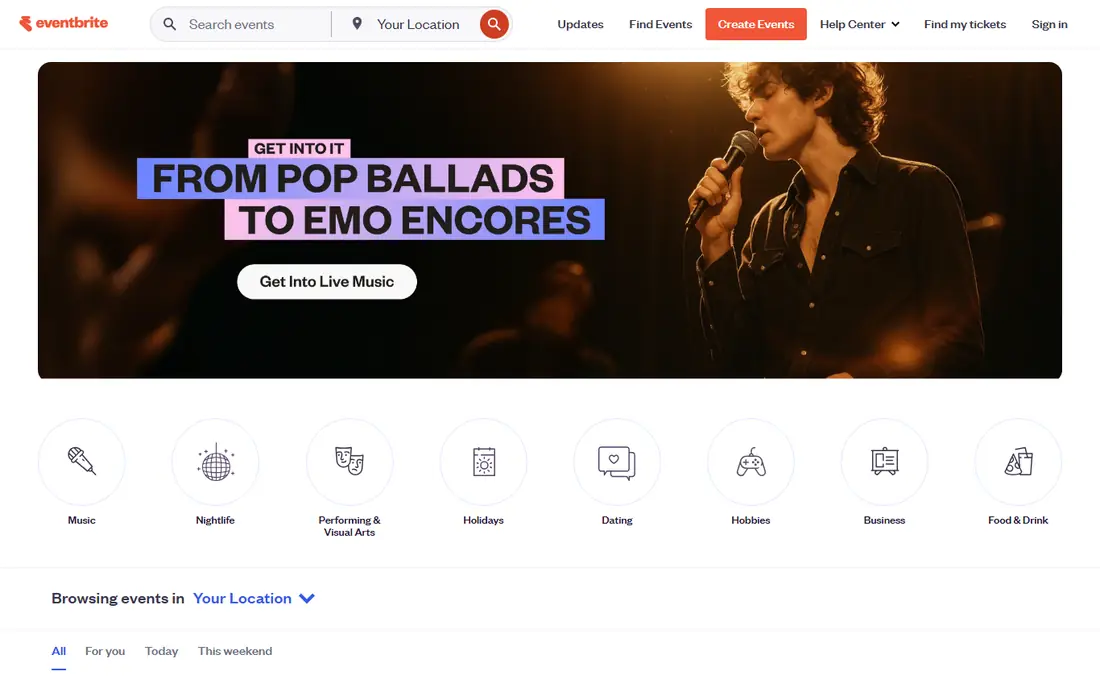
Eventbrite is our pick for most people running a public event, from a workshop to a concert. Publishing a free event costs nothing, and paid events use per-ticket fees, so a small organizer does not face a large upfront bill. The marketplace also helps people discover events, which is a bonus that private planning tools do not offer.
The limits show up at scale. Fees add up on large paid events, and branding and registration customization are narrower than on Cvent or Bizzabo. For a straightforward ticketed event, though, Eventbrite is fast to set up and easy for attendees to use.
- Free to publish free events
- Large public marketplace for discovery
- Simple ticket setup and check-in app
- Per-ticket fees apply to paid events
- Customization is limited next to enterprise tools
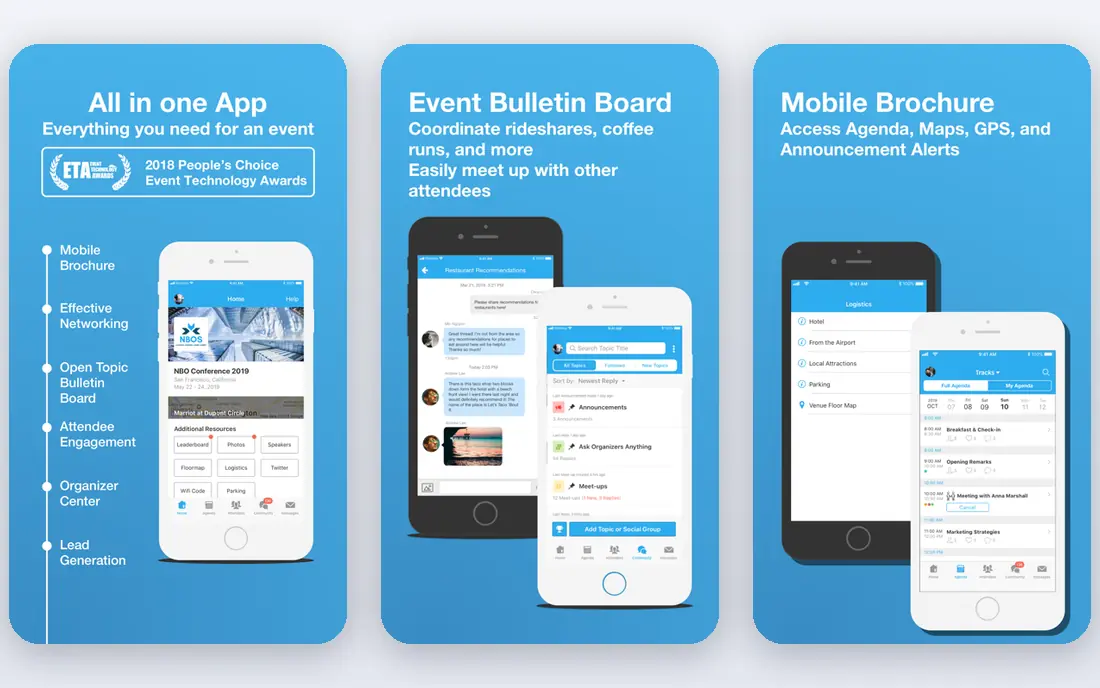
Whova suits conferences, trade shows, and association meetings where attendees should connect with each other, not just attend sessions. Its mobile app includes agendas, speaker profiles, community boards, and matchmaking tools that help attendees find relevant contacts. Organizers can send announcements, run polls, and track engagement from one dashboard.
Pricing is quote-based, so you need to request a price for your event size, and that makes budgeting harder than with a published price. Backend customization is also narrower than on enterprise platforms. If attendee networking is the priority, Whova is a strong choice despite the quote step.
- Strong attendee app with networking and community boards
- Agendas and speaker profiles
- Live polling and surveys
- Quote-based pricing
- Backend customization is limited for complex programs
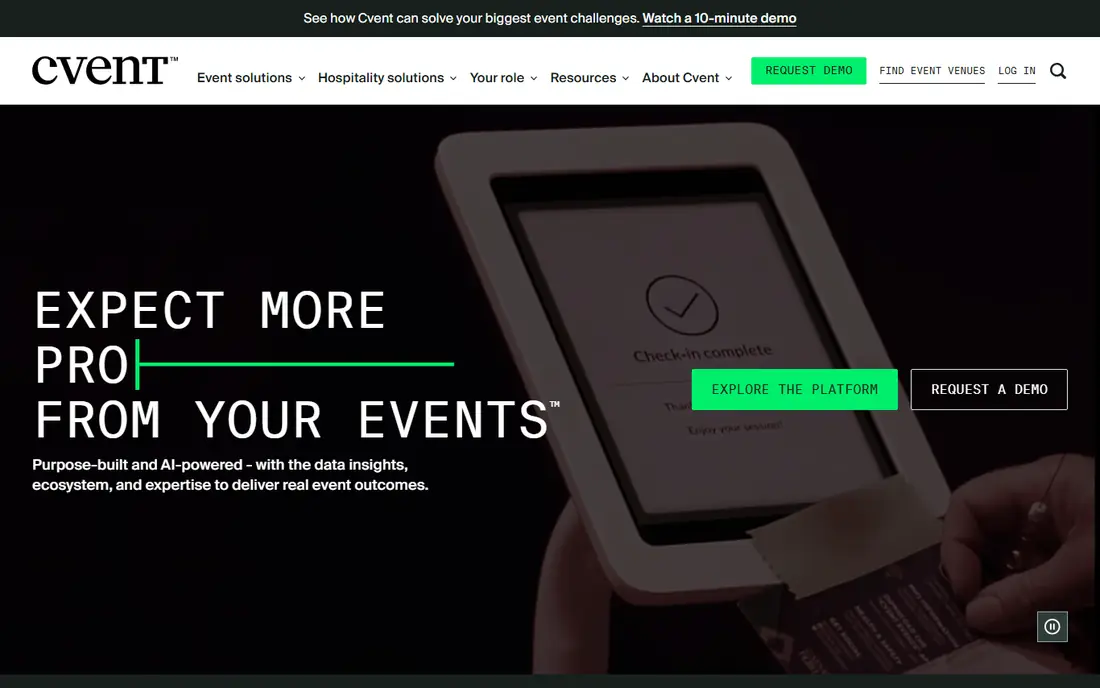
Cvent is the enterprise standard for organizations running many events a year. It handles complex registration, venue sourcing through a large marketplace, onsite check-in, and reporting across a whole program. Integrations with CRM and marketing tools help large teams connect event data to sales and marketing work.
That depth comes with cost and complexity. Pricing is quote-based and typically runs to a large annual figure, and new users face a learning curve. A small team running one event a year will find Cvent too much. A large program with strict reporting needs will find it hard to replace.
- Deep registration logic and venue sourcing
- Large integration catalog
- Reporting across many events
- High cost and steep learning curve
- Overkill for a single small event
Bizzabo fits marketing teams that run branded conferences and need clean event pages, apps, and follow-up data. Its analytics connect attendance to marketing outcomes, and integrations with tools such as HubSpot help teams pass leads to sales without manual work. Virtual and hybrid support is built in, which suits companies running mixed formats.
The starting price of $17,999 per year puts it out of reach for small organizers, and some plans require a minimum number of users. If event marketing and lead data justify that spend, Bizzabo is polished and capable. If not, Eventbrite or Eventzilla covers the basics for far less.
- Polished branded event pages and apps
- Strong analytics and CRM sync
- Virtual and hybrid event support
- High starting price
- Minimum user requirements on some plans
Splash focuses on the front end of an event: beautiful branded pages, invitations, and RSVP flows that match a company brand. It suits product launches, parties, and corporate gatherings where the guest experience and the brand impression matter as much as logistics. Guest lists, email invitations, and attendance tracking are built in.
Splash is less suited to heavy ticketing or multi-track conferences, and pricing is quote-based, so small teams cannot judge cost at a glance. Pick Splash when a branded guest experience is the main goal, and pick a registration-first tool when ticketing complexity is higher.
- Strong branded pages and invitations
- RSVP and guest list tools
- Attendance insights
- Quote-based pricing
- Less suited to complex ticketing or large conferences
Planning Pod is built for professional planners who juggle several clients at once. It combines contacts and CRM, budgets, timelines, checklists, floor plans, proposals, invoicing, and registration in one account, so a planner does not need separate tools for each job. Unlimited users on plans help a small team share work without per-seat surprises.
The subscription cost is a real factor for a solo planner with few events, and the wide feature set takes time to learn. A free trial helps you test whether the workflow fits. If you plan events for clients all year, the all-in-one approach saves time. If you plan one event, a simpler tool is enough.
- Client management, budgets, timelines, and floor plans in one tool
- Proposals and invoicing included
- Unlimited users on plans
- Pricing is subscription-based and adds up for solo planners
- Interface takes time to learn
Eventzilla is a practical choice for small events that need registration and ticketing without enterprise complexity. The free tier covers simple events, and paid options use per-ticket fees or subscriptions, so costs scale with the event rather than starting high. Registration forms support conditional logic, which helps when different ticket types need different questions.
Attendee engagement tools are thinner than on Whova or Bizzabo, and discovery is smaller than on Eventbrite. For a class, fundraiser, or community event, Eventzilla is a clean and affordable fit. For a large conference, a networking-first tool will serve attendees better.
- Free tier for simple events
- Per-ticket or subscription options
- Easy registration forms
- Fewer attendee engagement features than Whova or Bizzabo
- Smaller marketplace than Eventbrite
Aisle Planner is designed for wedding and private event planners, with timelines, budgets, checklists, vendor management, and a client portal where couples can track progress and share decisions. Seating tools and design boards support the creative side of wedding planning, which generic tools often miss.
That wedding focus is also its limit: corporate planners will find features they do not need and miss others they do. Subscription pricing adds up for a planner with few events a year. For wedding professionals, the tailored workflow is a clear advantage. For other event types, Planning Pod or Eventbrite is a better fit.
- Built for weddings with timelines, budgets, and vendor tools
- Client collaboration portal
- Checklists and seating tools
- Wedding focus limits fit for corporate events
- Pricing is subscription-based
How we picked these
We compared official feature pages, pricing pages, and public reviews for event tools that are sold and supported today. We favored tools that handle registration, ticketing, attendee communication, or core planning work, and we included both all-in-one platforms and focused specialists. We left out tools with no current product page or pricing information.
What to check before you buy
Match the tool to the event type first. A public ticketed concert needs discovery and ticketing, a conference needs networking and agendas, and a wedding needs client collaboration and seating. A tool that excels at one of those jobs may be weak at another, so do not buy on feature count alone.
Next, test the attendee path end to end: register, pay, receive a ticket, check in, and find a session or a seat. Problems there hurt on event day more than a missing report. Also confirm total cost, including per-ticket fees, per-user minimums, and add-ons, before you sign an annual plan.
Sources
Frequently asked questions
What is the best event planning app for beginners?
Eventbrite is the best beginner pick for public events, because setup is simple and free events cost nothing to publish. Eventzilla is another simple option for small private events. Start with one of those, and move to a larger platform only when you outgrow them.
How much do event planning apps cost?
Costs range from free for simple events on Eventbrite and Eventzilla to quote-based enterprise plans and Bizzabo from $17,999 per year. Per-ticket fees, user minimums, and add-ons affect the total, so ask for a full quote at your event size.
Can I use these apps for weddings?
Yes. Aisle Planner is built for weddings, and Planning Pod and Social Tables also suit wedding planners with seating, budgets, and client tools. Eventbrite can handle a ticketed wedding-related event, but it is not built for wedding planning workflows.
Do these apps handle check-in on event day?
Most do. Eventbrite, Whova, Cvent, Bizzabo, and Eventzilla offer check-in apps or tools for scanning tickets and tracking attendance. Test check-in with a small group before event day, especially if internet access at the venue is weak.
What is the best app for conferences?
Whova is a strong pick for attendee networking and engagement at conferences, while Cvent suits large enterprise programs with complex registration and reporting. Bizzabo fits corporate conferences where marketing data and branding matter most.
Can I plan a virtual event with these apps?
Yes. Whova, Cvent, and Bizzabo support virtual and hybrid events, and Eventbrite supports virtual event listings and ticketing. Check whether streaming, breakout rooms, and networking tools are included on the plan you choose, because virtual features vary by tier.
Social Tables
Best for: Seating and floor plans
Social Tables solves one painful planning job: seating people well. Planners and venues can build floor plans, drag tables and seats, assign guests, and share diagrams with clients and vendors. Guest lists, check-in, and collaboration tools support that core job, and the visual approach beats spreadsheets for a large banquet or gala.
It is not a full ticketing platform, so most planners pair it with a registration tool. Pricing requires a quote or a trial to confirm, which makes quick comparison harder. If seating is your headache, Social Tables is the specialist to try. If ticketing is the headache, start elsewhere.