Best Field Service Software in 2026: 8 Tools Compared
By ToolNimba Editorial Team November 11, 2026 8 min read

- Top pick
 Jobber
Small crews and easy setup
Starting price$39 per monthCheck out JobberRead our review - Runner-up
 Housecall Pro
Small to mid-size dispatch
Starting price$59 per monthCheck out Housecall ProRead our review - Also great
 ServiceTitan
Large multi-tech operations
Starting priceSee websiteCheck out ServiceTitanRead our review
How we researched this
We compared official pricing and feature pages, app store listings, privacy policies and public user reviews. Prices change, so check the provider's site before you pay.
Key takeaways
- Jobber and Housecall Pro suit small to mid-size crews best, with clear scheduling, invoicing and mobile apps at modest prices.
- ServiceTitan suits larger operations with many technicians, but it is quote-only and far more expensive per technician.
- Service Fusion suits crews that hate per-user pricing, since it offers flat tiers with unlimited users.
- FieldEdge and Workiz suit specialist trades that need inventory, pricebooks or strong online booking.
- Topline Pro suits small crews that want marketing and lead tools built into the same platform as job management.
Quick comparison
| Name | Best for | Starting price | Free plan | |
|---|---|---|---|---|
| Jobber | Small crews and easy setup | $39 per month | Free trial | Visit |
| Housecall Pro | Small to mid-size dispatch | $59 per month | Free trial | Visit |
| ServiceTitan | Large multi-tech operations | See website | No | Visit |
 Service Fusion | Flat pricing, unlimited users | See website | Free trial | Visit |
 FieldEdge | HVAC and plumbing specialists | See website | No | Visit |
 Workiz | Online booking and dispatch | See website | Free trial | Visit |
 Topline Pro | Marketing plus jobs | $159 per month | Free trial | Visit |
 Kickserv | Simple job and invoice tracking | See website | Free trial | Visit |
The best field service software
Field service software schedules jobs, dispatches technicians, tracks work in the field and handles quotes, invoices and payments. The right tool depends on crew size, trade and whether you need marketing, inventory or enterprise reporting. We compared vendor pricing pages and feature pages to sort these tools by crew size and cost model.
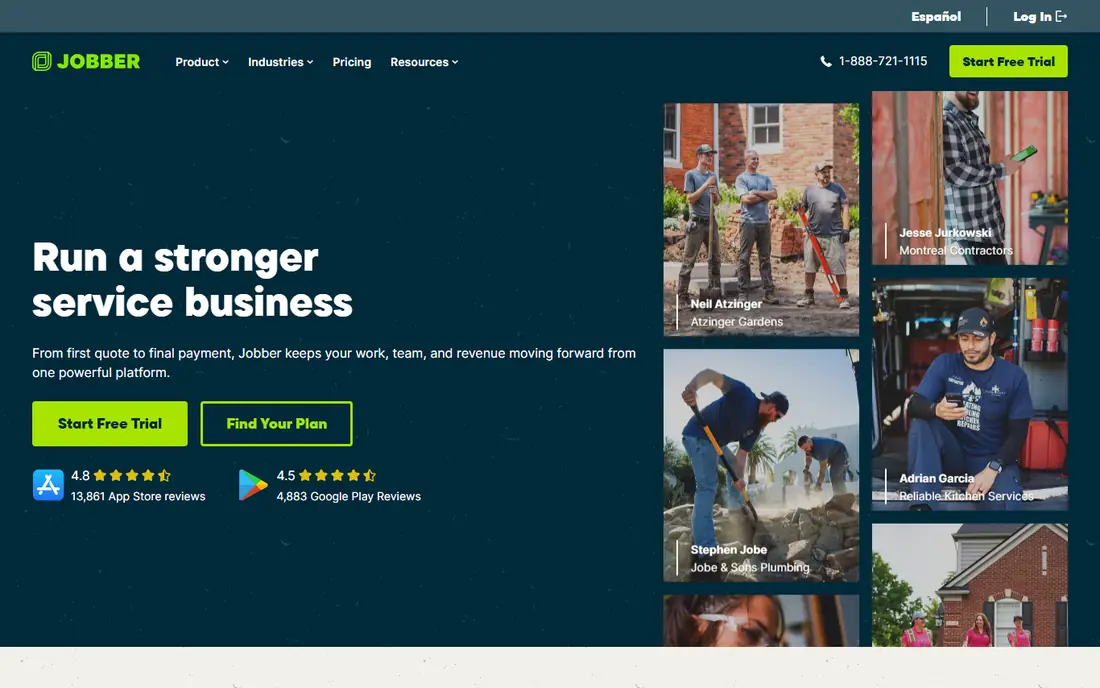
Jobber is our pick for most small field service businesses. Scheduling, quoting, invoicing and client communication sit in one clean system, and the mobile app lets technicians see jobs, update status and collect payment in the field. Online booking and a client hub let customers approve quotes and pay without phone tag. Setup takes days, not months, for most small crews.
The limits are depth. Reporting and marketing tools are basic beside ServiceTitan, and some advanced features sit on higher tiers. Jobber suits crews from solo operators to about fifteen users who need reliable job management without enterprise complexity. Larger operations with complex dispatch rules may outgrow it.
- Easy setup
- Online booking and client hub
- QuickBooks sync and invoicing
- Advanced features need higher tiers
- Reporting is basic beside enterprise tools
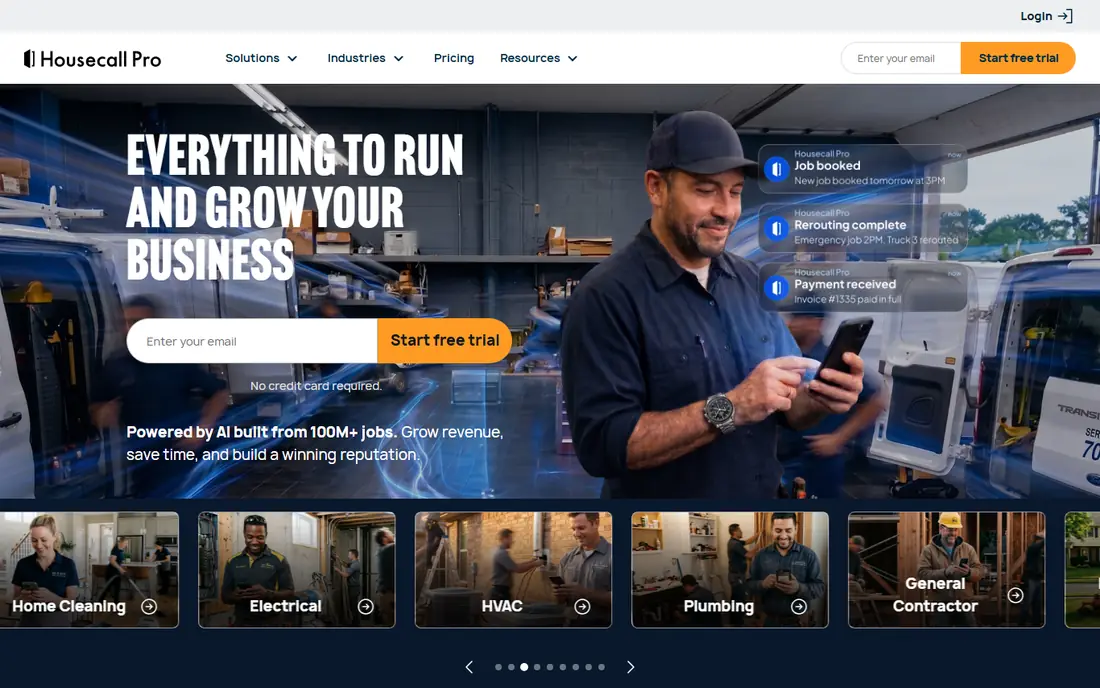
Housecall Pro suits small to mid-size service businesses that want dispatch plus marketing in one place. The dispatch board, automated reminders and live GPS tracking help office staff manage a busy day. Built-in review requests, website tools and payment processing help smaller firms win repeat work without separate marketing software.
Pricing rises with users past plan caps, so larger crews should model total cost carefully. Some pricebook and GPS features also sit on higher tiers. Housecall Pro shines for crews of three to eight users where plan pricing and included users line up well. Solo operators may find Jobber cheaper at entry.
- Strong dispatch board
- Review and marketing tools
- GPS and payment features
- Extra users add cost past plan caps
- Some features need higher tiers
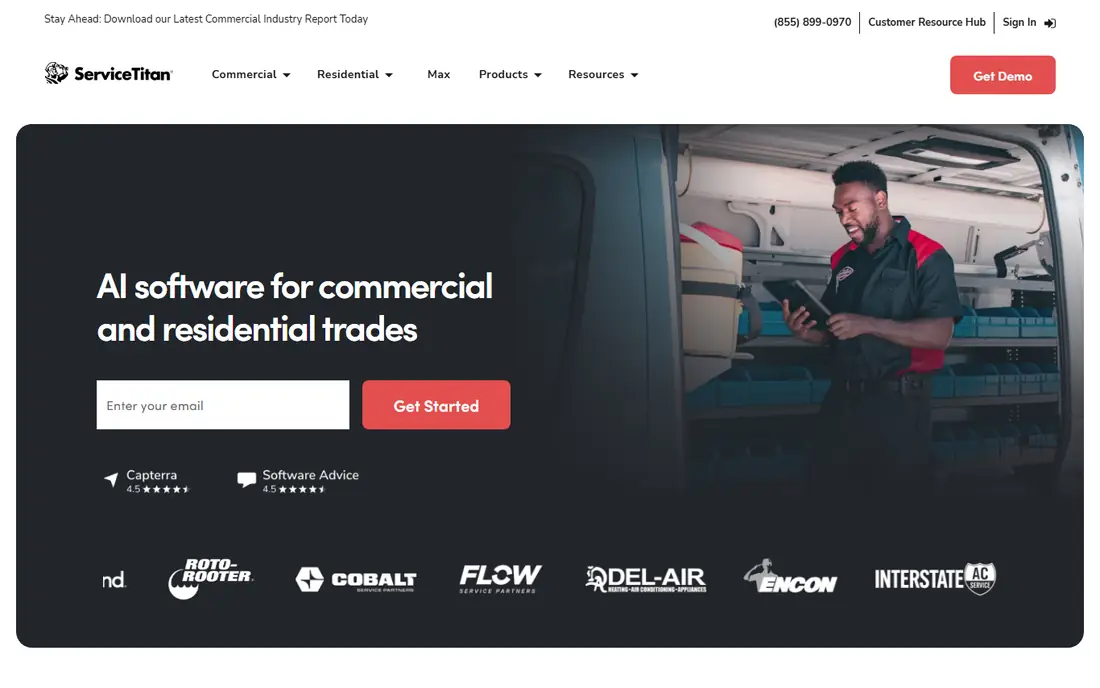
ServiceTitan is the enterprise standard for larger trades businesses, especially HVAC, plumbing and electrical firms with many technicians. It offers dispatch with capacity planning, a flat-rate pricebook, technician performance reporting and marketing attribution that smaller tools cannot match. For firms with dedicated office staff, that depth drives real operational control.
Cost and setup are the barriers. Pricing is quote-only, with contractor-reported rates often far above small-business tools, plus implementation fees and a longer onboarding period. Small crews will pay for features they never use. ServiceTitan fits operations with twenty or more technicians where the reporting and dispatch gains justify the price.
- Deep reporting and dispatch
- Marketing attribution
- Pricebook and capacity planning
- Quote-only pricing
- High per-technician cost
- Long implementation
Service Fusion suits crews that hate per-user math. Flat tiers with unlimited users mean hiring another technician does not raise the software bill, which helps growing firms. Scheduling, dispatch, invoicing, estimates and GPS tracking cover core field service needs, and the system handles larger crews without seat surprises.
Pricing is less transparent than Jobber or Housecall Pro, so budgeting needs a quote or trial. The interface also feels more traditional than newer tools. For crews where headcount growth is the main cost driver, Service Fusion is a practical alternative to per-technician pricing.
- Flat tiers with unlimited users
- Scheduling, dispatch and invoicing
- GPS tracking
- Pricing is not fully public
- Interface feels less modern than newer rivals
FieldEdge serves HVAC, plumbing and electrical firms that need deeper inventory and pricebook control than general tools offer. Dispatch, quoting with flat-rate pricing, and job costing help mid-size firms manage complex jobs and parts. The system is built around trade workflows, not generic task lists.
Pricing is quote-based, and setup takes longer than Jobber or Housecall Pro. Small solo operators will likely find it too heavy and too costly. FieldEdge fits mid-size specialist firms that need inventory depth and trade-specific workflows, and that have office staff to manage the system.
- Strong for HVAC and plumbing workflows
- Pricebook and inventory depth
- Dispatch tools
- Quote-based pricing
- Longer setup than small-business tools
- Best for mid-size firms
Workiz suits service businesses that win work through online booking and phone calls. Customers can book online, office staff can dispatch from a clear board, and technicians can update jobs and collect payment from the mobile app. Phone integration and messaging help firms that rely on inbound calls for emergency work.
Pricing varies by plan and add-ons, so total cost needs checking during a trial. Advanced reporting and automation sit higher up. Workiz fits locksmiths, appliance repair, cleaning and other trades where fast booking and dispatch matter more than enterprise reporting.
- Strong online booking
- Dispatch and invoicing
- Phone and communication tools
- Pricing varies by plan and add-ons
- Some advanced features need higher tiers
Topline Pro bundles marketing with job management, which suits small crews that struggle to win work, not just run it. Every plan includes a managed website, SEO, social posting and review requests, plus lead tracking with marketing attribution. That helps firms see which marketing brings jobs, not just clicks.
The entry price is higher than Jobber or Housecall Pro, and dispatch depth is lighter than ServiceTitan or FieldEdge. Topline Pro fits small crews that want one vendor for marketing and jobs, especially firms without a marketing person. Firms with complex dispatch needs may prefer a dedicated operations tool.
- Managed website, SEO and reviews included
- Job scheduling and lead tracking
- Marketing attribution
- Higher entry price than Jobber
- Less deep for large enterprise dispatch
Kickserv suits small service businesses that want simple job tracking without a steep learning curve. Scheduling, customer history, estimates and invoices cover the core workflow, and the interface stays approachable for office staff and technicians. That simplicity helps firms moving from paper or spreadsheets to software for the first time.
Kickserv offers fewer marketing, automation and reporting features than Housecall Pro or ServiceTitan. Growing firms may need to add marketing tools separately. For small crews that value simplicity and low friction, Kickserv is a calm, practical starting point.
- Simple scheduling and invoicing
- Customer history
- Easy to learn
- Fewer marketing and automation features
- Smaller ecosystem than larger rivals
How we picked these
We compared vendor pricing pages, scheduling and dispatch features, and mobile app coverage, favoring tools with live US service for common trades. We included small-business, mid-market and enterprise options, since crew size changes the right choice more than feature lists alone. Prices change often, so confirm current tiers on the vendor site before buying.
What to check before you choose
Start with crew size and pricing model. Per-user pricing punishes growth, flat pricing rewards it, and per-technician enterprise pricing only makes sense at scale. Model total cost for your current crew and for the crew you expect in a year, including extra users, add-ons and payment processing fees.
Test the field workflow, not just the office view
Give technicians the mobile app for a trial week and watch how they handle a real job: accept, navigate, update status, add photos, collect payment and close out. A tool that looks good on a desktop dispatch board but frustrates technicians in the field will fail in daily use. Check offline behavior for areas with weak signal.
Check payments, accounting and reviews
Confirm QuickBooks sync, payment processing rates and invoice templates before committing. Check how review requests work, since reviews drive local leads for many trades. Also test quote approval: customers should approve and pay easily, or office staff will spend time chasing approvals by phone.
Sources
Frequently asked questions
What is the best field service software for a small business?
Jobber or Housecall Pro suit most small businesses, with Jobber cheaper at entry and Housecall Pro stronger for dispatch and marketing in the mid-size range. Both offer free trials, so test each with real jobs before paying.
How much does field service software cost?
Small-business tools start around $39 to $59 per month, mid-market tools often cost $150 to $350 per month, and enterprise tools such as ServiceTitan are quote-only with much higher per-technician costs. Add payment processing fees and add-ons to the subscription price when budgeting.
Do I need ServiceTitan for a small crew?
No, in most cases. ServiceTitan suits larger operations with many technicians and dedicated office staff. Small crews usually get better value from Jobber, Housecall Pro or Topline Pro, with faster setup and lower monthly cost.
Can field service software handle payments and invoicing?
Yes, most tools on this list offer invoicing and payment processing, plus QuickBooks sync in many cases. Check processing rates, since they vary by tool and tier, and test how customers approve quotes and pay from a phone.
What is the difference between per-user and flat pricing?
Per-user pricing charges for each technician or office user, so costs rise with headcount. Flat pricing charges one tier price for unlimited users, so hiring does not raise the software bill. Flat pricing suits growing crews, while per-user pricing can be cheaper for very small teams.