Best Flowchart Software in 2026: 9 Tools Compared
By ToolNimba Editorial Team November 9, 2026 9 min read

- Top pick
 Lucidchart
Structured technical diagrams
Starting price$7.95 per monthCheck out LucidchartRead our review - Runner-up
 diagrams.net
Free unlimited diagramming
Starting priceFreeCheck out diagrams.netRead our review - Also great
 Miro
Whiteboard workshops and diagrams
Starting price$8 per user per monthCheck out MiroRead our review
How we researched this
We compared official pricing and feature pages, app store listings, privacy policies and public user reviews. Prices change, so check the provider's site before you pay.
Key takeaways
- diagrams.net is the best free option, with no document limits on the web app.
- Lucidchart leads for structured technical diagrams and team documentation.
- Miro leads for workshops and whiteboard sessions that turn into diagrams.
- Visio remains the pick for Microsoft 365 shops that need data-linked diagrams.
Quick comparison
| Name | Best for | Starting price | Free plan | |
|---|---|---|---|---|
| Lucidchart | Structured technical diagrams | $7.95 per month | Yes | Visit |
| diagrams.net | Free unlimited diagramming | Free | Yes | Visit |
| Miro | Whiteboard workshops and diagrams | $8 per user per month | Yes | Visit |
 Microsoft Visio | Microsoft 365 diagramming | $5 per user per month | No | Visit |
 Whimsical | Fast clean flowcharts | $10 per editor per month | Yes | Visit |
 Creately | Team diagrams plus workflows | $8 per month | Yes | Visit |
 EdrawMax | Affordable Visio alternative | $119 per year | Yes | Visit |
 SmartDraw | Template-driven business diagrams | $9.95 per month | Free trial | Visit |
 Cacoo | Simple online team diagrams | $4.95 per user per month | Yes | Visit |
The best flowchart software
Flowchart tools differ more than they first appear. Some are built for strict process diagrams, others for whiteboard workshops, and one is fully free. Start with how your team will use diagrams: as documentation, as a workshop, or as part of a larger product plan.
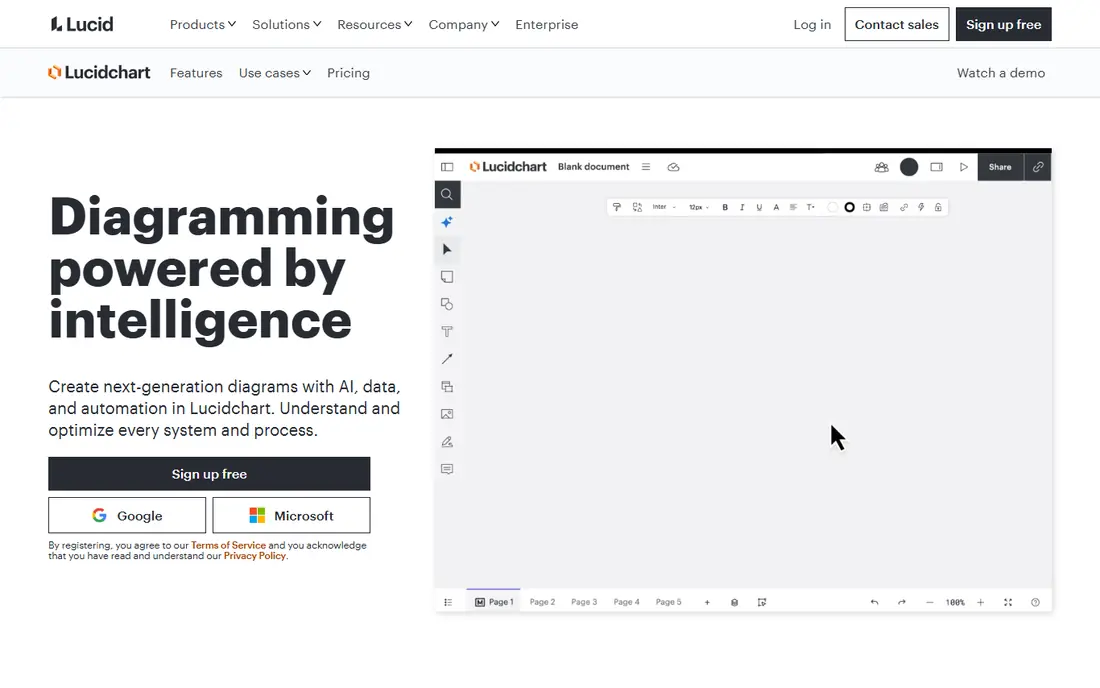
For teams that want a structured diagram tool for technical teams that need process, network, and system diagrams. The published feature set and pricing page make it easy to compare this option against the others here, and the plan limits matter more than the headline price. Check minutes, seats, exports, and any add-ons before you commit to a yearly plan.
The catch is the free limit. Three documents suit a test, but regular diagram work needs a paid plan. On pricing, $7.95 per month is the starting point we found, and the free option is listed as yes in the field lines above. That combination makes it worth a short trial on a real project, rather than a decision based on a demo alone.
- Large template and shape libraries
- Strong integrations
- Team collaboration and review
- Free plan caps documents and shapes
- Team plans need a minimum seat count
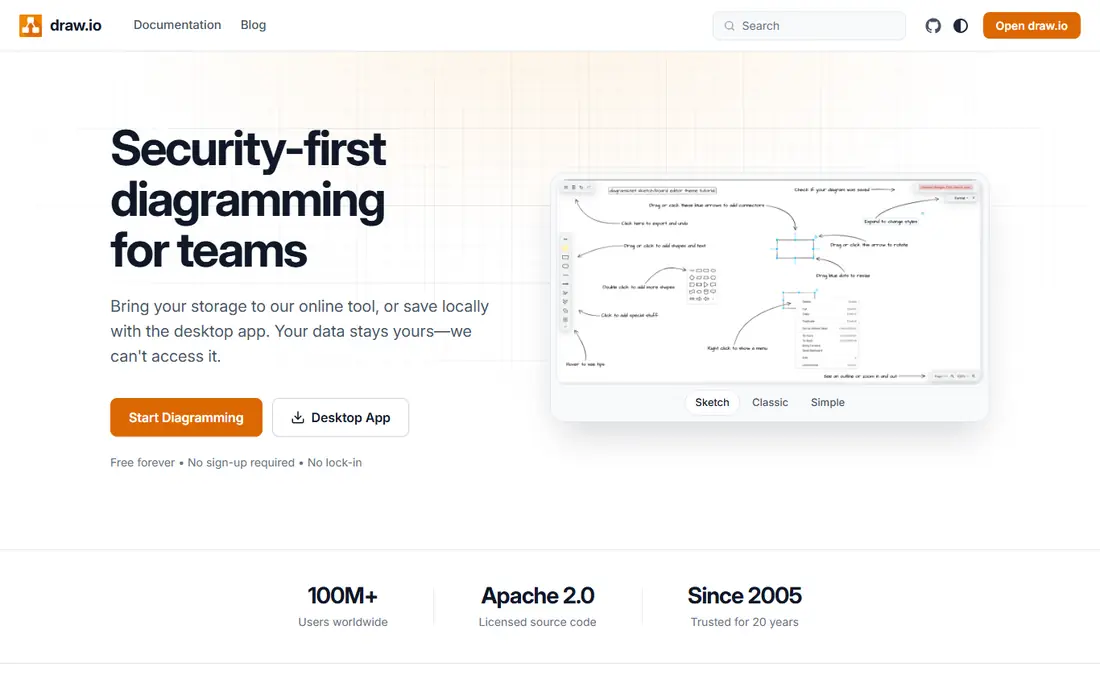
If your priority is a free diagram tool, also known as draw.io, for individuals and teams that want unlimited diagrams. The published feature set and pricing page make it easy to compare this option against the others here, and the plan limits matter more than the headline price. Check minutes, seats, exports, and any add-ons before you commit to a yearly plan.
The catch is polish. It is powerful and free, but collaboration and admin features are simpler than paid rivals. On pricing, free is the starting point we found, and the free option is listed as yes in the field lines above. That combination makes it worth a short trial on a real project, rather than a decision based on a demo alone.
- Fully free web and desktop apps
- Offline use
- Many export formats
- Fewer polished collaboration features than paid tools
- No hosted team extras

This one suits a whiteboard platform for workshops, brainstorming, and diagrams that grow from sticky notes. The published feature set and pricing page make it easy to compare this option against the others here, and the plan limits matter more than the headline price. Check minutes, seats, exports, and any add-ons before you commit to a yearly plan.
The catch is precision. It is great for early ideas, but strict technical diagrams may need Lucidchart or diagrams.net. On pricing, $8 per user per month is the starting point we found, and the free option is listed as yes in the field lines above. That combination makes it worth a short trial on a real project, rather than a decision based on a demo alone.
- Infinite canvas for workshops
- Sticky notes, voting, and templates
- Broad integrations
- Diagram precision is weaker than dedicated tools
- Large boards can slow down
A practical choice when a Microsoft diagram tool for organizations already using Microsoft 365. The published feature set and pricing page make it easy to compare this option against the others here, and the plan limits matter more than the headline price. Check minutes, seats, exports, and any add-ons before you commit to a yearly plan.
The catch is plan choice. Check whether your plan includes web, desktop, or both, and whether data linking is included. On pricing, $5 per user per month is the starting point we found, and the free option is listed as no in the field lines above. That combination makes it worth a short trial on a real project, rather than a decision based on a demo alone.
- Data-linked diagrams
- Deep Microsoft 365 integration
- Desktop power for complex diagrams
- No free plan
- Web and desktop features differ by plan
Consider this option if a clean product planning tool for flowcharts, wireframes, and mind maps. The published feature set and pricing page make it easy to compare this option against the others here, and the plan limits matter more than the headline price. Check minutes, seats, exports, and any add-ons before you commit to a yearly plan.
The catch is range. It is fast for common diagrams, but technical teams may need a broader shape library. On pricing, $10 per editor per month is the starting point we found, and the free option is listed as yes in the field lines above. That combination makes it worth a short trial on a real project, rather than a decision based on a demo alone.
- Clean, fast flowchart and wireframe tools
- Simple sharing
- Good for product teams
- Fewer diagram types than Lucidchart
- AI actions are capped by plan
For buyers who need a visual collaboration tool that pairs diagrams with lightweight project work. The published feature set and pricing page make it easy to compare this option against the others here, and the plan limits matter more than the headline price. Check minutes, seats, exports, and any add-ons before you commit to a yearly plan.
The catch is focus. Teams that only need diagrams may find the extra workflow features unnecessary. On pricing, $8 per month is the starting point we found, and the free option is listed as yes in the field lines above. That combination makes it worth a short trial on a real project, rather than a decision based on a demo alone.
- Diagram plus project workflow features
- Many templates
- Real-time collaboration
- Interface can feel busy
- Advanced features sit on higher plans
This service fits an affordable desktop diagram tool with a very wide template range. The published feature set and pricing page make it easy to compare this option against the others here, and the plan limits matter more than the headline price. Check minutes, seats, exports, and any add-ons before you commit to a yearly plan.
The catch is consistency. The breadth is impressive, but some templates need tidying before client use. On pricing, $119 per year is the starting point we found, and the free option is listed as yes in the field lines above. That combination makes it worth a short trial on a real project, rather than a decision based on a demo alone.
- Many diagram types
- Desktop and web options
- One-time and yearly pricing reported
- Template quality varies
- Collaboration is simpler than Lucidchart
When you want a template-led diagram tool for business process, org charts, and floor plans. The published feature set and pricing page make it easy to compare this option against the others here, and the plan limits matter more than the headline price. Check minutes, seats, exports, and any add-ons before you commit to a yearly plan.
The catch is style. It is practical and fast, but less modern than Miro or Whimsical for workshop use. On pricing, $9.95 per month is the starting point we found, and the free option is listed as free trial in the field lines above. That combination makes it worth a short trial on a real project, rather than a decision based on a demo alone.
- Intelligent formatting and many business templates
- Visio import and export
- Trial only, no permanent free plan
- Interface feels dated to some users
A strong fit for a simple online diagram tool for small teams that want shared editing without a large bill. The published feature set and pricing page make it easy to compare this option against the others here, and the plan limits matter more than the headline price. Check minutes, seats, exports, and any add-ons before you commit to a yearly plan.
The catch is depth. It covers common diagrams well, but technical teams may outgrow it. On pricing, $4.95 per user per month is the starting point we found, and the free option is listed as yes in the field lines above. That combination makes it worth a short trial on a real project, rather than a decision based on a demo alone.
- Simple online diagrams with real-time collaboration
- Low entry price
- Good for small teams
- Smaller template range than leaders
- Fewer integrations
How we picked these
We compared official feature pages, pricing pages, and app store listings, and we checked public reviews for recurring complaints about limits, support, and billing. We left out products that did not clearly fit the topic, products with no working official site, and products whose pricing could not be checked at all. Prices change often, so confirm the current plan on the vendor site before you pay.
We did not claim hands-on testing for any product here. Our picks reflect the documented features, the plan limits, and the fit for a stated use case, not a lab test. That approach keeps the comparison honest when plans and limits shift during the year.
How to choose flowchart software
Decide if diagrams are documents or workshops
Documentation needs precision, version history, and exports. Workshops need a canvas, sticky notes, and live collaboration. One tool rarely leads at both.
Check export and sharing first
Confirm PDF, image, Visio, and link sharing on your plan. A diagram you cannot share cleanly with clients or developers loses much of its value.
Try the free tier on a real process
Draw a real process with branches, decisions, and swimlanes if you use them. Free tiers often cap documents, so a real test shows the limit fast.
Sources
Frequently asked questions
What is the best flowchart software?
Lucidchart leads for structured diagrams, diagrams.net leads for free use, Miro leads for workshops, and Visio leads for Microsoft shops. The best pick follows your main use.
What is the best flowchart software free?
diagrams.net is the strongest free option, with unlimited diagrams on the web app. Lucidchart, Miro, Whimsical, and Creately also offer limited free plans.
What is the best diagram software for teams?
Lucidchart and Miro suit teams best, with real-time editing, comments, and integrations. Cacoo suits smaller teams on a lower budget.
Can I use flowchart software for workflow diagrams?
Yes. Most tools here support workflow, process, swimlane, and decision diagrams. Check template support for your exact workflow style before subscribing.
Is Visio better than Lucidchart?
Visio suits Microsoft 365 organizations and data-linked diagrams. Lucidchart suits cross-platform teams that need web collaboration and broader integrations.