Best Form Software in 2026: 8 Apps Compared
By ToolNimba Editorial Team November 9, 2026 10 min read

- Top pick
 Google Forms
Quick free forms and Sheets reporting
Starting priceFreeCheck out Google FormsRead our review - Runner-up
 Jotform
Templates, payments and workflows
Starting price$34 per monthCheck out JotformRead our review - Also great
 Typeform
Conversational customer-facing forms
Starting price$28 per monthCheck out TypeformRead our review
How we researched this
We compared official pricing and feature pages, app store listings, privacy policies and public user reviews. Prices change, so check the provider's site before you pay.
Key takeaways
- Google Forms and Microsoft Forms cover most simple surveys and signups at no extra cost.
- Jotform offers the widest template and widget range for teams that need forms, payments and workflows in one place.
- Typeform leads on conversational, customer-facing forms where completion rate matters.
- Tally and Fillout give strong free and low-cost routes with logic, uploads and integrations.
- Zoho Forms and Paperform are worth a look if brand control, approvals or order forms are the main job.
Quick comparison
| Name | Best for | Starting price | Free plan | |
|---|---|---|---|---|
| Google Forms | Quick free forms and Sheets reporting | Free | Yes | Visit |
| Jotform | Templates, payments and workflows | $34 per month | Yes | Visit |
| Typeform | Conversational customer-facing forms | $28 per month | Yes | Visit |
 Tally | Unlimited free forms and responses | $29 per month | Yes | Visit |
 Fillout | Modern forms with strong logic | $19 per month | Yes | Visit |
 Zoho Forms | Approvals inside the Zoho system | $12 per month | Yes | Visit |
 Microsoft Forms | Simple forms for Microsoft 365 users | Free | Yes | Visit |
 Paperform | Brand-led order and landing forms | $29 per month | Free trial | Visit |
The best form software
Good form software does more than collect answers. It should look right on a phone, guide people through only the questions they need, and send results somewhere useful without manual copying. We compared official pricing pages, feature lists, app store listings and public reviews, with a focus on templates, logic, payments, integrations and response limits.
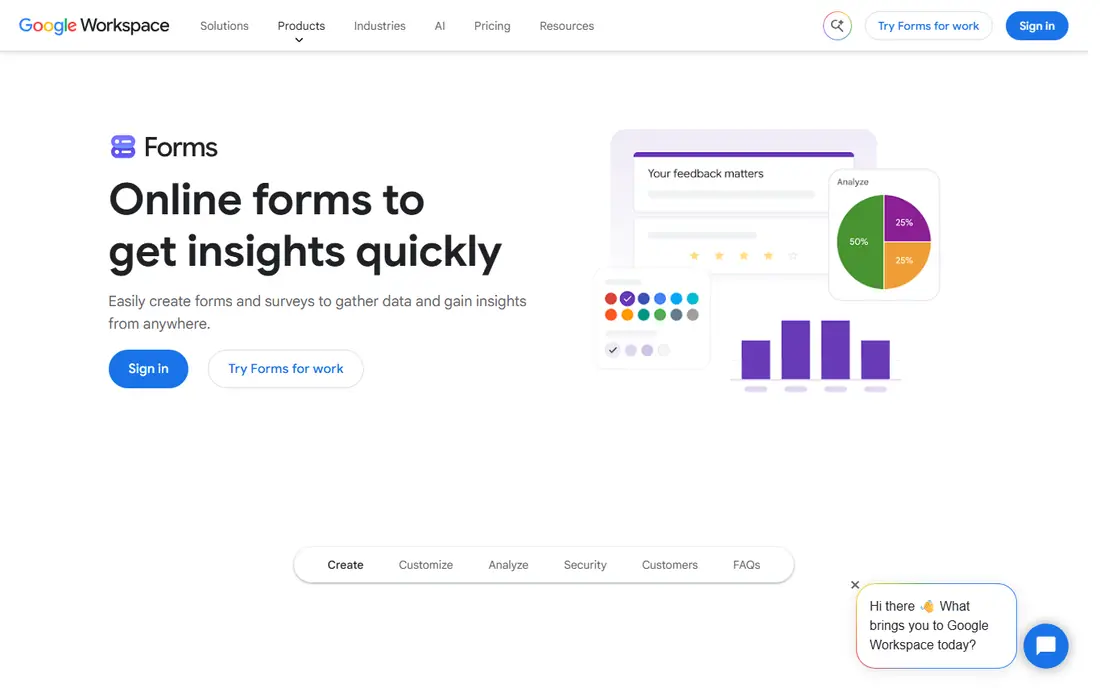
Google Forms is the fastest way to get a working form in front of people. You can build a survey, signup sheet or quiz in minutes, share a link, and watch answers land in a spreadsheet without setting up an integration. For schools, clubs, small teams and internal feedback, that simplicity is hard to beat.
Design options are limited, and you cannot take payments or build a polished branded landing page inside Google Forms alone. Section branching covers basic logic, but complex conditional flows are easier elsewhere. If your goal is clean data at no cost, start here and upgrade only when design or workflow needs force the move.
- Free with a Google account
- Instant Sheets reporting
- Very easy to share
- Limited design control
- No built-in payments
- Basic logic compared with paid builders
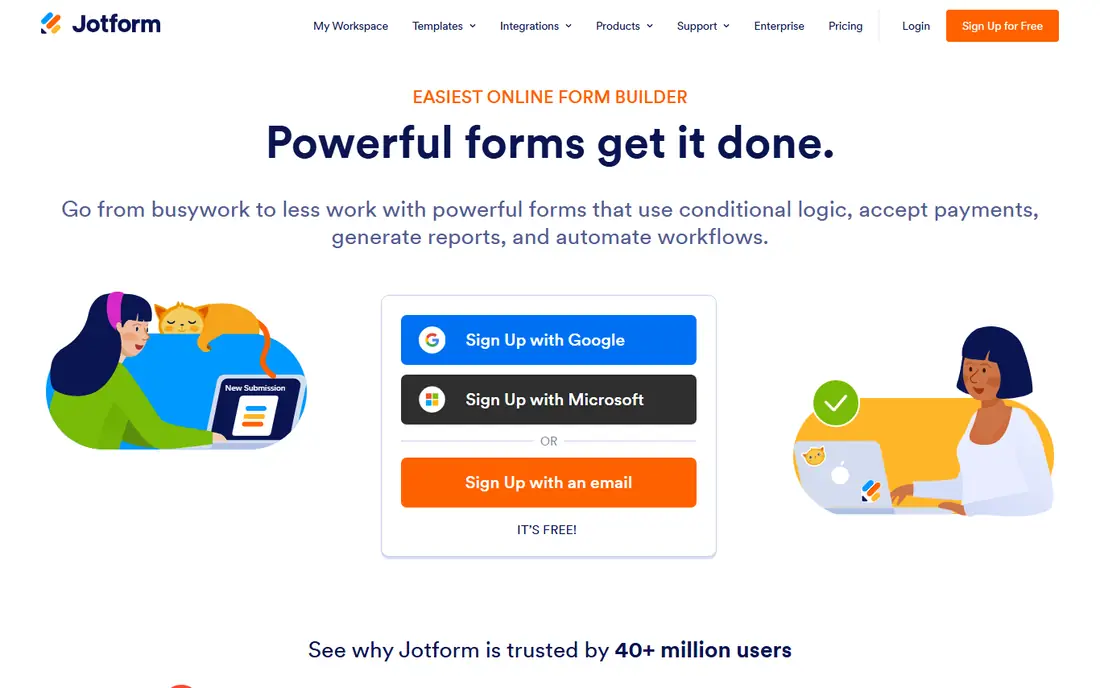
Jotform is the most complete form platform on this list for a team that wants one place for forms, payments, tables and approvals. The template library covers registrations, orders, applications, surveys and quizzes, so you rarely start from a blank page. Submissions can flow into tables, reports and connected apps, which reduces manual handling after a campaign.
The free plan has monthly submission limits, so a high-traffic form will need a paid tier. For a small business that needs order forms with payment, a hiring form with e-signatures, or a field form on a phone, Jotform covers those jobs without stitching several tools together. It is the best form builder software pick for breadth, even if it is more than a simple survey needs.
- Huge template library
- Payments, tables, reports and e-signatures
- Many integrations
- Paid plans rise with usage
- Interface can feel busy for a one-page survey
Typeform treats a form as a conversation, showing one question at a time in a clean, mobile-friendly layout. That style can lift completion on customer-facing surveys, lead forms and feedback flows, where a long wall of fields puts people off. Logic, calculations and integrations let you route answers and personalise follow-up questions.
The free tier is best for testing, since response limits are tight for a live campaign. Paid plans remove branding limits and raise response caps, but they cost more than Google Forms or Tally. Choose Typeform when the experience matters as much as the data, such as a signup, quiz or post-purchase survey that represents your brand.
- One-question-at-a-time experience
- Polished design
- Logic and calculations
- Free plan has a low monthly response limit
- Paid plans cost more than simpler builders
Tally has become a favourite for people who are tired of hitting a free response cap in the middle of a campaign. The free plan allows unlimited forms and responses within fair use, with conditional logic and file uploads included, which covers most surveys and lead forms. The builder feels like writing a document, so a form comes together quickly.
The template range is smaller than Jotform, and removing Tally branding or adding a custom domain needs the paid plan. For a startup, creator or small team that needs a dependable free form tool, Tally is a strong, low-risk choice. It is also a good fallback if a paid builder trial ends before a project does.
- Unlimited forms and responses on the free plan within fair use
- Logic and uploads included
- Clean doc-style builder
- Smaller template library than Jotform
- Advanced branding and domains need Pro
Fillout balances a modern editor with serious logic, so you can build multi-step forms that adapt to each answer without a steep learning curve. It connects well to tools teams already use, and payment forms through Stripe make it useful for orders and registrations as well as surveys. The free plan is enough to test a real form, not just a demo.
The monthly free response allowance is lower than Tally, so a high-volume form will need the Starter plan. That plan is still priced below several rivals, which makes Fillout a good value pick for a team that wants logic, good design and integrations without paying for a full enterprise suite.
- Strong logic and integrations
- Payment forms through Stripe
- Clean modern builder
- Newer than some rivals
- Free monthly response limit is lower than Tally
Zoho Forms is a practical choice for teams already running on Zoho, with approval flows that route a submission to the right person before it is marked complete. Reports help you spot patterns without exporting everything to a spreadsheet first, and the paid entry price is lower than most rivals on this list. That makes it easy to justify for internal requests, leave forms and customer intake.
Outside the Zoho system, its design and template range feel more functional than Typeform or Paperform. If you do not use Zoho elsewhere, you may prefer a builder with a stronger standalone design. Inside Zoho, though, the shared data and approvals make Zoho Forms a clear value pick.
- Low paid entry price
- Approval flows and detailed reports
- Fits Zoho CRM and other Zoho apps
- Design is more functional than polished
- Best value mainly for Zoho users
Microsoft Forms fits naturally into a workplace or school that already uses Microsoft 365. You can build a survey, quiz or poll, share it, and see results in Excel with little setup. Branching covers basic logic, and the interface is simple enough for anyone to use without training.
It is not a design-led builder, and it lacks the payment, workflow and branding depth of Jotform or Paperform. For internal feedback, class quizzes and quick team polls, that simplicity is enough. If your organisation already pays for Microsoft 365, Microsoft Forms is the obvious first form tool to try.
- Free with a personal account
- Real-time Excel sync
- Simple quizzes and polls
- Limited design and logic
- Public forms have response limits on free accounts
Paperform is built for forms that need to look like your brand, not like a generic survey. You can control fonts, colours, layout and imagery, then add payments, calculations and conditional logic for orders, bookings and applications. The result feels more like a landing page than a questionnaire, which helps for customer-facing campaigns.
There is no permanent free plan, so you should use the trial to build a real form and test it on a phone before paying. For a business that sells, books or registers through forms, that design control can be worth the price. For a quick internal poll, a free builder will do the same job for less.
- Strong design control
- Order forms and landing pages in one tool
- Good analytics connections
- No permanent free plan
- Cost is higher than simple survey tools
How we picked these
We compared official pricing and feature pages, template libraries, logic options, payment support and public reviews for tools that serve both individuals and teams. A product stayed on the list if it could publish a form, collect responses reliably on mobile, and send results somewhere useful, whether that is a spreadsheet, a table or a connected app. We gave weight to free plans, response limits, design quality and workflow features, since those factors decide the real cost.
We did not claim hands-on testing we did not do. Instead, we weighed vendor documentation against independent comparisons and user feedback, and we noted where a free plan limit or a paid tier changes the value. That approach keeps the list useful for a first form as well as for a team replacing a builder they have outgrown.
How to choose form software for your next project
Start with the job the form has to do after someone clicks submit. A survey needs reporting, an order needs payment, and an application needs approvals, and those needs point to different tools.
Match logic and limits to your audience size
Check response limits, file upload size and logic before you publish. A free plan that caps at 100 responses a month is fine for a class survey and a problem for a product launch. Test the form on a phone, since most respondents will not be on a desktop, and check that conditional questions hide and show as expected.
Decide how much brand control you need
Internal forms can look plain, while customer-facing forms should match your site and tone. Typeform and Paperform lead on experience, while Google Forms and Microsoft Forms lead on speed and cost. If branding matters, budget for a paid plan rather than trying to force a free builder into a polished design.
Plan where the data goes
A form that dumps answers into an inbox creates manual work. Look for a direct connection to Sheets, Excel, a CRM or an email tool, and test it with a few submissions before launch. The best web form builder software choice is often the one that fits your existing workflow, not the one with the longest feature list.
Sources
Frequently asked questions
What is the best form software for small businesses?
Jotform is a strong all-round pick for small businesses, because it covers templates, payments, tables and workflows in one place. Google Forms or Tally may be enough if you only need surveys and signups, while Typeform fits customer-facing forms where completion rate matters.
What are the best form apps for free surveys?
Google Forms, Microsoft Forms and Tally are the strongest free options, with Tally offering unlimited forms and responses within fair use. Google Forms is simplest for Sheets reporting, while Tally gives you more logic and a cleaner modern builder at no cost.
What is the best form making software for order forms?
Jotform and Paperform are strong for order forms, since both support payments, calculations and branded layouts. Fillout is also worth a look for Stripe payment forms with strong logic, especially if you want a lower paid entry price.
What is the best online form software for teams?
Jotform suits teams that need shared forms, tables, approvals and integrations, while Zoho Forms suits teams already using Zoho. Check user limits, submission caps and approval features on the paid tier you would actually buy, since those details vary widely.
Can I build a form without coding?
Yes, all the tools on this list use drag-and-drop builders, templates or document-style editors, so you do not need to write code. Logic, branching and integrations are set up through menus, and most builders let you preview the form on mobile before you publish it.
What is the best form creation software for quizzes?
Google Forms and Microsoft Forms both handle simple quizzes with scoring, while Typeform and Jotform add logic, design and reporting for more polished quiz experiences. Choose based on whether you need grading, lead capture or a branded quiz page.