Best Free AI Tools to Convert Image to Video in 2026: 9 Tools Compared
By ToolNimba Editorial Team November 19, 2026 9 min read
We did not test these tools hands-on. Picks are based on vendor documentation and public information. Read our editorial policy and disclosure.

- Top pick
 Google Flow
Cinematic clips from a photo
Starting priceFreeCheck out Google FlowRead our review - Runner-up
 Kling AI
Realistic motion and portraits
Starting priceFreeCheck out Kling AIRead our review - Also great
 PixVerse
Social clips and visual effects
Starting priceFreeCheck out PixVerseRead our review
How we researched this
We compared official pricing and feature pages, app store listings, privacy policies and public user reviews. Prices change, so check the provider's site before you pay.
Key takeaways
- Google Flow, Kling AI and PixVerse offer the most usable refreshing free allowances for ongoing work.
- Runway is best treated as a high-quality trial, since its 125 credits do not refresh.
- Hailuo AI is a quick test tool, because its welcome credits expire fast.
- Check watermark, resolution and commercial terms before you publish a free clip.
Quick comparison
| Name | Best for | Starting price | Free plan | |
|---|---|---|---|---|
| Google Flow | Cinematic clips from a photo | Free | Yes | Visit |
| Kling AI | Realistic motion and portraits | Free | Yes | Visit |
| PixVerse | Social clips and visual effects | Free | Yes | Visit |
 Hailuo AI | Portrait and character animation | Free | Yes | Visit |
 Dreamina | General image animation | Free | Yes | Visit |
 Runway | High-quality trial clips | Free | Free trial | Visit |
 Adobe Firefly | Marketing clips in Adobe workflows | Free | Yes | Visit |
 CapCut | Social video from photos | Free | Yes | Visit |
 InVideo | Explainer and promo clips | Free | Yes | Visit |
The best free AI tools to convert image to video
Free in this category means different things, from daily credits that refresh to a one-time trial that does not. We list only tools with a real free entry point, and we flag where the free allowance ends. We left out tools whose free plans no longer refresh, since they are not a free workflow.
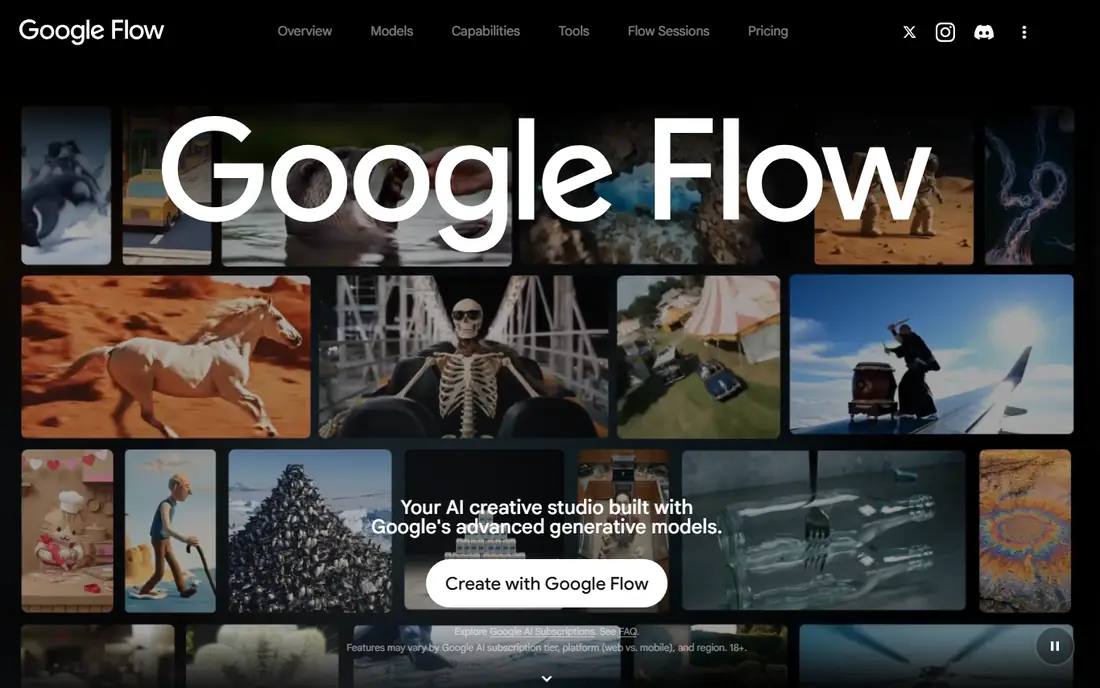
Google Flow fits Cinematic clips from a photo. Google Flow gives a daily free allowance that refreshes, which makes it practical for ongoing tests. Its Veo models produce cinematic motion from a still image. For a team that needs a clear starting point, this is a practical option to test first, because its core job is easy to explain to colleagues and easy to measure after a short trial.
The catch is worth stating plainly. The free allowance does not cover the highest quality mode, so finals may need a paid plan. We suggest you run a small pilot on real work, compare the output with your current method, and check the price at your actual volume before you commit. Use the daily credits to compare the same photo across models.
- Daily free credits
- Veo models
- Scene building tools
- Free credits cap model choice
- Availability varies by region
Kling AI fits Realistic motion and portraits. Kling AI is a strong free starting point for realistic motion. Its portrait and character motion suit photos of people and products. For a team that needs a clear starting point, this is a practical option to test first, because its core job is easy to explain to colleagues and easy to measure after a short trial.
The catch is worth stating plainly. The free allowance is not fixed in public pricing, so check your account balance. We suggest you run a small pilot on real work, compare the output with your current method, and check the price at your actual volume before you commit. Test it on a portrait first, since that is where it stands out.
- Image-to-video with strong motion
- Character and portrait work
- Multiple models
- Free allowance varies by account
- Watermark on free exports
PixVerse fits Social clips and visual effects. PixVerse suits short social clips and playful effects. Its templates make a quick animated post easy without video skills. For a team that needs a clear starting point, this is a practical option to test first, because its core job is easy to explain to colleagues and easy to measure after a short trial.
The catch is worth stating plainly. Free quality is limited, and the look is more stylized than cinematic. We suggest you run a small pilot on real work, compare the output with your current method, and check the price at your actual volume before you commit. It is a good pick for social content rather than a film-style clip.
- Daily free credits
- Effects and templates
- Vertical video support
- Free exports have resolution and watermark limits
- Style is less photorealistic
Hailuo AI fits Portrait and character animation. Hailuo AI handles character and portrait animation well. Its movement looks natural on faces and figures. For a team that needs a clear starting point, this is a practical option to test first, because its core job is easy to explain to colleagues and easy to measure after a short trial.
The catch is worth stating plainly. Welcome credits expire in days, so it is a test tool unless you pay. We suggest you run a small pilot on real work, compare the output with your current method, and check the price at your actual volume before you commit. Use it quickly after sign-up so the welcome credits do not expire.
- Image-to-video
- Character references
- Natural movement
- Welcome credits expire quickly
- Free use is personal only
Dreamina fits General image animation. Dreamina pairs image creation with animation in one workspace. That pairing helps when you need to create and animate in the same session. For a team that needs a clear starting point, this is a practical option to test first, because its core job is easy to explain to colleagues and easy to measure after a short trial.
The catch is worth stating plainly. Free terms vary by region, so confirm the allowance in your account. We suggest you run a small pilot on real work, compare the output with your current method, and check the price at your actual volume before you commit. It is a flexible first tool for beginners who want one workspace.
- Daily free credits
- Image creation before animation
- CapCut links
- Free allowance varies by region
- Watermark on free exports
Runway fits High-quality trial clips. Runway makes some of the best-looking short clips in this list. Its camera controls and editing tools suit a polished test clip. For a team that needs a clear starting point, this is a practical option to test first, because its core job is easy to explain to colleagues and easy to measure after a short trial.
The catch is worth stating plainly. Its free credits do not refresh, so treat it as a trial, not a free workflow. We suggest you run a small pilot on real work, compare the output with your current method, and check the price at your actual volume before you commit. Use the trial on your best photo, then move ongoing work to a refreshing free tier.
- Strong Gen-4 models
- Camera controls
- Editing tools
- 125 one-time credits that do not refresh
- Not an ongoing free plan
Adobe Firefly fits Marketing clips in Adobe workflows. Adobe Firefly fits teams already working in Adobe tools. Its daily free generations let you test video ideas without a new login. For a team that needs a clear starting point, this is a practical option to test first, because its core job is easy to explain to colleagues and easy to measure after a short trial.
The catch is worth stating plainly. The free amount is not clearly stated, so do not plan a large project around it. We suggest you run a small pilot on real work, compare the output with your current method, and check the price at your actual volume before you commit. Test it alongside your Adobe design work to see if it fits.
- Daily free generations
- Adobe integration
- Video models
- Free allowance amount is not stated
- Some models need paid plans
CapCut fits Social video from photos. CapCut is a full editor, not just an animation tool. That matters when a clip needs text, music and cuts after animation. For a team that needs a clear starting point, this is a practical option to test first, because its core job is easy to explain to colleagues and easy to measure after a short trial.
The catch is worth stating plainly. Its AI features are mixed across free and paid tiers, so check the feature you need. We suggest you run a small pilot on real work, compare the output with your current method, and check the price at your actual volume before you commit. It is a practical pick if you already edit social video in CapCut.
- Free editor with photo animation
- Templates
- Mobile and desktop apps
- AI video features vary by plan
- Some exports need paid plans
InVideo fits Explainer and promo clips. InVideo suits promo and explainer clips built around a photo. Its templates help a small business turn one image into a short ad. For a team that needs a clear starting point, this is a practical option to test first, because its core job is easy to explain to colleagues and easy to measure after a short trial.
The catch is worth stating plainly. Free exports are restrictive, so it is better for drafts than finals. We suggest you run a small pilot on real work, compare the output with your current method, and check the price at your actual volume before you commit. Use it to draft a promo, then pay only if the format works for you.
- Free video creation
- Templates
- Stock media links
- Free exports are limited and watermarked
- Weekly allowances apply
How we picked these
We compared official feature pages, pricing pages and app store listings, plus public documentation and independent reviews, and we kept only products that exist and work now. We checked whether each product truly fits the topic, what its starting price and free tier cover, and where its limits sit. We did not claim hands-on testing, and we left out products we could not verify. Prices change, so check the vendor page before you pay.
What to check before you buy
Start with the job, not the feature list. Write down the one result you need in the next month, then pick the tool that delivers that result with the least setup.
Check the limits that matter to you. A low starting price can hide caps on projects, seats, credits or exports, so read the plan table and test at your real volume.
Run a short pilot with real work. Give two finalists the same task, compare the results side by side, and ask the people who will use the tool daily what slowed them down.
Watch the total cost. Add seats, add-ons and renewal pricing, and confirm whether annual billing is required to get the price shown. If the vendor hides pricing, ask for a written quote before you decide.
Sources
Frequently asked questions
Which free tool is best for ongoing use?
Google Flow, Kling AI and PixVerse are the strongest for ongoing use, because their free credits refresh. A one-time trial is fine for a test, but it will not support weekly content.
Can I use free clips commercially?
It depends on the tool and plan. Some free plans allow personal use only, while others have different terms, so read the terms for the tool you use before you publish for business.
Why do free clips have watermarks?
Watermarks mark free exports and encourage a paid upgrade. If you need clean exports, budget for a paid plan or pick a tool whose free terms fit your use.
How long are free image-to-video clips?
Most free clips are short, often around five to ten seconds. Longer or higher-resolution output usually needs a paid plan or a more expensive model.