Best Free Background Remover Tools in 2026: 9 Tools Compared
By ToolNimba Editorial Team November 8, 2026 10 min read

- Top pick
 Adobe Express
Free watermark-free cutouts
Starting priceFreeCheck out Adobe ExpressRead our review - Runner-up
 remove.bg
Fastest one-click removal
Starting priceFreeCheck out remove.bgRead our review - Also great
 PhotoRoom
Product photos for sellers
Starting priceFreeCheck out PhotoRoomRead our review
How we researched this
We compared official pricing and feature pages, app store listings, privacy policies and public user reviews. Prices change, so check the provider's site before you pay.
Key takeaways
- Adobe Express is our pick for most free users, because it removes backgrounds and downloads a transparent PNG without a watermark on its free tier.
- remove.bg gives the fastest one-click cutout, but free downloads are limited in resolution, so it suits quick previews more than final print work.
- PhotoRoom is the best free background remover app for sellers, thanks to product backdrops, shadows, and marketplace-ready templates.
- Canva is the best choice if you already design there, but background removal itself needs a Pro plan or trial, so it is not truly free for that feature.
- Free tools differ most on export resolution, watermarks, and batch limits, so check those three limits before you pick.
Quick comparison
| Name | Best for | Starting price | Free plan | |
|---|---|---|---|---|
| Adobe Express | Free watermark-free cutouts | Free | Yes | Visit |
| remove.bg | Fastest one-click removal | Free | Yes | Visit |
| PhotoRoom | Product photos for sellers | Free | Yes | Visit |
 Canva | Designing after removal | $15 per month | Free trial | Visit |
 Pixelcut | Creator and seller editing | Free | Yes | Visit |
 Pixlr | Quick no-signup removal | Free | Yes | Visit |
 Fotor | Removal plus photo editing | Free | Yes | Visit |
 Clipdrop | Clean edges for creative work | Free | Yes | Visit |
 Erase.bg | Simple online cutouts | Free | Yes | Visit |
The best free background remover tools
A background remover cuts the subject out of a photo and leaves transparency, so you can place it on a new backdrop, a product listing, or a design. Free tools vary a lot: some give full-size downloads, some cap resolution, and some add watermarks. The nine tools below are all usable without paying, but their free limits are different, and that difference should drive your choice more than any feature list.

Adobe Express is the standout free background remover for most people. Its quick action removes the background from a JPG or PNG and lets you download the result as a transparent PNG without a watermark, which is rare among free tools. Because the cutout lands inside Adobe Express, you can then drop it onto a flyer, social post, or thumbnail without switching apps.
The main friction is the Adobe account sign-in, and the quick action itself offers limited manual refinement compared with a desktop editor. For everyday cutouts, portraits, and social graphics, those limits rarely matter. If you want one free tool that handles single images well and gives you a usable file at the end, start here.
- Free removal with full-size transparent PNG download
- Cutout drops straight into design templates
- No watermark on static images
- Needs an Adobe account
- Limited manual touch-up in the quick action
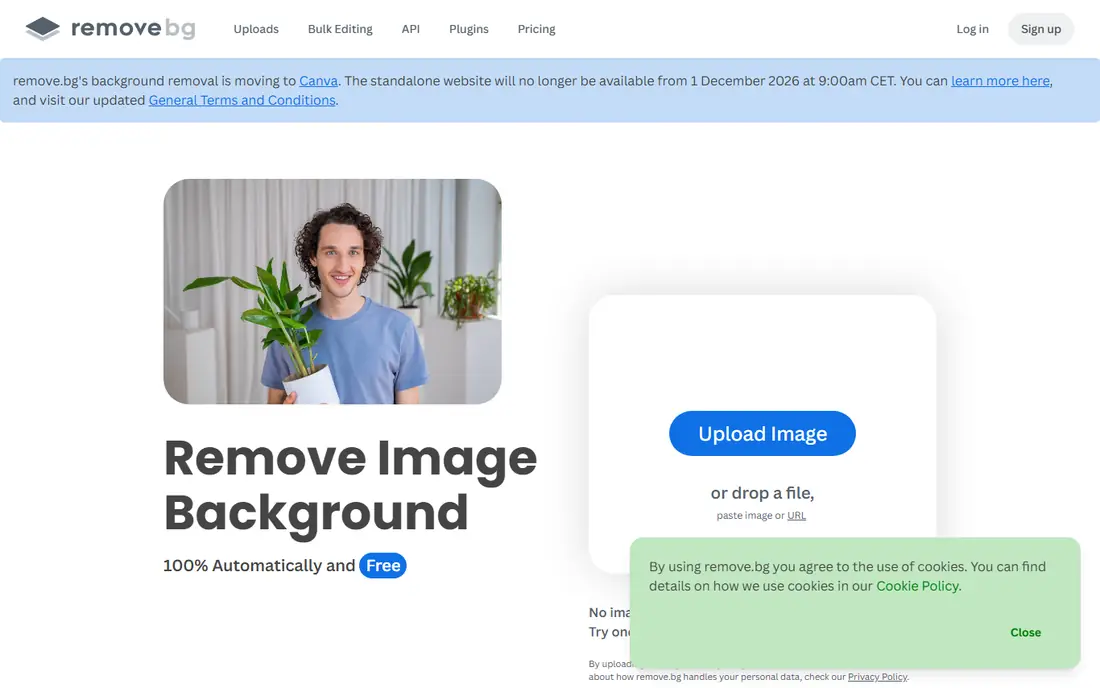
remove.bg is the tool most people reach for first, and its speed explains why. Upload a photo, and within seconds you get a clean cutout with a preview you can refine with a brush. It handles hair and edges well for an automatic tool, and its API and plugins make it useful for teams that need removal inside another workflow.
The free tier is the catch. Full-resolution downloads need credits or a subscription, while free downloads are limited to a smaller preview size. That makes remove.bg excellent for testing a cutout, for social posts where resolution matters less, and for automated work at scale. For a free full-size final image, Adobe Express or Pixelcut will serve you better.
- Very fast automatic cutouts
- Handles people, products, and pets well
- Desktop app, plugins, and API available
- Free downloads are low resolution
- Credits get expensive for bulk work
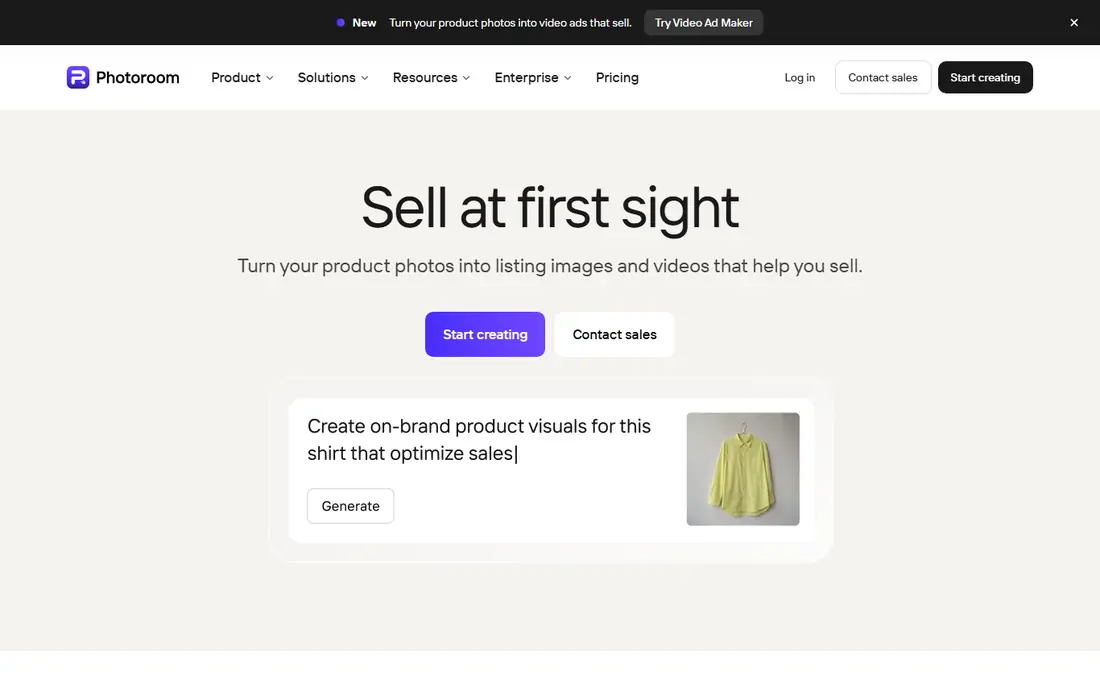
PhotoRoom is built for online sellers, and that focus shows in every template. After removing a background, it suggests clean studio backdrops, realistic shadows, and sizes suited to marketplaces such as Etsy, Amazon, and Shopify. The mobile apps let you shoot, cut out, and list from your phone, which suits sellers who work without a desktop.
Basic removal is free, but higher-resolution exports, batch editing, and many AI backgrounds sit behind the paid plan. If you sell regularly, that subscription can pay for itself in saved time. If you only need an occasional cutout, use the free tier for drafts and consider Adobe Express for the final full-size file.
- Studio backdrops, shadows, and templates for listings
- Strong mobile apps
- Batch editing on paid plans
- Best features need a subscription
- Free exports are limited in resolution
Canva is the best background remover if you already design in Canva, because removal happens inside the editor and the cutout stays on your design. It handles portraits and product shots well, and the erase and restore brushes let you fix mistakes that automatic tools miss. For social posts, presentations, and marketing graphics, that workflow is hard to beat.
The honest catch is that background removal is a Canva Pro feature, so free-plan users need a paid plan or a trial to use it. That means Canva is not a free background remover in the strict sense, even though the wider Canva editor is free. If you already pay for Pro, use it and skip a separate tool. If you do not, Adobe Express gives you the same core job for free.
- One-click removal inside a full design editor
- Erase and restore brushes
- Huge template library
- Background removal needs a Pro plan or trial
- Overkill if you only need a cutout
Pixelcut is a strong alternative to PhotoRoom for creators and sellers. It removes backgrounds quickly, replaces them with studio or AI-generated backdrops, and includes editing tools for product photos and social content. Reviewers note that its free tier exports without a watermark in many cases, which puts it ahead of several rivals for free use.
Like PhotoRoom, Pixelcut reserves its best batch and AI features for paying users, so heavy sellers will eventually hit a paywall. For occasional sellers and creators who want a polished result without paying, it is one of the best free options here, and its mobile app makes it easy to work on the go.
- Fast product editing and background replacement
- Watermark-free exports reported on the free tier
- Good mobile experience
- Advanced features need a subscription
- Free tier limits apply to some tools
Pixlr is the pick when you want a cutout in seconds without creating an account. Its background remover works in the browser, and the wider Pixlr editor gives you cropping, filters, and adjustments around the cutout. That combination suits quick jobs such as a profile photo, a meme, or a single product shot.
The free web version shows ads, and the more advanced AI editing tools require a paid plan. For a one-off removal, though, Pixlr is among the least fussy tools here: open the site, upload, remove, and download. Keep it in mind for computers where you cannot install software or do not want another account.
- Fast removal with no account needed for basic use
- Full photo editor around it
- No watermark on many free exports
- Ads on the free web version
- Advanced AI tools need a subscription
Fotor combines background removal with a broader photo editor and design tool, which suits users who want to enhance a photo after cutting it out. You can remove a background, adjust colors, add filters, and place the result on a template without leaving the site. That all-in-one flow is useful for social content and small business graphics.
Free use comes with limits on resolution, batch processing, and some premium features, and the free version may show ads. For a single edited image, the free tier is usually enough. For regular batch work, a dedicated tool such as PhotoRoom or a paid Fotor plan will be more efficient.
- Background removal plus filters, templates, and batch tools
- Easy browser workflow
- Free features available
- Best exports and batch features need a subscription
- Free version includes ads or limits
Clipdrop, now part of the Jasper family, is known for clean cutout edges, and independent tests have ranked its edge quality highly among automatic tools. It suits creative work where hair, fur, or fine detail matters and a rough edge would spoil the result. The wider Clipdrop suite adds image cleanup, upscaling, and generation tools around the remover.
Free use is limited in resolution and volume, so Clipdrop is best for occasional high-quality cutouts rather than bulk free work. If a tricky portrait needs the cleanest automatic edge and you are willing to pay or accept a limited free export, Clipdrop is worth trying alongside Adobe Express.
- Strong edge quality, especially on hair and fine detail
- Part of a wider AI editing suite
- Quick browser use
- Free use is limited
- Full-size exports and full suite need a paid plan
Erase.bg does one thing with minimal fuss: you upload a photo, it removes the background, and you download the result. There is no large editor to learn, which suits users who only need a transparent PNG and nothing else. It handles people, products, and everyday subjects reliably for an automatic tool.
The free tier limits resolution and the number of images, and there are few editing tools if the automatic result needs fixing. For a quick, simple cutout, Erase.bg is a fine choice. For design work, product listings, or batch jobs, the fuller tools above will save time.
- Very simple upload-and-download flow
- Handles people and products
- No complex editor to learn
- Free tier limits on resolution and volume
- Fewer editing tools than rivals
How we picked these
We compared official feature pages, pricing pages, and recent independent tests of free background removers, and we kept only tools that offer a genuinely usable free tier today. We checked whether free exports carry a watermark, whether resolution is capped, and whether removal itself is free or locked behind a paid plan, since those three limits matter more than marketing claims. Tools that only offer a short trial were not treated as free.
Which free limit matters most for you
Start with export size. If your final use is a small social post, a low-resolution free download may be fine. If you need a print file, a marketplace listing, or a large design, a capped export will force you to pay or switch tools, so pick a tool with full-size free downloads from the start. Next, check watermarks, since a watermarked cutout is useless for client or store work. Finally, check batch limits if you process many images, because a tool that is free for one photo can become expensive for one hundred.
Getting a cleaner cutout from any free tool
Use a well-lit photo with a clear gap between the subject and the background, and avoid busy patterns directly behind hair or fur. If the automatic result has rough edges, try the erase and restore brushes where offered, or re-shoot with simpler lighting rather than fighting the tool. For glass, water, and fine mesh, no automatic tool is fully reliable yet, and manual refinement in a desktop editor may still be needed.
Privacy note for sensitive photos
Most web removers upload your photo to a server for processing, so avoid uploading sensitive personal or client images to a free tool without checking its privacy policy. Browser-based tools that process images on your device keep the photo local, and desktop editors do the same. For private work, that distinction can matter more than a small quality difference.
Sources
Frequently asked questions
What is the best free background remover tool?
Adobe Express is our pick for most free users, because it gives a full-size transparent PNG without a watermark on its free tier. remove.bg is faster for a quick preview, and PhotoRoom is better for sellers who need product templates.
Is there a truly free background remover app with no watermark?
Yes. Adobe Express and Pixelcut both offer watermark-free exports on their free tiers for many uses, subject to account and feature limits. Always check the current terms before using a cutout for paid client work, since free terms can change.
What is the best free background remover software for product photos?
PhotoRoom is the best free starting point for product photos, with studio backdrops and marketplace templates. Pixelcut is a close alternative with similar seller tools, and Adobe Express is the best free choice for a single full-size cutout.
Why are my free downloads low resolution?
Many tools limit free downloads to a preview size and reserve full resolution for paid plans or credits. That is the main way free removers earn money. Adobe Express is an exception, offering full-size downloads on its free tier.
Can I remove backgrounds in bulk for free?
Batch removal is usually a paid feature, though some tools allow small free batches. For large catalogs, compare the cost per image across remove.bg, PhotoRoom, and Pixelcut, since bulk pricing varies a lot by volume.
Does Canva remove backgrounds for free?
No, background removal in Canva needs a Pro plan or a trial, even though the wider Canva editor has a free tier. If you need a free remover, use Adobe Express, Pixlr, or PhotoRoom instead.