Best Free Help Desk Software in 2026: 8 Tools Compared
By ToolNimba Editorial Team November 12, 2026 9 min read

- Top pick
 Zoho Desk
Free email ticketing
Starting priceFreeCheck out Zoho DeskRead our review - Runner-up
 HubSpot Service Hub
Free CRM-linked support
Starting priceFreeCheck out HubSpot Service HubRead our review - Also great
 tawk.to
Free live chat
Starting priceFreeCheck out tawk.toRead our review
How we researched this
We compared official pricing and feature pages, app store listings, privacy policies and public user reviews. Prices change, so check the provider's site before you pay.
Key takeaways
- Zoho Desk is our pick for small email-led teams, with a free plan for up to three agents.
- Help Scout suits teams that want five free users and a clean, email-like shared inbox.
- tawk.to is the best free choice for live chat, with no published seat cap on its free plan.
- Self-hosted tools such as Chatwoot, osTicket, and Zammad are free of licence cost, but you pay in setup and hosting time.
- Freshdesk and Zendesk no longer offer a permanent free plan, so do not budget around them as free tools.
Quick comparison
| Name | Best for | Starting price | Free plan | |
|---|---|---|---|---|
| Zoho Desk | Free email ticketing | Free | Yes | Visit |
| HubSpot Service Hub | Free CRM-linked support | Free | Yes | Visit |
| tawk.to | Free live chat | Free | Yes | Visit |
 Help Scout | Free shared inbox | Free | Yes | Visit |
 Crisp | Free chat and inbox | Free | Yes | Visit |
 Chatwoot | Self-hosted omnichannel | Free | Yes | Visit |
 osTicket | Classic self-hosted tickets | Free | Yes | Visit |
 Zammad | Modern self-hosted desk | Free | Yes | Visit |
The best free help desk software
Free help desk software only helps if the free plan covers real work, not a demo. The tools below offer a permanent free tier or a free open source version that a small team can run for customer support. We compared official pricing pages, seat limits, channels, and upgrade paths, and we note where a free plan is time-limited or self-hosted.
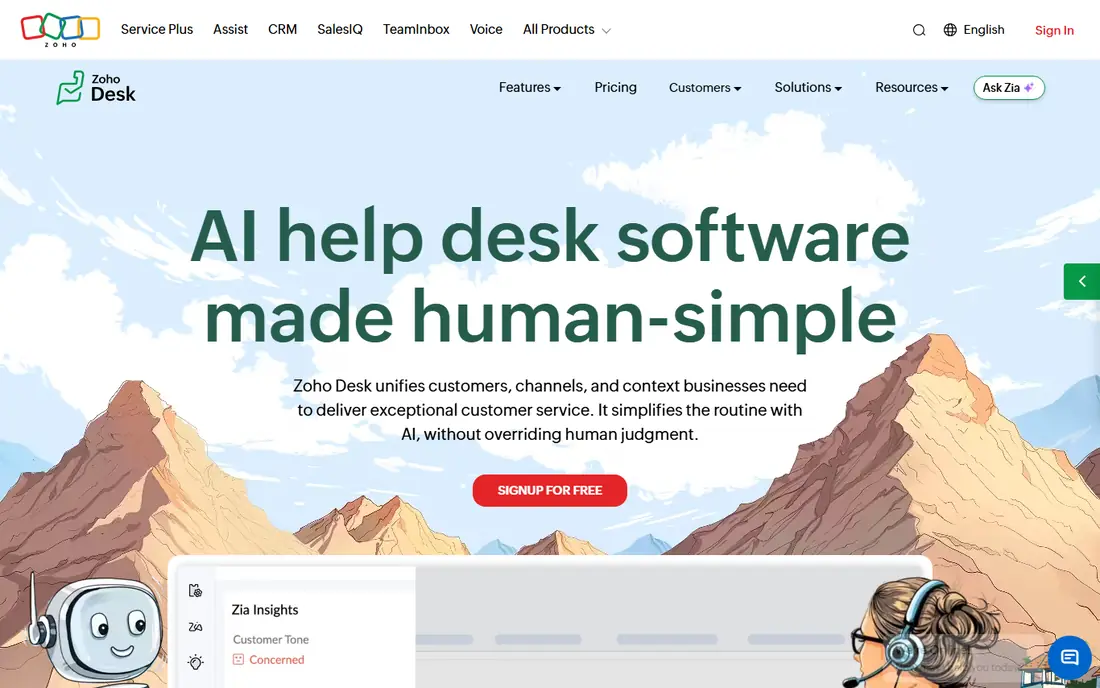
Zoho Desk free edition is the closest thing this category has to a full hosted desk at no cost. Three agents get email ticketing, a customer portal, a private knowledge base, predefined service levels, and mobile apps, with no time limit. For a startup or a small support team, that covers the actual job of answering customers and tracking requests.
Paid plans start with Express at $7 per agent per month billed annually, then Standard at $14, which adds more automation and reporting. The free plan omits answer bots, telephony, and multi-department ticketing, and the interface packs in a lot, so expect a learning curve. Still, for email-led support on a zero budget, Zoho Desk is the benchmark.
- Free for up to three agents
- Email ticketing, portal, and knowledge base
- Clear paid upgrade path
- Free plan limits agents to three
- Advanced automation and telephony are paid
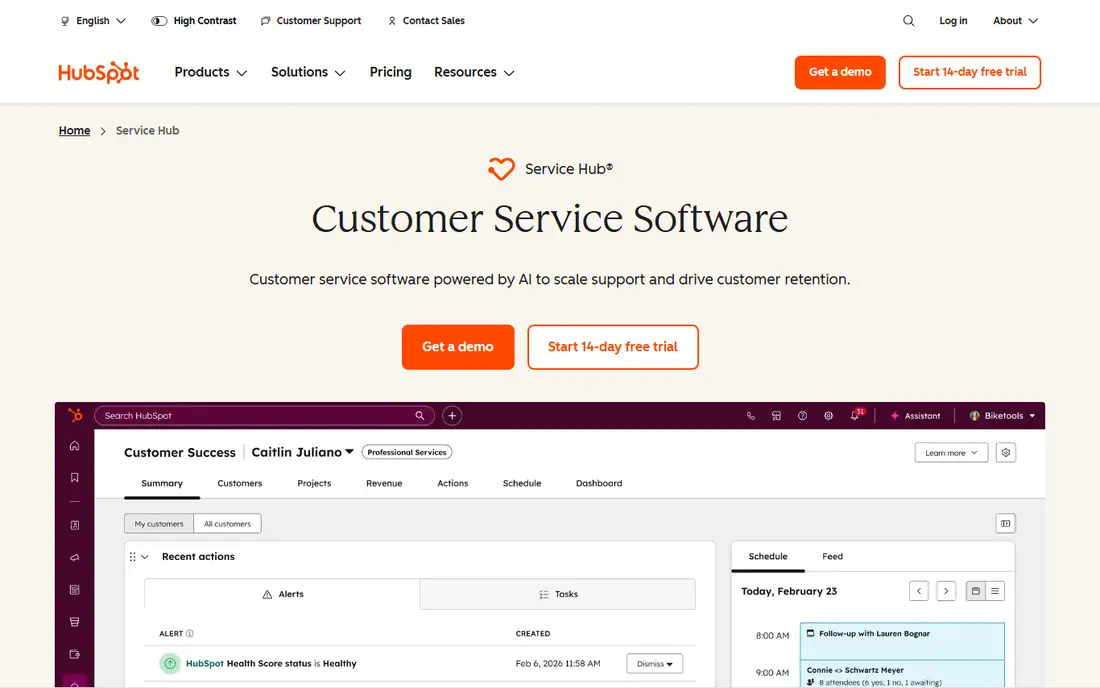
HubSpot Service Hub free tools suit teams already using HubSpot CRM, or teams that want support and customer records in one place. Free ticketing, a shared inbox, live chat, and basic knowledge base tools let a small team answer customers without buying a separate desk. Customer history from the CRM appears alongside tickets, which helps avoid asking repeat questions.
The free tier is not a full enterprise desk. Reporting, automation, and advanced routing sit on paid plans, and seat details vary by HubSpot plan page, so check the current free tools page before you scale. If your business already lives in HubSpot, starting with its free service tools is simpler than adding a disconnected desk.
- Free ticketing linked to HubSpot CRM
- Shared inbox and knowledge base tools
- Easy start
- Free tools are limited to two users in some comparisons
- Advanced automation is paid
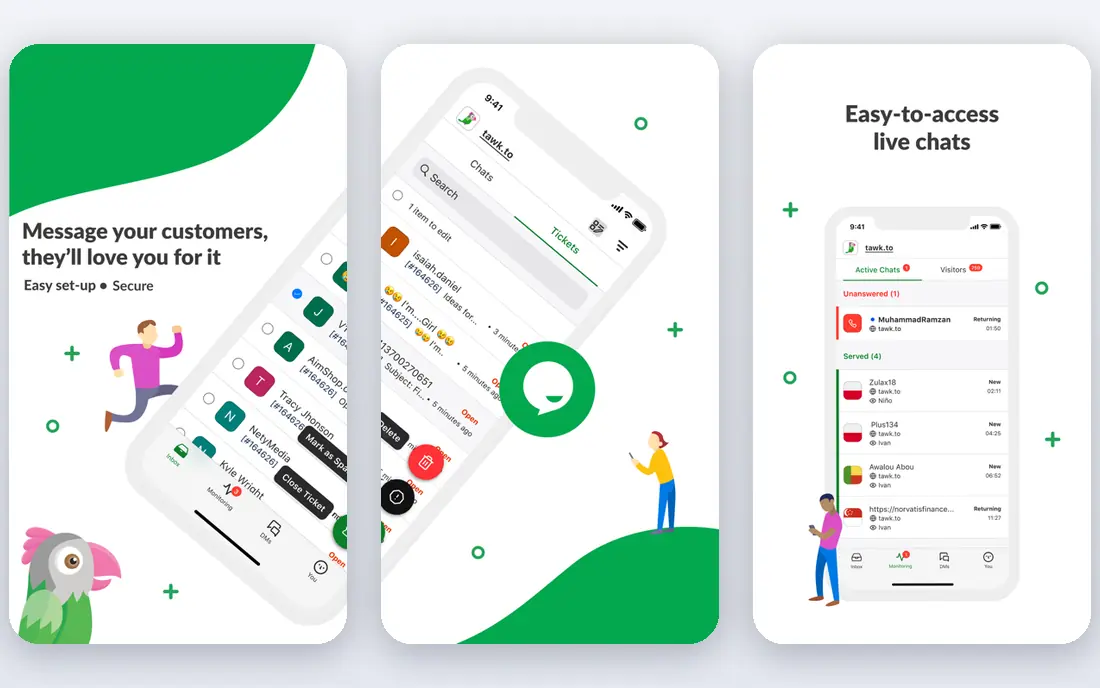
tawk.to is the best free option when support happens mainly in live chat. The free plan includes chat, ticketing, a knowledge base, and monitoring tools, with no published cap on agent seats. That makes it practical for larger chat teams that would blow past the three or five seat caps on other free plans.
The trade-off is polish. The dashboard packs many features into one place, and some users find it busy at first. Paid add-ons remove tawk.to branding and add AI features, but core chat and ticketing remain free. If your customers contact you from your website in real time, start with tawk.to.
- Free live chat with no published seat cap
- Ticketing built in
- Mobile apps and widgets
- Interface is busy
- Advanced AI and removal of branding sit on paid add-ons
Help Scout free plan covers up to five users with one inbox and a limited contact count, which suits micro teams that live in email. The inbox feels like email, not a complex ticket queue, so new agents learn it fast. Customers get plain, personal-looking replies, and the knowledge base helps deflect repeat questions.
Paid plans start higher than Zoho Desk, so Help Scout is less attractive once you outgrow free limits and need many seats. For a tiny team that values simplicity and a friendly customer experience over deep automation, the free plan is generous and easy to run.
- Free plan for up to five users
- Clean email-like inbox
- Simple knowledge base
- Free plan limits contacts and inboxes
- Paid plans start higher than Zoho Desk
Crisp combines live chat, email, and a shared inbox in a modern interface that small teams find easy to use. The free plan covers two seats and core messaging, which fits a founder plus one support person, or a tiny team testing chat support. A knowledge base and basic automation help answer common questions without a paid plan.
The free limits are real. The pricing page caps a free workspace at 100 customer profiles, with no sub-inboxes and no AI credits, so growing teams will need to upgrade. Crisp is a good free start for website chat, but check those caps against your customer volume before you commit.
- Free plan for two seats
- Shared inbox, chat, and knowledge base
- Modern interface
- Free workspace caps customer profiles
- AI credits are not included on free
Chatwoot is an open source customer engagement platform that you can self-host for free, or use as a hosted service on paid plans. It brings email, live chat, WhatsApp, and social messages into one inbox, with automation and reporting on top. Because you run it yourself, there is no licence seat cap, which suits teams with many agents and technical skills.
The cost is time, not licence fees. You need hosting, updates, backups, and security care, and support comes mainly from community and documentation on the free version. Chatwoot is our pick for technical teams that want full control and no per-seat bill, and who accept the maintenance work that comes with it.
- Open source and self-hosted
- Email, chat, and social channels
- No licence seat cap
- You host and maintain it
- Setup and updates take technical time
osTicket is the classic open source ticket system, and it remains useful for internal IT desks and small teams that need straightforward email ticketing. Customers can submit tickets by email or web form, agents can assign and reply, and basic reporting tracks workload. There is no licence cost and no seat limit on your own server.
The interface feels dated next to modern desks, and it lacks built-in live chat and AI features without add-ons. Hosting, updates, and backups are your job. If you want a simple, stable, free ticket queue and you can run a web server, osTicket still does that job well.
- Free open source ticketing
- Simple and stable
- Email and web ticket creation
- Dated interface
- Fewer modern chat and AI features
- Needs hosting and setup
Zammad is a more modern open source alternative to osTicket, with a cleaner interface and support for email, chat, phone, and social channels. Agents get a single workspace for tickets, and customers can use a web portal. Self-hosting means no licence fee and no seat cap, while paid enterprise options add support and extra features.
As with Chatwoot, the free version trades licence cost for maintenance work. You handle hosting, security, and upgrades. Zammad suits teams that want a current-looking desk, full data control, and no per-agent pricing, and that have someone able to run it.
- Modern open source interface
- Email, chat, and social channels
- Self-hosted with no licence cost
- Needs hosting and technical setup
- Enterprise support and some features are paid
How we picked these
We compared official pricing pages, free-plan seat and feature limits, channels, and whether a free plan is permanent or time-limited. We excluded tools whose free offer is only a trial, and we noted self-hosted tools separately, since their cost is hosting and time rather than a subscription. We did not claim hands-on testing, and we did not invent ratings, user counts, or awards.
What free really costs
A free plan saves money, but it can cost time. Seat caps force workarounds, feature caps push routine work back to manual replies, and self-hosted tools need updates and backups. Before you choose, count your agents, your monthly ticket volume, and the channels customers actually use. A free chat tool will not help if most customers email, and a free email desk will not help if they expect instant chat.
Plan your exit too. Check what the first paid plan costs for your team size, whether data exports easily, and whether the knowledge base moves with you. The cheapest long-term choice is often the free plan with the clearest, lowest paid step, not the free plan with the most features on day one.
Sources
Frequently asked questions
Is there really free help desk software?
Yes. Zoho Desk is free for up to three agents, Help Scout for up to five users, Crisp for two seats, and tawk.to has no published seat cap. Self-hosted Chatwoot, osTicket, and Zammad are free of licence cost.
Does Freshdesk have a free plan?
No, not as a permanent plan. Freshdesk pricing now starts with paid plans and a 14-day trial, with a separate time-limited free program for qualifying users. Do not plan a permanent free desk around Freshdesk.
Does Zendesk have a free plan?
No. Zendesk offers a 14-day trial, then paid plans starting at $19 per agent per month billed annually. It is a strong paid desk, but it is not a free option.
What is the best free help desk for a tiny team?
Zoho Desk for email ticketing, Help Scout if you need five free users, and tawk.to if support is mainly live chat. Try the free plan that matches your main channel first.
Is self-hosted help desk software really free?
The software licence is free, but hosting, domain, backups, security updates, and staff time are real costs. For technical teams those costs can still be lower than per-seat subscriptions, especially with many agents.
When should I pay for a help desk?
Pay when you hit seat caps, need automation, reporting, or AI routing, or when self-hosting takes more time than it saves. Price the first paid tier for your actual team size, not the headline starter price alone.