Best Gantt Chart Software in 2026: 10 Tools Compared
By ToolNimba Editorial Team November 9, 2026 10 min read

- Top pick
 GanttPRO
Dedicated Gantt scheduling
Starting price$7 per user per monthCheck out GanttPRORead our review - Runner-up
 TeamGantt
Simple team Gantt charts
Starting price$59 per monthCheck out TeamGanttRead our review - Also great
 Instagantt
Gantt charts for Asana users
Starting price$12 per monthCheck out InstaganttRead our review
How we researched this
We compared official pricing and feature pages, app store listings, privacy policies and public user reviews. Prices change, so check the provider's site before you pay.
Key takeaways
- GanttPRO and TeamGantt are the purest Gantt tools, while monday.com, Asana, and ClickUp add full project work around the chart.
- GanttProject is the best free option for solo planners who do not need cloud collaboration.
- TeamGantt uses flat monthly pricing by plan rather than per user, which can save money for larger groups of collaborators.
- Most Gantt views in general work tools sit on paid plans, so check the plan details before you assume the free tier includes timelines.
- Our pick for most teams is ClickUp for value, with GanttPRO as the best dedicated Gantt chart tool.
Quick comparison
| Name | Best for | Starting price | Free plan | |
|---|---|---|---|---|
| GanttPRO | Dedicated Gantt scheduling | $7 per user per month | Free trial | Visit |
| TeamGantt | Simple team Gantt charts | $59 per month | Yes | Visit |
| Instagantt | Gantt charts for Asana users | $12 per month | Yes | Visit |
 GanttProject | Free desktop Gantt charts | Free | Yes | Visit |
 monday.com | Visual planning and workflows | $9 per seat per month | Yes | Visit |
 Asana | Task coordination with timelines | $10.99 per user per month | Yes | Visit |
 ClickUp | All-in-one value | $7 per user per month | Yes | Visit |
 Smartsheet | Spreadsheet style planning | $9 per member per month | Free trial | Visit |
 Wrike | Complex team workflows | $10 per user per month | Yes | Visit |
 Zoho Projects | Budget friendly project tracking | $4 per user per month | Yes | Visit |
The best gantt chart software
These are the best software tools for Gantt charts, from free desktop apps to full work platforms. We compared official pricing pages and published feature lists, with a focus on dependencies, milestones, baselines, and collaboration.
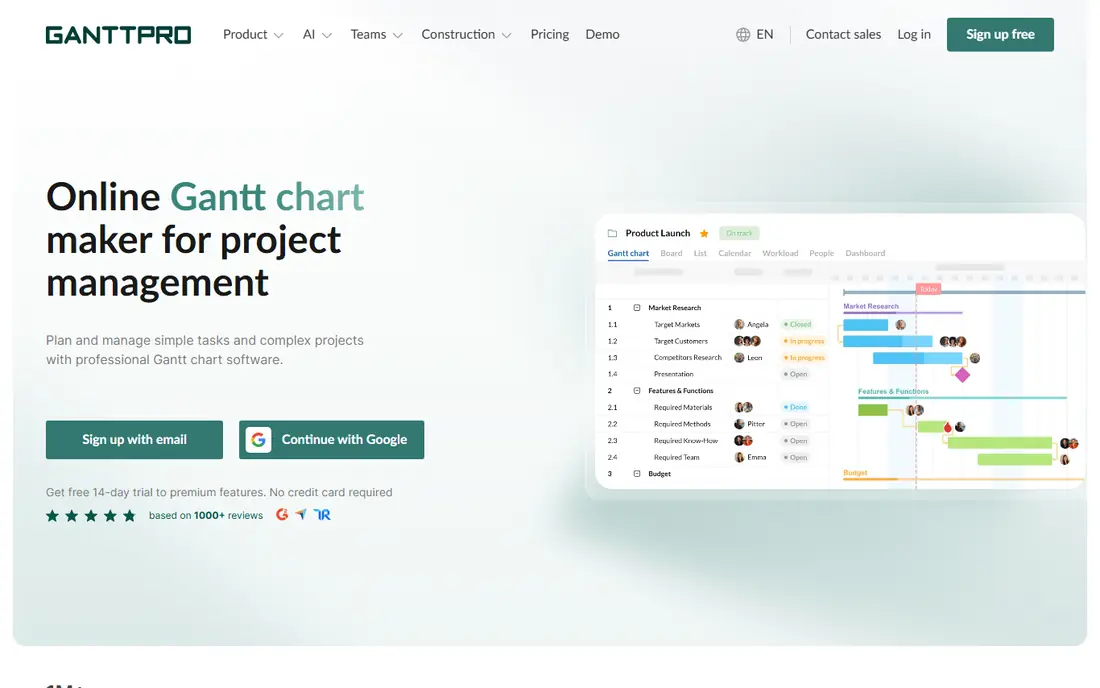
GanttPRO is built around the chart, not around tasks that happen to have a timeline view. You drag bars, link dependencies, set milestones, and see the critical path without digging through menus. That focus makes it the easiest dedicated tool to learn for pure scheduling work.
The main limit is breadth. It does not replace a full work platform for docs, forms, and complex automation, and there is no free tier beyond a trial. If the schedule is the job, GanttPRO is the right tool. If you need a whole workspace, look at ClickUp or monday.com.
- Chart-first design
- Dependencies, critical path, and baselines
- Workload and budget views on higher tiers
- No permanent free plan
- Fewer general work features than full suites
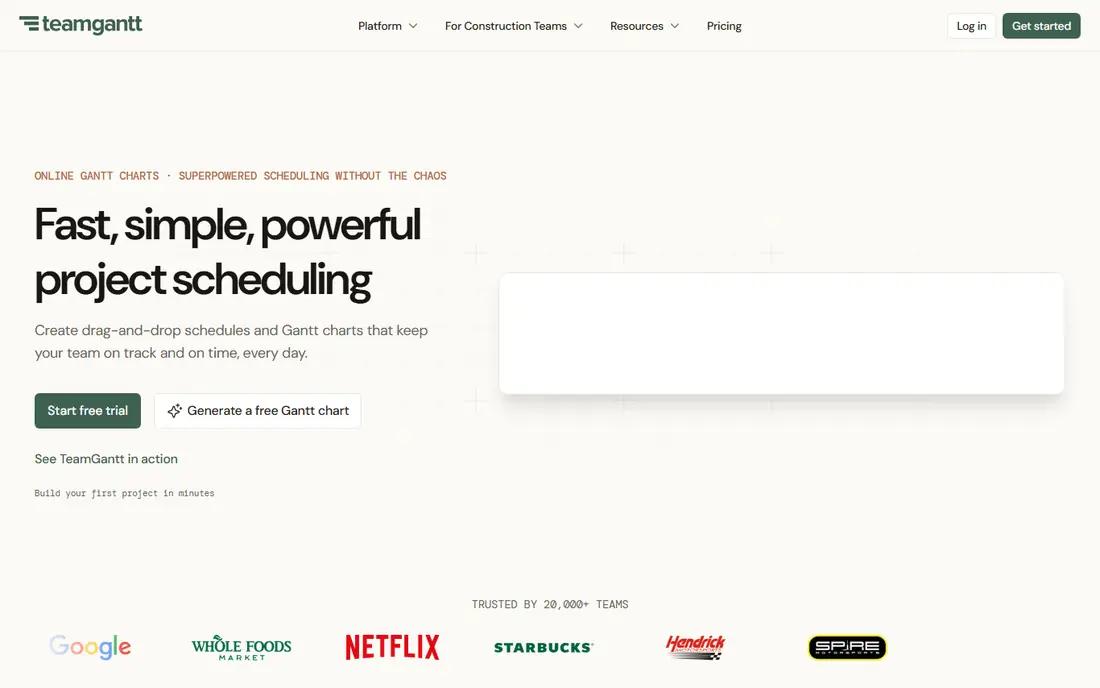
TeamGantt is the friendliest dedicated Gantt tool here. New users can build a first chart in minutes, invite collaborators, and track progress with color coded bars. The flat monthly pricing, rather than per user billing, can make it cheaper than per seat tools when many people only need to view or update the plan.
The free plan is limited to one user, one project, and a small task count, so real teams will need a paid plan. Baselines and workload views also sit on higher tiers. For small teams that want clarity without a steep learning curve, TeamGantt still earns its place.
- Very easy to learn
- Flat plan pricing
- Color coded charts that read well at a glance
- Advanced features such as baselines sit on higher plans
- Mobile experience is more limited
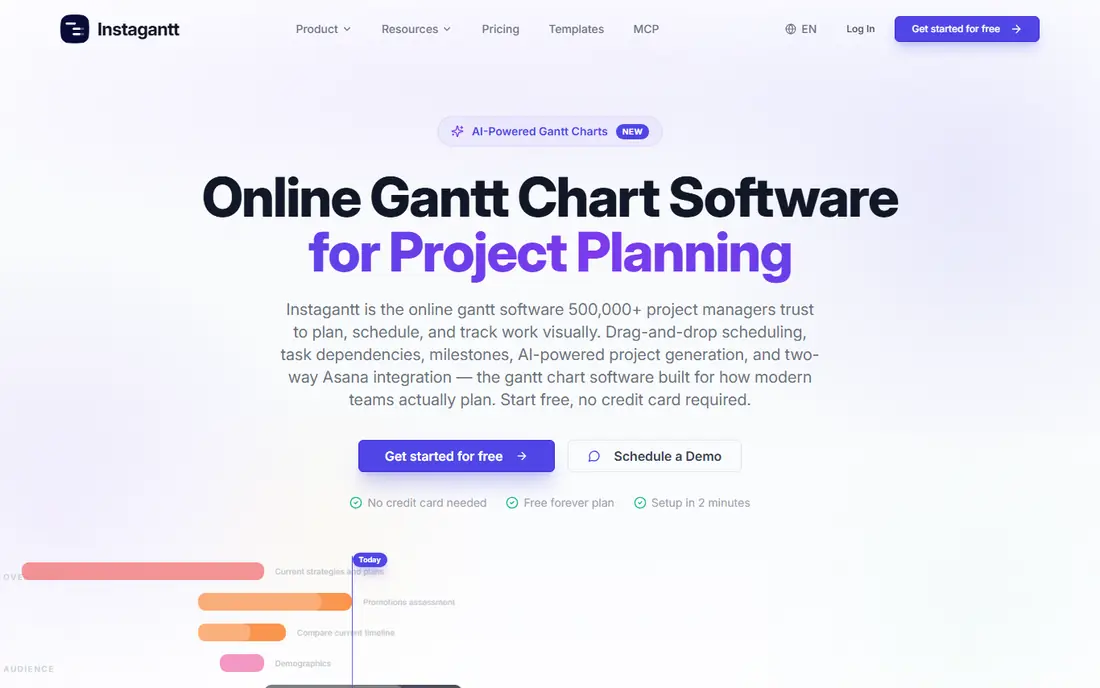
Instagantt is a smart add-on if your team already runs work in Asana. It syncs tasks both ways, then adds a stronger Gantt view with dependencies, workload, and baselines. That means you do not have to move your team to a new system just to get a better timeline.
If you do not use Asana, the case is weaker, since GanttPRO or TeamGantt give you a complete tool on their own. For Asana teams that need real scheduling depth, though, Instagantt is a low friction upgrade.
- Two-way Asana sync
- Critical path and baselines on all plans
- Public share links
- Best value depends on already using Asana
- Standalone use is less common
GanttProject is the best free Gantt chart software for solo planners and students. You download it, build tasks, dependencies, and milestones, and export to PDF or image formats without paying a subscription. It works offline, which suits field work or places with unreliable internet.
Collaboration is the weak point. A desktop file is harder to share and edit together than a web link, and the interface looks older than modern web tools. For a single planner on a tight budget, those trade-offs are easy to accept.
- Free and open source
- Works offline on Windows, macOS, and Linux
- Imports and exports common formats
- Dated interface
- No real time cloud collaboration
- Limited resource management
monday.com suits teams that want planning plus execution in one visual workspace. Boards, timelines, calendars, and dashboards sit side by side, and templates cover marketing, operations, and product work. Non-technical teams often learn it faster than more technical project tools.
The Gantt view is good but not as deep as GanttPRO for critical path and baseline work, and paid plans start at three seats. If your team already lives in monday.com, its timeline is a strong bonus. If scheduling is your only need, a specialist costs less.
- Visual boards and timelines
- Strong templates and automations
- Easy for non-technical teams
- Paid plans have a minimum seat count
- Gantt depth is less than dedicated tools
Asana is the safest general choice for teams that coordinate work across departments. Tasks, projects, timelines, and calendars fit together in an interface most people understand quickly. The timeline view helps managers spot overlaps and dependencies without exporting to another tool.
The free plan is now limited to a small number of users, and the timeline, dashboards, and automation that most teams want sit on the Starter plan and above. Per user pricing also adds up for large teams. For task-first teams that also need a timeline, Asana remains a strong pick.
- Clear task ownership and due dates
- Timeline view on paid plans
- Portfolios and goals on higher tiers
- Free plan is limited
- Advanced planning features sit on higher tiers
ClickUp gives you the most features per dollar in this list. The free tier covers unlimited tasks and members, while paid plans add the Gantt view, custom fields, and automation. Docs, whiteboards, goals, and time tracking sit in the same workspace, which can replace several separate subscriptions.
That breadth is also the catch. New users can feel overwhelmed by views, settings, and options, and a team needs a short setup period to agree on how to use it. If you want one workspace for planning and doing the work, ClickUp is our value pick.
- Gantt view on paid plans
- Generous free tier for tasks
- Docs, goals, and time tracking in one place
- Feature depth can feel overwhelming at first
- Setup takes time to get right
Smartsheet suits teams that already think in spreadsheets. Rows, columns, and formulas feel familiar, while Gantt, card, and calendar views sit on top of the same data. Reporting and portfolio views help managers roll many projects into one picture.
There is no permanent free plan, only a trial, and the Pro plan has a member limit that pushes larger teams to higher tiers. For spreadsheet comfortable teams that need formal planning and reporting, Smartsheet is a strong, professional choice.
- Familiar grid layout
- Strong Gantt and reporting views
- Good for portfolios and programs
- No permanent free plan
- Pricing can rise as you add members and features
Wrike fits mid-size and larger teams with complex, multi-department projects. Workflows, approvals, resource views, and reporting go deeper than most general tools, and the Gantt view supports dependencies and milestones. Marketing and creative teams in particular benefit from its request and approval flow.
The trade-off is setup time. Wrike rewards careful configuration, but small teams may find it heavier than they need. If your projects involve many handoffs and approvals, that depth is worth it.
- Deep workflow and approval features
- Gantt charts with dependencies
- Strong reporting
- Setup is heavier than simpler tools
- Best features sit on higher tiers
Zoho Projects is the budget pick for small teams, especially those already using other Zoho apps. The Premium plan starts at $4 per user per month on annual billing, and the free plan covers a small team and a couple of projects. Gantt charts, milestones, task dependencies, and time tracking cover the core scheduling needs.
Baselines, a key feature for tracking plan versus actual progress, sit only on the Enterprise plan, which matters for formal project control. For straightforward scheduling on a small budget, Zoho Projects is hard to beat on price.
- Low entry price
- Free plan for small teams
- Gantt charts, milestones, and time tracking
- Baselines only on the Enterprise plan
- Interface feels less polished than leaders
How we picked these
We compared official pricing pages, feature lists, and plan details for tools with a real Gantt view, not just a calendar or board. We included dedicated Gantt tools, free options, and general work platforms where the timeline is a core view, and we left out tools without dependencies or milestones. Prices are entry paid figures on annual billing where vendors publish them, and we noted where a free plan is limited or where a Gantt view needs a paid tier.
How to choose the right Gantt tool
Start by deciding whether you need a schedule or a workspace. A dedicated tool such as GanttPRO or TeamGantt is best when the timeline itself is the deliverable and you share it with clients or stakeholders. A general platform such as ClickUp, Asana, or monday.com is better when the same team also tracks tasks, docs, and approvals in one place.
Next, check the features that matter for real schedules. Dependencies, milestones, critical path, and baselines are the four features that separate a true Gantt tool from a simple timeline. Then check the free plan or trial with a real project, including how many collaborators you can add and whether guests can view the chart for free. Finally, count the total cost for your team size, not just the per user headline, since flat pricing and seat minimums change the bill quickly.
Sources
Frequently asked questions
What is the best free Gantt chart software?
GanttProject is the best fully free option for solo planners, since it is open source and works offline. TeamGantt, ClickUp, Asana, and Zoho Projects also have free plans, but each limits projects, users, or features, and Gantt views may need a paid plan.
What is the best Gantt chart app for small teams?
TeamGantt is the simplest dedicated choice for small teams, while ClickUp offers the best value if you also want tasks, docs, and time tracking. Zoho Projects is the cheapest paid option for teams on a tight budget.
Does Asana have a Gantt chart?
Yes, Asana has a timeline view that works like a Gantt chart, with task bars, dependencies, and milestones. The timeline sits on paid plans, while the free plan covers basic task management.
What is the difference between a Gantt chart and a timeline?
A Gantt chart shows tasks as bars on a time axis with dependencies, milestones, and often a critical path. A simple timeline may only show dates in order without dependencies or progress tracking, which makes it weaker for managing a real schedule.
Which Gantt software is best for large projects?
Smartsheet and Wrike suit larger, more formal projects because they add portfolio views, reporting, and resource management. GanttPRO also scales well for schedule-heavy programs, especially when baselines and workload planning matter.