Best Gig Apps in 2026: 9 Apps Compared
By ToolNimba Editorial Team November 9, 2026 9 min read

- Top pick
 DoorDash
Food and retail delivery volume
Starting priceFreeCheck out DoorDashRead our review - Runner-up
 Uber
Rideshare driving
Starting priceFreeCheck out UberRead our review - Also great
 Lyft
Rideshare driving in many cities
Starting priceFreeCheck out LyftRead our review
How we researched this
We compared official pricing and feature pages, app store listings, privacy policies and public user reviews. Prices change, so check the provider's site before you pay.
Key takeaways
- DoorDash and Uber Eats offer the most consistent order volume, while Uber and Lyft usually pay more per hour for drivers who accept passengers.
- TaskRabbit has the highest hourly ceiling for skilled hands-on work, but jobs are less steady than delivery orders.
- Instacart and Walmart Spark suit shoppers and suburban drivers, with grocery tips and larger orders lifting pay.
- Gig pay varies by city, time, and vehicle costs, so track net pay after fuel, wear, and taxes before judging an app.
Quick comparison
| Name | Best for | Starting price | Free plan | |
|---|---|---|---|---|
| DoorDash | Food and retail delivery volume | Free | Yes | Visit |
| Uber | Rideshare driving | Free | Yes | Visit |
| Lyft | Rideshare driving in many cities | Free | Yes | Visit |
 Uber Eats | Food delivery in dense cities | Free | Yes | Visit |
 Instacart | Grocery shopping and delivery | Free | Yes | Visit |
 TaskRabbit | Skilled local tasks at your own rate | Free | Yes | Visit |
 Rover | Pet sitting and dog walking | Free | Yes | Visit |
 Upwork | Remote freelance work | Free | Yes | Visit |
 Amazon Flex | Package delivery in scheduled blocks | Free | Yes | Visit |
The best gig apps
We compared official driver and worker pages, app store listings, and public earnings reports, focusing on work type, pay structure, flexibility, and costs. This is not financial advice, and earnings vary by market, hours, and expenses.
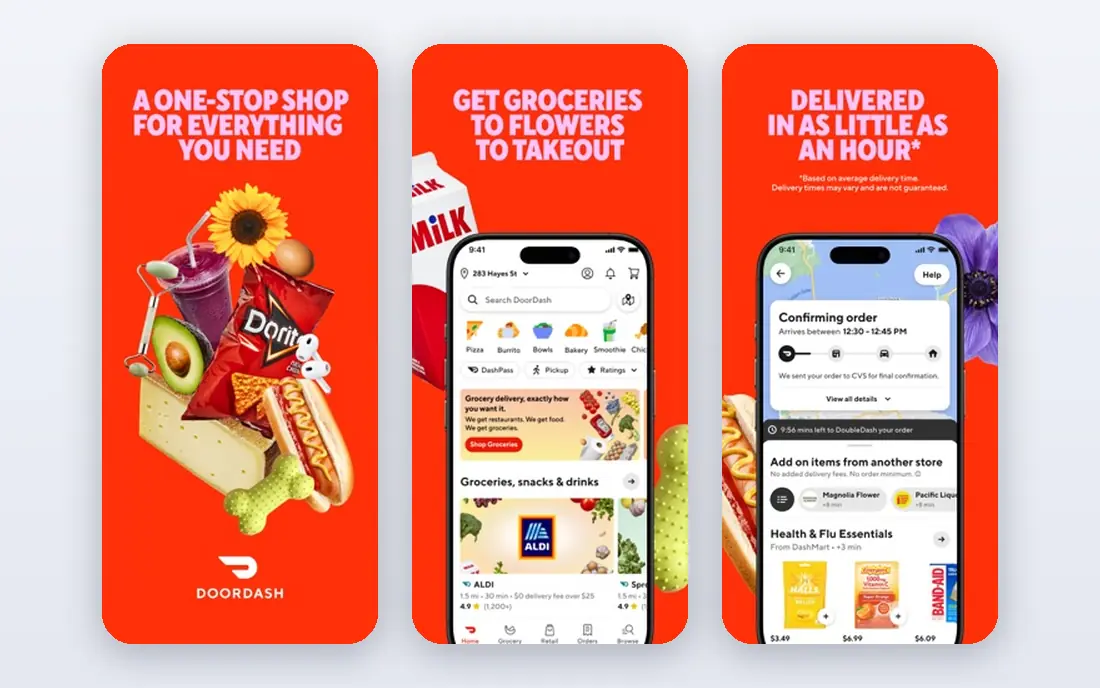
DoorDash is the easiest delivery app to start with because orders are plentiful in most US cities. Dashers can deliver food, groceries, and retail items, and scheduling is flexible, with the option to dash when an area is busy. Fast Pay gives same-day access to earnings for a fee in many markets.
Pay is the weakness. Public driver data often puts DoorDash median hourly pay below Uber, Spark, and Grubhub, even though volume is higher. It works best as a steady base app, paired with a second delivery app for better-paying orders.
- Most order volume in many markets
- Bike and scooter options in some cities
- Fast pay option
- Lower median hourly pay than some rivals
- Tips and pay vary by order and market
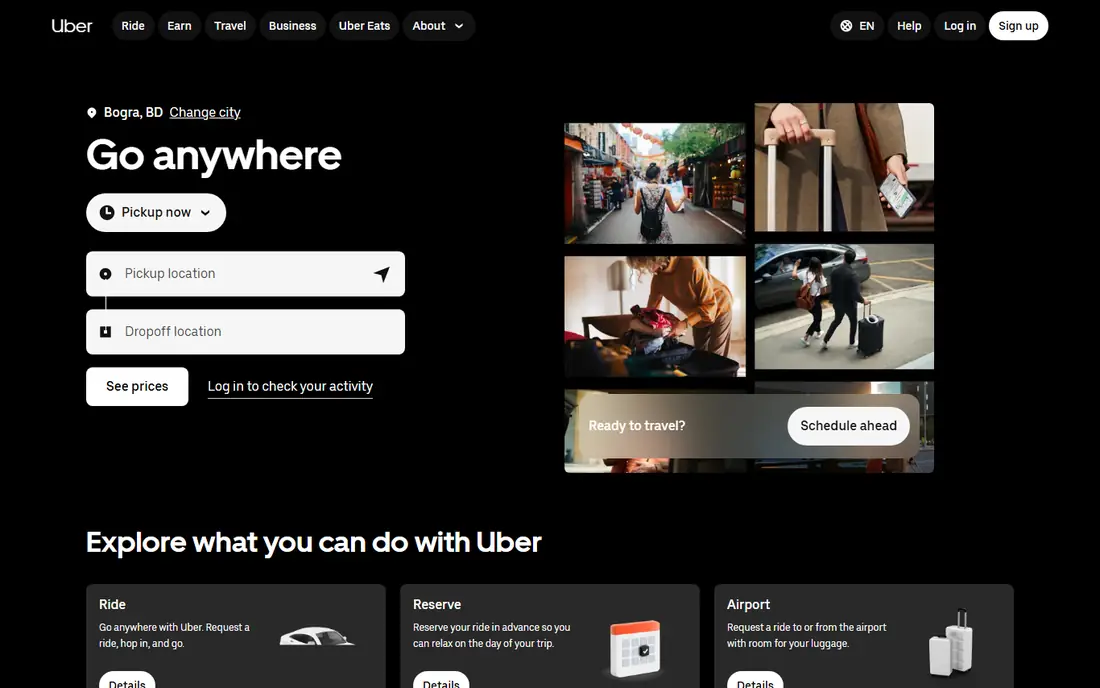
Uber rideshare usually pays more per hour than food delivery for drivers in busy markets, since fares are larger and surge pricing lifts peak hours. Drivers choose when to go online, and instant pay gives fast access to earnings. The app also offers Uber Eats in the same account, so a driver can switch between passengers and food.
Costs are real: fuel, maintenance, insurance, and depreciation come out of gross pay, and passenger driving adds wear and interaction that not every driver wants. Track net pay per mile before deciding whether rideshare beats delivery in your city.
- Large rider demand
- Surge and quest bonuses
- Instant pay option
- Car, insurance, and wear costs are high
- Passenger work suits fewer drivers
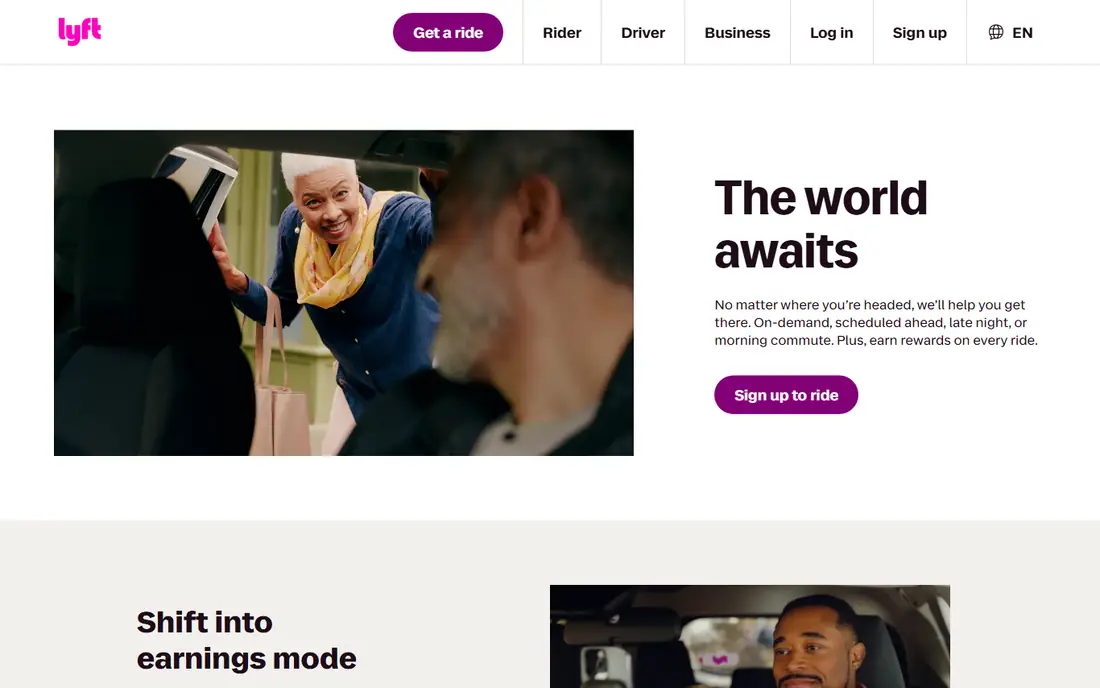
Lyft is the main rideshare alternative to Uber, and in some cities it offers better bonuses or a better driver experience. Scheduled rides help drivers plan blocks, and express pay gives fast access to earnings. Many drivers run both Uber and Lyft and take the better ride at the time.
Demand is city dependent, and Lyft alone may not match Uber volume in every market. It works best as a second rideshare app, or as a primary app in cities where Lyft demand is strong.
- Strong in many US cities
- Bonuses and scheduled rides
- Instant pay option
- Demand varies by city
- Same vehicle costs as Uber
Uber Eats suits dense cities where restaurants are close together and orders stack well. Delivery by car, bike, or scooter is possible depending on the market, and quest bonuses reward completing a set number of deliveries. Drivers already on Uber can switch to Eats without a new account.
Hourly pay is usually below Uber rideshare in the same city, and food delivery still carries vehicle costs. It pairs well with DoorDash: run both, take the better order, and avoid dead time between deliveries.
- Dense urban order flow
- Bike and scooter options
- Quest bonuses
- Lower pay than rideshare in many markets
- Order stacking needs care
Instacart shoppers pick grocery batches, shop in store, and deliver to customers, with pay from batch fees, tips, and sometimes promotions. Larger orders can pay better than a single restaurant delivery, and shoppers who learn store layouts work faster over time. Full-service shoppers handle shopping and delivery, while delivery-only roles exist in some markets.
The work is slower than food delivery when an order is large or items are out of stock. Shoppers should track time in store, not just driving time, to judge true hourly pay. In high-income areas with good tipping, Instacart can beat food delivery.
- Larger grocery orders and tips
- Shopper choice of batches
- Instant cashout option
- Shopping time varies by store and order
- Car needed in most markets
TaskRabbit lets workers set their own rates for furniture assembly, mounting, moving help, cleaning, yard work, and handyman tasks. Skilled Taskers often earn far more per hour than delivery drivers, and the work suits people who like hands-on jobs and direct client contact. A registration fee may apply in some markets, and Taskers keep their set rate after client fees.
Steadiness is the catch. New Taskers need reviews to win jobs, and demand varies by city and season. It works best as a higher-paying second app, or as a primary app once a strong review profile is built.
- Set your own hourly rate
- High ceiling for skilled work
- Varied local tasks
- Jobs are less steady
- Ramp-up takes time and reviews
- Tools and travel costs apply
Rover connects pet owners with sitters and walkers for boarding, house sitting, drop-in visits, and dog walking. Sitters set their own rates, keep most of the booking after the Rover service fee, and can build repeat clients. Boarding, in particular, can pay well per night compared with hourly delivery work.
Bookings depend on trust, reviews, and availability, so income builds slowly at first. Pet care also needs a suitable home or schedule for boarding. For animal lovers with a flexible home setup, it is a pleasant and often profitable gig.
- Set your own rates for sitting and walks
- Boarding pays per night
- No car required for many jobs
- Rover takes a service fee
- Bookings depend on reviews and local demand
Upwork is the main gig app for remote freelance work, from writing and design to programming, marketing, and admin support. Freelancers set rates, bid on jobs, and can build long-term clients that outlast any single delivery shift. Work is remote, so no car or local market limits apply.
New freelancers face competition and need proposals to win first jobs, and platform fees apply to earnings. It suits people with a marketable skill who want to turn gig work into a freelance business, rather than a quick cash app.
- Remote work in many skill areas
- Set your own rates
- Long-term client potential
- Platform fees and proposal costs
- Competition is strong for new freelancers
Amazon Flex drivers deliver packages in scheduled blocks, with block pay shown before accepting. That predictability suits drivers who prefer a set block over waiting for orders, and package routes often involve less waiting at restaurants. A reliable car and a phone are the main requirements.
Block availability varies by station and market, and pay is per block, not per hour, so a slow route can lower effective hourly pay. It pairs well with food delivery: take Flex blocks when available, and fill gaps with DoorDash or Uber Eats.
- Scheduled delivery blocks
- Consistent package work
- Clear block pay shown upfront
- Blocks can be hard to get in some areas
- No instant pay in the same way as delivery apps
How we picked these
We compared official worker pages, app store listings, and public earnings reports, and we kept only apps that are widely available in the US and actively signing up workers in 2026. We mixed delivery, rideshare, local tasks, pet care, and remote freelance work so readers can compare different kinds of gigs. We did not claim hands-on testing, and pay figures vary by market, so readers should check current terms in their city before signing up.
What to check before you buy
Start with your assets and schedule. A car opens delivery and rideshare, a skill opens TaskRabbit and Upwork, and a pet-friendly home opens Rover. Pick the app that fits what you already have, rather than buying a car or tools for a gig that may not pay in your market.
Next, track net pay for two weeks. Record gross pay, miles, fuel, and time, including waiting and shopping time, and subtract vehicle costs and a tax reserve. An app that looks good on gross pay can look weak after costs, and a slower app with larger tips can win on net pay.
Finally, protect yourself. Check insurance requirements for driving, understand deactivation and rating rules, and keep records for taxes. Gig workers are usually independent contractors, so tax, insurance, and retirement planning fall on the worker, not the platform.
Questions to ask before signing up
- What are the vehicle, background, and insurance requirements in my city?
- How is pay calculated, and what fees apply to instant pay or payouts?
- How are ratings, deactivation, and appeals handled?
- What tax records does the app provide at year end?
Sources
Frequently asked questions
What is the best gig app for beginners?
DoorDash is the simplest start for most beginners because orders are plentiful and signup is straightforward. Uber Eats is a close second in dense cities, while TaskRabbit and Upwork suit people with a specific skill.
Which gig app pays the most per hour?
TaskRabbit has the highest ceiling for skilled work, while Uber rideshare and Walmart Spark often lead delivery pay in public driver data. Actual pay depends on city, hours, tips, and vehicle costs, so local net pay matters more than a national average.
Do gig apps cost money to join?
Most apps on this list are free to join, though TaskRabbit may charge a registration fee in some markets and drivers pay for their own vehicle, fuel, and insurance. Instant pay options may also carry a small fee.
Can I use more than one gig app at once?
Yes, many workers multi-app, running DoorDash and Uber Eats together or pairing delivery with TaskRabbit. Avoid accepting two orders that delay a delivery, since late deliveries hurt ratings more than a second order earns.
Are gig workers employees or contractors?
Most gig workers on these apps are independent contractors, not employees. That means flexible hours, but also responsibility for taxes, insurance, and expenses, so keep records and set aside a tax reserve.
How do gig workers handle taxes?
Gig income is usually taxable, and drivers can often deduct business miles and expenses. Keep mileage logs, pay records, and receipts, and consider quarterly estimated tax payments or advice from a tax professional.