Best Grocery List App in 2026: 9 Apps Compared
By ToolNimba Editorial Team November 10, 2026 11 min read

- Top pick
 AnyList
Shared lists and meal planning
Starting price$14.99 per yearCheck out AnyListRead our review - Runner-up
 Listonic
Free lists with prices and totals
Starting priceFreeCheck out ListonicRead our review - Also great
 OurGroceries
Simple shared lists
Starting priceFreeCheck out OurGroceriesRead our review
How we researched this
We compared official pricing and feature pages, app store listings, privacy policies and public user reviews. Prices change, so check the provider's site before you pay.
Key takeaways
- AnyList is our pick for most families, with strong shared lists, recipe import and a meal-planning calendar on its Complete plan.
- Listonic suits budget shoppers, with free shared lists, store categories, item prices and a running total.
- OurGroceries suits people who want a simple shared list with no subscription, while Cozi suits families that also want a shared calendar.
- Google Keep and Apple Reminders suit households that already live in those ecosystems and want a free list with no new app to learn.
Quick comparison
| Name | Best for | Starting price | Free plan | |
|---|---|---|---|---|
| AnyList | Shared lists and meal planning | $14.99 per year | Yes | Visit |
| Listonic | Free lists with prices and totals | Free | Yes | Visit |
| OurGroceries | Simple shared lists | Free | Yes | Visit |
 Cozi | Family calendar plus lists | $39 per year | Yes | Visit |
 Bring | Visual shared shopping | Free | Yes | Visit |
 Paprika | Recipes turned into lists | $4.99 one-time | No | Visit |
 Flipp | Deals, coupons and lists | Free | Yes | Visit |
 Google Keep | Free lists across platforms | Free | Yes | Visit |
 Apple Reminders | Free lists for Apple households | Free | Yes | Visit |
The best grocery list apps
The best grocery list app is the one everyone in the house actually opens at the store. These nine apps cover shared lists, meal planning, store sorting and simple free checklists for couples, families and roommates.
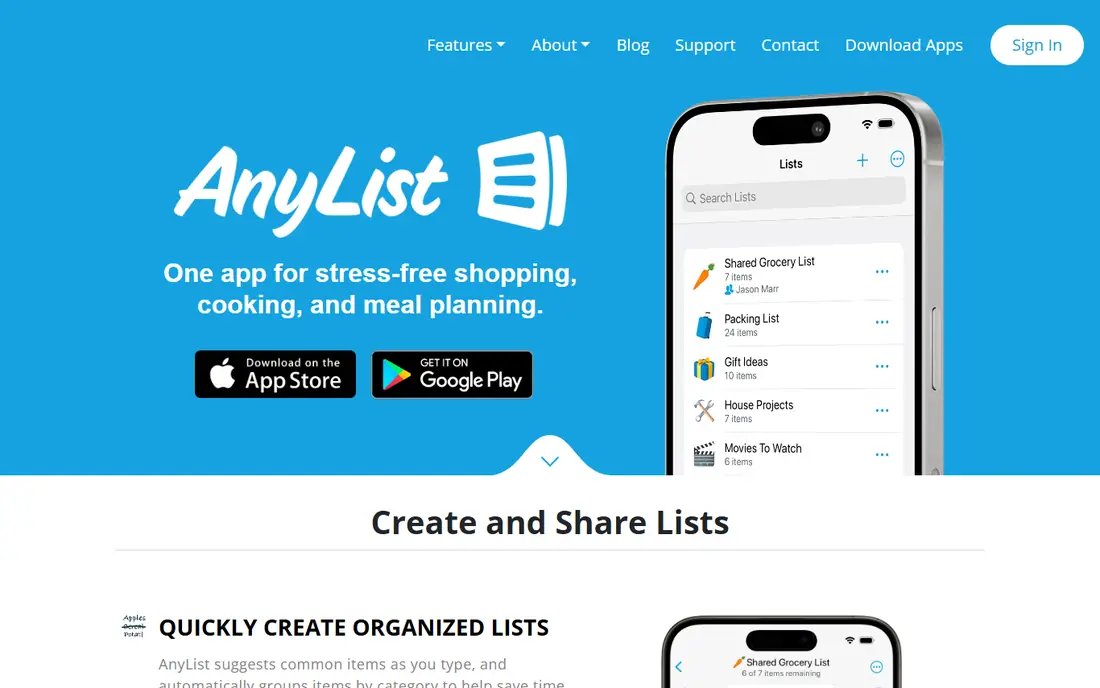
AnyList suits couples and families who plan meals and shop together, because lists, recipes and a calendar stay linked instead of living in separate apps. For buyers, the clearest strength is Real-time shared lists, and that advantage shows up most when the tool is used for shared lists and meal planning. Pricing starts at $14.99 per year, with a free plan listed as Yes, so check the current plan page for limits on seats, usage or features before you rely on that price.
What stands out in daily use is recipe import and meal calendar on complete. The honest catch is Meal calendar and unlimited recipes need Complete, and a second limit to weigh is no pantry inventory. If those limits do not block your main workflow, this is a solid shortlist pick. If they do, move to the next option in this list rather than forcing a tool to fit a job it handles poorly.
- Real-time shared lists
- Recipe import and meal calendar on Complete
- Web and Mac apps
- Meal calendar and unlimited recipes need Complete
- No pantry inventory
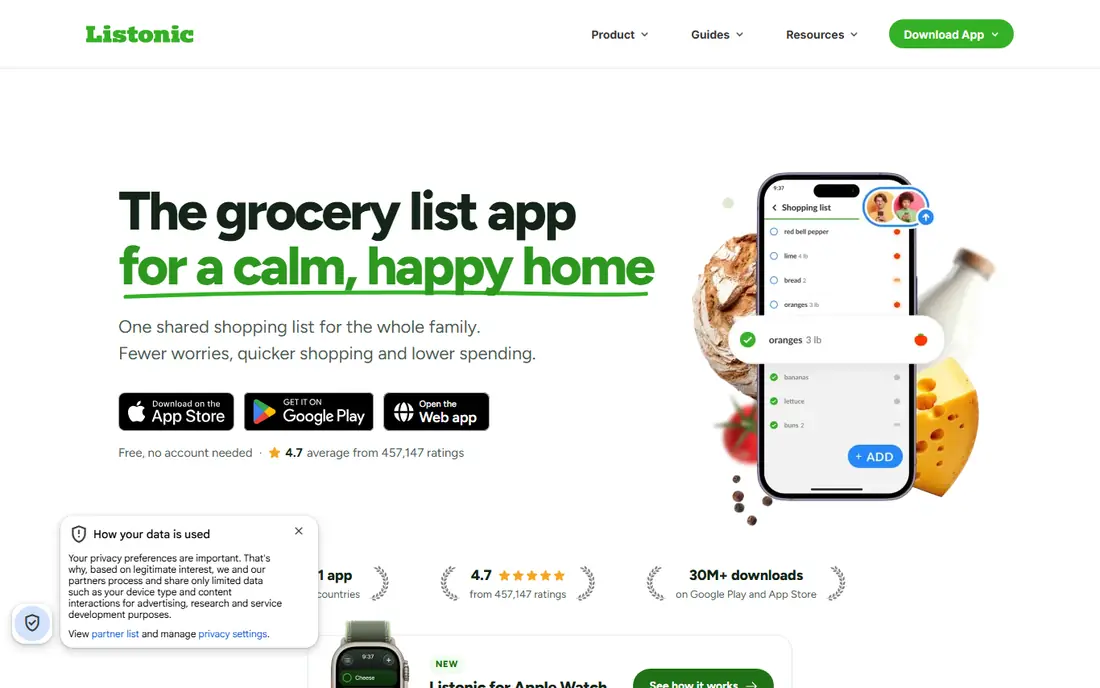
Listonic suits budget shoppers who want a free shared list that also tracks what the shop will cost, with prices and totals built in rather than added on. For buyers, the clearest strength is Free shared lists, and that advantage shows up most when the tool is used for free lists with prices and totals. Pricing starts at Free, with a free plan listed as Yes, so check the current plan page for limits on seats, usage or features before you rely on that price.
What stands out in daily use is store categories. The honest catch is Design is simpler than recipe-first rivals, and a second limit to weigh is some features vary by platform. If those limits do not block your main workflow, this is a solid shortlist pick. If they do, move to the next option in this list rather than forcing a tool to fit a job it handles poorly.
- Free shared lists
- Store categories
- Item prices and running total
- Voice input
- Design is simpler than recipe-first rivals
- Some features vary by platform

OurGroceries suits households that want a list and nothing else, with fast sync and a one-time or low yearly payment to remove ads. For buyers, the clearest strength is Simple real-time shared lists, and that advantage shows up most when the tool is used for simple shared lists. Pricing starts at Free, with a free plan listed as Yes, so check the current plan page for limits on seats, usage or features before you rely on that price.
What stands out in daily use is works on phone and web. The honest catch is Everyone shares one account, and a second limit to weigh is no meal planning or pantry tools. If those limits do not block your main workflow, this is a solid shortlist pick. If they do, move to the next option in this list rather than forcing a tool to fit a job it handles poorly.
- Simple real-time shared lists
- Works on phone and web
- Low-cost ad removal
- Everyone shares one account
- No meal planning or pantry tools
Cozi suits families that want shopping as one part of a shared household hub, with a calendar, chores and recipes beside the list. For buyers, the clearest strength is Shared calendar, lists, chores and recipes in one family app, and that advantage shows up most when the tool is used for family calendar plus lists. Pricing starts at $39 per year, with a free plan listed as Yes, so check the current plan page for limits on seats, usage or features before you rely on that price.
What stands out in daily use is color-coded members. The honest catch is Shopping features are basic next to AnyList, and a second limit to weigh is free tier shows ads. If those limits do not block your main workflow, this is a solid shortlist pick. If they do, move to the next option in this list rather than forcing a tool to fit a job it handles poorly.
- Shared calendar, lists, chores and recipes in one family app
- Color-coded members
- Shopping features are basic next to AnyList
- Free tier shows ads
Bring suits visual shoppers who recognize items by photo and want a shared list that feels quick and friendly on a phone at the store. For buyers, the clearest strength is Visual, photo-based lists, and that advantage shows up most when the tool is used for visual shared shopping. Pricing starts at Free, with a free plan listed as Yes, so check the current plan page for limits on seats, usage or features before you rely on that price.
What stands out in daily use is shared lists and inspiration. The honest catch is Meal planning and prices are limited, and a second limit to weigh is features vary by region. If those limits do not block your main workflow, this is a solid shortlist pick. If they do, move to the next option in this list rather than forcing a tool to fit a job it handles poorly.
- Visual, photo-based lists
- Shared lists and inspiration
- Simple to use
- Meal planning and prices are limited
- Features vary by region
Paprika suits home cooks who start from recipes, because saved recipes, a meal calendar and a grocery list work as one workflow. For buyers, the clearest strength is Recipe manager with list creation, and that advantage shows up most when the tool is used for recipes turned into lists. Pricing starts at $4.99 one-time, with a free plan listed as No, so check the current plan page for limits on seats, usage or features before you rely on that price.
What stands out in daily use is meal planning. The honest catch is No free plan, and a second limit to weigh is purchase is per platform, so costs add up across devices. If those limits do not block your main workflow, this is a solid shortlist pick. If they do, move to the next option in this list rather than forcing a tool to fit a job it handles poorly.
- Recipe manager with list creation
- Meal planning
- One-time purchase per platform
- No free plan
- Purchase is per platform, so costs add up across devices
Flipp suits deal hunters who plan shops around sales, because weekly ads and coupons sit next to the list instead of in a separate app. For buyers, the clearest strength is Weekly ads, coupons and sale prices across stores, and that advantage shows up most when the tool is used for deals, coupons and lists. Pricing starts at Free, with a free plan listed as Yes, so check the current plan page for limits on seats, usage or features before you rely on that price.
What stands out in daily use is list building from deals. The honest catch is List features are simpler than AnyList, and a second limit to weigh is deals vary by store and region. If those limits do not block your main workflow, this is a solid shortlist pick. If they do, move to the next option in this list rather than forcing a tool to fit a job it handles poorly.
- Weekly ads, coupons and sale prices across stores
- List building from deals
- List features are simpler than AnyList
- Deals vary by store and region
Google Keep suits mixed Android and iPhone households that want a free, equal list on both platforms without learning a new shopping app. For buyers, the clearest strength is Free, and that advantage shows up most when the tool is used for free lists across platforms. Pricing starts at Free, with a free plan listed as Yes, so check the current plan page for limits on seats, usage or features before you rely on that price.
What stands out in daily use is real-time sharing. The honest catch is No store categories or prices, and a second limit to weigh is list sorting is manual. If those limits do not block your main workflow, this is a solid shortlist pick. If they do, move to the next option in this list rather than forcing a tool to fit a job it handles poorly.
- Free
- Real-time sharing
- Works on Android, iOS and web
- Reminders
- No store categories or prices
- List sorting is manual
Apple Reminders suits households that all use iPhone, iPad or Mac, because the list is already on every device and needs no new account. For buyers, the clearest strength is Free on Apple devices, and that advantage shows up most when the tool is used for free lists for apple households. Pricing starts at Free, with a free plan listed as Yes, so check the current plan page for limits on seats, usage or features before you rely on that price.
What stands out in daily use is shared lists. The honest catch is Apple only, so Android partners are left out, and a second limit to weigh is no grocery-specific sorting. If those limits do not block your main workflow, this is a solid shortlist pick. If they do, move to the next option in this list rather than forcing a tool to fit a job it handles poorly.
- Free on Apple devices
- Shared lists
- Location and time reminders
- Siri input
- Apple only, so Android partners are left out
- No grocery-specific sorting
How we picked these
We compared app store listings, vendor pricing pages and recent grocery app guides for sharing, sync, store sorting, meal planning and price. We did not claim hands-on testing. Prices and features vary by platform and region, so confirm the current plan in your app store before you commit a household to one app.
How to choose a grocery list app
Start with sharing. Check whether everyone needs an account, whether changes sync in real time and whether the app works on both iPhone and Android. A list that only syncs well on one platform will fail in a mixed household, no matter how good its other features look.
Next, check store flow and meal planning. Store categories and aisle sorting save time in the shop, while recipe import and a meal calendar save time before it. If you shop on a budget, item prices and a running total matter more than recipes, so pick the app that matches your weekly routine.
Sources
Frequently asked questions
What is the best app for a grocery list?
AnyList is the best overall pick for most families, thanks to shared lists, recipe import and meal planning. Listonic is the best free pick for budget shoppers, while OurGroceries is the simplest shared list.
What is the best shared shopping list app?
AnyList, Listonic and OurGroceries all offer real-time shared lists. AnyList adds recipes and meal planning, Listonic adds prices and a running total, and OurGroceries keeps sharing simple with one shared account.
What is the best shareable grocery list app for couples?
AnyList and Listonic both suit couples, with instant sync when one partner adds an item. Listonic lets the other person view and edit without an account in some flows, while AnyList Complete adds web and Mac apps.
Are there free grocery list apps?
Yes. Listonic, Google Keep, Apple Reminders, Flipp and OurGroceries all offer free tiers, though OurGroceries shows ads unless you pay to remove them. AnyList also offers a free tier, with Complete adding meal planning and unlimited recipes.
Which grocery list app helps with meal planning?
AnyList Complete offers a meal-planning calendar and unlimited recipe import, Paprika focuses on recipes and lists, and Cozi pairs a shopping list with a family calendar and recipes. Pick AnyList for planning, Paprika for recipe collections.