Best Group Chat Apps in 2026: 9 Apps Compared
By ToolNimba Editorial Team November 9, 2026 9 min read

- Top pick
 WhatsApp
Most friends and family groups
Starting priceFreeCheck out WhatsAppRead our review - Runner-up
 Telegram
Large groups and channels
Starting priceFreeCheck out TelegramRead our review - Also great
 Signal
Private groups
Starting priceFreeCheck out SignalRead our review
How we researched this
We compared official pricing and feature pages, app store listings, privacy policies and public user reviews. Prices change, so check the provider's site before you pay.
Key takeaways
- WhatsApp is the best default for most people because almost everyone already has it and group setup takes seconds.
- Telegram suits large public groups and channels, while Signal is the pick for private groups that want strong encryption.
- Discord works best for communities and gaming groups that need voice channels and organised topics.
- Slack and Microsoft Teams suit work groups, but they are heavier than a simple family chat app.
- GroupMe and Google Chat are useful free options when your group uses different phones and does not want a new account for everything.
Quick comparison
| Name | Best for | Starting price | Free plan | |
|---|---|---|---|---|
| WhatsApp | Most friends and family groups | Free | Yes | Visit |
| Telegram | Large groups and channels | Free | Yes | Visit |
| Signal | Private groups | Free | Yes | Visit |
 Discord | Communities and gaming | Free | Yes | Visit |
 Slack | Work teams | Free | Yes | Visit |
 Microsoft Teams | Work and school groups | Free | Yes | Visit |
 GroupMe | Simple groups across phones | Free | Yes | Visit |
 Google Chat | Google Workspace users | Free | Yes | Visit |
 Viber | International family groups | Free | Yes | Visit |
The best group chat apps
We compared official feature pages, app store listings, and group limits for each app. The best group chat app depends on who is in the group, how private the chat needs to be, and whether you also need voice calls, files, or work tools.
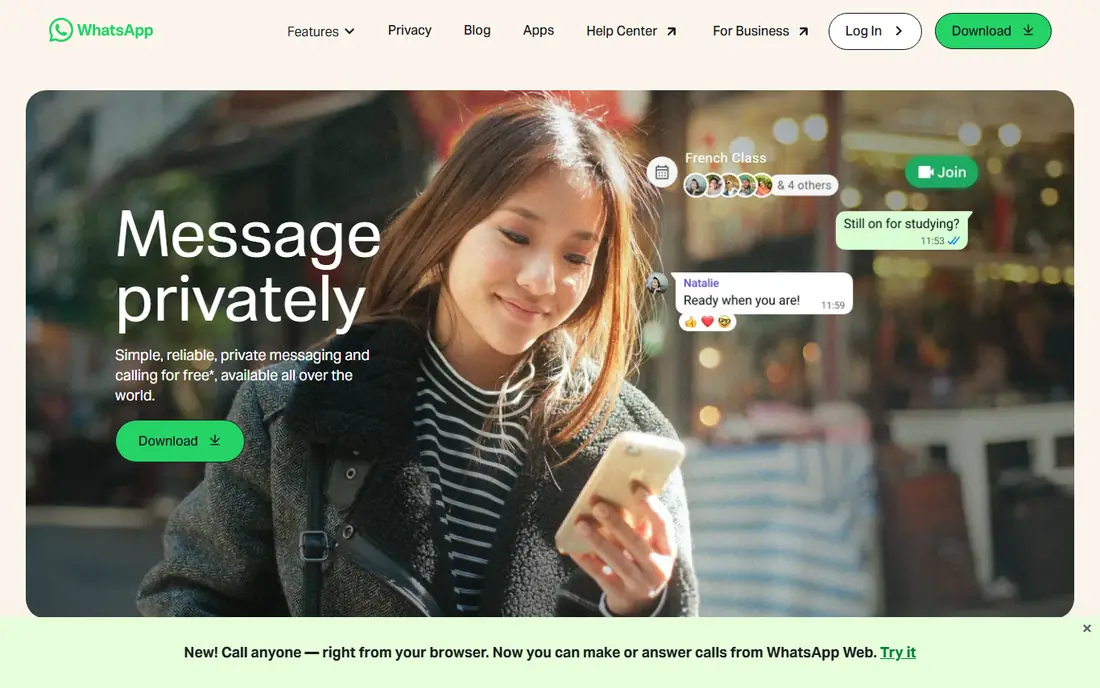
WhatsApp wins on reach. For a family group, a school parent group, or a trip group, the odds are high that everyone already has it installed, so you do not need to persuade anyone to join a new service. Groups support text, photos, voice notes, polls, and calls, and messages are end to end encrypted by default.
The limits are practical rather than technical. You need a phone number to sign up, and moving chats between phones can still be fiddly. Admin tools are also lighter than Discord or Slack, so large groups with many moderators may outgrow it.
- Almost universal adoption
- End to end encrypted chats
- Free voice and video calls
- Tied to a phone number
- Group admin controls are basic
- Backup and device limits can frustrate
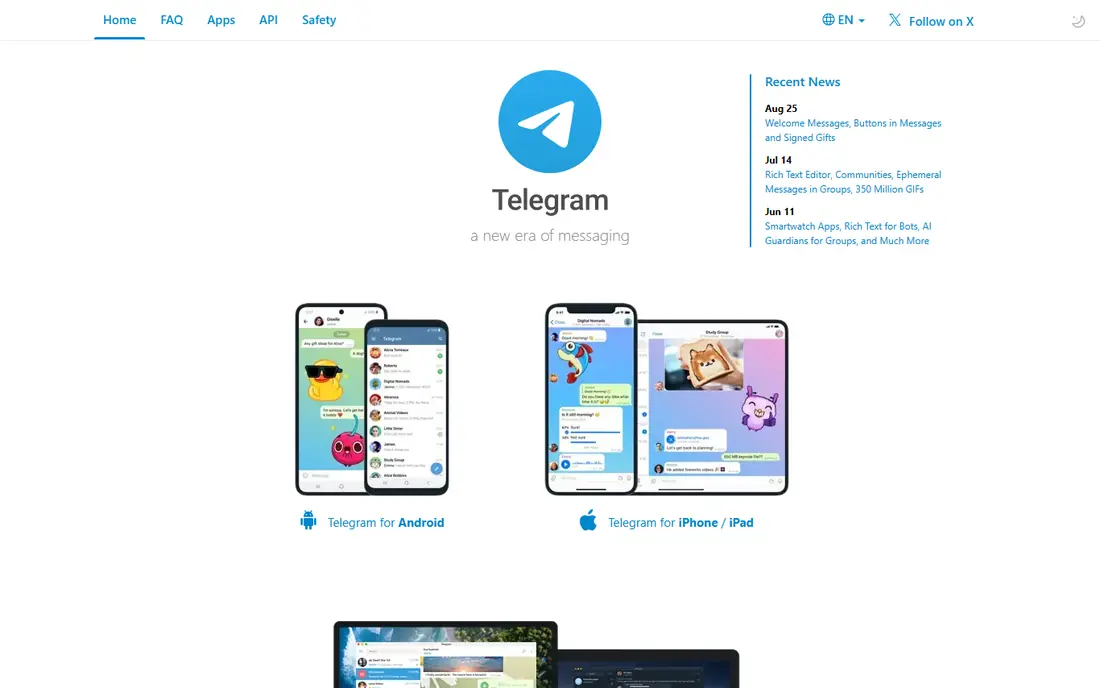
Telegram is the app to pick when a group might grow into the hundreds or thousands. Groups can hold far more members than WhatsApp, and channels let admins broadcast updates without replies flooding the chat. Media sharing is fast, and the app works well across phones and desktops.
Privacy needs a careful read. Cloud chats are encrypted in transit and at rest on Telegram servers, but end to end encryption is only in optional secret chats, which are not available for groups. Use Telegram for open communities and announcements, and Signal for chats that must stay private.
- Very large group capacity
- Channels for announcements
- Fast media sharing
- Default chats are not end to end encrypted
- Secret chats are one to one only
- Spam can appear in public groups
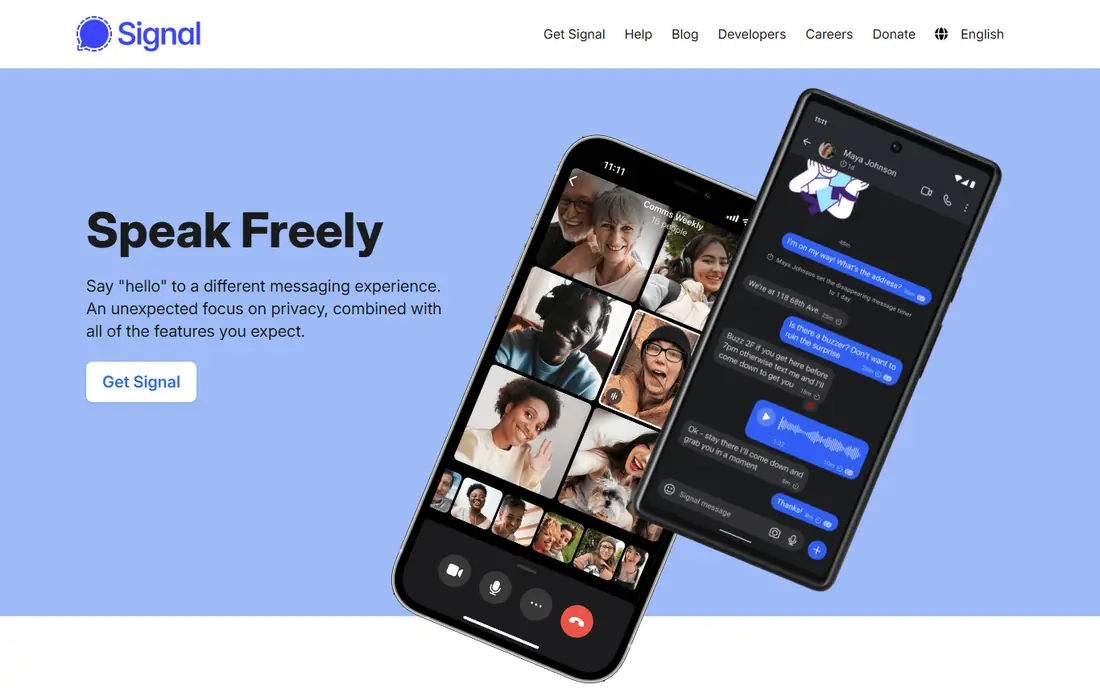
Signal is our pick for groups where privacy is the main point. Messages, calls, and group chats are end to end encrypted by default, and the non profit behind Signal collects very little metadata compared with large commercial apps. There are no ads and no tracking based business model to work around.
The trade-off is reach and polish. Not everyone in a family or school group will already have Signal, so you may need to ask people to install it. Feature wise it is simpler than Telegram or Discord, but for a private group that simplicity is part of the appeal.
- End to end encryption by default
- Minimal data collection
- No ads
- Smaller user base than WhatsApp
- Fewer fun features
- Group size is smaller than Telegram
Discord started with gamers, but it now suits any community that needs more structure than a single chat thread. A server can hold separate channels for announcements, general chat, photos, and voice, plus roles that give moderators clear powers. That structure keeps a busy group readable in a way a single WhatsApp thread cannot.
New users can find Discord busy at first, with servers, channels, and settings to learn. It is also not the right pick for a private family chat, since messages are not end to end encrypted by default. Use it for clubs, classes, fan groups, and gaming squads.
- Voice channels and organised text channels
- Roles and moderation tools
- Free for most use
- Can feel complex for new users
- Not end to end encrypted by default
- Public servers need active moderation
Slack is the best group chat app for work when a team needs more than a casual thread. Channels separate projects, threads keep replies tidy, and integrations pull in files, calendars, and task tools. Search makes it easy to find a decision from weeks ago, which is hard in a long phone chat.
The free plan is enough for a small team, but older message history is limited, and paid plans start at a per user monthly rate. Slack also carries a work feel that many people do not want in a friends group. Keep it for teams, clubs with formal roles, and volunteer groups that need structure.
- Channels keep work topics separate
- Strong search and integrations
- Threads reduce noise
- Free plan limits message history
- Overkill for family chats
- Can feel like work, not chat
Microsoft Teams suits groups that already live in Microsoft tools. You can chat, share files, and start a video meeting from the same place, which helps school groups, work teams, and volunteer organisations. The free version covers basic chat and meetings for personal use.
The downside is weight. Teams has more menus and settings than a simple chat app, and new users can take a while to find the right channel. If your group only needs quick messages and photos, WhatsApp or GroupMe will feel lighter.
- Free personal and work versions
- Video meetings built in
- Works with Microsoft 365
- Interface can feel heavy
- Setup is more complex than WhatsApp
- Best value needs a Microsoft account
GroupMe remains a useful pick for mixed phone groups, especially in the US. It is free, simple to set up, and members can take part by SMS in some cases, which helps when not everyone wants another app. Polls, calendars, and photo sharing cover most of what a casual group needs.
GroupMe is less prominent than it once was, and its feature set has not kept pace with Telegram or Discord. It also lacks the default end to end encryption that Signal offers. Use it when simplicity and cross phone access matter more than advanced privacy or community tools.
- Free and simple
- Works even by SMS for some members
- Easy polls and events
- Owned by Microsoft and less actively promoted
- Fewer privacy controls than Signal
- No end to end encryption by default
Google Chat is a solid, quiet option for people who already use Gmail and Google Drive. Spaces let a group keep messages, files, and tasks together, which suits a class project, a club committee, or a small work team. There is no extra cost for basic use with a Google account.
The weakness is social reach. Friends and family are less likely to check Google Chat than WhatsApp, so messages can sit unread. It is best when the group already uses Google tools daily and wants chat close to email and files.
- Free with a Google account
- Spaces for longer projects
- Integrates with Gmail and Drive
- Less popular for social groups
- Interface is plain
- Some features need Workspace
Viber is worth a look for international families and friends. It offers free messages and calls, group chats, and communities, and it has long been popular in parts of Europe and Asia. That reach can matter when a group spans countries and time zones.
In the US, Viber is less common than WhatsApp, so you may need to ask people to install it. The app also includes promotions that some users find noisy. Choose Viber when your group already uses it or when its international calling features fit your family better than WhatsApp.
- Free calls and messages worldwide
- Stickers and communities
- Works on phone and desktop
- Smaller US user base
- Ads and offers in the app
- Group features trail Telegram
How we picked these
We compared official feature pages and app store listings, and we kept only apps that still offer working group chat in October 2026. We favoured free entry, cross platform apps, and distinct strengths, so this list covers family chats, private chats, large communities, and work teams. We also weighed encryption honestly, since a group chat that claims to be private should say clearly what is and is not end to end encrypted.
How to pick for your group
Ask three questions before you create a group. First, does everyone already have the app, or will you need to persuade them to install it. Second, how large will the group get, and will you need channels, roles, or moderation. Third, how private must the chat be, and does that point you to Signal rather than a public community app.
If the group is small and social, start with WhatsApp. If it may grow into a community, start with Telegram or Discord. If it is for work, Slack or Teams will save time, even if setup takes a little longer.
Sources
Frequently asked questions
What is the best group messaging app for free?
WhatsApp is the best free group messaging app for most people because it is free, widely used, and supports calls, photos, and polls. Telegram is the best free option for very large groups, while Signal is the best free option for private groups. All three are free to download and use.
What is the best app for group texting without everyone installing it?
GroupMe is the closest option, since members can take part by SMS in some cases and the app is free. WhatsApp and Telegram still need everyone to install the app and create an account. For a one off group, a plain SMS thread may be simpler, even though it lacks polls and good media sharing.
Is WhatsApp or Telegram better for group chats?
WhatsApp is better for small, private groups of friends and family, since chats are end to end encrypted by default and most people already have it. Telegram is better for large groups and public communities, since it supports far more members and channels. Choose based on group size and privacy needs, not on features alone.
What is the best group chat app for gaming?
Discord is the best group chat app for gaming because it offers voice channels, text channels, roles, and moderation in one server. Players can drop into voice without starting a call, share clips, and keep different games in separate channels. WhatsApp works for a small squad, but it lacks that structure.
Which group chat app is most private?
Signal is the most private option in this list, with end to end encryption by default and minimal data collection. WhatsApp also offers end to end encrypted chats, but it is owned by Meta and tied to a phone number. Avoid public Telegram groups for sensitive topics, since default group chats are not end to end encrypted.
Can I use Slack for a family group chat?
You can, but it is usually overkill. Slack shines for work teams that need channels, threads, search, and integrations. A family group will usually find WhatsApp, GroupMe, or Signal simpler and more likely to be checked daily. Use Slack for a family group only if you already use it for work and want the same structure.