Best Helpdesk Software in 2026: 9 Tools Compared
By ToolNimba Editorial Team November 11, 2026 9 min read

- Top pick
 Zendesk
large multichannel support teams
Starting price$19 per agent per monthCheck out ZendeskRead our review - Runner-up
 Freshdesk
fast onboarding for growing teams
Starting price$19 per agent per monthCheck out FreshdeskRead our review - Also great
 Zoho Desk
budget teams and Zoho users
Starting price$7 per user per monthCheck out Zoho DeskRead our review
How we researched this
We compared official pricing and feature pages, app store listings, privacy policies and public user reviews. Prices change, so check the provider's site before you pay.
Key takeaways
- Zoho Desk is the cheapest path to a real multichannel desk, with a free tier for up to 3 agents.
- Zendesk and Freshdesk both start at $19 per agent per month, but their AI and automation costs diverge quickly.
- Help Scout suits email-first teams that want a shared inbox without enterprise complexity.
- AI resolution fees now matter as much as seat prices, so model your ticket volume before signing.
Quick comparison
| Name | Best for | Starting price | Free plan | |
|---|---|---|---|---|
| Zendesk | large multichannel support teams | $19 per agent per month | Free trial | Visit |
| Freshdesk | fast onboarding for growing teams | $19 per agent per month | Free trial | Visit |
| Zoho Desk | budget teams and Zoho users | $7 per user per month | Yes | Visit |
 Help Scout | email-first small teams | $25 per user per month | Yes | Visit |
 HubSpot Service Hub | teams already on HubSpot CRM | $20 per seat per month | Yes | Visit |
 Intercom | chat-first SaaS support | $29 per seat per month | Free trial | Visit |
 Jira Service Management | IT and internal support | $20 per agent per month | Yes | Visit |
 LiveAgent | budget multichannel support | $15 per agent per month | Free trial | Visit |
 Front | shared inboxes for account teams | $25 per seat per month | Free trial | Visit |
The best helpdesk software
A helpdesk should match where your customers already reach you: email, chat, phone or a form. These nine cover that range, from free tiers for tiny teams to enterprise suites for large operations.
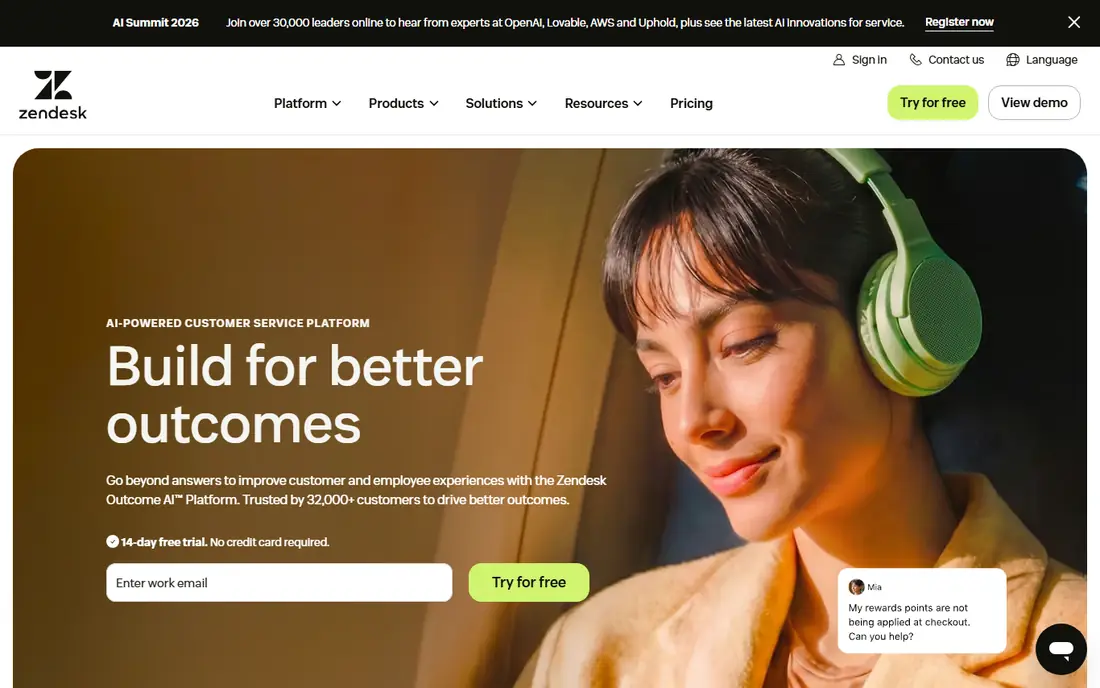
Zendesk is the standard large teams measure everything else against. It pulls email, chat, phone, social and messaging into one agent workspace, with triggers, automations and a large app marketplace for the gaps. Reporting is deep enough for workforce planning, and the platform holds up under thousands of tickets a day.
The price story has two parts. Entry Suite Team pricing starts at $19 per agent per month billed annually, but AI Copilot and metered AI resolutions add cost on top, and Suite Professional runs higher still. Small teams can feel over-equipped. For a large or fast-growing support operation, Zendesk remains our pick for breadth and scale.
- Deep omnichannel coverage and marketplace
- Strong automation, triggers and reporting
- Proven at very large scale
- Suite Team pricing climbs fast with AI add-ons
- Setup and admin take real effort
- No free plan, only a trial
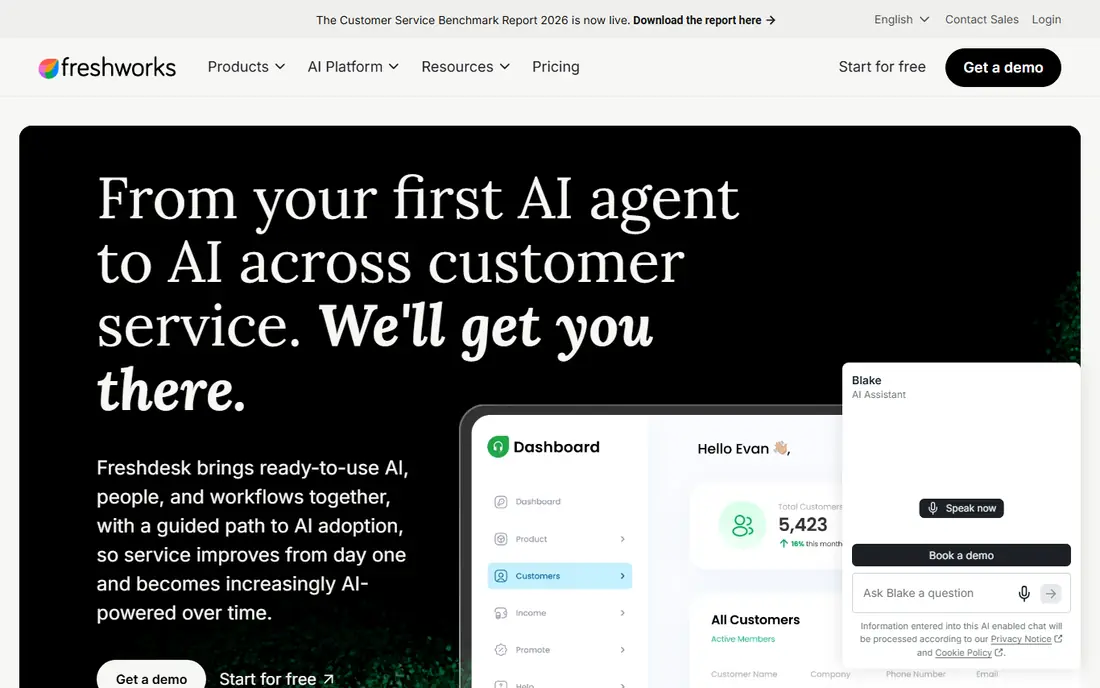
Freshdesk is the pragmatic mid-market alternative to Zendesk. Teams get email, chat, phone and social tickets in one queue, plus self-service portals and a knowledge base, without a long implementation project. The interface is approachable, which matters when agents turn over and training time is short.
Pricing starts at $19 per agent per month for Growth on annual billing, with Pro at $55. The catch is AI: Copilot costs extra per agent, and AI sessions are metered in packs. If your team wants strong automation out of the box, price the whole bundle. For straightforward ticketing done well, Freshdesk is easy to recommend.
- Quick setup and friendly interface
- Omnichannel tickets plus a knowledge base
- Freddy AI assists agents and customers
- No free plan in current pricing
- AI Copilot is a $29 per agent add-on
- Advanced reporting sits on higher tiers
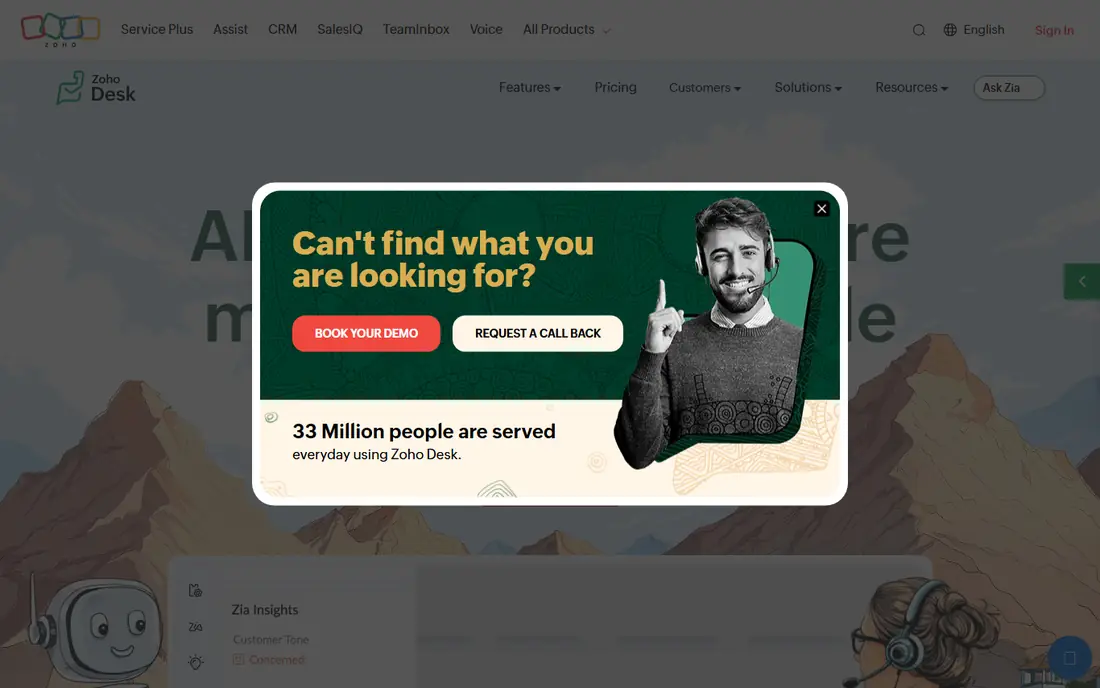
Zoho Desk is the value pick, full stop. The free tier covers up to 3 agents with email, chat and phone tickets, and paid plans start at $7 per user per month for Express on annual billing. Teams already using Zoho CRM or other Zoho apps get a natural fit, with customer records shared across tools.
Professional at $23 per user per month adds the Zia AI assistant, SLAs and deeper automation, which is where most growing teams land. The interface will not win design awards, and the marketplace is smaller than Zendesk's. But for a small team that needs a real desk at a small price, Zoho Desk is hard to beat.
- Free tier for up to 3 agents
- Lowest entry price in this list
- Multichannel tickets plus Zia AI on higher tiers
- Interface is less polished than Zendesk or Freshdesk
- Best features sit on Professional at $23
- Smaller third-party marketplace
Help Scout suits teams whose support lives mostly in email. Agents work from a shared inbox with collision detection, saved replies and internal notes, so customers get a personal reply rather than a ticket number. Docs, its knowledge base tool, helps deflect repeat questions without a separate purchase.
Pricing starts at $25 per user per month for Standard, with a limited free tier for 5 users. AI answers are billed per resolution, so high-volume teams should model that cost. If your customers write in and your team answers by email, Help Scout keeps the workflow simple and human.
- Shared inbox that feels like email, not a ticket queue
- Free tier for 5 users and one inbox
- Docs knowledge base included
- Weaker phone and social coverage than omnichannel suites
- AI resolutions cost $0.75 each
- Advanced reporting needs Plus
HubSpot Service Hub makes sense when your company already runs on HubSpot. Support tickets sit on the same contact record as deals and marketing activity, so an agent can see the full customer story without switching tools. Free tools cover basic ticketing for 2 users, and Starter seats start around $20 per seat per month on monthly billing.
The step up is steep. Professional costs around $90 per seat per month plus a one-time onboarding fee, and that is where real automation and custom reporting live. Teams outside the HubSpot world gain less. Inside it, though, the shared record is a genuine advantage.
- Tickets share the same CRM record as sales and marketing
- Free tools for up to 2 users
- Live chat and knowledge base included
- Starter pricing varies by billing
- Professional adds a $1,500 onboarding fee
- Best automation sits on expensive tiers
Intercom is built for SaaS teams whose users need help inside the product. Its messenger, chatbots and Fin AI agent answer questions where users already are, and product tours help new customers onboard without a ticket. For a product-led company, that in-app presence converts support into retention.
The bill needs care. Essential seats start at $29 per seat per month on annual billing, and Fin charges per resolved outcome, so a busy help center can add up. Email-heavy teams may prefer a ticket-first desk. For chat-first SaaS support, Intercom remains the reference point.
- Best-in-class in-app messenger and chatbots
- Fin AI agent resolves common questions
- Strong product tours and onboarding tools
- AI outcomes cost $0.99 each on top of seats
- Pricing scales with contacts and usage
- Email ticketing is not its strength
Jira Service Management is the desk for internal IT and engineering-adjacent teams. It handles service requests, incidents, changes and SLAs with the structure ITIL-style teams expect, and it connects naturally to Jira Software and Confluence. The free tier covers up to 3 agents, and Standard starts at $20 per agent per month.
Customer-facing teams may find its portals less welcoming than Help Scout or Zendesk, and configuration rewards technical admins. But if your "customers" are employees filing IT requests, and your engineers already live in Atlassian tools, this is the natural pick.
- Free tier for up to 3 agents
- Built for IT service management with SLAs and incident workflows
- Deep Atlassian integration
- Customer-facing polish lags behind Zendesk
- Setup suits technical teams best
- Pricing rises with agent count
LiveAgent packs a lot into $15 per agent per month on annual billing: email tickets, live chat and, from the Medium plan, a built-in call centre. That breadth at this price is unusual, and it suits small businesses that need phone and chat without buying separate tools.
The interface takes learning, and the design feels older than its rivals. Social media channels cost extra on smaller plans, so check your channel mix. For a budget-conscious team that wants every channel in one place, LiveAgent offers strong value.
- Ticketing, live chat and a call centre in one low-priced tool
- 30-day trial
- AI answer assistant included on plans
- Interface feels busy and dated
- Social channels cost extra on smaller plans
- No free plan
Front sits between an email client and a helpdesk. Teams share inboxes, assign messages, comment internally and track who owns each conversation, which suits account management, success and operations teams as much as support. It handles email, SMS and social messages in one view.
It is not a full ticket platform in the Zendesk sense, and heavy automation or SLA reporting may disappoint. Starter seats start at $25 per seat per month billed annually, with a 14-day trial. If your work is conversation-shaped rather than ticket-shaped, Front fits better than a traditional desk.
- Shared inboxes across email, SMS and social
- Strong for account management and success teams
- Clean collaboration features
- Less of a traditional ticket system than Zendesk
- Automation and analytics depth trail dedicated desks
- No free plan
How we picked these
We compared official pricing pages, channel coverage and free tier terms for desks that serve real support teams today. We included email-first, chat-first, IT and omnichannel options so different team shapes can find a fit. Prices reflect vendor list rates for entry paid plans, and where AI is metered we flag it, since that cost now rivals seat pricing.
How to choose by channel
Email-first teams
Help Scout and Front keep support feeling personal, and Zoho Desk adds multichannel depth at the lowest price. Start with the free tiers and upgrade when volume or SLAs demand it.
Chat and in-app support
Intercom leads for SaaS products, with Freshdesk and Zendesk as strong omnichannel alternatives. Model AI resolution fees against your monthly conversation count before choosing.
Internal IT support
Jira Service Management is the natural fit for Atlassian shops, with structured incident and change workflows that customer desks do not prioritise.
Sources
- https://www.zendesk.com/pricing
- https://freshworks.com/freshdesk/pricing
- https://www.zoho.com/desk/pricing
- https://www.helpscout.com/pricing
- https://www.hubspot.com/pricing/service
- https://www.intercom.com/pricing
- https://www.atlassian.com/software/jira/service-management/pricing
- https://www.liveagent.com/pricing
- https://front.com/pricing
Frequently asked questions
What is the best helpdesk software for a small business?
Zoho Desk is our value pick, with a free tier for up to 3 agents and paid plans from $7 per user per month. Help Scout suits email-first teams, and Freshdesk suits teams that want fast onboarding with room to grow.
How much does helpdesk software cost per agent?
Entry pricing in this list runs from $7 per user per month for Zoho Desk to $29 per seat per month for Intercom, with Zendesk and Freshdesk at $19 per agent per month. AI add-ons and metered resolutions can raise the total, so check those fees too.
Is there free helpdesk software?
Yes. Zoho Desk is free for up to 3 agents, Help Scout has a limited free tier for 5 users, HubSpot Service Hub offers free tools for 2 users, and Jira Service Management is free for up to 3 agents. Free tiers usually limit channels, automation and reporting.
What is the difference between a helpdesk and a shared inbox?
A shared inbox, like Front or Help Scout, organises team email with assignment and internal notes. A full helpdesk adds ticket SLAs, automation, self-service portals, reporting and omnichannel routing, which matter more as volume grows.
Do I need AI features in a helpdesk?
Not always. AI helps most when you have high volumes of repeat questions, since bots and answer assistants can deflect tickets. Small teams often do better with a good knowledge base and saved replies before paying per-resolution AI fees.