Best IAM Tools in 2026: 8 Tools Compared
By ToolNimba Editorial Team November 9, 2026 9 min read

- Top pick
 Okta
Vendor-neutral workforce identity
Starting price$6 per user per monthCheck out OktaRead our review - Runner-up
 Microsoft Entra ID
Microsoft 365 shops
Starting price$7 per user per monthCheck out Microsoft Entra IDRead our review - Also great
 Ping Identity
Large hybrid estates
Starting price$3 per user per monthCheck out Ping IdentityRead our review
How we researched this
We compared official pricing and feature pages, app store listings, privacy policies and public user reviews. Prices change, so check the provider's site before you pay.
Key takeaways
- Okta suits teams that want vendor-neutral identity across many cloud apps, while Microsoft Entra ID suits teams already on Microsoft 365.
- Auth0 is the clearest pick for customer-facing login, because it bills by monthly active users rather than staff seats.
- JumpCloud and Keycloak help small teams and self-hosters keep costs down, but they ask more of your IT team.
- The cheapest list price rarely tells the full story, because governance, privileged access, and add-ons often sit in higher tiers.
Quick comparison
| Name | Best for | Starting price | Free plan | |
|---|---|---|---|---|
| Okta | Vendor-neutral workforce identity | $6 per user per month | Free trial | Visit |
| Microsoft Entra ID | Microsoft 365 shops | $7 per user per month | Yes | Visit |
| Ping Identity | Large hybrid estates | $3 per user per month | Free trial | Visit |
 Auth0 | Customer-facing apps | $35 per month | Yes | Visit |
 OneLogin | Mid-market simplicity | $4 per user per month | Free trial | Visit |
 JumpCloud | Cloud directory plus devices | $9 per user per month | Yes | Visit |
 Duo by Cisco | MFA-first security | $3 per user per month | Yes | Visit |
 Keycloak | Self-hosted open source identity | Free | Yes | Visit |
The best IAM tools
Identity and access management decides who can sign in, what they can reach, and how fast you can remove access when someone leaves. The tools below cover workforce login, customer login, device management, and self-hosted identity, so the right pick depends on who your users are and what systems you already run.
Okta is our pick for most mid-size and large teams that do not want identity tied to one vendor stack. Its Workforce Identity Starter suite, listed at $6 per user per month billed annually, covers single sign-on, MFA, and a universal directory, while higher suites add lifecycle management, adaptive MFA, and governance. That breadth makes onboarding and offboarding far cleaner than managing logins app by app.
The catch is total cost. Governance and privileged access sit in higher tiers, and the annual minimum means very small teams may pay more than the per-user price suggests. If you run dozens of SaaS apps across several clouds and need one consistent identity layer, Okta justifies its price. If you only use Microsoft apps, check Entra ID first.
- Huge app catalog for SSO
- Strong MFA and lifecycle tools
- Works across clouds and vendors
- Costs rise with add-ons and higher tiers
- $1,500 annual minimum applies to workforce plans
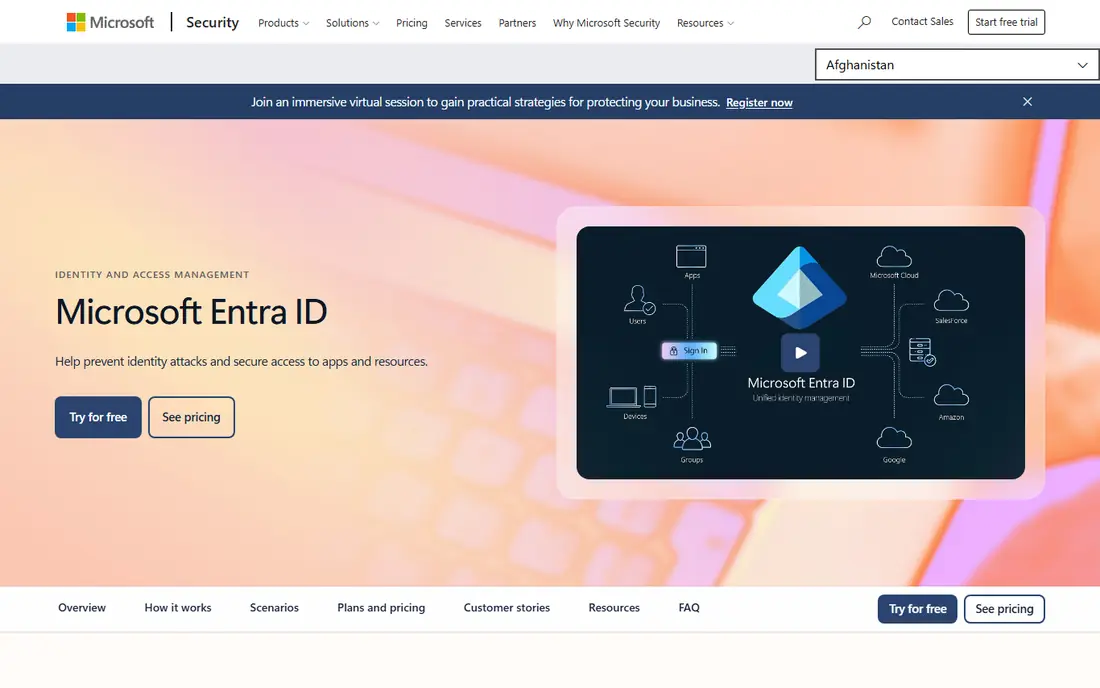
Microsoft Entra ID, formerly Azure Active Directory, is the natural pick if your team already lives in Microsoft 365. The free tier covers basic directory and sign-on, while P1, listed at $7 per user per month on an annual commitment, adds Conditional Access, dynamic groups, and self-service password reset. P2 adds risk-based protection and privileged identity management for admin accounts.
The weakness is outside the Microsoft world. Third-party app support is good, but the pricing advantage fades if you do not already pay for Microsoft 365. Many teams already own P1 through Business Premium or E3, which makes the marginal cost close to zero. Check what your current Microsoft plan already includes before you buy a separate identity tool.
- Included with many Microsoft 365 plans
- Strong Conditional Access
- Deep Azure integration
- Best value only inside the Microsoft stack
- P2 features cost extra
Ping Identity suits large or complex estates that mix cloud apps, on-premises systems, and partner logins. Its workforce plans are listed from $3 per user per month in comparison guides, with customer identity sold separately, and its federation strengths help when partners and suppliers need secure access without full internal accounts. That mix is why banks, health systems, and large enterprises keep choosing Ping.
The trade-off is effort. Ping is not a quick self-serve signup for a five-person team, and final pricing depends on user counts and features. If your estate is simple, a simpler tool will get you live faster. If you need federation, hybrid directory support, and fine control over login flows, Ping earns a close look.
- Strong federation and hybrid support
- Flexible workforce and customer options
- Mature enterprise features
- Sales-led pricing for larger deals
- Setup can be complex for small teams
Auth0, now part of Okta as its Customer Identity Cloud, is built for login inside your own product, not for staff access to SaaS apps. Developers get hosted login pages, social logins, passwordless options, and rules that shape the login flow, with a free tier covering up to 25,000 monthly active users. Paid Essentials plans start at $35 per month for smaller user counts.
The catch is scale pricing. Monthly active user counts, enterprise connections, and add-ons can push the bill up faster than a flat per-seat price. Still, for a startup or product team that needs secure customer login without building it from scratch, Auth0 is the fastest credible route, and its free tier lets you prove the product first.
- Free tier up to 25,000 monthly active users
- Developer-friendly APIs
- Many social and enterprise logins
- Costs can jump as active users grow
- Workforce use is not its main job
OneLogin targets the middle of the market: companies that need reliable SSO and MFA without enterprise complexity. Its Advanced bundle is listed from $4 per user per month in comparison guides, and its admin console is easier to learn than larger platforms. For a team moving off shared passwords and spreadsheets, that simplicity is a real advantage.
The limit is depth. Its catalog and governance features do not match Okta or Entra ID at scale, and some features need a higher bundle. If your app list is modest and your IT team is small, OneLogin gives you most of what you need at a fair price. If you need deep lifecycle automation, test the higher tier before you commit.
- Simple SSO and MFA setup
- Good mid-market price point
- Clear admin console
- Smaller app catalog than Okta
- Advanced features are gated to higher bundles
JumpCloud is a good pick for small and mid-size teams that want to replace an on-premises directory. It handles user accounts, SSO, MFA, and device policies for Windows, Mac, and Linux from one console, with device management listed at $9 per user per month billed annually. A free tier for up to 10 users and 10 devices lets a tiny team start without a bill.
The catch is scope. JumpCloud covers a lot, but it does not replicate every Active Directory feature, and internet access matters for its cloud model. Teams that need deep group policy or legacy app support should test those cases first. For a modern, cloud-first team, JumpCloud often replaces two or three tools at once.
- Combines directory, SSO, and device management
- Free tier for up to 10 users and 10 devices
- Cross-platform support
- Not a full Active Directory replacement
- Device pricing adds up with add-ons
Duo by Cisco is the pick when your first problem is weak logins, not full identity governance. Its Essentials plan is listed at $3 per user per month billed annually, and a free tier covers up to 10 users. Push approvals, device health checks, and simple policies get most teams to strong MFA quickly, across many apps.
Duo alone does not replace a directory or lifecycle platform. SSO and advanced access policies sit in higher tiers, and larger teams will still need a directory behind it. Use Duo as your MFA layer, paired with Entra ID, Okta, or JumpCloud, and it does that one job very well.
- Fast MFA rollout
- Free tier up to 10 users
- Trusted push and device checks
- Full SSO and advanced policies need higher tiers
- Not a full identity platform alone
Keycloak is the open-source option for teams that want control and no per-user license fee. It provides SSO, social login, federation, and user management, and you can host it in your own cloud or data center. That control suits regulated teams and builders who want identity inside their own infrastructure.
The cost is time and skill. You own hosting, backups, upgrades, and security patches, and that engineering time can exceed a hosted subscription for a small team. Managed Keycloak services exist, but they add a monthly fee. If you have the skills and a reason to self-host, Keycloak is powerful and free to license. If not, a hosted tool will cost less in practice.
- No license fee
- Full control over data and hosting
- Strong SSO and federation features
- You run, patch, and scale it yourself
- Support depends on community or paid partners
How we picked these
We compared official pricing pages, feature docs, and current comparison guides for workforce and customer identity. We favored tools with a working product, clear pricing or a clear quote route, and a real user base. We included both workforce and customer tools because buyers often confuse the two, and picking the wrong type is the costliest mistake in this category.
What to check before you buy
First, decide whether your users are staff or customers, because workforce tools bill per seat and customer tools bill per active user. Next, list the apps and directories you must connect, and confirm SSO and MFA support for each one before you sign. Then check lifecycle needs: joiner, mover, and leaver automation saves the most time, but it often sits in a higher tier.
Also test admin effort. A tool that needs a specialist to run may cost more than a pricier tool your current team can manage. Finally, confirm contract terms, minimums, and renewal pricing in writing, and run a pilot with a small group before you move the whole company.
Sources
Frequently asked questions
Which IAM tool is best?
There is no single best tool. Okta suits vendor-neutral teams, Entra ID suits Microsoft 365 teams, Auth0 suits customer apps, and JumpCloud suits small cloud-first teams. Match the tool to your user type and your existing stack first.
What is the difference between workforce IAM and customer IAM?
Workforce IAM manages staff access to internal apps, while customer IAM manages login for users of your product or website. Workforce tools usually bill per employee, while customer tools usually bill per monthly active user.
Is Keycloak really free?
Keycloak software carries no license fee, but hosting, storage, backups, and staff time still cost money. For a small team, a hosted free tier from another vendor can be cheaper once you count engineering time.
Do I need IAM if I already use Google Workspace or Microsoft 365?
You already have basic identity through those platforms, but a dedicated IAM tool adds broader SSO, stronger MFA policies, lifecycle automation, and governance across apps outside that stack. Small teams may not need it yet, while growing teams usually do.
How long does IAM setup take?
A basic SSO and MFA rollout can take days to weeks, while lifecycle automation, federation, and governance can take months. The timeline depends on how many apps you connect and how clean your current user data is.
What happens when an employee leaves?
A good IAM setup removes access across connected apps in one step, rather than asking IT to visit each app. Check that your chosen tool supports automated deprovisioning for your most important apps before you buy.