Best Identity Management Software in 2026: 8 Tools Compared
By ToolNimba Editorial Team November 9, 2026 9 min read

- Top pick
 Okta
Vendor-neutral workforce identity
Starting price$6 per user per monthCheck out OktaRead our review - Runner-up
 Microsoft Entra ID
Microsoft 365 organizations
Starting price$7 per user per monthCheck out Microsoft Entra IDRead our review - Also great
 Duo
Fast MFA rollout
Starting price$3 per user per monthCheck out DuoRead our review
How we researched this
We compared official pricing and feature pages, app store listings, privacy policies and public user reviews. Prices change, so check the provider's site before you pay.
Key takeaways
- Okta is our pick for vendor-neutral workforce identity at scale, with broad app integrations and lifecycle automation.
- Microsoft Entra ID is the obvious choice for organizations already standardized on Microsoft 365 and Azure.
- JumpCloud and Duo offer the friendliest entry points for small teams, with free tiers for very small groups.
- Price identity by total modules, not headline SSO price, because directory, MFA, lifecycle and governance often stack up.
Quick comparison
| Name | Best for | Starting price | Free plan | |
|---|---|---|---|---|
| Okta | Vendor-neutral workforce identity | $6 per user per month | Free trial | Visit |
| Microsoft Entra ID | Microsoft 365 organizations | $7 per user per month | Yes | Visit |
| Duo | Fast MFA rollout | $3 per user per month | Yes | Visit |
 Ping Identity | Large hybrid estates | $3 per user per month | Free trial | Visit |
 Auth0 | Customer login for your apps | $35 per month | Yes | Visit |
 OneLogin | Mid-market SSO simplicity | $4 per user per month | Free trial | Visit |
 JumpCloud | Small teams replacing Active Directory | $9 per user per month | Yes | Visit |
 Keycloak | Open-source self-hosted identity | Free | Yes | Visit |
The best identity management software
Identity management software controls who can sign in, what they can access, and what happens when people join, move or leave. The best identity management platforms differ by audience: workforce tools manage employees, customer tools manage users of your app, and directory tools also manage devices. The list below covers each side, so match the tool to your audience before comparing prices.
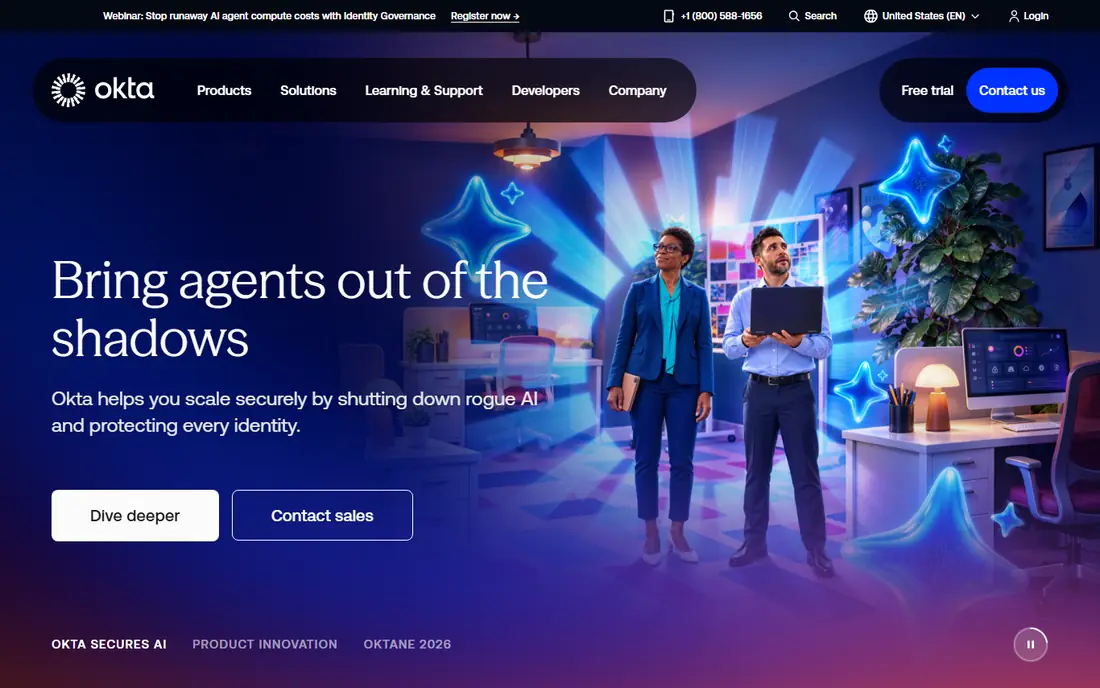
Okta is the best-of-breed workforce identity platform for companies with many SaaS apps. Single sign-on, multi-factor authentication, lifecycle management and a wide integration catalog let IT provision and deprovision access from one place, regardless of which vendors those apps come from. That vendor neutrality is Okta's core advantage over platform-tied rivals.
The cost structure needs care. Entry pricing starts at $6 per user per month billed annually, with an annual minimum, and lifecycle and governance features sit on higher tiers. Okta fits best once you have enough apps and users that manual access management is already painful.
- Broad app integration catalog
- Strong SSO and lifecycle tools
- Works across many vendors
- Annual minimum applies
- Modules stack up in price
- Setup needs expertise at scale
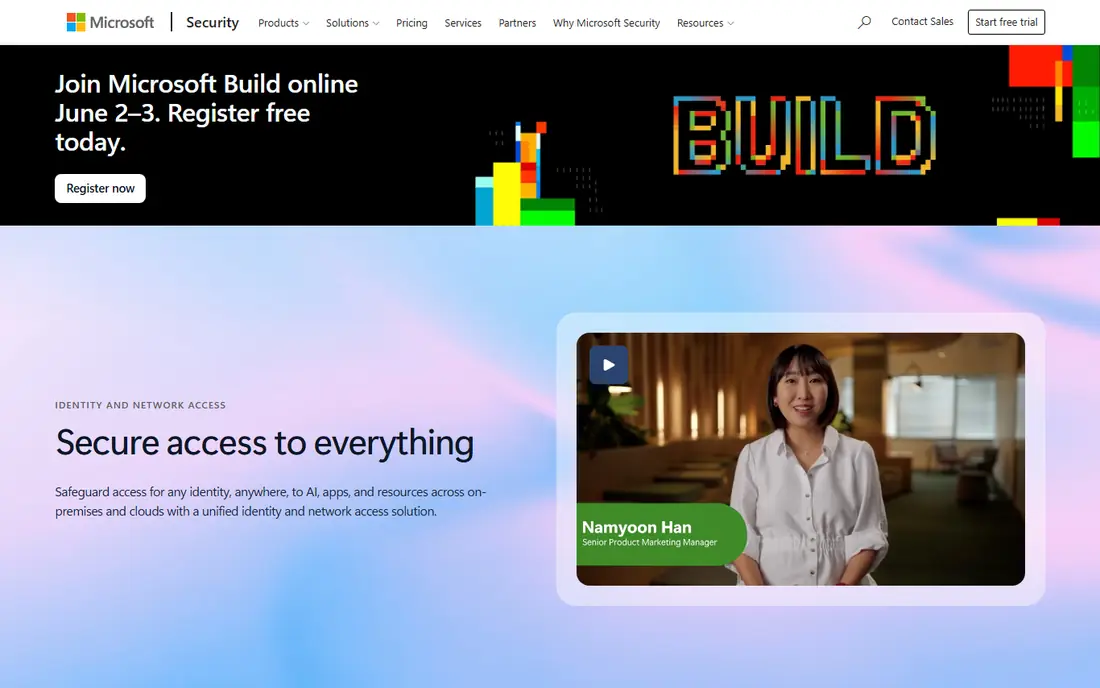
Microsoft Entra ID, formerly Azure Active Directory, is the natural identity choice for Microsoft-centered organizations. It provides single sign-on, multi-factor authentication and Conditional Access, which adjusts access based on device, location and risk. If your email, files and apps already live in Microsoft 365, Entra ID avoids paying for a duplicate identity layer.
Its P1 plan is listed at $7 per user per month on annual commitment, with P2 and suite plans higher, and a free tier covers basic SSO and MFA. Organizations that run mainly on Google Workspace or a mixed stack may get better value from a vendor-neutral tool instead.
- Built into Microsoft 365 and Azure
- Conditional Access for risk-based control
- Free tier included
- Best value only inside the Microsoft stack
- Advanced governance needs higher plans
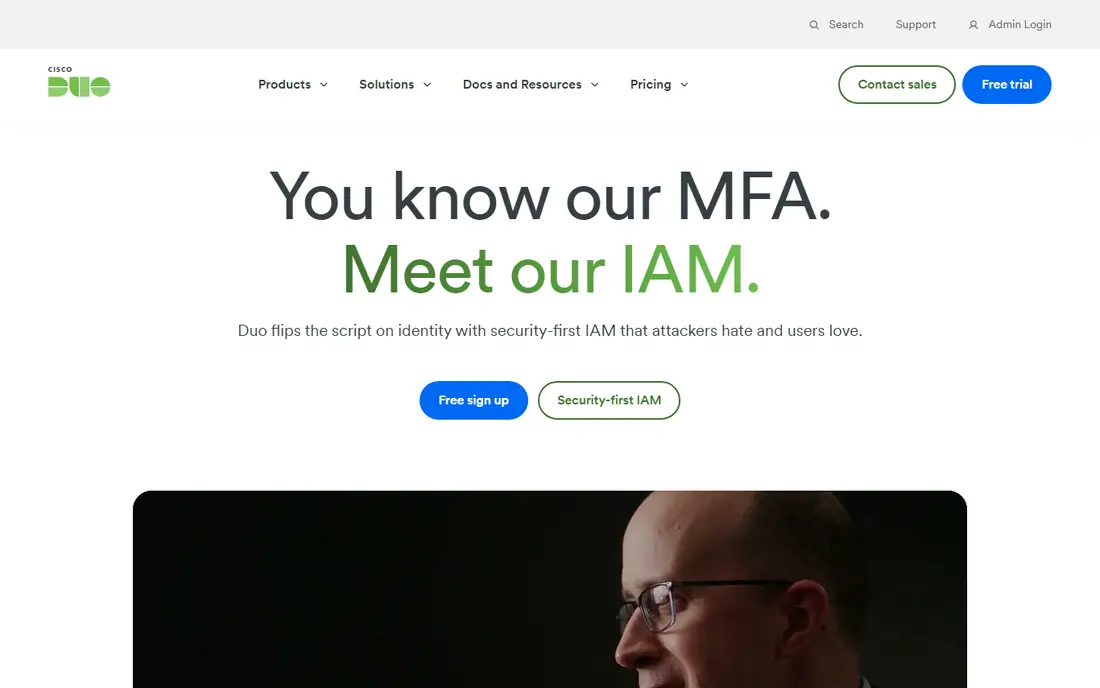
Duo by Cisco is the simplest way to add strong multi-factor authentication across a workforce. It is quick to deploy, easy for users to adopt with push approvals, and its free tier covers up to 10 users, which makes it ideal for a small team starting with MFA. Device trust checks add a useful layer beyond just a second factor.
Duo is MFA-first, not a full lifecycle platform. Larger organizations will pair it with a directory or identity governance tool for provisioning and access reviews. If your urgent problem is MFA coverage, Duo solves it faster than a full platform rollout.
- Very fast MFA deployment
- Free tier up to 10 users
- Device trust checks included
- Full identity lifecycle needs other tools
- Higher plans needed for advanced access control
Ping Identity suits large or complex organizations with hybrid estates spanning cloud, on-premises and partner systems. Its federation depth, orchestration tools and deployment options handle cases where simpler SSO tools struggle, such as multi-brand, multi-region or heavily regulated environments. Customer identity products cover the external-user side as well.
Workforce plans are listed from $3 per user per month with minimum user counts on some tiers, so Ping is not a small-team tool. Choose it when complexity, federation or hybrid deployment is the deciding factor, not when you just need basic SSO.
- Deep federation and hybrid deployment options
- Strong for complex enterprises
- Customer identity options
- Minimum user counts on some plans
- Enterprise pricing and setup complexity
- Overkill for small teams
Auth0, owned by Okta, is the developer choice for customer-facing login. It handles sign-up, social login, passwordless options, multi-factor authentication and user management for your own apps, with a free tier covering up to 25,000 monthly active users. That makes it easy to start a new product without building authentication from scratch.
Auth0 is not a workforce directory replacement, and costs rise as monthly active users grow. For customer identity, though, its developer tools, docs and free tier make it the most practical starting point for most app teams.
- Developer-friendly customer authentication
- Free tier up to 25,000 monthly active users
- Social and passwordless login
- Workforce features are separate
- Pricing rises with active users
- Owned by Okta, so roadmaps overlap
OneLogin suits mid-market companies that want straightforward SSO, MFA and lifecycle provisioning without enterprise complexity. Its HR-driven provisioning helps automate joiner and leaver access, and its entry price is lower than Okta's fuller tiers. For a company with a moderate app list and a small IT team, that simplicity matters.
OneLogin's integration catalog is smaller than Okta's, so check that your must-have apps are covered before you commit. If they are, OneLogin gives you solid workforce identity at a friendlier price and setup effort.
- Simple SSO and MFA setup
- HR-driven provisioning
- Lower entry price than enterprise rivals
- Smaller ecosystem than Okta or Entra ID
- Some pricing details require a quote check
JumpCloud is the best pick for small teams that want to replace on-premises Active Directory with a cloud directory. It combines user identity, single sign-on and device management across Windows, Mac and Linux in one console, which is rare at its price. The free tier covers up to 10 users and devices, so a tiny team can start without paying.
Fuller device and SSO tiers are priced per user, with device management from $9 per user per month billed annually in recent listings, so check the tier that matches your device needs. JumpCloud fits mixed-OS small teams better than any single-platform directory tool.
- Cloud directory plus device management
- Works across Windows, Mac and Linux
- Free tier up to 10 users
- Per-user tiers stack for fuller features
- Less depth than enterprise governance platforms
Keycloak is the open-source answer to identity management. It provides single sign-on, multi-factor authentication, federation and user management at no license cost, and you host it yourself, which gives full control over data and customization. Teams with engineering capacity use it for workforce and customer identity alike.
The cost is your time. You handle hosting, security patches, upgrades and support, which can outweigh license savings for a small team without dedicated operations staff. Keycloak is best for technical teams that want control and can own the running of it.
- Free open-source software
- SSO, MFA and federation included
- Full control over hosting and data
- You run and maintain it yourself
- Setup and upgrades need technical skill
- No vendor support by default
How we picked these
We compared official feature and pricing pages, plus current identity reviews, and kept only platforms that are actively sold and clearly fit workforce or customer identity in 2026. We checked SSO, MFA, lifecycle and directory coverage, free tiers and starting prices, and we marked prices as See website where listings differ by tier or minimum. Where a vendor sells workforce and customer identity separately, we noted which side each pick serves.
How to choose identity management software
Start with your audience. Workforce tools manage employees, customer tools manage app users, and the two are priced and built differently. Buying a customer tool for employees, or the reverse, creates workarounds that grow over time.
Count the full stack, not just SSO
Add directory, MFA, lifecycle, device management and governance together for your user count. A low SSO price can hide paid modules that you will need within a year, especially for joiner and leaver automation and access reviews.
Test joiner, mover and leaver flows
During a trial, run a full lifecycle test: create a user, grant app access, change their role, then remove access. If deprovisioning is slow or manual, the tool has not solved the security problem that matters most.
Plan MFA enrollment carefully
Choose authentication methods your users can actually use, including backup options for lost devices. A strong MFA rollout that locks users out will lose support fast, so pilot with one team before a company-wide launch.
Sources
Frequently asked questions
What is the best identity management software for small businesses?
JumpCloud and Duo are the friendliest small-business picks, thanks to free tiers for tiny teams and clear per-user pricing. Microsoft Entra ID is best if you already pay for Microsoft 365, while OneLogin suits mid-market SSO needs.
What is the best IAM software for enterprises?
Okta leads for vendor-neutral workforce identity at scale, Ping Identity leads for complex hybrid and federation needs, and Microsoft Entra ID leads inside the Microsoft stack. The right enterprise pick depends on your app mix and deployment model.
Is there free identity management software?
Yes. Keycloak is free open-source software you host yourself, JumpCloud and Duo offer free tiers for up to 10 users, and Auth0 offers a free tier for customer apps up to 25,000 monthly active users. Free tiers have limits, so check user and feature caps.
What is the difference between SSO and MFA?
Single sign-on lets users sign in once and access many apps, while multi-factor authentication asks for a second proof of identity, such as a phone approval or security key. Most teams need both: SSO for convenience and MFA for security.
Do I need identity management if I use Google Workspace or Microsoft 365?
You may already have more identity than you think, because both platforms include directory, SSO and MFA features. Buy a third-party tool only if you need broader app coverage, deeper lifecycle automation or governance that your current platform does not provide.