Best Image Editing Software in 2026: 9 Tools Compared
By ToolNimba Editorial Team November 9, 2026 10 min read

- Top pick
 Adobe Photoshop
Retouching and compositing
Starting price$19.99 per monthCheck out Adobe PhotoshopRead our review - Runner-up
 Adobe Lightroom
Photo libraries and RAW workflow
Starting price$11.99 per monthCheck out Adobe LightroomRead our review - Also great
 Affinity
Free professional editing
Starting priceFreeCheck out AffinityRead our review
How we researched this
We compared official pricing and feature pages, app store listings, privacy policies and public user reviews. Prices change, so check the provider's site before you pay.
Key takeaways
- Adobe Photoshop is still the industry standard for retouching, compositing and design, and the Photography plan bundles it with Lightroom.
- Affinity is now free, which makes it the best no-cost professional editor for Windows and Mac, with RAW support, layers and masks.
- GIMP and Photopea are the strongest free choices for users who want Photoshop-style editing without paying anything.
- Lightroom wins for photographers managing large libraries, while Capture One suits studio and tethered shooting.
- One-time purchases from DxO, Luminar Neo and others suit buyers who dislike subscriptions, but check upgrade costs before committing.
Quick comparison
| Name | Best for | Starting price | Free plan | |
|---|---|---|---|---|
| Adobe Photoshop | Retouching and compositing | $19.99 per month | Free trial | Visit |
| Adobe Lightroom | Photo libraries and RAW workflow | $11.99 per month | Free trial | Visit |
| Affinity | Free professional editing | Free | Yes | Visit |
 GIMP | Free open-source editing | Free | Yes | Visit |
 Canva | Design and social graphics | $12.99 per month | Yes | Visit |
 Capture One | Studio and tethered shooting | $18 per month | Free trial | Visit |
 DxO PhotoLab | Maximum RAW quality | $229 one-time | Free trial | Visit |
 Luminar Neo | Fast AI-assisted editing | $119 one-time | Free trial | Visit |
 Photopea | Browser-based PSD editing | Free | Yes | Visit |
The best image editing software
Image editing software ranges from free browser tools to professional suites, and the right pick depends on whether you organize photos, retouch them, design with them, or all three. We compared official pricing pages and feature lists to cover each job at several price points.

Photoshop remains the benchmark other editors are measured against, for retouching, compositing, illustration and design work. Layers, masks, selections and generative fill handle jobs from product cleanup to complex composites, and the plugin ecosystem covers nearly every niche. If a client or collaborator sends a PSD file, Photoshop opens it exactly as intended.
The Photography plan at $19.99 per month, which bundles Photoshop with Lightroom, is the sensible route for photographers, while standalone Photoshop costs more. The subscription never ends, and beginners face a steep learning curve. Professionals and serious hobbyists will still find it the most capable editor available.
- Industry-standard tools for retouching and compositing
- Generative fill and a huge plugin ecosystem
- Deep integration with Creative Cloud
- Subscription only
- Learning curve is steep for beginners
- Price rises if you need apps beyond photography
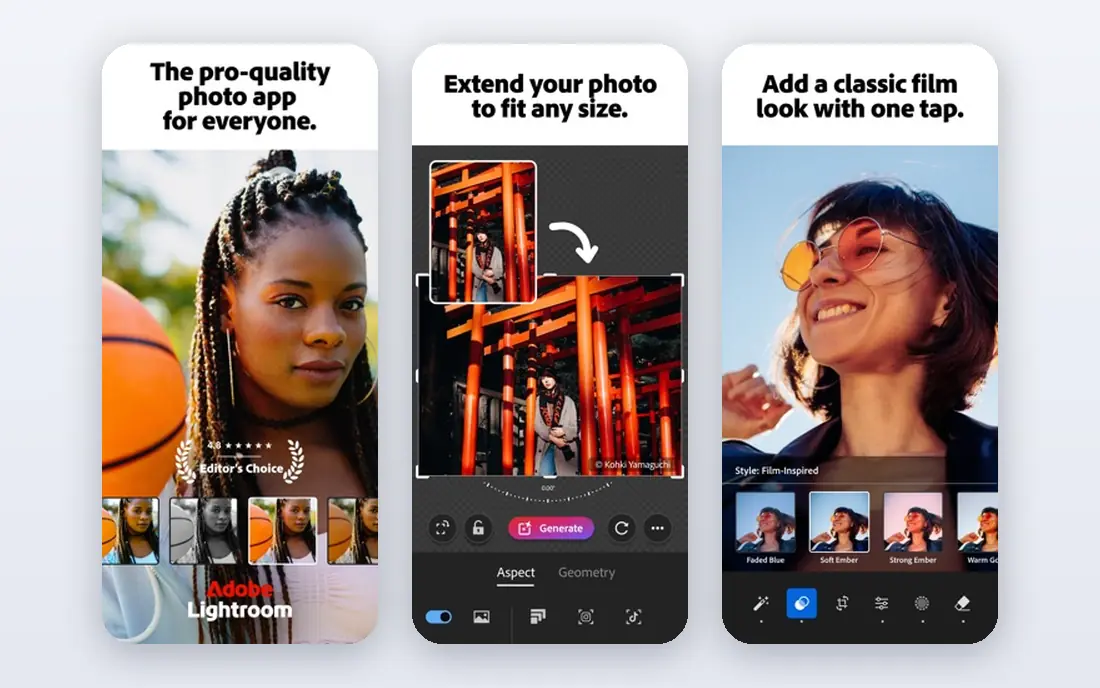
Lightroom is the editor for photographers returning with thousands of RAW files. Import, cull, apply a preset to a whole batch, fine-tune the keepers and export a gallery, all inside a catalog that keeps years of shoots searchable. Smart collections, keywording and cloud sync make it the strongest workflow tool on this list.
The Lightroom-only plan at $11.99 per month includes 1TB of cloud storage, while the Photography plan at $19.99 adds Photoshop and Lightroom Classic for little more. The two-Lightroom split still confuses newcomers, and stopping payment stops editing. If you shoot regularly and value organization, nothing beats it.
- Best-in-class library organization
- Presets and cloud sync across devices
- Strong RAW editing and batch tools
- Subscription only
- Cloud and Classic versions can confuse new users
- AI features are capped on lower plans
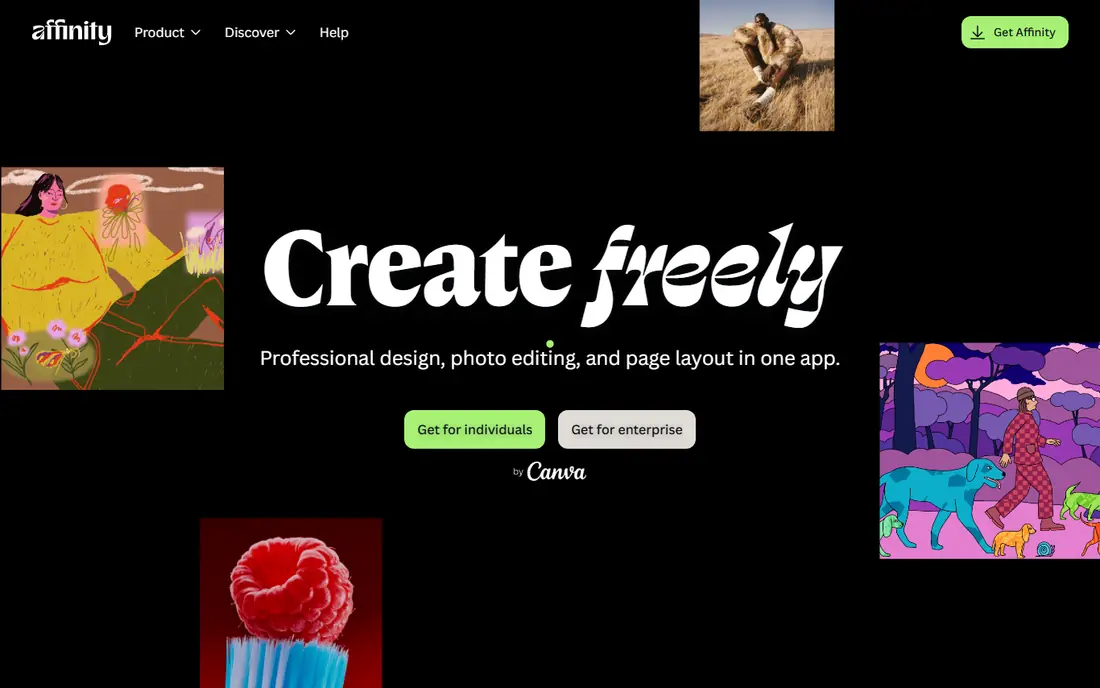
Affinity is the biggest story in photo editing this year. Canva acquired Serif, Affinity's developer, in 2024, and in October 2025 relaunched Photo, Designer and Publisher as one free all-in-one Affinity app. That means a full professional photo editor with RAW support, layers, masks and non-destructive editing now costs nothing on Windows and Mac.
The trade-offs are ecosystem, not editing power. Photoshop's plugin library and tutorial base remain larger, and the new combined app is still settling in after the relaunch. For most photographers and designers, though, free professional editing with no subscription is a remarkable deal, and Affinity is now the first editor to try before paying Adobe.
- Full professional editor now free
- RAW support, layers, masks and non-destructive editing
- No subscription
- Smaller plugin ecosystem than Photoshop
- New all-in-one app is still settling in
- Fewer tutorials than Adobe tools
GIMP has been the free Photoshop alternative for decades, and it remains the most customizable no-cost editor. Layers, masks, filters and a large plugin library cover serious retouching and design work, and scripting automates repetitive jobs. It runs on Windows, Mac and Linux, which makes it the open-source pick for mixed-platform users.
The interface is the price of that freedom. It looks dated, some workflows take more clicks than in Photoshop or Affinity, and RAW files need a plugin such as RawTherapee or Darktable in the chain. Patient users who like free software and deep control will get a great deal of power for nothing.
- Powerful free editor with layers and masks
- Huge plugin and scripting library
- Runs on Windows, Mac and Linux
- Interface feels dated next to paid rivals
- RAW support needs a plugin
- Learning curve is real for beginners
Canva is the editor for people whose output is graphics, not photographs alone. Templates, brand kits, Magic Edit and background removal turn a photo into a finished post, flyer or presentation in minutes, and teams can collaborate in the same file. Non-designers get professional-looking results without learning a complex tool.
Photo purists will notice the limits. RAW workflow, fine color grading and detailed retouching are thinner here than in Photoshop, Affinity or DxO, and the strongest AI tools require Pro at $12.99 per month. If your work is social and marketing graphics, Canva is the most useful tool on this list. If it is photography, pair it with a specialist.
- Templates for social, print and presentations
- Magic Edit and background removal
- Easy collaboration for teams
- Not a full RAW photo editor
- Best AI tools sit behind Pro
- Precise retouching trails specialist editors
Capture One is the studio photographer's editor. Tethered shooting shows captures on a large screen as you shoot, color grading tools are precise, and RAW rendering is widely praised for skin tones and detail. Session-based workflows suit commercial shoots where each job stays separate.
Casual photographers will find the $18 per month Pro plan, billed annually, hard to justify, and the preset and tutorial ecosystem is smaller than Adobe's. A perpetual license is also offered for buyers who prefer it. Studio and commercial shooters who live by tethered capture should shortlist Capture One first.
- Excellent color grading and RAW rendering
- Tethered shooting for studio work
- Strong session-based workflow
- Higher price than rivals for casual use
- Smaller preset and tutorial ecosystem
- Catalog features trail Lightroom
DxO PhotoLab is the pick for photographers who judge an editor by RAW output quality above all else. Its noise reduction and automatic lens corrections squeeze remarkable detail from high-ISO files, and the Elite edition, listed at $229 one-time, covers the full toolset without a subscription. Photographers who shoot in low light will see the difference.
The weakness is workflow. Library organization, keywording and cloud features trail Lightroom, so many DxO users pair it with another catalog tool or accept a simpler library. Upgrade pricing for major new versions also adds cost over time. If image quality outranks organization for you, DxO is the editor to try.
- Class-leading noise reduction and lens corrections
- Excellent RAW rendering
- One-time purchase with no subscription
- Library and organizing tools are thinner than Lightroom
- Higher one-time price
- Upgrades to new versions cost extra
Luminar Neo is the fastest route from a flat photo to a finished one. AI tools enhance skies, relight scenes, clean portraits and improve scenery with a few sliders, which suits beginners and busy photographers who need good results quickly. A perpetual desktop license is listed from $119, with subscription options also offered.
Control is the trade. Manual masking and retouching are less precise than in Photoshop or Affinity, and the catalog is basic next to Lightroom. Some AI features sit behind additional plans, so check what the license you buy actually includes. For fast, attractive edits without a learning curve, Luminar Neo is a strong pick.
- AI tools for sky, portrait and scenery enhancement
- Fast results for beginners
- Perpetual license option available
- Less precise manual control than Photoshop
- Catalog features are basic
- Some AI features need a subscription add-on
Photopea is the editor for the moment you need Photoshop-style editing on a machine that is not yours. It runs entirely in a browser, opens PSD, XCF and Sketch files natively, and offers layers, masks and adjustment tools behind a familiar interface. There is nothing to install and no account required to start.
The free version is ad-supported, and a browser tool cannot match desktop software for huge files or offline work. Advanced AI features are limited compared with Photoshop. As a free, portable editor and a safety net for PSD files, though, Photopea is unmatched, and it pairs well with any editor on this list.
- Opens PSD, XCF and Sketch files in a browser
- No installation needed
- Familiar Photoshop-style interface
- Ad-supported free version
- Needs an internet connection
- Advanced AI tools are limited
How we picked these
We compared official pricing pages, feature lists and public reviews for image editors that work in October 2026. We favored editors with a real free tier, trial or one-time purchase, and we covered photography, design and retouching rather than listing only one kind of tool. We did not claim hands-on testing, and prices reflect vendor list prices checked in October 2026.
How to choose the right editor
Start from the job. Photographers managing libraries should pick Lightroom or Capture One. Retouchers and designers should pick Photoshop or Affinity. Beginners and social creators should pick Canva or Luminar Neo. Budget buyers should try Affinity, GIMP or Photopea first, since all three are free.
Subscription or one-time purchase
Subscriptions buy continuous updates, cloud sync and new AI features, but the bill never stops. One-time purchases from DxO and Luminar Neo cost more up front and may charge for major upgrades, yet they suit buyers who dislike ongoing fees. Add up three years of cost before deciding, not just the first month.
Try before you buy
Every paid editor here offers a trial, and the free editors cost nothing to test. Edit twenty of your own photos in each finalist, including a hard case such as a noisy low-light shot or a tricky skin retouch. The editor that handles your hardest photos with the least friction is the right one, regardless of its ranking here.
Sources
Frequently asked questions
What is the best free image editing software?
Affinity is our pick for a free professional editor, with RAW support, layers, masks and non-destructive editing at no cost. GIMP suits open-source users who want deep control, and Photopea suits browser-based PSD editing without installing anything. All three cover most everyday editing tasks.
Is Photoshop worth the subscription in 2026?
Yes, for professionals and serious hobbyists who need its retouching, compositing and plugin ecosystem, or who must exchange PSD files exactly. The Photography plan at $19.99 per month bundles Photoshop with Lightroom, which softens the cost. Casual editors will find Affinity or GIMP covers their needs for free.
What is the best image editing software for beginners?
Luminar Neo and Canva are the easiest starting points, thanks to AI tools and templates that produce good results fast. Affinity is also beginner-friendly for its price, which is free, though it has more depth to learn. Start with the tool whose interface feels clear, not the one with the longest feature list.
Can free software replace Photoshop?
For most everyday tasks, yes. Affinity, GIMP and Photopea handle layers, masks, retouching and RAW work, and Affinity in particular matches Photoshop for common jobs. Photoshop still leads for generative fill, deep plugin support and exact PSD compatibility, which matters most to professionals.
Do I need Lightroom if I already have Photoshop?
Not always. Photoshop edits single images deeply, while Lightroom organizes and batch-edits whole shoots. Photographers with large libraries benefit from both, which is why Adobe bundles them. If you edit a few images at a time, Photoshop or Affinity alone may be enough.