Best Interactive Demo Software in 2026: 9 Tools Compared
By ToolNimba Editorial Team November 9, 2026 11 min read

- Top pick
 Storylane
Versatile demos for sales and marketing
Starting price$40 per monthCheck out StorylaneRead our review - Runner-up
 Supademo
Budget-friendly cross-team demos
Starting price$38 per monthCheck out SupademoRead our review - Also great
 Navattic
HTML demos for marketing sites
Starting price$500 per monthCheck out NavatticRead our review
How we researched this
We compared official pricing and feature pages, app store listings, privacy policies and public user reviews. Prices change, so check the provider's site before you pay.
Key takeaways
- Storylane is the most versatile choice for teams that need screenshot, HTML and video demos in one tool.
- Supademo offers the lowest entry price among the serious tools, starting at $38 per creator per month with a free plan.
- Navattic is built for HTML demos on marketing sites, but its paid plans start at $500 per month.
- Arcade is the pick for polished, story-led demos, while HowdyGo suits small teams that want flat pricing.
- Enterprise sandbox tools like Walnut and Consensus cost far more, so only shortlist them when you need deep personalization or buying-group analytics.
Quick comparison
| Name | Best for | Starting price | Free plan | |
|---|---|---|---|---|
| Storylane | Versatile demos for sales and marketing | $40 per month | Yes | Visit |
| Supademo | Budget-friendly cross-team demos | $38 per month | Yes | Visit |
| Navattic | HTML demos for marketing sites | $500 per month | Yes | Visit |
 Arcade | Polished visual product stories | $32 per month | Yes | Visit |
 Guideflow | Guided product tours | $35 per month | Yes | Visit |
 HowdyGo | Flat-rate HTML demos | $159 per month | Free trial | Visit |
 Walnut | Enterprise sales personalization | $750 per month | Free trial | Visit |
 Consensus | Video demos for buying groups | $600 per month | No | Visit |
 Tourial | Demo centers and guided tours | See website | No | Visit |
The best interactive demo software
Interactive demo software lets prospects click through a guided version of your product without a live call or a signup. The best tools differ in how they capture your product, how much they cost, and how much analytics they give you. Here are nine tools that cover the range from free solo plans to enterprise platforms.
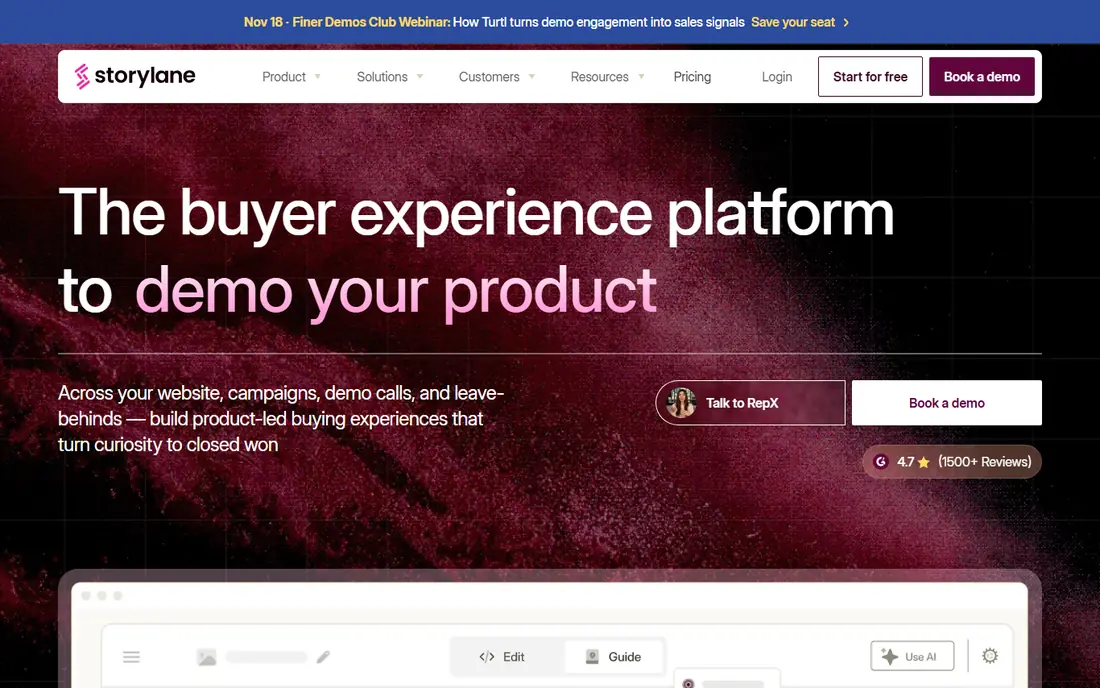
Storylane is the broadest fit on this list because it handles more than one demo format well. You can capture a product walkthrough from screenshots, record an HTML demo that behaves like the real product, or build a video-led tour, then share it on your website, in emails or in a sales follow-up. That flexibility matters when marketing wants a website demo and sales wants a personalized follow-up version of the same flow.
The pricing is transparent at the low end, with a free plan and a Starter plan at $40 per month, but editing power and enterprise features such as single sign-on sit on higher tiers. Teams that grow past a few creators should price the Growth plan carefully before committing. If you want one tool that covers most demo jobs without an enterprise contract, Storylane is the safest starting point.
- Screenshot, HTML and video demo formats
- No-code editing
- Free plan to start
- Advanced editing is gated to higher plans
- Costs rise quickly with more seats
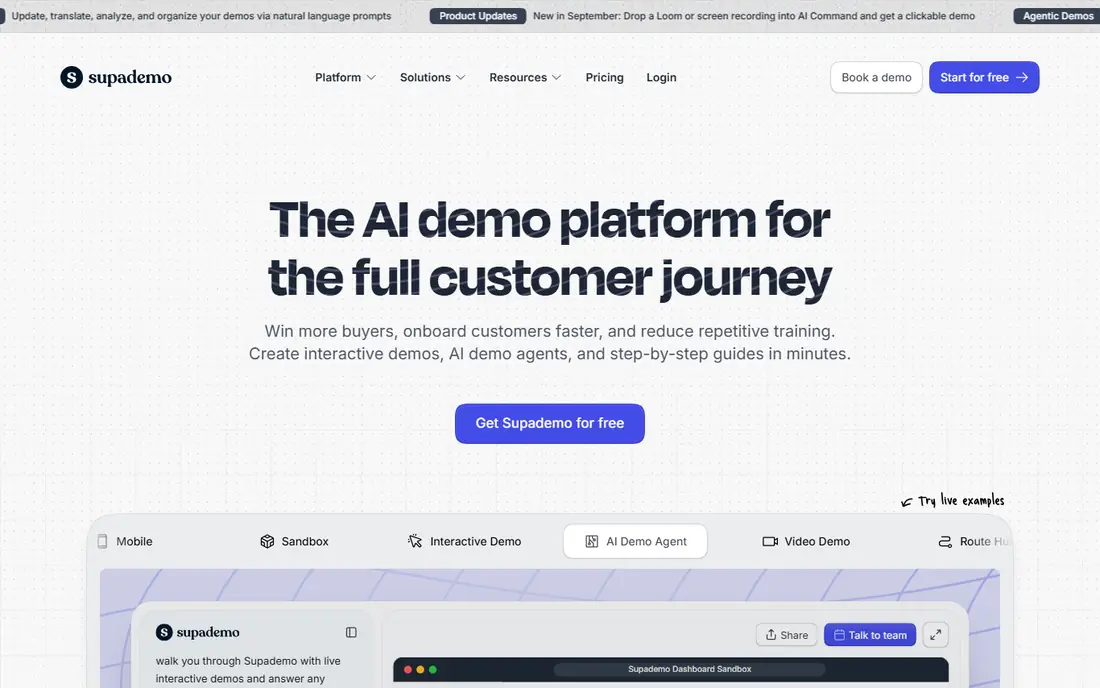
Supademo is the value pick for small teams. Its free plan includes 5 demos, and the paid plan starts at $38 per creator per month, which undercuts most rivals while still covering screenshot, HTML, video and Figma-based demos. It works across sales, onboarding, support and training, so one subscription can serve several teams instead of buying a separate tool for each job.
The trade-off is gating. Guided HTML demos and sandbox demos sit on the Business and Growth plans, so the cheapest plan is best for straightforward tours rather than fully interactive product clones. If your demos are mostly guided walkthroughs and you want to keep costs down, Supademo gives you the most for the least money. Larger teams should check the Growth plan, which bundles five creators.
- Free plan with 5 demos
- Screenshot, HTML and video formats
- Low per-creator price
- HTML and sandbox demos need higher plans
- Analytics deepen only on paid tiers
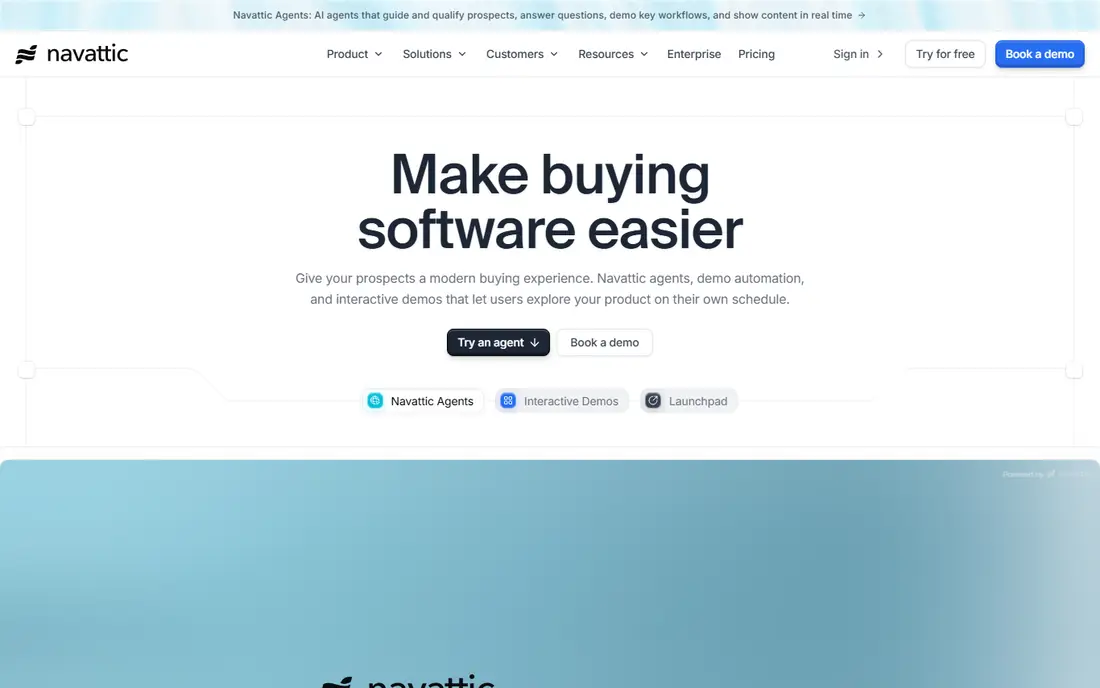
Navattic takes a different approach from screenshot tools: it clones your actual web product into an interactive demo that visitors can click through as if they were using the real thing. That realism makes it popular with marketing teams who embed demos on their homepage or landing pages, where a flat screenshot tour can feel thin. The free plan lets you try it with a single demo before talking to sales.
The price is the barrier. Paid plans start at $500 per month, which puts Navattic out of reach for solo founders and very small teams. You are paying for HTML fidelity, personalization and analytics that matter most when demo traffic is high and conversion is measured closely. If your website demo is a core part of how you sell, Navattic earns its price. If you only need a few sales follow-up demos, a cheaper tool will do.
- Full HTML product cloning
- Strong for website and marketing use
- Free plan with 1 demo
- Paid plans start high
- Best suited to teams with a demo budget, not solo users
Arcade is the design-led option. It is built for teams that want demos to look like a polished product story rather than a raw screen recording, with clean visuals, smooth transitions and video generation for launches and announcements. Production is fast, which suits marketing teams that need a demo ready for a launch week rather than a month-long project.
The catch is that HTML capture, the feature that makes a demo feel like the live product, is only on Growth plans and above, and Arcade's pricing has changed during 2026, so the plan page is worth checking before you budget. The free plan covers 3 demos, which is enough to judge the visual quality. If your demos live on your marketing site and appearance matters, Arcade is a strong pick. If you need deep HTML cloning at the lowest price, look elsewhere.
- Fast to produce
- Polished visual output
- Free plan with 3 demos
- HTML capture sits on higher plans
- Pricing has changed, so verify the current plan
Guideflow focuses on guided product tours, the step-by-step walkthroughs that work well for onboarding, feature announcements and in-app education. Its Solo plan starts at $35 per month, and a free plan lets you test the core flow before paying. For product and customer success teams, that focus is a strength: you build a tour, share it, and see where users drop off, without managing a full demo platform.
The limit is scope. Guideflow does not match the enterprise features, sandbox environments or buying-group analytics of the bigger platforms, and its integration list is narrower. That is fine if tours are your main need, and it is a reason to skip it if you need personalized sales demos at scale. For onboarding and product education on a modest budget, Guideflow is an easy recommendation.
- Simple guided tour creation
- Low solo price
- Good for onboarding flows
- Less enterprise depth than Storylane or Navattic
- Smaller integration range
HowdyGo appeals to small teams that hate per-seat pricing. Its Starter plan costs $159 per month and includes unlimited users and demos, so adding a colleague does not add a bill. Demos are HTML-based, which means visitors interact with a realistic version of your product rather than a set of screenshots, and setup is quick for teams that already know their core user flows.
The trade-offs are analytics and a free plan. There is no permanent free tier, only a 14-day trial, and detailed analytics sit on the higher $399 per month plan, which frustrates teams that want to prove demo performance early. If your team is small, your demo needs are straightforward, and flat pricing matters more than deep analytics, HowdyGo is a smart buy. If you need reporting from day one, price the higher plan into your decision.
- Unlimited users and demos on paid plans
- HTML-first demos
- Simple pricing
- No free plan, only a trial
- Analytics require a higher plan
- Smaller vendor than rivals
Walnut is built for enterprise sales teams that personalize demos for each prospect. It supports interactive demos, sandbox environments, Digital Sales Rooms and Salesforce-centered workflows, which makes it a good fit when deals involve several stakeholders and a tailored demo for each one. A 14-day trial lets you test the core experience before a sales conversation.
The price reflects that focus: plans start around $750 per month on annual billing, and larger bundles cost more. That is a different world from the $35 to $50 tools above, and small teams will not get value from features built for enterprise deal cycles. If your sales team lives in Salesforce and personalization wins deals, Walnut is worth evaluating. If you just need a website demo, it is more tool than you need.
- Deep personalization and Digital Sales Rooms
- Strong Salesforce workflows
- Sandbox demos
- Enterprise pricing
- Overkill for small teams
- Longer setup than simpler tools
Consensus approaches demos through video rather than clickable clones. Sales teams record demo paths once, then share personalized video demos that different members of a buying group can watch in their own time, while the platform tracks who engaged and what they watched. That intent data is the real selling point: it tells sales which accounts are actually paying attention.
The cost starts around $600 per month, and there is no free plan, so Consensus only makes sense for teams with a real pipeline to feed. It is also a poor fit if you want prospects to click freely through a product, since video paths are more guided than a sandbox. For enterprise teams selling to buying committees, though, the combination of automation and intent signals is hard to match with a cheaper tour tool.
- Automated video demo paths
- Buyer intent signals
- Built for multi-stakeholder deals
- No free plan
- Pricing is enterprise-level
- Less suited to simple screenshot tours
Tourial organizes demos into demo centers, which are pages where prospects can browse tours by role, use case or product area and choose their own path. That structure suits marketing teams that want a self-serve demo library on their site rather than a single tour per campaign. Guided and unguided paths let you serve both prospects who want a hand-held walkthrough and those who prefer to explore.
The downside is transparency. Tourial does not publish a starting price, and there is no free plan, so budgeting requires a sales conversation. That puts it at a disadvantage against tools with clear $35 to $50 entry points, especially for smaller teams. If you run a larger marketing program and a demo center is part of your website strategy, Tourial is worth a demo. If you want to start this week on a known budget, pick a tool with published pricing.
- Demo centers that group tours by use case
- Guided and unguided paths
- Marketing-friendly sharing
- No published starting price
- No free plan
- Enterprise sales process
How we picked these
We compared official pricing pages, feature pages and recent 2026 comparisons of demo platforms, and we favored tools with a real product, published or widely reported pricing, and a demo format that fits the topic: screenshot tours, HTML clones, video paths or sandbox environments. We noted where pricing was quote-based rather than inventing a figure, and we did not claim hands-on testing. Our comparison is based on vendor pages, pricing pages and public reviews.
Choosing the right demo format
Start by deciding what the prospect should do. A screenshot tour is fastest to build and works well for a guided sales follow-up. An HTML demo feels like the real product and converts better on a marketing site, but it costs more and takes more setup. A video demo path is best when the buying group cannot attend a live call, and a sandbox is best when prospects need to try real workflows with sample data.
Then match the tool to your team size. Solo founders and small teams should start with a free plan from Storylane, Supademo, Arcade or Guideflow and upgrade only when demo views justify it. Mid-market teams with website traffic should compare Navattic and Storylane on HTML quality. Enterprise teams should evaluate Walnut, Consensus and Tourial on personalization, analytics and security, and budget for implementation time as well as the subscription.
Sources
- https://www.storylane.io
- https://www.supademo.com
- https://www.navattic.com
- https://www.arcade.software
- https://www.guideflow.com
- https://www.howdygo.com
- https://www.walnut.io
- https://www.consensus.com
- https://www.tourial.com
- https://supademo.com/blog/interactive-product-demo-software
- https://www.arcade.software/post/best-interactive-demo-software-2026
- https://prospeo.io/s/interactive-product-demos
Frequently asked questions
What is interactive demo software?
Interactive demo software creates clickable, self-guided versions of a product that prospects can explore without a live demo call or a signup. Unlike a video, the viewer chooses where to click, which makes the experience feel closer to using the real product.
Which interactive demo software is best for software platforms?
Storylane is the most versatile choice because it supports screenshot, HTML and video demos, while Navattic is best when you want a full HTML clone of a web product on your marketing site. Supademo is the best budget option for teams that need solid tours across sales, onboarding and support.
Is there free interactive demo software?
Yes. Storylane, Supademo, Navattic, Arcade and Guideflow all offer free plans, although each limits the number of demos or features. HowdyGo offers a trial rather than a free plan, and enterprise tools such as Consensus and Tourial generally require a paid plan.
How much does interactive demo software cost?
Entry prices range from $32 to $40 per user per month for tools like Arcade, Supademo and Storylane, while Navattic starts at $500 per month and enterprise platforms like Walnut and Consensus start at $600 to $750 per month. Always check the current pricing page, since per-seat costs rise quickly as teams grow.
Do interactive demos replace live sales demos?
No, they usually support live demos rather than replacing them. Interactive demos let prospects explore before a call and revisit key flows afterward, which makes the live conversation shorter and more focused. Complex or high-value deals still benefit from a live walkthrough.
What is the difference between a screenshot demo and an HTML demo?
A screenshot demo is built from captured images with hotspots and annotations, so it is fast to create but limited in how far a viewer can explore. An HTML demo clones the live product interface, so viewers can click, type and navigate more freely, which feels more realistic but takes more setup and usually costs more.