Best Interior Design Apps Free in 2026: 9 Apps Compared
By ToolNimba Editorial Team November 10, 2026 10 min read

- Top pick
 Planner 5D
floor plans and 3D rooms
Starting priceFreeCheck out Planner 5DRead our review - Runner-up
 Homestyler
free 3D planning with real furniture
Starting priceFreeCheck out HomestylerRead our review - Also great
 Sweet Home 3D
fully free desktop planning
Starting priceFreeCheck out Sweet Home 3DRead our review
How we researched this
We compared official pricing and feature pages, app store listings, privacy policies and public user reviews. Prices change, so check the provider's site before you pay.
Key takeaways
- Sweet Home 3D is the only fully free desktop planner here with no ads or credits, but it looks less polished than web planners.
- Planner 5D and Homestyler offer the best free web planning, with unlimited projects and basic renders, while full catalogues and high-resolution renders are paid.
- IKEA Kreativ is the best free option for previewing real IKEA furniture in your actual room, but it only covers IKEA products.
- Free AI restyling apps give quick ideas from a photo, but they do not measure your room, so use a real planner before buying furniture.
Quick comparison
| Name | Best for | Starting price | Free plan | |
|---|---|---|---|---|
| Planner 5D | floor plans and 3D rooms | Free | Yes | Visit |
| Homestyler | free 3D planning with real furniture | Free | Yes | Visit |
| Sweet Home 3D | fully free desktop planning | Free | Yes | Visit |
 Roomstyler | free room layouts with shoppable items | Free | Yes | Visit |
 IKEA Kreativ | previewing IKEA furniture in your actual room | Free | Yes | Visit |
 Floorplanner | simple accurate floor plans | Free | Yes | Visit |
 RoomSketcher | professional-looking floor plan output | Free | Yes | Visit |
 Houzz | ideas plus augmented reality previews | Free | Yes | Visit |
 Magicplan | scanning a room into a floor plan | Free | Yes | Visit |
The best interior design apps free
We compared official sites, app store listings, and recent free-plan comparisons, focusing on what you can actually do without paying. Free means different things here, from fully free software to a free tier with watermarks, locked items, or credit limits, and we note those limits for each app.
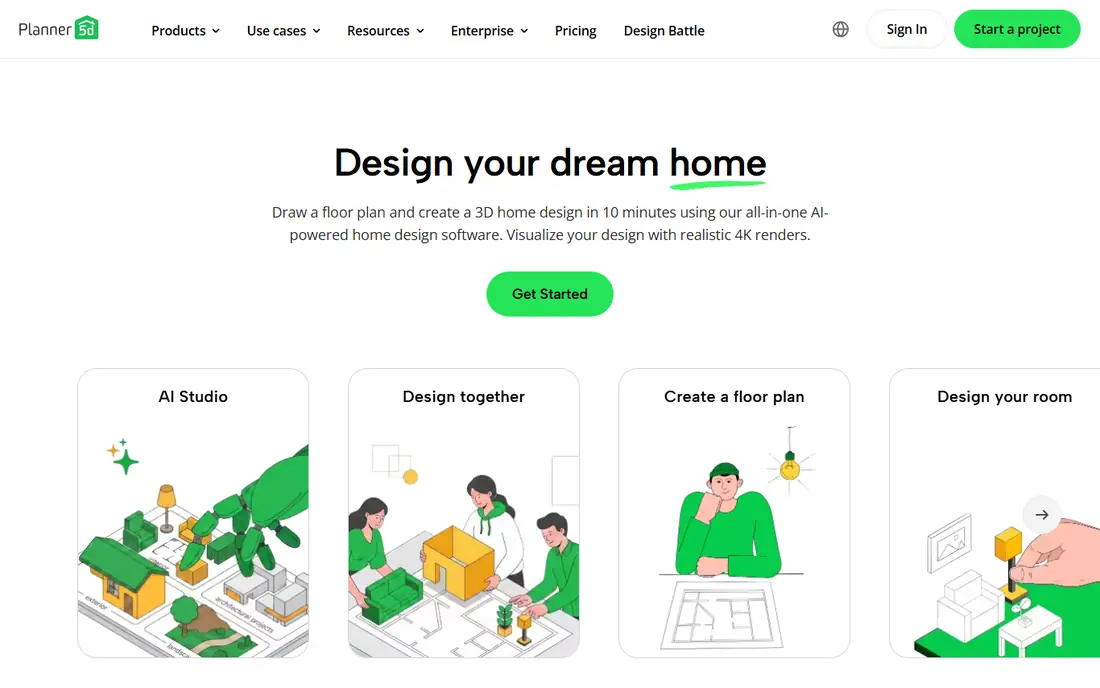
Planner 5D is the safest free starting point for most people. You can draw a floor plan to scale, add walls, doors, and windows, furnish it from a large catalogue, and switch between 2D and 3D views on web, iPhone, or Android. The free plan allows unlimited projects, which suits a whole home or a rental you plan room by room.
The free limits are real. Premium, at $4.99 per month or $59.99 per year, opens the full catalogue, removes watermarks, and adds AI design tools and higher-quality renders. If you only need to test layouts and furniture placement, the free tier is enough, but expect to pay for presentation-quality images.
- Unlimited projects on the free plan
- Large furniture catalogue
- 2D and 3D views with mobile and web apps
- About half the catalogue is locked behind Premium
- Free renders carry watermarks and lower resolution
- Best renders and AI tools are paid
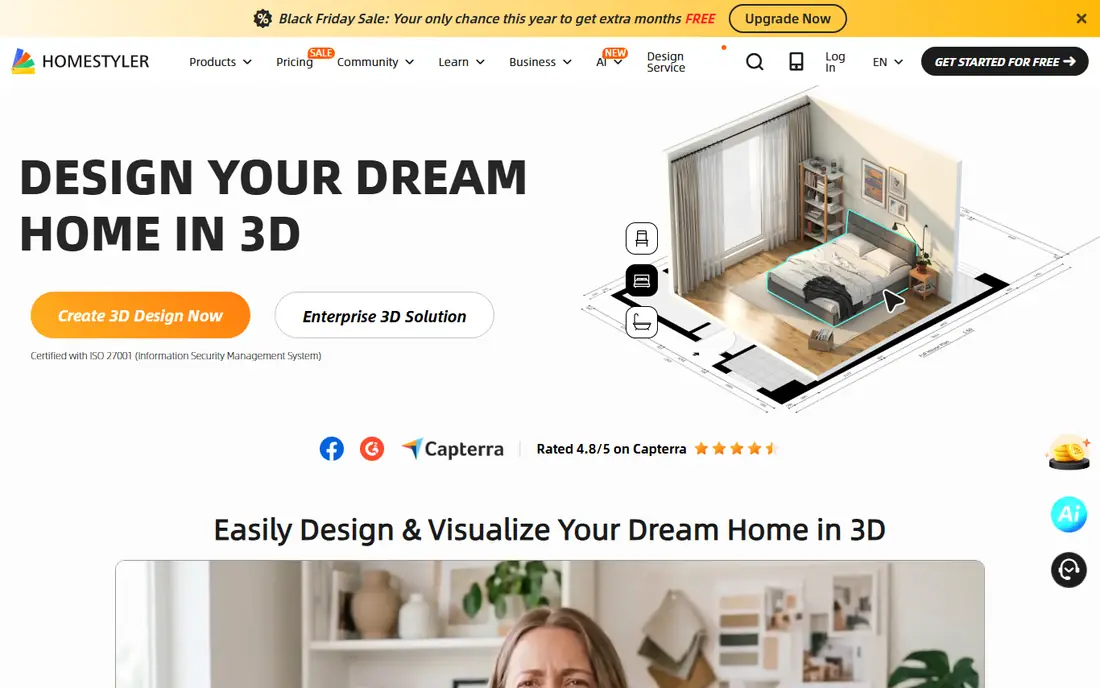
Homestyler gives a generous free starting point for a web planner. The Basic plan includes the 3D planner, access to a large public model library, and unlimited 1K renders, which is enough to test layouts and share ideas with family or a contractor. Paid plans start from $3.90 per month for the Styler tier in recent listings, with Pro plans from about $6.80 per month for more AI credits and features.
The free tier is not unlimited in every sense. AI design credits are capped, some premium models need coins or a paid plan, and 2K or 4K renders sit behind paid options. For layout planning and basic visualization, Homestyler is one of the strongest free tools here, and its real furniture models help you judge scale better than generic shapes.
- Free Basic plan with 3D planner and unlimited 1K renders
- Large library of real furniture models
- Mobile apps for on-the-go edits
- AI credits on the free plan are limited
- Premium models and templates require payment
- Higher-resolution renders cost extra
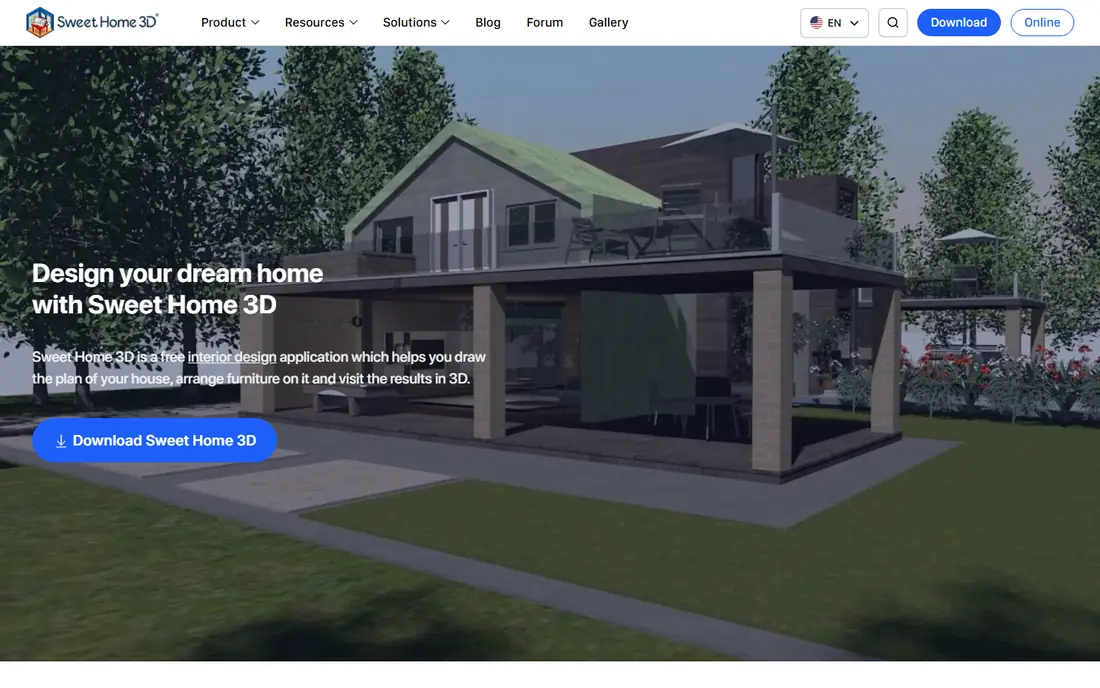
Sweet Home 3D is the honest free option in this list. It is open-source desktop software for Windows, Mac, and Linux, with no subscription, no credits, and no watermark on your output. You draw walls with exact dimensions, add doors and windows, place furniture, and view the result in 3D at the same time.
The trade is polish and convenience. The interface feels older than Planner 5D or Homestyler, the default furniture set is modest, and you will work on a computer rather than a phone. For a renovation plan, a rental layout, or a budget project where free truly means free, Sweet Home 3D is hard to beat.
- Completely free desktop software with no ads or credits
- Precise wall dimensions and 3D view
- Import blueprints and export images and PDFs
- Interface looks dated beside web planners
- No native mobile app with the same power
- Furniture catalogue is smaller than Planner 5D
Roomstyler lets you draw a room, furnish it with real products, and view it in 3D, all without a subscription for basic use. That shoppable angle is useful when you want to check whether a specific sofa or table fits, rather than placing a generic box of the right size. Community projects also offer layout ideas for awkward rooms.
Rendering is where the free tier shows its limits. Basic views are free, but high-quality images use credits, so you should plan your final renders rather than generating many versions. Roomstyler fits layout and shopping decisions best, and it pairs well with a measurement check before you order anything large.
- Free to draw rooms to scale
- Real shoppable furniture from brands
- Community rooms give layout ideas
- Best renders require credits
- Some features suit browsers better than phones
- Catalogue depth varies by brand
IKEA Kreativ is a different kind of free tool. Instead of drawing a room from scratch, you scan your actual room with your phone, erase the current furniture in the view, and place IKEA items to see how they look in your space. That real-room preview prevents the common mistake of buying furniture that looks right online but wrong at home.
The limit is obvious: you can only preview IKEA products, so it cannot plan a room full of vintage, custom, or other-brand pieces. It also needs a supported device for the full scan experience. Use Kreativ when you already plan to buy from IKEA, and use Planner 5D or Homestyler for a full home plan.
- Free to use with no design subscription
- Scans your room and removes existing furniture in the view
- Shows real IKEA products at scale
- Limited to the IKEA catalogue
- Full 3D room scan needs supported hardware
- Not a general floor plan tool
Floorplanner focuses on the plan itself rather than on photorealistic decoration. You draw rooms, add dimensions, and produce a clean floor plan that a contractor, landlord, or partner can read without a tutorial. That clarity makes it a good choice for a move, a renovation quote, or a rental listing.
Furnishing and rendering are more basic than in Planner 5D or Homestyler, and some exports and features require paid upgrades. If your main job is an accurate plan, Floorplanner is free and focused, but if you want styled 3D images, start with Homestyler instead.
- Free for casual use
- Clean 2D and 3D floor plan output
- Easy to share plans with others
- Advanced exports and higher tiers require payment
- 3D furnishing is simpler than Planner 5D
- Free use suits casual projects best
RoomSketcher produces some of the cleanest floor plans in this list, which is why real estate agents and designers use it for listings. The free tier lets you try the planner and view projects, but it is more of a preview than a long-term free tool. Exporting a floor plan on the free tier costs $38 per level, and Pro, at $144 per year, works on a credit system rather than unlimited exports.
For a one-off professional plan, that export cost may still be cheaper than hiring a designer. For ongoing free home planning, Planner 5D, Homestyler, or Sweet Home 3D will serve you better. Judge RoomSketcher on the quality of its finished plan, not on the breadth of its free tier.
- Clean professional floor plan output
- Useful for real estate and design presentations
- Web, iPhone, and Android apps
- Free tier is limited, with watermarked 3D snapshots
- Exporting a floor plan costs $38 per level on the free tier
- Pro plan uses credits
Houzz is best as an idea and preview tool, not as a planner. You can browse millions of room photos, save ideas to boards, and use augmented reality on your phone to place selected products in your room. That combination helps you settle on a style before you draw a single wall.
Houzz will not draw an accurate floor plan or manage a full renovation layout, so it works best beside a planner rather than instead of one. Use it to collect styles and test a few products, then move to Planner 5D or Sweet Home 3D to check measurements and layout.
- Huge library of room photos for ideas
- Augmented reality previews for selected products
- Free to browse and save ideas
- Not a full floor plan tool
- Product previews depend on the seller
- Shopping features can distract from planning
Magicplan solves the hardest part of planning: measuring. On supported iPhones and iPads, it uses LiDAR to scan a room and build a floor plan, which is far faster than measuring every wall with a tape. That speed suits contractors, estimators, and anyone planning a renovation across many rooms.
The free tier lets you try the core scanning, but exports and advanced features require payment, and Android users do not get the same LiDAR accuracy. Magicplan is a measurement tool first, so pair it with a planner such as Planner 5D or Floorplanner when you want to furnish and style the scanned plan.
- Scans a room on iPhone and iPad with LiDAR where supported
- Creates a measured plan faster than drawing by hand
- Useful for contractors and estimators
- Full features and exports require a paid plan
- LiDAR scanning is limited to supported Apple devices
- Android scanning lacks LiDAR precision
How we picked these
We compared official sites, app store listings, and recent free-plan comparisons, and checked what each free tier actually allows, including watermarks, locked catalogues, credits, and export costs. We favored tools available now in the US, with a usable free tier or fully free version, and we mixed floor planners, room scanners, and idea tools so different jobs are covered. We did not claim hands-on testing, and free limits change, so check the current plan page before starting a large project.
What to check before you pay
Measure first, then design. A tape measure and a few minutes per wall will save more money than any app, since a beautiful plan with wrong dimensions still leads to furniture that does not fit. Start with a free planner for layout, use a scanner such as Magicplan if measuring is hard, and only pay for high-resolution renders or a full catalogue when you need presentation images.
Check the free limit that matters for your job. If you need clean exports, RoomSketcher's per-level cost matters more than its free trial. If you need many renders, Homestyler's 1K limit and Planner 5D's watermarks matter. If you need real IKEA furniture in your room, Kreativ is free but brand-limited. Pick the tool whose free limit you can live with, not the one with the longest feature list.
Sources
- https://planner5d.com
- https://www.homestyler.com
- https://www.sweethome3d.com
- https://www.roomstyler.com
- https://www.ikea.com
- https://floorplanner.com
- https://www.roomsketcher.com
- https://www.houzz.com
- https://www.magicplan.app
- https://roomstaging.net/blog/10-best-free-ai-interior-design-apps
- https://editorialge.com/room-planner-and-home-design-apps/
Frequently asked questions
What is the best free interior design app?
Planner 5D and Homestyler are the best free web planners for most people, while Sweet Home 3D is the best fully free desktop option. Planner 5D has the larger catalogue, Homestyler has stronger free renders, and Sweet Home 3D has no ads, credits, or watermarks.
Is Planner 5D really free?
Yes, with limits. The free plan allows unlimited projects, but about half the furniture catalogue is locked, free renders carry watermarks, and Premium at $4.99 per month or $59.99 per year opens the full catalogue and better renders.
Can a free app scan my room and make a floor plan?
Yes. Magicplan scans rooms on supported iPhones and iPads with LiDAR, and IKEA Kreativ scans a room to preview furniture. Both have paid limits for exports or full features, so check what you need before relying on the free tier for a whole home.
Do free AI interior design apps measure my room?
No. Most AI restyling apps change the style of a photo without measuring walls, doors, or furniture. Use them for ideas, then check sizes and layout in a real planner before buying anything.
What free app is best for a rental or small room?
Planner 5D or Homestyler work well for a single room, since both are free to start and run in a browser. Sweet Home 3D is a good backup if you want a desktop tool with no ongoing costs or limits on projects.