Best Internet Security Software in 2026: 9 Suites Compared
By ToolNimba Editorial Team November 5, 2026 10 min read

- Top pick
 Norton 360 Deluxe
Complete family protection
Starting priceSee websiteCheck out Norton 360 DeluxeRead our review - Runner-up
 Bitdefender Total Security
Best overall value
Starting priceSee websiteCheck out Bitdefender Total SecurityRead our review - Also great
 McAfee+
Unlimited device households
Starting priceSee websiteCheck out McAfee+Read our review
How we researched this
We compared official pricing and feature pages, app store listings, privacy policies and public user reviews. Prices change, so check the provider's site before you pay.
Key takeaways
- Bitdefender Total Security offers strong value and low system impact, while Norton 360 Deluxe bundles the most extras, including unlimited VPN and cloud backup.
- McAfee is the best pick for households with many devices, since some plans cover unlimited devices.
- Avast One has the strongest free tier, and Microsoft Defender is a solid free baseline already built into Windows.
- First-year prices are often much lower than renewal prices, so check the renewal rate before buying a multi-year plan.
Quick comparison
| Name | Best for | Starting price | Free plan | |
|---|---|---|---|---|
| Norton 360 Deluxe | Complete family protection | See website | No | Visit |
| Bitdefender Total Security | Best overall value | See website | Free trial | Visit |
| McAfee+ | Unlimited device households | See website | Free trial | Visit |
 Avast One | Best free tier | Free | Yes | Visit |
 ESET Home Security Premium | Light system impact | See website | Free trial | Visit |
 Malwarebytes Premium | Malware cleanup and real-time protection | See website | Free trial | Visit |
 Trend Micro Maximum Security | Simple, strong protection | See website | Free trial | Visit |
 Microsoft Defender | Free Windows baseline | Free | Yes | Visit |
 AVG Internet Security | Budget multi-device protection | See website | Free trial | Visit |
The best internet security software
Internet security software now covers more than virus scans. Modern suites add firewalls, phishing protection, VPNs, password managers, and parental controls. The picks below balance protection, system impact, and price, and all are current products from established vendors.
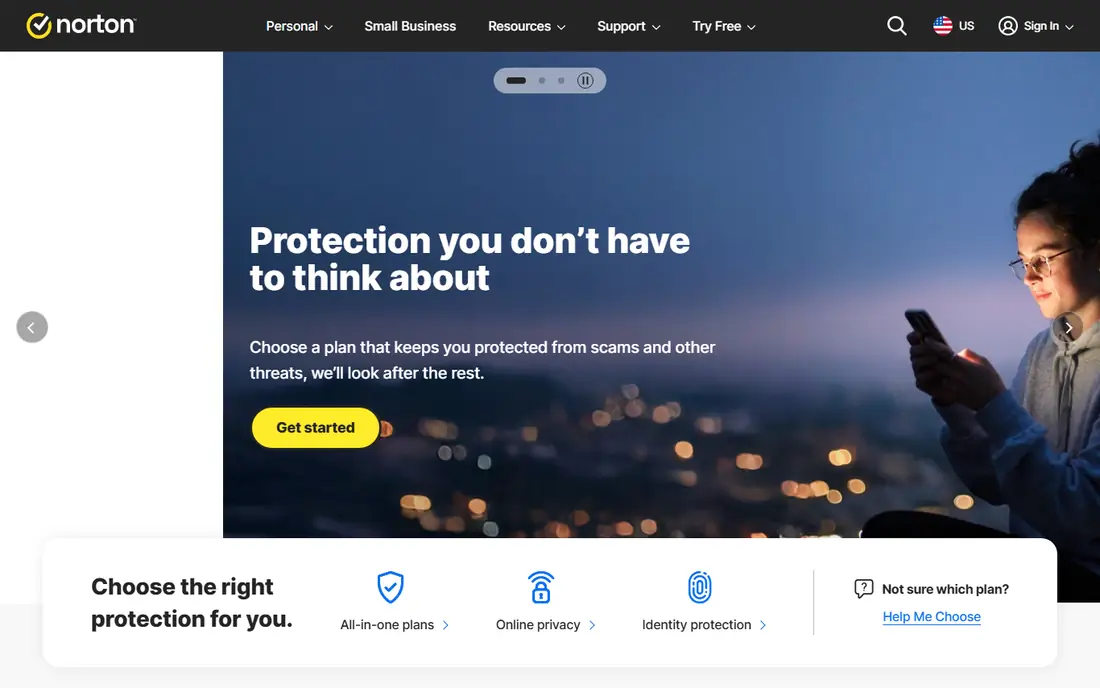
Norton 360 Deluxe is our pick for households that want one suite to cover almost everything. It includes antivirus, firewall, password manager, parental controls, dark web monitoring, and 50 GB of cloud backup for up to five devices. That bundle replaces several separate subscriptions for many families.
Protection scores from independent labs are consistently strong, and the VPN has no data cap, which is a real advantage over suites that limit VPN use to a few hundred megabytes per day. The interface is clear, and the mobile apps cover Android and iOS as well as Windows and Mac.
The catch is renewal pricing. First-year offers are often far below the renewal rate, so buyers should check the renewal price at checkout and set a reminder before renewal. Norton is also slightly heavier on system resources than Bitdefender or ESET, though most modern PCs handle it without trouble.
- Unlimited VPN
- 50 GB cloud backup
- Dark web monitoring
- Renewal price is much higher than first-year price
- Heavier than some rivals
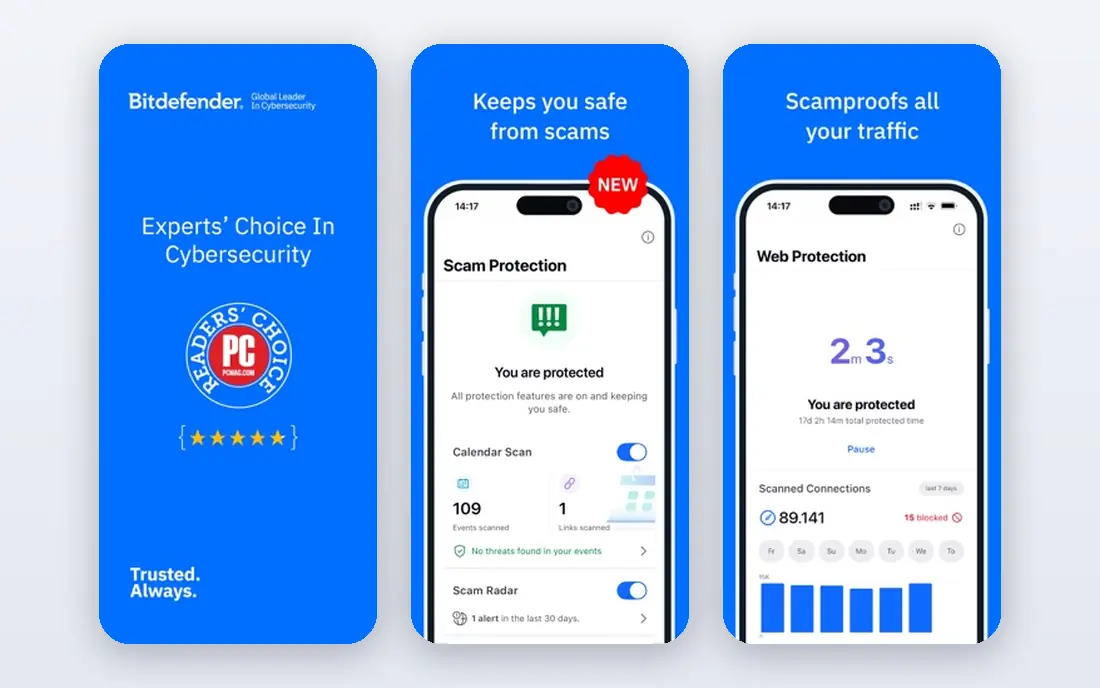
Bitdefender Total Security is the best balance of protection, speed, and price for most people. It covers up to five devices across Windows, Mac, Android, and iOS, with antivirus, firewall, ransomware protection, webcam protection, and a password manager. Independent lab results are consistently among the best.
System impact is a clear strength. Scans and real-time protection use fewer resources than many rivals, which matters on older laptops. The interface is clean, and features such as anti-tracking and file shredding add privacy value without clutter.
The main weakness is the bundled VPN, which is limited to 200 MB per day unless upgraded to a premium VPN plan. Some advanced features are also Windows-only. For buyers who need unlimited VPN, Norton is a better fit, but for core protection and value, Bitdefender leads.
- Low system impact
- Strong lab scores
- Good multi-device value
- Bundled VPN limited to 200 MB per day
- Some features are Windows-only
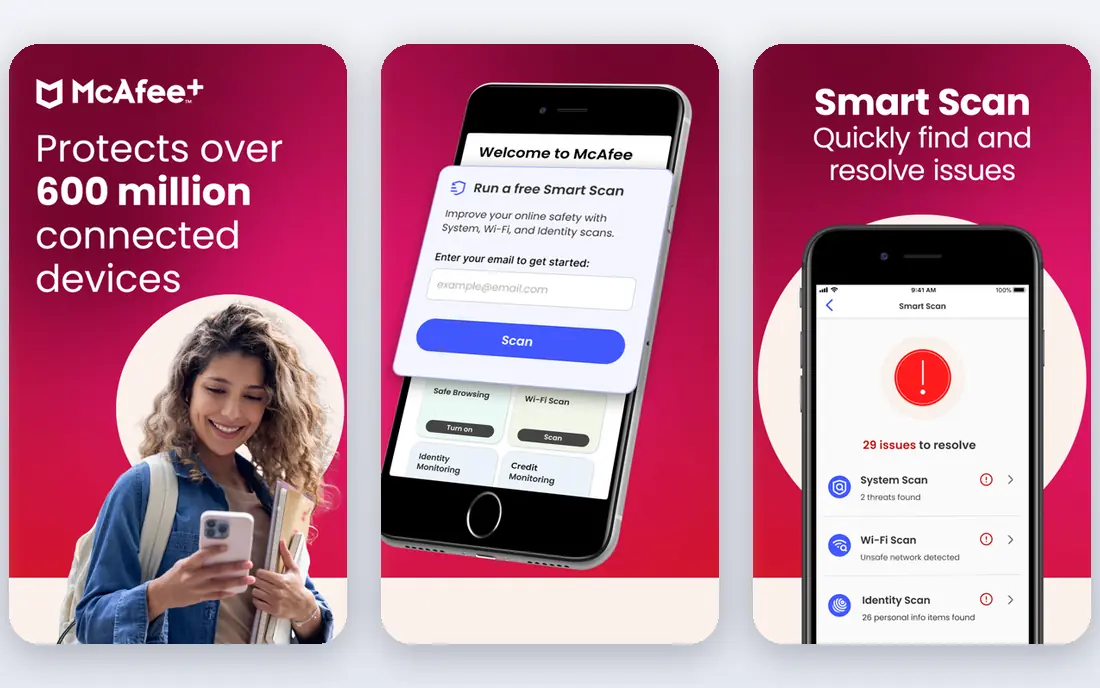
McAfee is the pick for households that have lost count of their devices. Some McAfee plans cover unlimited devices in a household, which beats the five-device caps of most rivals. That makes it simple to protect phones, tablets, laptops, and family computers under one plan.
The suite includes antivirus, firewall, VPN, password manager, and identity monitoring tools, with mobile apps that are among the better ones in this category. Setup is straightforward, and the dashboard gives a clear view of protected devices and alerts.
The downsides are renewal pricing and system load. First-year prices are often discounted, and renewal rates rise sharply, so buyers should check the full price. Scans also use more resources than Bitdefender. For large households, though, unlimited coverage often outweighs those costs.
- Unlimited device coverage on some plans
- Good mobile apps
- Identity tools
- Higher renewal pricing
- Heavier scan impact than Bitdefender
Avast One has the strongest free tier among major suites. The free version uses the same real-time antivirus engine as the paid version, with firewall, ransomware shield, and scam protection on some platforms. For users who want solid protection without paying, Avast Free is a genuine option.
The paid Avast One plans add VPN, data breach monitoring, disk cleanup, and driver updates in a single app where users can switch features on or off. That modular design suits gamers and advanced users who want control over what runs in the background.
The trade-off is upselling. Free users will see prompts to upgrade, and the full VPN and premium extras require a paid plan. Avast One is best for budget users who want strong free protection and are willing to ignore upgrade prompts.
- Strong free antivirus
- Modular features
- Good for gamers
- Paid VPN and extras cost more
- Upsell prompts in free version
ESET Home Security Premium is the pick for users who notice slowdowns from other suites. Its protection engine is light on CPU and memory, and its interface stays out of the way. That makes it a good fit for older PCs, work laptops, and users who value speed.
Protection covers antivirus, firewall, anti-phishing, parental controls, and password management on higher tiers. Lab scores are strong, and false positives are low compared with many rivals. The suite also handles banking and payment protection with a secure browser mode.
The weakness is bundle depth. ESET offers fewer extras than Norton or McAfee, with no cloud backup and a more limited VPN story. Users who want an all-in-one bundle may prefer Norton, but users who want quiet, fast protection will like ESET.
- Very light on system resources
- Strong protection
- Clean interface
- Fewer bundled extras than Norton
- Smaller US presence
Malwarebytes Premium
Best for: Malware cleanup and real-time protection
Malwarebytes Premium is best known for cleaning up infections that other tools miss. Its real-time protection blocks malware, ransomware, and malicious websites, and its scanner is fast and easy to run. Many support technicians use Malwarebytes as a second-opinion scanner, which says a lot about its cleanup strength.
The interface is simple, with few settings to confuse new users. System impact is minimal, and the app runs well alongside other security tools in many setups, though buyers should check compatibility before running two real-time products together.
The limit is scope. Malwarebytes does not offer a full firewall, parental controls, or cloud backup in the way Norton or Bitdefender do. It works best as a primary tool for users who mainly fear malware, or as a companion scanner alongside a full suite. Buyers who want one complete bundle should look elsewhere.
- Excellent malware removal
- Minimal system impact
- Simple interface
- No full firewall or parental controls
- Best as a companion tool for some users
Trend Micro Maximum Security
Best for: Simple, strong protection
Trend Micro Maximum Security suits users who want strong protection without a complex dashboard. It covers antivirus, anti-phishing, ransomware protection, and parental controls, with a focus on blocking malicious websites and scam links. That web focus matters, since phishing is now a larger threat than old-style viruses for many users.
Setup takes minutes, and the interface uses plain language rather than technical jargon. Parental controls cover content filtering and time limits, which helps families. The suite also includes social media privacy checks and Pay Guard for safer online banking.
The drawbacks are device limits and VPN bundling. Maximum Security covers fewer devices than McAfee unlimited plans, and VPN access varies by region and plan. Trend Micro is a good pick for straightforward protection, but bundle hunters may prefer Norton or Bitdefender.
- Strong phishing protection
- Simple setup
- Good parental controls
- Fewer devices than McAfee
- VPN is a separate product in some regions
Microsoft Defender is the free baseline every Windows user already has, and it is better than many people assume. It offers real-time antivirus, firewall, ransomware protection, and phishing filters built into Windows, with no extra subscription. Independent lab scores have improved steadily, and Defender now sits close to paid suites on core protection.
The main advantage is simplicity. There is nothing to install, no renewal price, and no upsell prompts. For users with good browsing habits, a strong password manager, and up-to-date software, Defender plus a free browser extension can be enough.
The limits are extras and offline detection. Defender lacks a bundled unlimited VPN, password manager, parental controls as rich as Norton, and cloud backup. Its offline detection also trails the leaders in some lab tests. Defender is a solid free choice, but users who want a full bundle should still consider a paid suite.
- Built into Windows at no cost
- Solid lab scores
- No extra install
- Fewer extras than paid suites
- Weaker offline detection than leaders
AVG Internet Security offers a budget path to multi-device protection, with a free antivirus tier and paid plans that cover up to ten devices in some regions. Core protection includes antivirus, firewall, ransomware shield, and phishing protection, with a clean interface that suits less technical users.
AVG shares technology with Avast, since both sit under the same parent company, which helps explain its solid lab results. The paid version adds webcam protection, data shredding, and payment protection. For families on a budget, the multi-device value is a real plus.
The weaknesses mirror Avast: fewer premium extras than Norton, and upgrade prompts in the free version. AVG also lacks cloud backup and a full identity suite. It is a good budget pick, but users who want the deepest bundle should compare Norton and Bitdefender first.
- Good value for multi-device plans
- Simple interface
- Strong core protection
- Fewer premium extras
- Upsell prompts in free version
How we picked these
We compared official pricing pages, independent lab results, device coverage, and bundled features, and we checked that each vendor homepage loads and belongs to the listed product. We favored suites with current US availability, strong core protection, and clear renewal terms. We did not claim hands-on lab testing, and we excluded products that are no longer sold in the US.
How to choose the right suite
Start with device count and budget. A single user with one laptop can use Bitdefender or Avast Free, while a family with many devices benefits from McAfee unlimited plans or Norton 360 Deluxe. Check renewal pricing, not just the first-year offer, since that is where most buyers get surprised.
Protection habits that matter more than brand
Keep operating systems and browsers updated, use a password manager with unique passwords, and turn on two-factor authentication for email and banking. No suite replaces those habits. Also check whether the suite covers all platforms in the household, since a Windows-only feature does not help an iPhone or Mac.
Sources
- https://us.norton.com
- https://www.bitdefender.com
- https://www.mcafee.com
- https://www.avast.com
- https://www.eset.com
- https://www.malwarebytes.com
- https://www.trendmicro.com
- https://www.microsoft.com/security
- https://www.avg.com
- https://gizmodo.com/best-antivirus
- https://www.cyberguardtips.com/2026/05/best-antivirus-software-of-2026-top-5.html
Frequently asked questions
Which internet security software is best?
Bitdefender Total Security is the best overall pick for value and low system impact, while Norton 360 Deluxe is best for a complete bundle with VPN and backup. McAfee is best for unlimited devices. The right suite depends on device count, budget, and whether bundled extras matter.
What is the top rated internet security software?
Norton, Bitdefender, and McAfee consistently rank near the top in independent lab tests for protection and usability. Bitdefender often leads on low system impact, while Norton leads on bundled features. Check current lab results, since rankings shift with each test cycle.
Is free internet security software enough?
For careful users, Microsoft Defender on Windows or Avast Free can be enough for core protection. Paid suites add VPN, password management, parental controls, backup, and identity monitoring. Users with many devices, children, or high-value accounts benefit more from a paid suite.
What is the best internet security app for mobile?
Norton, Bitdefender, and McAfee all offer mobile apps with antivirus, web protection, and anti-theft features on Android, with more limited options on iOS due to platform rules. Check the mobile feature list before buying, since desktop features do not always carry over to phones.
How much does internet security software cost?
First-year prices for leading suites often range from about 25 dollars to 50 dollars for multi-device plans, while renewal prices can be 90 dollars to 150 dollars or more. Always check the renewal rate at checkout, and compare the two-year total rather than the first-year price alone.
Should I use a VPN with internet security software?
A VPN helps on public Wi-Fi and for privacy, but it does not replace antivirus protection. Norton includes unlimited VPN, while Bitdefender limits bundled VPN to 200 MB per day. Users who need unlimited VPN should either pick Norton or buy a standalone VPN separately.