Best IT Service Management Software in 2026: 9 Platforms Compared
By ToolNimba Editorial Team November 5, 2026 9 min read

- Top pick
 ServiceNow
Large enterprise ITSM
Starting priceSee websiteCheck out ServiceNowRead our review - Runner-up
 Freshservice
Fast mid-market setup
Starting price$19 per monthCheck out FreshserviceRead our review - Also great
 Jira Service Management
Dev and IT alignment
Starting price$20 per monthCheck out Jira Service ManagementRead our review
How we researched this
We compared official pricing and feature pages, app store listings, privacy policies and public user reviews. Prices change, so check the provider's site before you pay.
Key takeaways
- Freshservice and Jira Service Management offer the fastest start for mid-sized IT teams.
- ServiceNow and BMC Helix fit large, regulated organisations with complex service needs.
- ManageEngine ServiceDesk Plus is a strong value option, especially for on-premises teams.
- Zendesk suits teams that want service desk work close to customer support.
- Check per-agent pricing carefully, because asset, AI, and automation features often sit on higher tiers.
Quick comparison
| Name | Best for | Starting price | Free plan | |
|---|---|---|---|---|
| ServiceNow | Large enterprise ITSM | See website | No | Visit |
| Freshservice | Fast mid-market setup | $19 per month | Free trial | Visit |
| Jira Service Management | Dev and IT alignment | $20 per month | Yes | Visit |
 Zendesk | Support-led service desks | $55 per month | Free trial | Visit |
 ManageEngine ServiceDesk Plus | Budget and on-premises teams | $13 per month | Yes | Visit |
 SolarWinds Service Desk | Mid-market asset tracking | See website | Free trial | Visit |
 SysAid | AI-assisted IT operations | $89 per month | Free trial | Visit |
 HaloITSM | Single-tier ITSM value | See website | Free trial | Visit |
 BMC Helix ITSM | Large regulated enterprises | See website | No | Visit |
The best IT service management software
We compared official pricing pages and ITSM feature sets, focusing on ticketing, incident and change management, asset tracking, self-service portals, and automation. The list below mixes enterprise platforms with faster, lower-cost options for smaller IT teams.
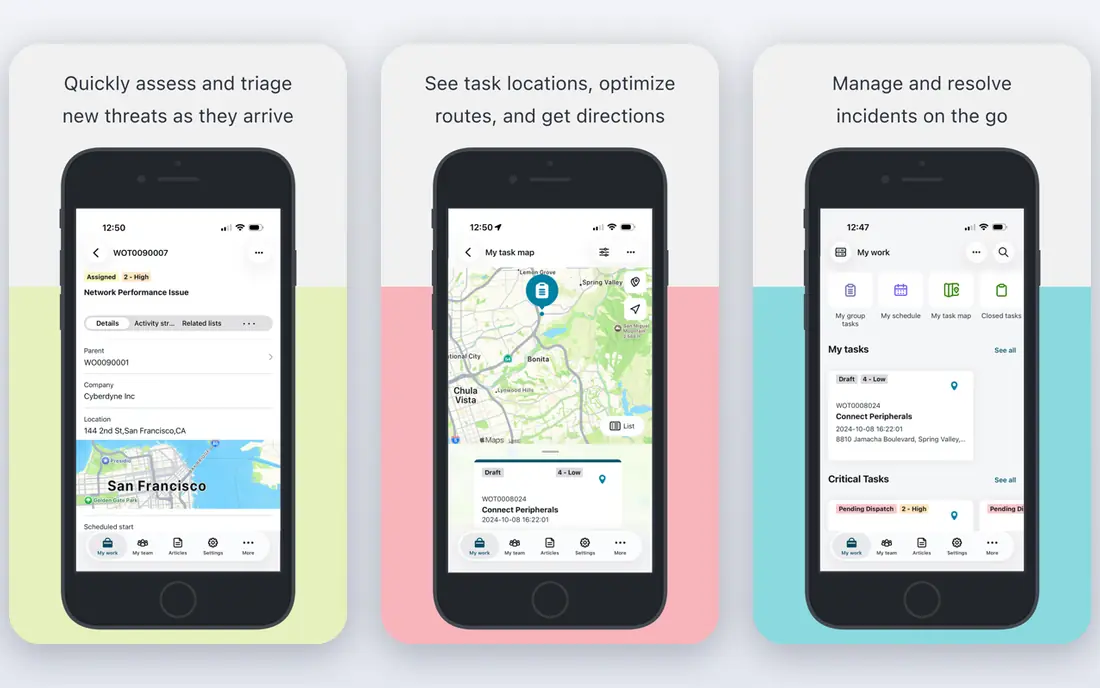
ServiceNow is the reference platform for large organisations that need incident, problem, change, asset, and service catalogue work in one system. Its workflow engine can route requests across IT, HR, and other departments, and its AI features help summarise tickets and suggest next steps. For a global company with strict controls, that breadth is hard to match.
The trade-off is cost and complexity. Pricing is quote-based, and implementation often needs dedicated administrators and partners. Smaller teams will find faster, cheaper options below, but enterprises that need scale, governance, and custom workflows often accept that overhead.
- Broad ITSM and workflow platform
- Strong automation
- Deep enterprise integrations
- Quote-only pricing
- Implementation can be long and needs skilled admins
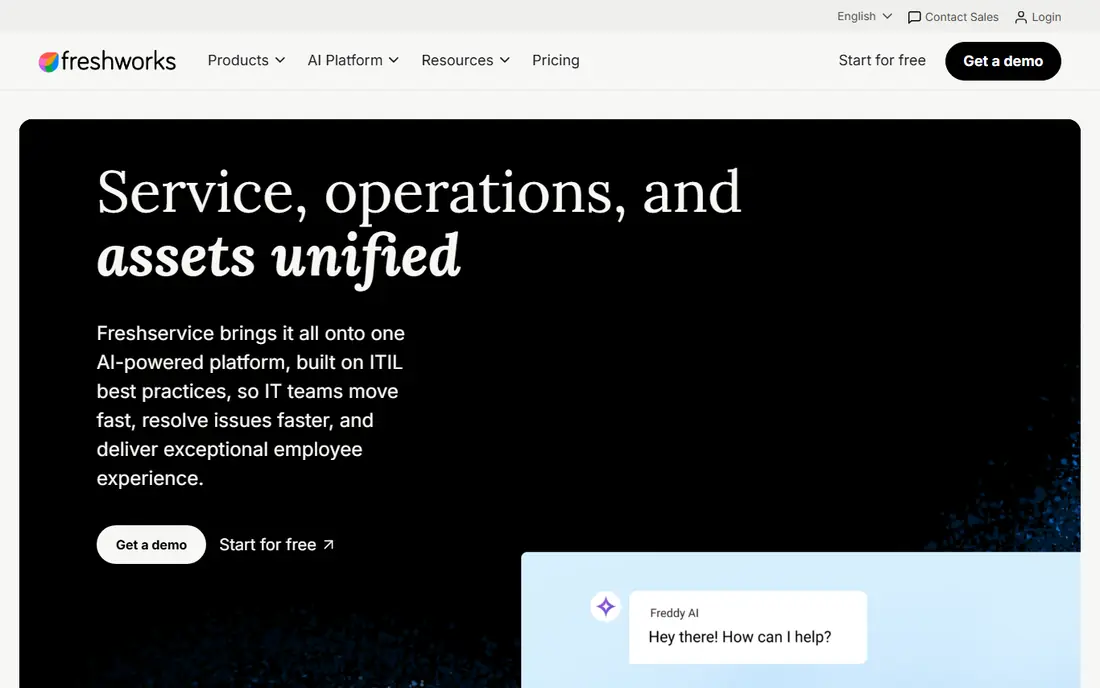
Freshservice is built for IT teams that want ITSM basics without a long project. Ticketing, a self-service portal, knowledge base, and asset tracking are easy to set up, and the interface feels approachable for agents and end users alike. Growth plans add SLA management and a service catalogue for more formal teams.
Higher ITSM depth costs more. Change and problem management, advanced analytics, and AI agent features sit on Pro or Enterprise plans. Still, for a mid-sized team moving off email and spreadsheets, Freshservice offers one of the shortest paths to a working service desk.
- Quick setup
- Clean interface
- Built-in asset and knowledge features
- Change and problem management need higher plans
- AI copilot is an add-on
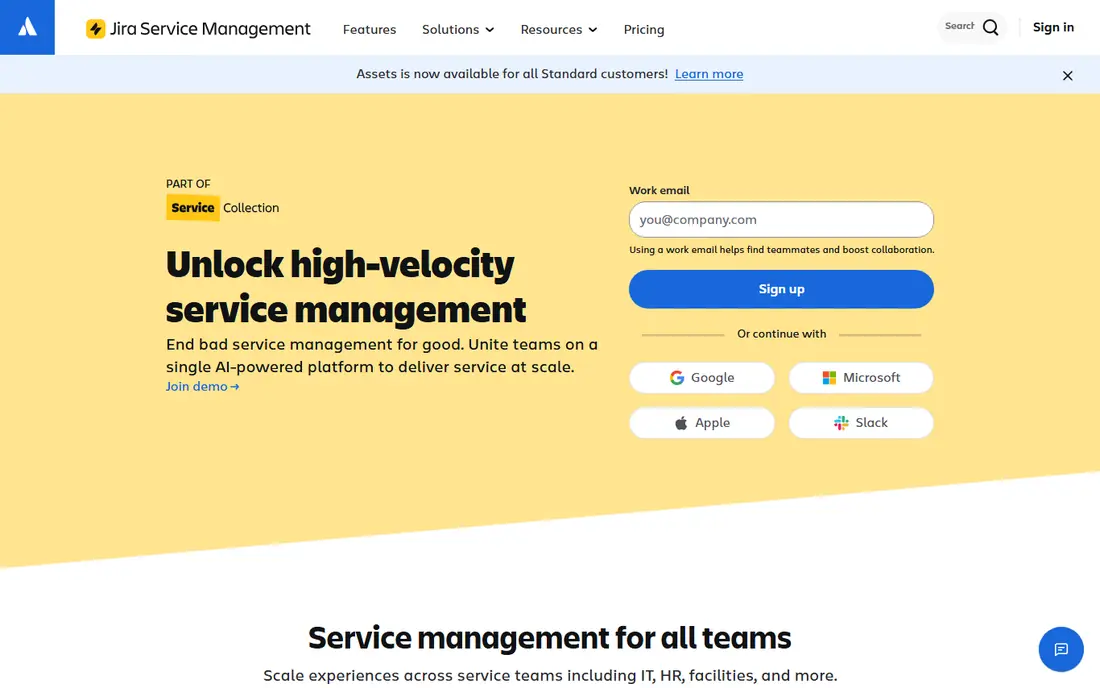
Jira Service Management links IT requests directly to software development work, which helps when incidents turn into code fixes. It offers service portals, queues, SLAs, incident management, and asset tracking, and the free plan covers up to three agents for small teams. Atlassian users gain a familiar interface and a large marketplace.
Configuration is the catch. Teams often need an administrator to design workflows, forms, and permissions well, and some identity features require Atlassian Guard separately. If your IT team already uses Jira, however, the connection to development work is a real advantage.
- Free plan for up to three agents
- Strong link to Jira software
- Good automation
- Setup can be configuration heavy
- Single sign-on needs a separate product on lower plans
Zendesk began as customer support software, and that shows in its agent workspace, omnichannel tickets, and knowledge tools. IT teams that also handle external customers, or that want a familiar support experience, may prefer it to a traditional ITSM platform. Reporting and automation are solid, and the marketplace is large.
For pure ITSM, Zendesk is less deep than ServiceNow or Freshservice on change, problem, and asset management, and its starting price is higher. It fits best when service quality and customer experience matter as much as IT process, rather than when strict ITIL workflows are the priority.
- Polished agent workspace
- Strong customer support features
- Wide integrations
- Higher starting price for ITSM use
- ITSM depth is thinner than dedicated ITSM tools
ManageEngine ServiceDesk Plus
Best for: Budget and on-premises teams
ManageEngine ServiceDesk Plus covers ticketing, asset management, change, and problem work at a lower entry price than most rivals, and it offers both cloud and on-premises deployment. A free Standard edition supports small teams, which makes it easy to pilot before paying. It is popular with schools, local government, and mid-sized firms.
The interface is more functional than polished, and some newer AI and automation features are gated by edition. Teams that value low cost, control over hosting, and solid ITSM basics over a modern look will find it a practical choice.
- Low starting price
- On-premises option
- Free edition for small teams
- Interface feels dated in places
- Advanced AI features may need higher tiers
SolarWinds Service Desk combines ticketing with asset discovery and lifecycle tracking, so IT teams can link a ticket to the exact device involved. The employee portal, knowledge base, and automation rules help deflect common requests and speed up routine work. It suits mid-market teams that want asset context without an enterprise platform.
Pricing requires a quote or sales discussion, which makes direct comparison harder. Implementation also benefits from a clear asset and category plan. For teams already using SolarWinds monitoring tools, the shared context can be a plus.
- Integrated asset and service management
- Employee service portal
- Useful automation
- Pricing is not published as a simple entry price
- Setup needs planning
SysAid positions itself around autonomous IT operations, with prebuilt AI agents, automation, and asset tracking alongside core ticketing. It covers incident, problem, change, and service catalogue work, and its Copilot features help agents summarise and resolve tickets faster. Mid-sized and larger IT teams with high ticket volume may gain the most.
The starting price is high compared with Freshservice or ManageEngine, so small teams should check whether they will use the AI and automation depth. If ticket volume is low, a simpler tool may deliver similar results for less.
- Built-in AI agents and automation
- Asset management included
- Strong ITSM coverage
- High starting price
- Smaller teams may not need its full depth
HaloITSM offers a single tier that includes incident, problem, change, asset, and configuration management, rather than gating core ITSM features across many plans. That simplicity appeals to teams tired of checking which plan includes a feature. Configuration is flexible, and the CMDB helps link services, assets, and tickets.
Pricing depends on team size and needs a quote, so budgeting requires a conversation with sales. The interface also takes time to learn, especially for teams new to ITSM. For IT teams that want full depth without tier puzzles, it is worth a trial.
- Full ITSM feature set in one tier
- Includes CMDB
- Flexible configuration
- Pricing varies by team size
- Interface needs learning time
BMC Helix ITSM is a long-standing enterprise platform for incident, problem, change, asset, and service request management, with AI features for prediction and automation. It fits large, regulated organisations that need strict process control, audit trails, and integration with existing enterprise systems. Its cloud and on-premises options add deployment choice.
Like ServiceNow, it is not a quick or cheap choice. Pricing is quote-based, and complex deployments need skilled staff and planning. Smaller teams should look at Freshservice or ManageEngine first, but large enterprises with deep ITSM needs will find Helix a serious contender.
- Mature enterprise ITSM
- Strong AI and AIOps options
- Broad integrations
- Quote-only pricing
- Long implementation for complex deployments
How we picked these
We compared vendor pricing pages, ITSM feature descriptions, and deployment options, and we favoured platforms that support ticketing, self-service, and asset or change management. We included enterprise, mid-market, and budget options so teams of different sizes can compare like with like. We did not claim hands-on testing, and we noted where pricing is quote-only rather than inventing a figure.
Choosing ITSM software without overbuying
Start with ticket volume, team size, and the processes you must support. If you only need ticketing and a portal, a simple tool will be faster and cheaper than an enterprise platform. If you need change control, asset tracking, and audit trails, pay for depth from the start, because adding it later can mean migration.
Check the total per-agent cost
The headline per-agent price rarely tells the full story. Add asset units, AI add-ons, identity tools, and higher tiers for change or problem management. Ask for a quote for your actual agent count and the features you need, then compare that total across vendors.
Pilot with real tickets
Run a pilot with real requests, a real portal, and real SLAs for two to four weeks. Measure first-response time, reopen rates, and how often agents need workarounds. A tool that looks good in a demo but slows agents down in practice is the wrong tool.
Sources
- https://servicenow.com
- https://freshworks.com/freshservice/pricing
- https://atlassian.com/software/jira/service-management/pricing
- https://zendesk.com/pricing
- https://manageengine.com/products/service-desk/pricing.html
- https://solarwinds.com/service-desk
- https://sysaid.com/pricing
- https://haloitsm.com/pricing
- https://bmc.com/itsm.html
Frequently asked questions
What is ITSM software?
ITSM software helps IT teams manage requests, incidents, problems, changes, and assets in a structured way. It usually includes a ticket system, a self-service portal, a knowledge base, and reporting, with SLAs to track response and resolution times.
How much does ITSM software cost?
Entry prices in this list range from $13 to $89 per agent or technician per month where published, while enterprise platforms use quote-only pricing. Free plans exist for very small teams, but most teams pay per agent and should check add-on costs for AI and asset features.
Is ServiceNow worth it for a small IT team?
Usually not. ServiceNow fits large organisations with complex workflows and governance needs. Small teams often move faster and spend less with Freshservice, Jira Service Management, or ManageEngine ServiceDesk Plus.
What is the difference between ITSM and a help desk?
A help desk mainly handles tickets and requests. ITSM adds formal processes for incidents, problems, changes, assets, and service levels, plus a service catalogue and CMDB. Small teams may only need help desk features, while larger IT teams need ITSM depth.
Do we need on-premises ITSM software?
Most teams do fine with cloud ITSM, which is faster to set up and maintain. On-premises options, such as ManageEngine ServiceDesk Plus, suit teams with strict data, network, or regulatory constraints that require hosting inside their own environment.