Best Keywords Tools in 2026: 9 Tools Compared
By ToolNimba Editorial Team November 10, 2026 11 min read

- Top pick
 Ahrefs
Full SEO suites and backlink research
Starting price$129 per monthCheck out AhrefsRead our review - Runner-up
 Semrush
SEO, ads, and content teams
Starting price$139.95 per monthCheck out SemrushRead our review - Also great
 Moz
Teams that value authority metrics
Starting price$99 per monthCheck out MozRead our review
How we researched this
We compared official pricing and feature pages, app store listings, privacy policies and public user reviews. Prices change, so check the provider's site before you pay.
Key takeaways
- Ahrefs and Semrush suit professionals who need large keyword databases, backlink data, and daily or weekly rank checks in one place.
- Google Keyword Planner and Google Search Console cover basic volume checks at no cost, but they give limited competitor detail.
- Budget tools such as Ubersuggest, Mangools, and Keysearch cover most solo site work for far less than a full suite.
- Difficulty scores differ by vendor, so compare the same seed keywords in two tools before you trust a single score.
Quick comparison
| Name | Best for | Starting price | Free plan | |
|---|---|---|---|---|
| Ahrefs | Full SEO suites and backlink research | $129 per month | Free tools for verified sites | Visit |
| Semrush | SEO, ads, and content teams | $139.95 per month | Free trial | Visit |
| Moz | Teams that value authority metrics | $99 per month | Free trial | Visit |
 Google Keyword Planner | Free volume checks from Google data | Free | Yes | Visit |
 Ubersuggest | Beginners and small budgets | $12 per month | Yes | Visit |
 Mangools | Beginners who want a friendly suite | $49 per month | Free trial | Visit |
 Keysearch | Bloggers and affiliate sites | $24 per month | Free trial | Visit |
 AnswerThePublic | Question and content ideas | See website | Yes | Visit |
 Serpstat | All-in-one SEO on a mid-range budget | See website | Free trial | Visit |
The best keywords tools
We compared keyword tools on database size, difficulty scoring, volume data, competitor views, and price, so you can pick one that fits how much research you actually do.

We place this option here because it is a full SEO suite built around its large keyword index and its backlink index, with Keywords Explorer, Site Explorer, and a site audit in one subscription. Keywords Explorer pairs volume, difficulty, and click estimates with parent topics, which helps you group related terms into one article instead of chasing single keywords. That detail matters in daily use. The honest catch is that the Lite plan caps credits and projects, so heavy users can hit limits sooner than the price suggests, and the learning curve is real for a first-time buyer. Before you commit, trial it with your real work, check the limits on the plan you would actually buy, and confirm that the features you need are not locked behind a higher tier. If it passes, it fits the readers above.
- Large keyword and backlink databases
- Clear difficulty and intent data
- Strong Site Explorer and audit tools
- Entry price is high for solo users
- Rank updates on the Lite plan are weekly, not daily
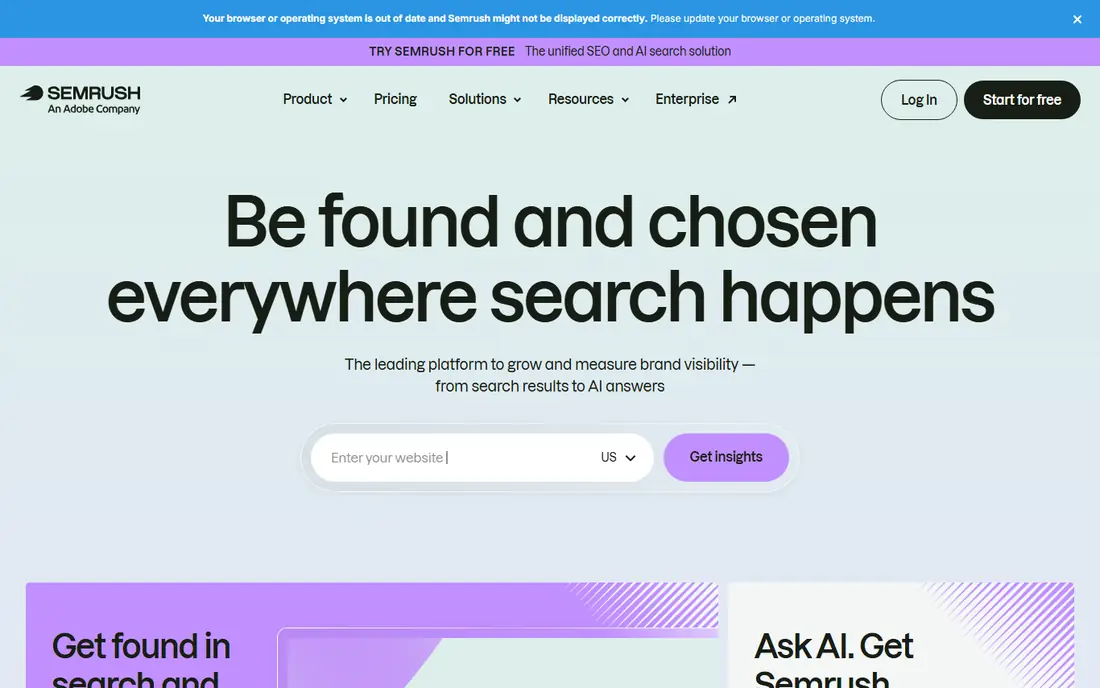
This pick earns its place because it is a broad marketing suite that covers keyword research, competitor ads research, site audits, and content planning under one login. its keyword tools label intent for each term, which makes it easier to separate informational research from terms where a reader is ready to buy or sign up. That detail matters in daily use. The honest catch is that the breadth can be a drawback if you only need keyword research, because you pay for tools you may never open, and extra seats add to the bill. Before you commit, trial it with your real work, check the limits on the plan you would actually buy, and confirm that the features you need are not locked behind a higher tier. If it passes, it fits the readers above.
- Very large keyword database
- Keyword intent labels
- Ads research and content tools in the same suite
- The interface packs in many tools, so beginners can feel lost at first
- Some AI features sit on higher plans
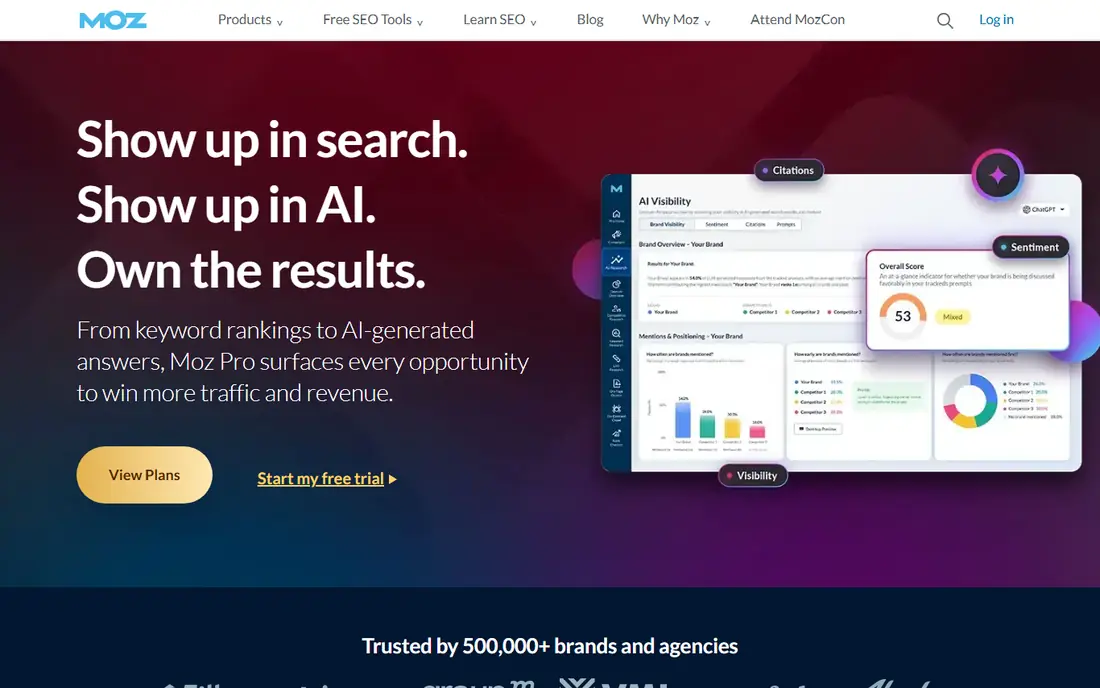
For many readers, this is the practical choice because it is a long-running SEO suite whose Keyword Explorer and Link Explorer appeal to teams that report authority metrics to clients. Domain Authority and Page Authority give clients a familiar reference point, and Keyword Explorer keeps its scores and volume data in a clean, readable view. That detail matters in daily use. The honest catch is that the entry plan allows only a modest number of keyword queries each month, so it fits light research better than daily, high-volume work. Before you commit, trial it with your real work, check the limits on the plan you would actually buy, and confirm that the features you need are not locked behind a higher tier. If it passes, it fits the readers above.
- Keyword Explorer with clear difficulty scoring
- Domain Authority is widely used in client reporting
- Useful browser extension
- Its keyword index is smaller than Ahrefs or Semrush
- The entry plan caps monthly keyword queries tightly
Google Keyword Planner
Best for: Free volume checks from Google data
We include this tool because it is the free planner inside Google Ads, best used as a first check for volume ranges and related ideas before you pay for a deeper tool. because the data comes from Google itself, the volume ranges and idea lists are a useful reality check against any paid tool that shows a very different number. That detail matters in daily use. The honest catch is that you will not get difficulty scores, intent labels, or a view of who links to ranking pages, so it cannot carry a full research workflow on its own. Before you commit, trial it with your real work, check the limits on the plan you would actually buy, and confirm that the features you need are not locked behind a higher tier. If it passes, it fits the readers above.
- Directly from Google Ads data
- Useful volume ranges and keyword ideas
- No subscription needed
- Volume ranges are broad without ad spend history
- No difficulty score or competitor backlink data
We place this option here because it is a budget keyword tool aimed at beginners and small sites that need the basics without a suite-sized bill. the low monthly price and the lifetime purchase option make it easy to start, and the tool covers keyword ideas, content ideas, and a basic site audit in one dashboard. That detail matters in daily use. The honest catch is that serious competitor research will show its limits, since backlink and index depth trail the larger suites, and some figures feel rough next to them. Before you commit, trial it with your real work, check the limits on the plan you would actually buy, and confirm that the features you need are not locked behind a higher tier. If it passes, it fits the readers above.
- Low entry price with a lifetime option on some plans
- Keyword ideas, audits, and backlink basics in one place
- Data depth is thinner than the big suites
- Free searches are limited each day
This pick earns its place because it is a bundle of five tools led by KWFinder, built for bloggers and small businesses that want keyword research without a steep learning curve. KWFinder presents difficulty, volume, and trend data in a simple view, and the bundle adds SERP analysis and rank tracking without forcing you into a large suite. That detail matters in daily use. The honest catch is that the bundle is lighter on technical audits than a full suite, so teams that need deep crawl data will still need another tool for that job. Before you commit, trial it with your real work, check the limits on the plan you would actually buy, and confirm that the features you need are not locked behind a higher tier. If it passes, it fits the readers above.
- Five tools in one bundle, including KWFinder and SERPWatcher
- Clean interface
- Realistic difficulty scores for beginners
- No full site audit on the basic bundle
- Tracked keyword limits are modest at entry level
For many readers, this is the practical choice because it is a budget keyword tool popular with bloggers and affiliate site owners who research many terms each month. its difficulty scoring and batch analysis help you sort a long list fast, and the price stays low enough to keep as a second tool alongside a free planner. That detail matters in daily use. The honest catch is that you should cross-check important terms in another tool, because its index and authority data are not as deep as the suites that cost several times more. Before you commit, trial it with your real work, check the limits on the plan you would actually buy, and confirm that the features you need are not locked behind a higher tier. If it passes, it fits the readers above.
- Low price for keyword research, difficulty, and competitor checks
- YouTube and social research options
- Smaller index than the big suites
- Authority data draws on third-party sources
We include this tool because it is a question-based idea tool that maps what people ask around a seed topic, which is ideal for planning articles and FAQ sections. the visual question maps surface angles a plain keyword list misses, such as comparisons, problems, and how-to questions that readers actually type. That detail matters in daily use. The honest catch is that it is an idea tool, not a full research suite, so you still need a volume and difficulty source before you commit to a topic. Before you commit, trial it with your real work, check the limits on the plan you would actually buy, and confirm that the features you need are not locked behind a higher tier. If it passes, it fits the readers above.
- Turns autocomplete data into question maps
- Great for article angles and FAQ ideas
- Limited free searches per day
- No volume or difficulty depth on its own
We place this option here because it is a mid-range all-in-one suite that covers keyword research, rank tracking, site audits, and competitor checks in a single subscription. batch analysis lets you check many keywords or URLs at once, which saves time when you audit a site or plan a large content set. That detail matters in daily use. The honest catch is that the interface is less polished than newer suites, and users in smaller markets should check coverage for their country before buying. Before you commit, trial it with your real work, check the limits on the plan you would actually buy, and confirm that the features you need are not locked behind a higher tier. If it passes, it fits the readers above.
- Keyword research, rank tracking, audits, and backlink tools in one suite
- Batch analysis for many URLs
- Interface feels dated in places
- Some regional data is thinner than the largest suites
How we picked these
We compared official feature pages, pricing pages, and app store listings, and we checked what each tool includes at its entry price rather than on its top plan. We gave extra weight to tools that show volume, difficulty, and intent together, and to tools that let a beginner move from one seed keyword to a usable list without a long setup. We did not claim hands-on testing, and we treated vendor database sizes as vendor claims, since vendors count keywords differently.
How to choose a keywords tool without overpaying
Start with the job, not the database size
If you publish a few posts a month, a budget tool or a free planner may be enough. If you manage client sites or a large content program, the larger database and the audit and rank tracking features of a full suite start to matter, because you will use them every week.
Check limits at the entry price
Entry plans often cap searches, tracked keywords, or report rows. Count how many keywords you research in a typical month, then check that the plan you would actually buy covers that number. A low sticker price can turn into a higher bill once you add seats or buy extra credits.
Test difficulty scores on your own terms
Run the same ten keywords through your shortlist and compare the difficulty scores with the sites already ranking for them. If a tool calls a term easy while strong, established sites fill the top results, trust the results page more than the score.
Sources
Frequently asked questions
What is the best keyword tool for SEO?
For most professionals, Ahrefs or Semrush is the safest pick, because both pair keyword research with backlinks, audits, and rank tracking. For a solo blogger, Mangools or Ubersuggest often gives enough depth at a lower price. Your budget and how many sites you manage should decide the tier.
What is the best tool for keywords if I am just starting out?
Start free with Google Keyword Planner for volume ranges and Google Search Console for terms your site already ranks for. When you need difficulty scores and competitor lists, move to a budget paid tool before you commit to a full suite.
Are the 5 best keyword tools all paid?
No. The strongest shortlists mix free and paid tools, and many professionals use a free planner alongside one paid tool. Free tools work well for idea generation, while paid tools add difficulty, intent, and competitor data that free tools leave out.
How accurate is keyword search volume?
Volume figures are estimates based on sampled and modeled data, and they vary between vendors. Use them to compare terms against each other and to spot seasonal patterns, not as a promise of exact traffic. Pair volume with the strength of the current ranking pages.
Do I need a keywords tool and a rank tracker?
Many suites include both, which is simpler if you already pay for one. If you only need research, a focused keyword tool costs less. If you report rankings to clients, a suite with tracking built in saves you from paying for a second subscription.