Best Knowledge Management Software in 2026: 9 Tools Compared
By ToolNimba Editorial Team November 9, 2026 9 min read

- Top pick
 Notion
Docs plus databases
Starting priceFreeCheck out NotionRead our review - Runner-up
 Confluence
Large team wikis
Starting priceFreeCheck out ConfluenceRead our review - Also great
 Guru
Verified answers in Slack
Starting priceSee websiteCheck out GuruRead our review
How we researched this
We compared official pricing and feature pages, app store listings, privacy policies and public user reviews. Prices change, so check the provider's site before you pay.
Key takeaways
- Notion and Confluence suit broad team documentation, with databases, pages, and project tools in one workspace.
- Guru, Tettra, and Slab focus on verified answers and internal wikis that staff can trust and find quickly.
- Document360 and Helpjuice are better for public help centers with custom domains, SEO, and analytics.
- Nuclino and Outline suit small teams that want a simple, fast wiki without enterprise complexity.
- Assign an owner to every key page, since outdated docs hurt trust more than missing docs.
Quick comparison
| Name | Best for | Starting price | Free plan | |
|---|---|---|---|---|
| Notion | Docs plus databases | Free | Yes | Visit |
| Confluence | Large team wikis | Free | Yes | Visit |
| Guru | Verified answers in Slack | See website | No | Visit |
 Slab | Clean internal wiki | $6.67 per month | Yes | Visit |
 Nuclino | Simple lightweight wiki | $6 per month | Yes | Visit |
 Tettra | Slack answers and FAQs | See website | Free trial | Visit |
 Document360 | Public help centers | See website | Free trial | Visit |
 Helpjuice | Customer knowledge bases | See website | Free trial | Visit |
 Outline | Modern self-hosted wiki | Free | Yes | Visit |
The best knowledge management software
These tools cover internal wikis, AI search, verified knowledge, and public help centers for teams of many sizes.
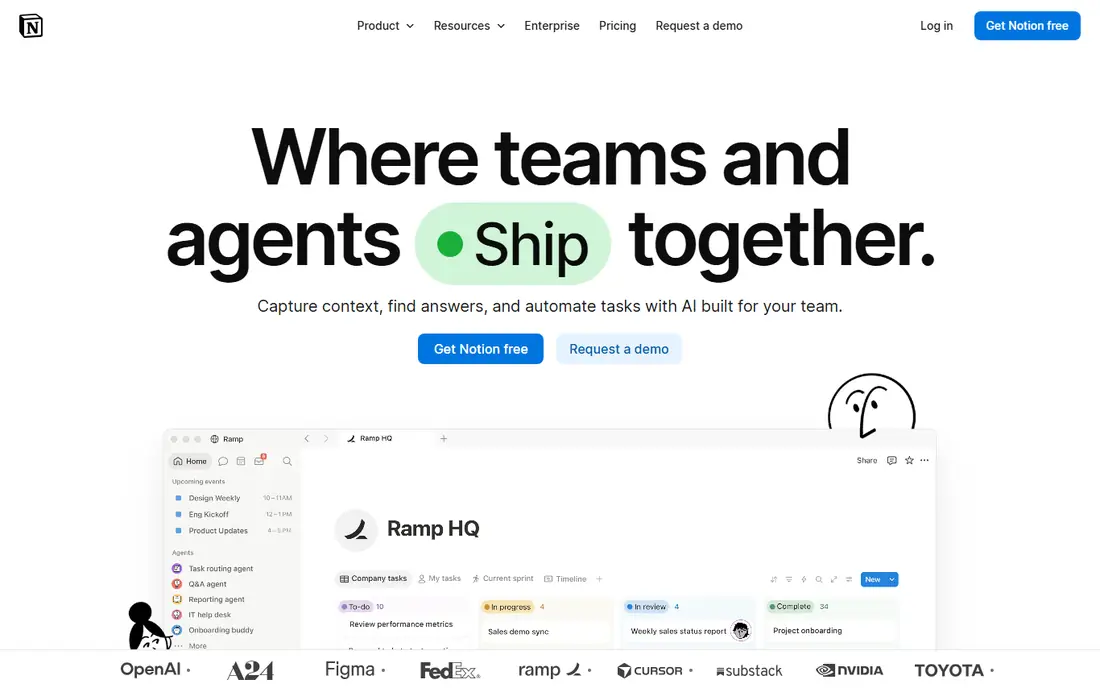
Notion combines docs, databases, wikis, and project tracking in one flexible workspace. Teams can build a company wiki, a meeting notes system, and a project tracker without buying three tools. Templates for onboarding, FAQs, and SOPs help small teams start quickly, and the free plan covers many individual and small-team uses.
Flexibility is also the risk. Without clear structure, owners, and naming rules, a Notion workspace can grow messy and hard to search. Paid plans start at $10 per member per month billed yearly for Plus, with Business at $20 for full AI features. For teams that want one adaptable workspace, Notion is a strong pick.
- Flexible pages and databases
- Free plan for individuals
- Strong templates
- Can become messy without structure
- AI features cost extra
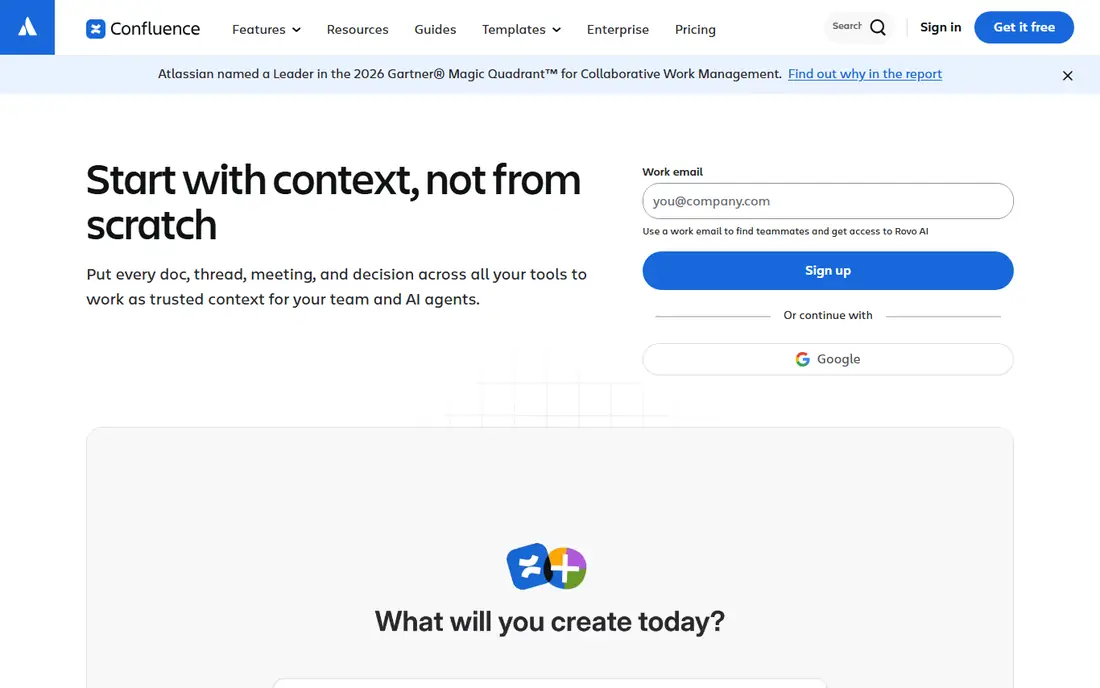
Confluence is Atlassian wiki software for spaces, pages, permissions, and team documentation. Its free plan covers up to 10 users with limited storage, which suits small teams testing a wiki. For larger teams, Standard and Premium plans add controls, automation, and analytics, with pricing set through Atlassian calculator tools.
Confluence can feel heavy for very small teams, and its interface is less minimal than Slab or Nuclino. Its strength is scale: permissions, Jira links, and enterprise controls suit large organizations. If your team already uses Jira, Confluence is the natural wiki choice.
- Free for up to 10 users
- Strong permissions
- Jira integration
- Can feel heavy
- Pricing uses a calculator for larger teams

Guru focuses on verified knowledge that appears where staff already work, including Slack, Microsoft Teams, and the browser. Knowledge cards carry verification status and owners, so teams can trust that an answer is current. That model suits support, sales, and operations teams that answer the same questions repeatedly.
Pricing is package-based and not published on the main pricing page, so teams need a sales quote. There is also no free plan for most teams. For larger companies that need trusted answers inside chat tools, Guru is a leading option despite the quote-based pricing.
- Verified knowledge cards
- Slack, Teams, and browser access
- Enterprise security
- No public price
- Package-based sales
Slab is a focused internal wiki with a clean editor, fast search, and clear topic organization. Its Startup plan costs $6.67 per user per month billed yearly, and a free plan covers up to 10 users. That simplicity helps teams that want a wiki, not a full project platform.
It lacks the databases and project tools found in Notion, so teams that need those features should look elsewhere. AI Ask features also sit on higher plans. For teams that want a wiki staff will actually read, Slab offers a calm and usable choice.
- Clean and fast wiki
- Good search
- Free for up to 10 users
- Fewer project tools than Notion
- AI features on higher plans
Nuclino is a lightweight wiki for teams that want speed and simplicity. Its Starter plan costs $6 per user per month billed yearly, and its free plan covers up to 50 items. Real-time collaboration, visual organization, and fast search make it easy for small teams to build a shared knowledge base without training.
Advanced features such as AI Sidekick and deeper analytics sit on higher plans, and the template library is smaller than Notion. For startups and small teams that want a wiki up in days, Nuclino is a practical and affordable pick.
- Fast and lightweight
- Real-time collaboration
- Free plan with 50 items
- Fewer advanced features
- Smaller template library
Tettra helps teams answer repeat questions in Slack by storing verified pages and using Kai AI to surface answers from internal docs. Its Scaling plan is listed at $8 per user per month with a 10-user minimum, and a 30-day trial lets teams test Slack integration before paying. That focus suits support and operations teams drowning in repeat questions.
Tettra is less suited to public customer help centers, where Document360 or Helpjuice offer better SEO and custom domains. It also requires at least 10 users on paid plans, which may exclude very small teams. For Slack-heavy teams, Tettra is a focused and useful tool.
- Answers repeat questions in Slack
- Kai AI search
- Page verification
- 10-user minimum on paid plans
- Less suited to public help centers
Document360 handles both internal docs and public customer help centers in one platform. It offers custom domains, SEO controls, versioning, analytics, and AI search, which are the features public help centers need most. Teams can publish customer guides while keeping internal SOPs private in the same system.
Pricing is quote-based, so budgeting requires a sales conversation. Setup is also more involved than a simple wiki, since public docs need structure, categories, and search tuning. For companies that need a professional help center, Document360 is a strong choice.
- Internal and customer docs in one tool
- Custom domains
- Versioning
- Quote-based pricing
- More complex than a simple wiki
Helpjuice is built for customer-facing knowledge bases, with customizable design, analytics, and a Google-like search experience. It helps companies reduce support tickets by making answers easy to find and easy to read on any device. Customization options let teams match the help center to their brand without heavy development.
Pricing is quote-based, and Helpjuice is not a general project tool, so internal project work still needs another app. For support teams whose main goal is a polished customer help center, Helpjuice is worth a demo and a quote.
- Strong knowledge base design
- Analytics
- Google-like search
- Quote-based pricing
- Focused on customer docs, not projects
Outline is a modern wiki available as a free self-hosted Community Edition and as a paid cloud service. Its cloud Starter plan is listed at $10 per month for up to 10 members, with a Team plan at $79 per month for up to 100 members. The interface is clean, search is fast, and Slack integration helps teams find docs from chat.
Self-hosting requires server setup and maintenance, so teams without technical staff should use the cloud version. Enterprise features are also fewer than Confluence or Guru. For teams that want a modern wiki with a self-hosted option, Outline is a flexible pick.
- Free self-hosted edition
- Clean modern wiki
- Slack integration
- Cloud pricing is flat per team
- Fewer enterprise features
How we picked these
We compared official feature pages, pricing pages, and documentation for knowledge tools that truly store, organize, and surface team knowledge. We included internal wikis, verified-answer tools, and public help centers, and we marked pricing as See website where vendors use quotes. We did not claim hands-on testing, and we left out note apps with no team permissions, search, or verification features.
Setting up a wiki people actually use
Start with the top twenty questions your team asks repeatedly, and write short, clear answers with an owner and a review date for each page. Import existing docs in small batches, and delete or archive outdated pages during migration, since a wiki full of stale docs loses trust fast. Use a simple structure of topics, not deep folder trees, so search and browsing both work.
Also test export before you commit. Most platforms allow page export, but formats vary from clean Markdown to messy HTML, so run a test export during the trial. Check AI answers too: an AI tool that cites sources is useful, while one that invents policies is worse than no AI at all. A focused launch in one to two weeks beats a perfect wiki that never ships.
Sources
Frequently asked questions
What is the difference between a knowledge base and knowledge management software?
A knowledge base is the content itself, such as articles, FAQs, and guides. Knowledge management software is the system around it, including authoring, search, verification, analytics, and integrations. Some tools lean toward publishing, while others lean toward internal sharing and verified answers.
How much does knowledge management software cost?
For a small team, entry paid tiers range from about $6 to $10 per user per month on annual billing, with free plans for up to 10 users on several tools. Guru, Document360, and Helpjuice are quote-based, so get a written quote before budgeting for those tools.
Do we need AI features in knowledge management software?
AI search that answers from your own docs is useful once you have a few hundred pages, since it saves staff from browsing long wikis. AI writing help is a nice extra, not a reason to choose a tool. Always check that AI answers cite sources, since invented answers can mislead staff and customers.
Can we use Notion or Confluence as a customer help center?
You can, but purpose-built tools do it better. Public help centers need custom domains, SEO controls, versioning, and analytics that wikis add awkwardly. Document360 and Helpjuice exist for exactly that job, while Notion and Confluence suit internal docs best.
How long does it take to set up knowledge management software?
A focused team can launch a usable wiki in one to two weeks by importing docs, writing the top twenty FAQs, and assigning owners. Migration and cleanup take longer than software setup, and enterprise rollouts with permissions mapping often run six to twelve weeks.
What happens to our content if we cancel?
Most platforms let you export pages, though formats vary. Check export before you buy, and run a test export during the trial. Avoid any vendor that cannot show you a working export, since locked-in docs are costly to move later.