Best Lawn Care Software in 2026: 9 Tools Compared
By ToolNimba Editorial Team November 11, 2026 10 min read

- Top pick
 Jobber
Growing lawn companies
Starting price$29 per monthCheck out JobberRead our review - Runner-up
 Housecall Pro
Home service crews
Starting price$59 per monthCheck out Housecall ProRead our review - Also great
 Yardbook
Solo operators on a budget
Starting priceFreeCheck out YardbookRead our review
How we researched this
We compared official pricing and feature pages, app store listings, privacy policies and public user reviews. Prices change, so check the provider's site before you pay.
Key takeaways
- Jobber is the best all-around starting point for small lawn care companies, with Core at $29 per month billed annually.
- Yardbook is genuinely free for solo operators, covering scheduling, routing, invoicing, and chemical tracking.
- Housecall Pro suits crews that also want marketing, review management, and consumer financing in one app.
- Service Autopilot, Aspire, and SingleOps fit larger or specialist operations, but expect quote-based pricing and longer setup.
- Per-route pricing like GorillaDesk can beat per-user pricing for crews that ride together, so compare both models at your real crew size.
Quick comparison
| Name | Best for | Starting price | Free plan | |
|---|---|---|---|---|
| Jobber | Growing lawn companies | $29 per month | Free trial | Visit |
| Housecall Pro | Home service crews | $59 per month | Free trial | Visit |
| Yardbook | Solo operators on a budget | Free | Yes | Visit |
 GorillaDesk | Route-based crews | $49 per month | Free trial | Visit |
 Service Autopilot | Automation-heavy lawn companies | $49 per month | No | Visit |
 RealGreen | Green industry specialists | See website | No | Visit |
 Aspire | Large commercial grounds firms | See website | No | Visit |
 SingleOps | Tree care and grounds companies | $200 per month | No | Visit |
 ServiceTitan | Large multi-crew operations | See website | No | Visit |
The best lawn care software
We compared official pricing pages, feature lists, and public reviews to find software that fits real lawn care work: recurring routes, seasonal schedules, quotes, invoicing, and payments. The list covers solo operators through large commercial crews.
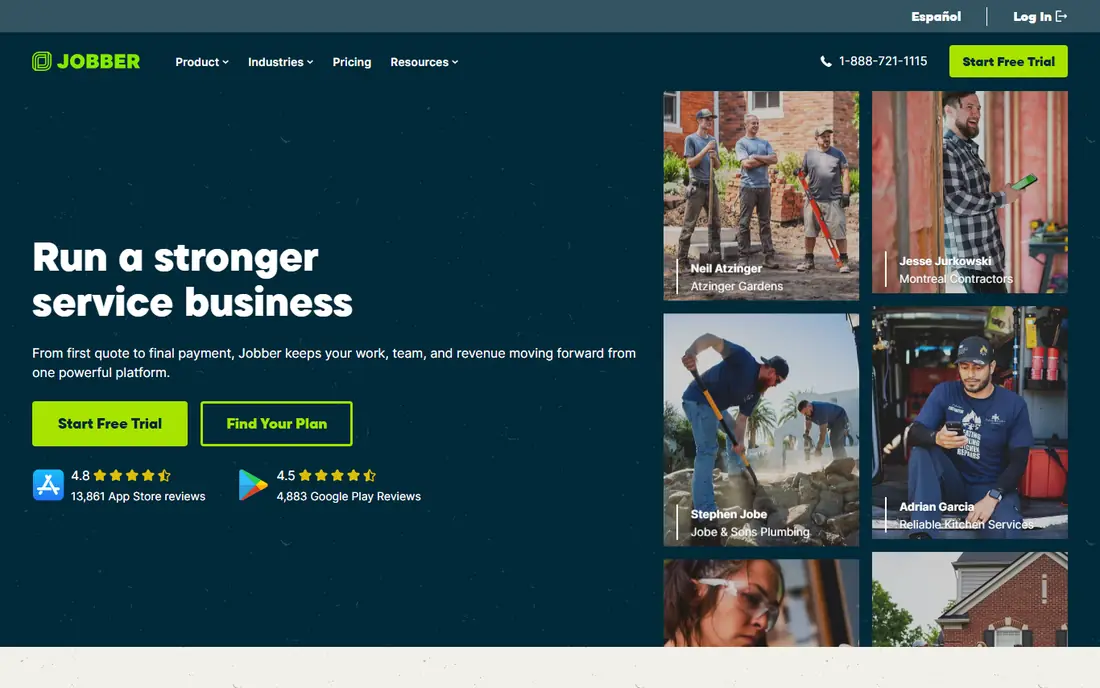
Jobber is our pick for most small lawn care companies. Core starts at $29 per month billed annually for one user, or $49 month to month, and it already covers online booking, scheduling, quotes, invoices, online payments, and reporting. That quote-to-payment chain is the daily work of a lawn business, and Jobber handles it without much setup.
The catch is that growing crews move up the plans. Connect and Grow add more users and features, and costs rise with team size since extra users are billed per seat. Still, for a solo operator or a crew of a few, Jobber is the easiest recommendation on this list.
- Covers quoting, scheduling, invoicing, and payments in one system
- Polished mobile app
- 14-day trial with no card required
- Higher plans needed for advanced routing and automation
- Add-ons can raise the real monthly bill
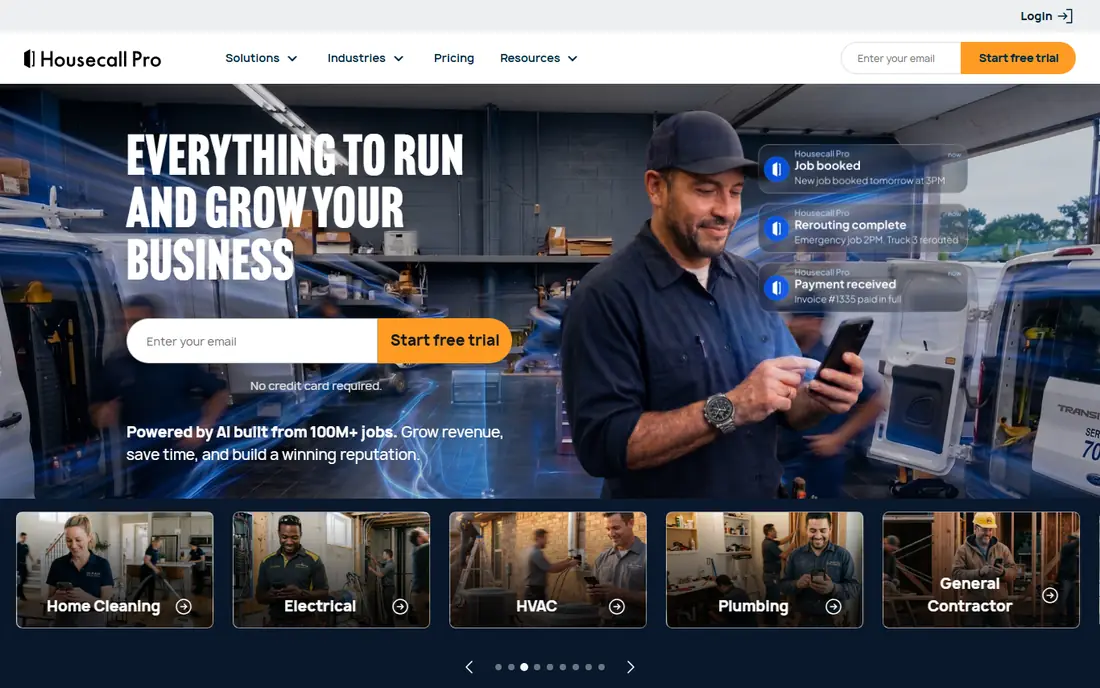
Housecall Pro fits lawn companies that also do other home services, or that want marketing muscle built in. Basic starts at $59 per month billed annually for one user, or $79 month to month, and includes scheduling, dispatch, invoicing, payments, a price book, job costing, and review management. The 14-day trial needs no card.
The trade-off is price. You pay about $30 a month more than Jobber Core for the entry plan, and route optimization only arrives on the MAX plan. If reviews, financing, and a consumer-facing booking flow matter to you, that premium can pay for itself. If you only mow lawns on fixed routes, Jobber gives you more for less.
- Scheduling, dispatch, payments, and review management in one app
- Consumer financing options
- Strong mobile app
- Higher entry price than Jobber
- Route optimization sits on higher plans
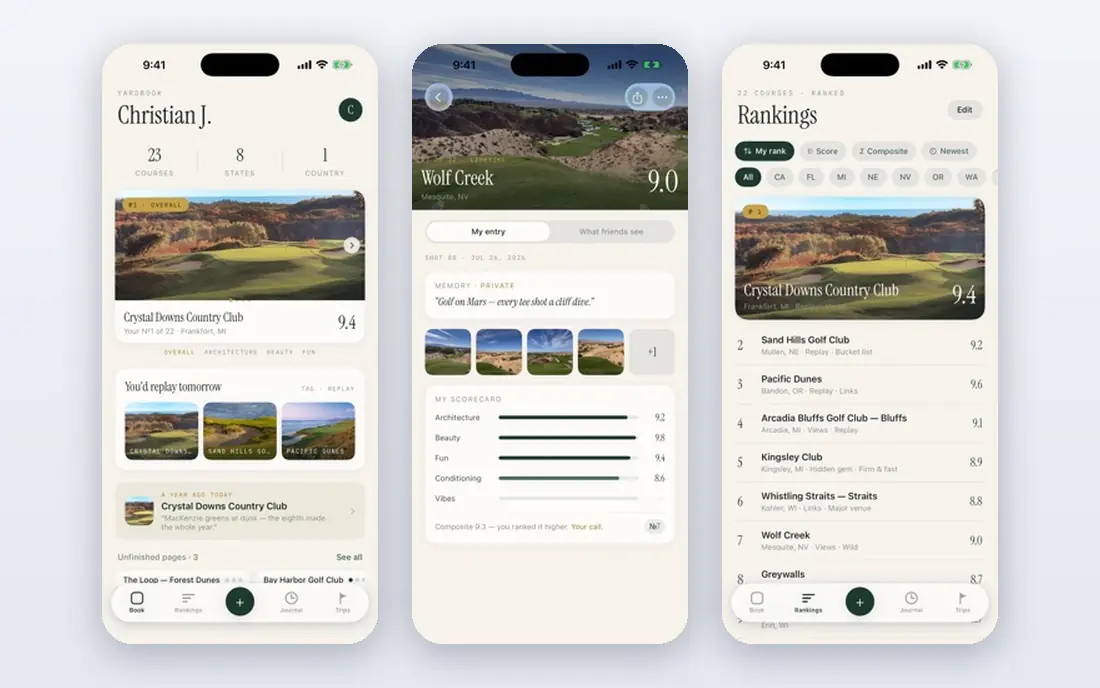
Yardbook is the honest free option for solo operators and tiny crews. The Starter plan costs nothing and covers the core jobs: scheduling, routing, invoicing, expenses, and chemical tracking. Paid plans start at $34.99 per month for operators who need more capacity and features.
The limits show as a business grows. Yardbook lacks the deep automation and marketing tools of Jobber or Service Autopilot, and most growing companies graduate to a paid tool within a couple of seasons. But for getting off spreadsheets at zero cost, nothing else on this list matches it.
- Free Starter plan covers scheduling, routing, invoicing, and chemical tracking
- No cost to start
- Simple to learn
- Fewer automation and marketing features than paid rivals
- Paid plans start at $34.99 per month
GorillaDesk is built for pest, lawn, and pool companies that run fixed routes. Basic costs $49 per month for one route, with Pro at $99 and Growth at $149, and office and crew users are unlimited, which is a real advantage when several techs share a truck. It covers scheduling, dispatch, quotes, invoicing, payments, and a mobile app, with a 14-day trial.
The catch is plan placement. Online booking arrives on Pro, QuickBooks sync needs Pro, and map-based estimating needs Growth. Texting is also a separate $5 per month subscription plus credits. If your crews ride together and you want predictable monthly pricing without contracts, GorillaDesk is a strong fit.
- Priced per route, not per user, so crews riding together cost less
- No long-term contracts
- Month-to-month billing
- Online booking and QuickBooks sync sit on higher plans
- Marketing tools are limited
Service Autopilot is the automation pick for lawn companies that want routes, billing, and follow-up to run with less manual work. The Startup plan starts at $49 per month billed annually, Pro at $199 adds route optimization and job costing, and Pro Plus at $499 adds automations and training, with Elite quoted on request. It is built for companies ready to scale rather than for first-time software buyers.
The honest downside is effort and cost. Lower plans leave features like QuickBooks integration and smart maps as add-ons or higher-tier items, and setup is a project, not an afternoon. Companies that will actually use the automation get a lot back. Companies that only need scheduling should start cheaper.
- Deep automation for recurring routes, billing, and follow-up
- Scales from startup to large operations
- Strong reporting
- Higher plans are expensive
- Setup takes real effort
- No free trial, demo-led sales
RealGreen is one of the few tools built from the ground up for the green industry rather than adapted from general field service. It covers recurring lawn care work, service agreements, customer portals, and built-in marketing features that general tools leave to integrations. That focus is why many established lawn care operators stick with it for years.
The trade-off is pricing transparency. RealGreen does not publish rates, so you will need a sales conversation before you can budget, and public reviews mention slower support at times. If industry-specific workflows matter more than a published price, request a demo. If you need a number today, Jobber or GorillaDesk will give you one.
- Built specifically for lawn care, grounds care, and arbor care
- Marketing tools like email blasts and direct mail
- Service agreement tracking
- Quote-based pricing with no published rates
- Support speed draws complaints in public reviews
Aspire is the enterprise pick for commercial grounds contractors, especially firms above $1M in revenue with complex job costing and multi-branch operations. It builds bids from actual labor, equipment, material, and overhead costs so quotes hit target margins, and it tracks production against those estimates. Pricing is quoted by company size, with plans offering full feature access and unlimited users.
The catch is that Aspire is a system to implement, not an app to try. It expects dedicated office staff and a structured rollout, and typical deployments run far above small-business software budgets. For large commercial operations, that depth is the point. For a residential mowing crew, it is far more tool than needed.
- Deep estimating and job costing for commercial work
- Multi-branch support
- Unlimited users on plans
- Quote-based enterprise pricing
- Needs dedicated office staff to manage well
- Long implementation
SingleOps is the specialist pick for tree care companies and grounds operations that mix tree work with lawn care. It offers tree inventory tracking, fast professional proposals with Good, Better, and Best options, digital crew work orders, and automated client follow-ups. Pricing starts around $200 per month, with crew users included, though the vendor does not publish full rates.
The downside is cost and commitment. Annual contracts are standard, and users report setup fees on top of the subscription. Pure mowing companies will not use the tree-specific tooling enough to justify it. Companies where tree work is a real share of revenue will find features here that general tools simply do not offer.
- Tree inventory and options-based proposals
- Built for arborists and green industry crews
- Crew users included
- Premium pricing with annual contracts
- Setup and onboarding fees reported by users
- No free trial
ServiceTitan is the platform large home service companies graduate to when smaller tools run out of room. It combines scheduling, dispatch, estimates, invoicing, payments, marketing, and reporting in one system, with call booking and sales tools that smaller apps do not match. Pricing is custom and demo-led, with no published rates.
The honest catch is scale. ServiceTitan is a lot of software for a five-person shop, and its pricing reflects enterprise ambitions. Small crews will pay for depth they never use. Multi-truck operations that will use the reporting, marketing, and dispatch depth are the ones that get value from it.
- One platform for operations, sales, marketing, and reporting
- Deep dispatch and call booking tools
- Strong for large fleets
- Quote-based pricing
- Heavyweight for small crews
- Takes real training to use well
How we picked these
We compared official pricing pages, product documentation, and public user reviews, and we favored tools that handle recurring lawn care work rather than generic scheduling apps. We checked published prices in October 2026 where vendors list them, and we marked quote-based tools as such instead of repeating unverified estimates. The list mixes general field service platforms with green industry specialists because most lawn companies choose between those two paths.
What to check before you buy
Start by counting routes and riders, not just employees. Per-route tools like GorillaDesk can be cheaper when crews share trucks, while per-user tools like Jobber and Housecall Pro charge for every seat. Next, test the mobile app with your crew, since techs will live in it all day and a clunky app will quietly kill adoption.
Also ask what happens in the off-season. Some vendors let you freeze an account, while others bill year-round, and that difference matters for seasonal lawn businesses. Finally, confirm which features sit on which plan before signing. Routing, QuickBooks sync, and online booking often live on higher tiers, and the entry price rarely tells the whole story.
Sources
- https://rankite.com/blog/best-lawn-maintenance-software
- https://homeserviceoperatorguide.com/jobber-vs-housecall-pro
- https://www.itechguides.com/best/lawn-care-software/
- https://www.selecthub.com/field-service-software/gorilladesk-vs-realgreen/
- https://www.saasworthy.com/product/gorilladesk
- https://www.accio.com/business/service-autopilot
- https://agiled.app/blog/best-all-in-one-software-for-landscaping-companies
- https://rankite.com/blog/best-landscaping-business-software
- https://www.getapp.za.com/software/115627/singleops
Frequently asked questions
What is the best lawn care software for a small business?
Jobber is the usual answer for small lawn companies, with Core at $29 per month billed annually covering quotes, scheduling, invoicing, and payments. Yardbook is the free alternative for solo operators, and GorillaDesk suits route-based crews that want per-route pricing.
Is there free lawn care software?
Yes. Yardbook offers a free Starter plan covering scheduling, routing, invoicing, expenses, and chemical tracking. Most paid tools offer free trials instead of free plans, usually 14 days, so Yardbook is the main option for an ongoing free plan.
What is the difference between lawn care software and general field service software?
Lawn care software is built around recurring routes, seasonal schedules, and green industry work like chemical tracking and service agreements. General field service tools cover the same scheduling and invoicing jobs but lack those specialist features. Companies that only mow can use either, while tree care and chemical application firms benefit from specialists like SingleOps or RealGreen.
How much does lawn care software cost?
Published entry prices run from free with Yardbook to $29 per month for Jobber Core, $49 per month for GorillaDesk Basic and Service Autopilot Startup, and $59 per month for Housecall Pro Basic. Enterprise and specialist tools like Aspire, RealGreen, and ServiceTitan are quote-based and cost substantially more.
Can lawn care software handle recurring billing?
Yes, and it is one of the main reasons to buy it. Jobber, Housecall Pro, GorillaDesk, and Service Autopilot all support recurring jobs and subscription-style billing, so weekly and monthly routes can invoice automatically. Check whether automated billing sits on your chosen plan, since some vendors reserve it for higher tiers.
Do I need route optimization?
Route optimization saves real time once you run several crews or dense routes, since it cuts driving time and fuel. Solo operators with a handful of fixed routes can manage with basic scheduling. GorillaDesk includes basic routing on its entry plan, while Housecall Pro reserves full route optimization for higher plans, so compare plan details carefully.