Best Legal AI Tools in 2026: 9 Tools Compared
By ToolNimba Editorial Team November 1, 2026 9 min read

- Top pick
 Harvey
Large firm research and drafting
Starting priceSee websiteCheck out HarveyRead our review - Runner-up
 CoCounsel
Westlaw research and drafting
Starting priceSee websiteCheck out CoCounselRead our review - Also great
 Lexis+ AI
Lexis research and drafting
Starting priceSee websiteCheck out Lexis+ AIRead our review
How we researched this
We compared official pricing and feature pages, app store listings, privacy policies and public user reviews. Prices change, so check the provider's site before you pay.
Key takeaways
- Harvey, CoCounsel, and Lexis+ AI lead for large firms that need research grounded in trusted legal content.
- Spellbook, Paxton AI, and Kira suit smaller teams focused on contracts and document review.
- Most enterprise legal AI tools use quote-based pricing, so budget on a written quote, not a public price page.
- AI output still needs lawyer review, and every citation should be checked before it reaches a client or a filing.
- Data handling matters as much as features, so confirm confidentiality, retention, and training terms before uploading client files.
Quick comparison
| Name | Best for | Starting price | Free plan | |
|---|---|---|---|---|
| Harvey | Large firm research and drafting | See website | No | Visit |
| CoCounsel | Westlaw research and drafting | See website | No | Visit |
| Lexis+ AI | Lexis research and drafting | See website | No | Visit |
 Legora | End-to-end matter work | See website | No | Visit |
 Spellbook | Contract review in Word | See website | Free trial | Visit |
 Luminance | Due diligence and review | See website | No | Visit |
 Kira Systems | Contract analysis at scale | See website | No | Visit |
 Paxton AI | Affordable legal research | See website | Free trial | Visit |
 Ironclad AI | Contract lifecycle management | See website | No | Visit |
The best legal AI tools
These tools cover research, drafting, contract review, and due diligence. This is general information only, not legal advice, and AI output must be verified by a qualified lawyer.
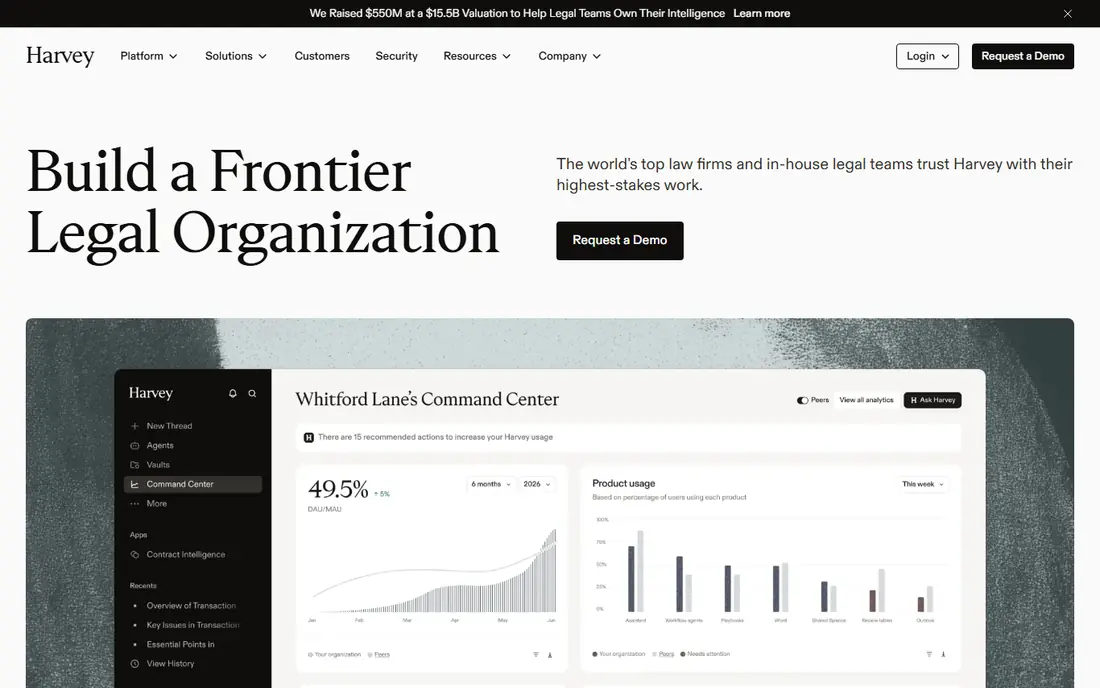
Harvey is a legal AI platform built for research, drafting, and document review at larger firms. Its Vault feature lets teams search and analyze their own matter documents, while agentic workflows can break multi-step tasks into research, review, and drafting stages. That breadth suits firms handling complex transactions and litigation.
The main barrier is access. Pricing is quote-based, and reported seat minimums put Harvey out of reach for many small firms. Firms should also plan for implementation, training, and review time, since AI drafts still need lawyer oversight. For large firms that can meet the minimums, Harvey is a leading option.
- Purpose-built legal platform
- Vault document review
- Agentic workflows
- Quote-only pricing
- Seat minimums can exclude small firms
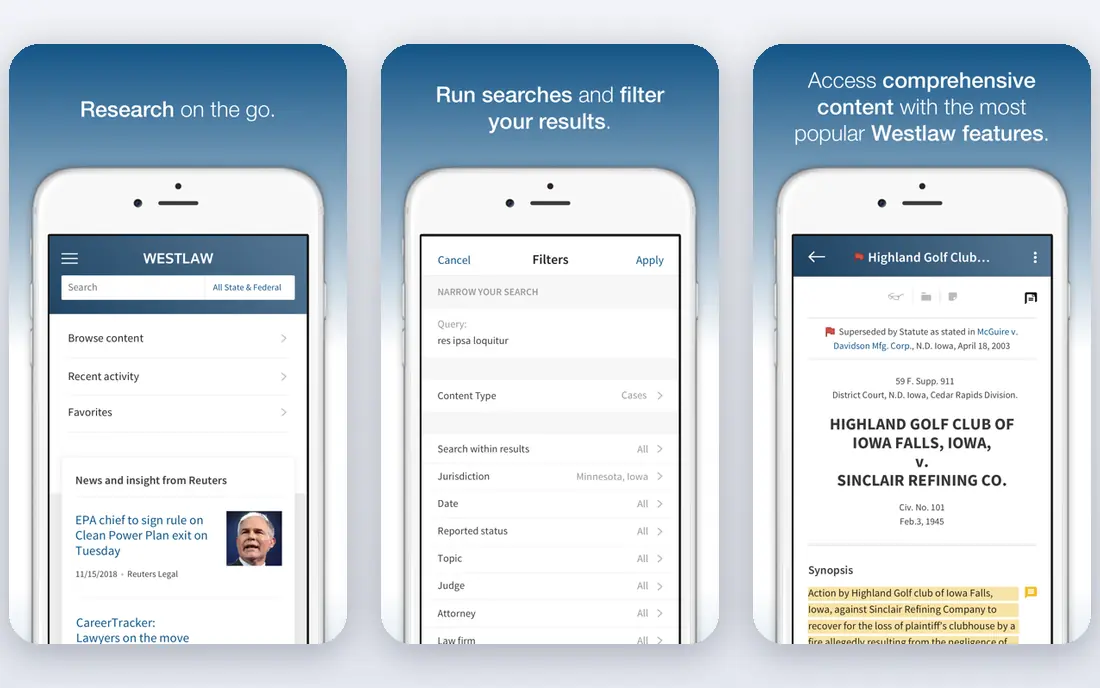
CoCounsel, formerly Casetext, is Thomson Reuters legal AI assistant for research, drafting, and document review. It draws on Westlaw case law and Practical Law guidance, and KeyCite support helps lawyers check whether cited cases remain good law. Integration with Word makes drafting and review part of a familiar workflow.
The catch is ecosystem lock-in. CoCounsel works best inside the Thomson Reuters stack, and pricing is bundled with Westlaw plans, which makes total cost hard to compare. For firms already on Westlaw, it is a natural add-on. For firms on other research platforms, switching stacks for one tool is a major decision.
- Grounded in Westlaw and Practical Law
- KeyCite support
- Word integration
- Requires the Thomson Reuters ecosystem
- Bundled pricing is complex

Lexis+ AI, now branded in part as LexisNexis Protege in newer enterprise offerings, brings conversational research and drafting to Lexis content. Lawyers can ask research questions, summarize cases, and draft with links back to source material. That grounding in primary law reduces, but does not remove, the risk of invented citations.
Pricing is quote-based and tied to a Lexis subscription, so firms should get a written quote that separates the AI add-on from base research costs. For firms already standardized on Lexis, this tool fits existing workflows. For others, the total subscription cost is the real comparison point.
- Grounded in Lexis content
- Conversational research
- Drafting assistance
- Quote-based pricing
- Best value inside a Lexis subscription
Legora aims to handle a matter from start to finish, with agents for research, review, drafting, and comparison across documents. Its tab-based workspace lets lawyers work across many sources at once, which suits due diligence and complex drafting. The platform is positioned for firms that want one agent rather than several point tools.
Pricing has moved toward consumption-based models, so firms should clarify how usage is metered before signing. There is also no self-serve signup for most firms, so evaluation requires a demo and a quote. For mid-size and large firms, Legora is worth comparing directly with Harvey and CoCounsel.
- One agent across matter types
- Tab-based review
- Strong drafting tools
- Newer pricing model
- No self-serve signup
Spellbook is a Word-native AI tool for contract review, drafting, and negotiation. It flags risky clauses, suggests redlines, and uses playbooks to apply a firm's preferred positions consistently. Because it lives inside Word, lawyers do not need to learn a new editor or move files to another system.
Its scope is narrower than Harvey or CoCounsel, since it focuses on contracts rather than broad legal research. That focus is also its strength for in-house teams and firms with heavy contract volume. A free trial helps teams test it on real agreements before committing.
- Works inside Microsoft Word
- Contract review and drafting
- Playbooks
- Focused mainly on contracts
- Enterprise pricing varies
Luminance uses AI to review large document sets, flag anomalies, and speed up due diligence. It can group similar clauses, surface unusual terms, and help reviewers prioritize documents that need human attention. That makes it useful for mergers, acquisitions, and large contract reviews where volume overwhelms manual reading.
Pricing is enterprise and quote-based, and large data rooms need setup and tuning. Smaller firms with occasional reviews may find it more tool than they need. For high-volume review work, Luminance can cut review time and help teams spot issues earlier.
- Strong document review
- Anomaly detection
- Due diligence workflows
- Enterprise pricing
- Setup time for large data rooms
Kira Systems, now part of Litera, focuses on extracting key provisions from contracts and other documents at scale. Teams can build models for specific clause types, then apply them across thousands of agreements to find dates, obligations, and risks. That extraction work feeds due diligence, compliance, and portfolio review.
Kira is not a general research chatbot, so firms should not expect it to answer broad legal questions. Its value lies in structured extraction and review. For firms and companies with large contract portfolios, it remains a well-known and capable option.
- Proven contract extraction
- Custom models
- Large-scale review
- Enterprise focus
- Less suited to general research
Paxton AI offers legal research, drafting, and document analysis at a lower entry point than enterprise platforms. It provides cited answers and tools for summarizing cases and statutes, which suits solo lawyers and small firms that cannot justify a large enterprise contract. A free trial lets small teams test coverage for their practice areas.
Its content library is smaller than Westlaw or Lexis, so coverage for niche jurisdictions may be thinner. Lawyers should still verify every citation in a primary source before use. For budget-conscious firms, Paxton AI is a practical middle path between general chatbots and enterprise legal AI.
- Legal research with citations
- Drafting help
- Lower entry cost than enterprise tools
- Smaller content library than Westlaw or Lexis
- Newer vendor
Ironclad AI, known as Jurist, sits inside Ironclad contract lifecycle management software. It helps legal teams draft, review, negotiate, and search contracts, while workflows route approvals and track obligations. That combination suits in-house teams that already manage contracts as a business process, not just as documents.
The main limit is platform commitment. Teams get the most value when they adopt Ironclad for the full contract lifecycle, not just for one AI feature. Pricing is quote-based and can be substantial for larger deployments. For companies standardizing contract operations, Ironclad AI is a strong contender.
- AI inside a full contract platform
- Workflow automation
- Repository search
- Full value needs the Ironclad platform
- Quote-based pricing
How we picked these
We compared official product pages, vendor documentation, and public pricing information for legal AI tools that are actively sold to law firms and legal departments. We favored tools grounded in legal content or built for specific legal tasks, and we marked pricing as See website where vendors use quotes rather than public rates. We did not claim hands-on testing, and we left out general chatbots that lack legal-specific research, review, or drafting features.
What to verify before you buy legal AI
Start with citation accuracy and data handling. Ask how answers are grounded, whether citations link to primary sources, and how client data is stored, retained, and used for training. Enterprise tiers should offer no-training guarantees and clear confidentiality terms for privileged material. If a vendor cannot answer those questions in writing, treat that as a warning sign.
Next, test the tool on your own matters, not just a vendor demo. Run research questions from past cases, review a real contract with known issues, and check whether the output catches what your team already knows. Also confirm bar guidance in your jurisdiction, since rules on AI use, supervision, and client disclosure vary. A short pilot with clear success measures beats a long contract signed on demo results alone.