Best Link In Bio Tools Milkshake in 2026: 9 Tools Compared
By ToolNimba Editorial Team November 9, 2026 11 min read

- Top pick
 Milkshake
Mobile-first card pages
Starting priceFreeCheck out MilkshakeRead our review - Runner-up
 Linktree
The familiar default
Starting priceFreeCheck out LinktreeRead our review - Also great
 Beacons
Creator selling and email capture
Starting priceFreeCheck out BeaconsRead our review
How we researched this
We compared official pricing and feature pages, app store listings, privacy policies and public user reviews. Prices change, so check the provider's site before you pay.
Key takeaways
- Milkshake is our pick for creators who build everything on their phone, because its card-based pages feel more like a mini website than a plain link list.
- Linktree remains the safest default for most people, thanks to unlimited links, a free plan, and wide familiarity among visitors.
- Beacons is the strongest free option for creators who also want to sell products, collect email addresses, and track conversions.
- Stan Store is the pick for selling digital products, but it has no free plan, so it only makes sense once you are already selling.
- If you only need a simple list of links, a free tool such as Lnk.Bio or Campsite will do the job without a monthly bill.
Quick comparison
| Name | Best for | Starting price | Free plan | |
|---|---|---|---|---|
| Milkshake | Mobile-first card pages | Free | Yes | Visit |
| Linktree | The familiar default | Free | Yes | Visit |
| Beacons | Creator selling and email capture | Free | Yes | Visit |
 Stan Store | Selling digital products | $29 per month | No | Visit |
 Carrd | Custom one-page mini sites | $19 per year | Yes | Visit |
 Lnk.Bio | Simple links on a budget | Free | Yes | Visit |
 Campsite | Organized link hubs with analytics | Free | Yes | Visit |
 Taplink | Service pages with forms and payments | Free | Yes | Visit |
 Bio Sites by Squarespace | Beautiful card pages on the web | Free | Yes | Visit |
The best link in bio tools
A link in bio tool turns the single link in your social profile into a page that can hold many links, and often much more. Some tools are simple lists. Others add shops, email capture, booking forms, and analytics. Milkshake sits in the visual camp: it builds card-based pages on your phone that feel closer to a small website than to a list. The tools below cover that same ground from different angles, so you can pick by how you actually use the page.
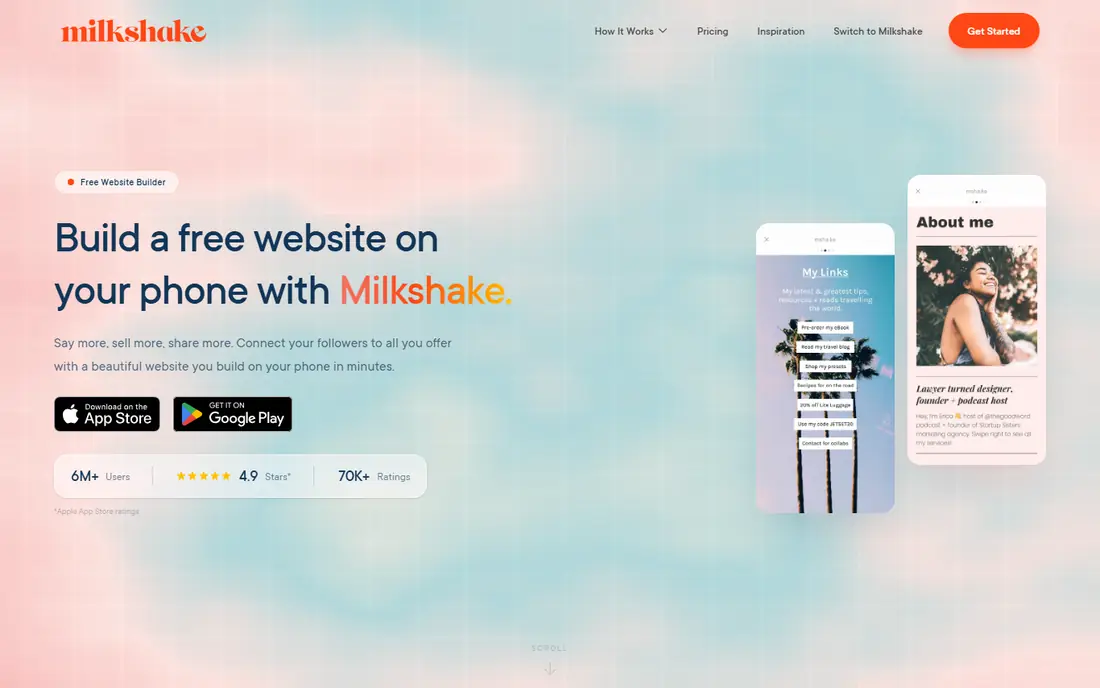
Milkshake is the app this article is named for, and its appeal is easy to see. You build a page from cards on your phone, each card holding links, images, video, or text, and the result looks more like a small website than a list of buttons. For creators who live on Instagram or TikTok and manage everything from a phone, that workflow feels natural, and the free tier covers the basics.
The trade-offs are also clear. Milkshake does not match Beacons for selling and email tools, or Linktree for deep analytics and integrations, and people who prefer editing on a desktop may find the mobile-first design limiting. If visual presentation and phone-based building matter most to you, Milkshake is a strong pick. If selling or detailed tracking matters more, read on before deciding.
- Card-based pages built entirely on your phone
- Free to start
- Visual style stands out from plain link lists
- Editing is mobile focused, so desktop users may feel limited
- Analytics and selling tools are lighter than Beacons or Stan
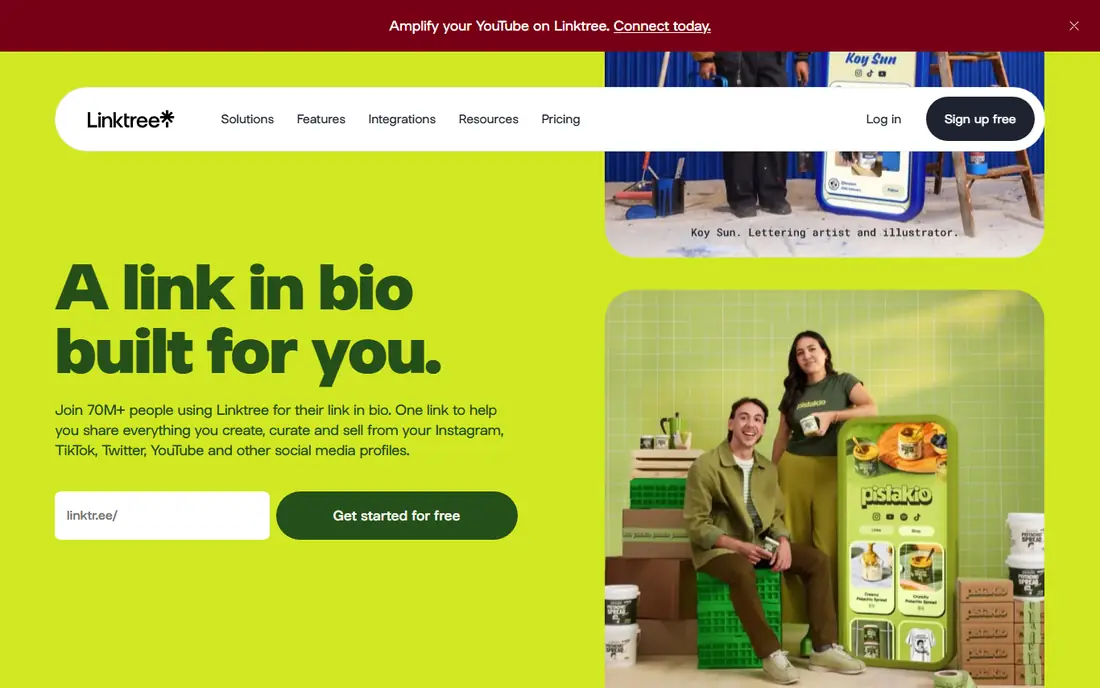
Linktree is the tool most visitors already recognize, and that familiarity is a real advantage. People know to tap a Linktree link and expect a list of destinations, so there is no learning curve for your audience. The free plan includes unlimited links and basic analytics, which is enough for many creators, brands, and small businesses.
Paid plans add stronger analytics, custom branding, scheduling, and integrations, but the free page can look generic next to a Milkshake card page or a custom Carrd site. Linktree is our default recommendation when you are unsure, because it works everywhere, it is easy to set up, and you can upgrade later if you need more. It is the safe choice, even if it is not the most distinctive one.
- Unlimited links on the free plan
- Visitors already know how it works
- Broad integrations and analytics on paid plans
- Free pages look similar to millions of others
- Best analytics and branding controls need a paid plan
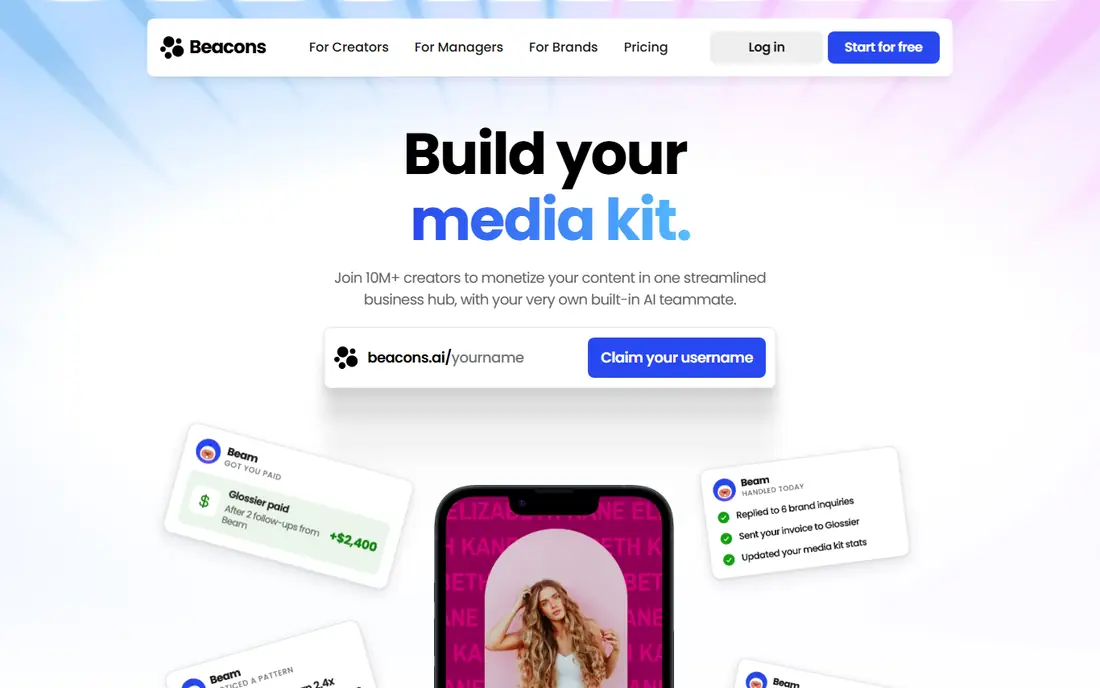
Beacons is the most complete free starting point for creators who want to earn from their page. The free plan includes a bio page, media blocks, email capture, and a simple store, which covers the main ways creators turn attention into income. Paid plans remove branding limits and add more monetization features, but many creators can start and grow on the free tier.
The catch is that Beacons is a full creator suite, not just a link list. That breadth is useful if you sell, collect leads, and post media, but it can feel like more tool than you need if you only want five links. Note also that free-plan sales may carry a transaction fee, so check the current terms if you plan to sell. For creators building a small business around their content, Beacons is the strongest all-rounder here.
- Generous free plan with store and email capture
- Strong creator tools
- Works on web and mobile
- Paid plans needed for full branding control
- Transaction fees apply on some free sales
Stan Store is built for one job: selling digital products from your bio link. Visitors can buy and receive files, courses, or bookings without leaving the page, and email collection is built into the same flow. That checkout-first design converts better than sending buyers to a separate shop, which is why many established creators use it as their main storefront.
The obvious downside is price. At $29 per month with no free plan, Stan only makes sense once you are already selling enough to cover it. New creators should start free with Beacons or Milkshake and move to Stan when sales justify the cost. If you already sell digital products regularly, Stan is the most focused selling tool on this list.
- On-page checkout and file delivery
- Email collection built in
- Clean store-first design
- No free plan
- Overkill if you only need links
- Monthly cost adds up for new creators
Carrd is not strictly a link in bio tool, but it is one of the best values for a bio page. You can build a one-page site with your own layout, fonts, images, and sections, and the paid plan costs $19 per year, far less than most monthly tools. That design freedom lets your page look like your brand, not like a template everyone else uses.
The trade-off is effort. Carrd asks you to design the page yourself, and it lacks the built-in store, email capture, and analytics that creator platforms bundle in. It suits designers, writers, and small businesses that want a polished mini site and are happy to do a bit of setup. If you want a page in five minutes, Linktree or Milkshake will be faster.
- Full design control for a very low yearly price
- Custom domains on paid plans
- Not limited to link lists
- More setup than a link tool
- No built-in store or email tools on the free plan
Lnk.Bio is the budget pick for a straightforward link page. The free plan gives unlimited links through a web dashboard you can edit from any device, which already solves the core problem for most users. Paid options are among the cheapest in this category, with low monthly pricing and lifetime options reported by reviewers.
What you give up is depth. There is no store, no email collection, and limited design control compared with Beacons or Carrd. That is fine if your page is simply a set of destinations and you do not want to pay for features you will not use. For a clean, cheap, no-fuss bio link, Lnk.Bio is hard to beat.
- Unlimited links on the free plan
- Very low-cost paid options
- Simple web dashboard
- No store or email collection on the free plan
- Basic design options
Campsite is a solid middle ground between a plain link list and a full creator platform. Its free plan includes email collection and analytics, which many free tools do not, and the layout stays clean and professional even with many links. Link management is straightforward, with scheduling and organization features that help larger accounts stay tidy.
The free plan does not include a store, and the design is more restrained than the card-based look of Milkshake. That restraint suits businesses, nonprofits, and professional creators who want a trustworthy page rather than a flashy one. If email capture and analytics matter to you but you do not need to sell, Campsite is a strong free choice.
- Free plan with email collection and analytics
- Tidy, professional layout
- Easy link management
- No store on the free plan
- Design options are more restrained than Milkshake or Carrd
Taplink suits service businesses that need more than links. You can add contact forms, messaging links for apps such as WhatsApp and Telegram, and payment collection, turning a bio page into a small booking and sales page. That makes it useful for coaches, salons, consultants, and local services that take inquiries or payments from social traffic.
Design control is less flexible than Carrd, and the most useful business features sit on paid plans. For a creator who only posts links, Taplink adds complexity you may not need. For a service business, though, the forms and payment options can replace a separate landing page, which justifies a closer look.
- Forms, messaging links, and payment collection
- Useful for service businesses
- Free plan available
- Less polished design control than Carrd
- Paid features needed for the full toolkit
Bio Sites by Squarespace
Best for: Beautiful card pages on the web
Bio Sites by Squarespace is the closest web-based match to the Milkshake look. It offers card-based pages with polished templates, but you edit on the web rather than only on your phone, which suits creators who work from a desktop. The free plan includes bio sites with unlimited links, making it easy to try without paying.
The main consideration is ecosystem. Bio Sites lives inside Squarespace, so if you later want a full website, shop, or advanced tools, you will be working within that platform and its pricing. For creators who love the Milkshake card style but want desktop editing, Bio Sites is the natural alternative. For everyone else, it is still a good-looking free option worth testing.
- Card-based style similar to Milkshake
- Web-based editing
- Templates look polished
- Tied to the Squarespace ecosystem
- Selling and advanced tools may need a paid Squarespace plan
How we picked these
We compared official feature pages, pricing pages, and public reviews, and we kept only tools that offer a working link in bio page today. We included Milkshake itself, the familiar default in Linktree, creator platforms such as Beacons and Stan, budget options such as Lnk.Bio, and design-led options such as Carrd and Bio Sites. Prices were taken from vendor pages and recent reviews, and where a price varies by billing cycle or region, we used the most commonly listed figure and suggest checking the site before you buy.
Which tool fits your kind of page
Start by deciding what the page must do. If it only needs to send people to five or ten places, a free tool is enough, and paying for a store you will not use is waste. If the page must collect email addresses, take bookings, or sell products, choose a tool with those features built in, because bolting them on later usually means rebuilding the page. Design matters too, but only after the job is clear: a beautiful page that cannot take a payment is less useful than a plain page that can.
Moving from Milkshake to another tool
If you like Milkshake but need desktop editing, Bio Sites is the closest visual match. If you need selling and email tools, Beacons is the easiest upgrade while staying free. If you outgrow both and start selling regularly, Stan Store is the next step. Keep your old page live until the new one is tested, and update the link in every bio at once, so followers do not land on a dead page during the switch.
What to check before you commit
Test your page on a phone, since most visitors will arrive there, and check loading speed on a slower connection. Confirm whether your plan shows the tool's branding, whether analytics cover the clicks you care about, and whether any sales fees apply. Also check that links open correctly from inside social apps, since in-app browsers sometimes behave differently from a normal browser.
Sources
Frequently asked questions
Is Milkshake really free?
Yes, Milkshake has a free tier that covers building card-based pages on your phone. Paid options add extra features, but many creators use the free version for a simple visual bio page. Check the app listing for the current paid terms, since they can change.
What is the best link in bio tool for selling products?
Beacons is the best free starting point for selling, with a store and email capture on its free plan. Stan Store is stronger for established sellers, with on-page checkout and file delivery, but it costs $29 per month with no free plan.
How is Milkshake different from Linktree?
Milkshake builds card-based mini websites on your phone, while Linktree is mainly a list of links with analytics and integrations. Milkshake looks more distinctive, while Linktree is more familiar to visitors and offers deeper analytics on paid plans.
Can I use a link in bio tool for a business, not just a creator account?
Yes. Businesses use these tools for product links, booking forms, contact pages, and promotions. Campsite and Taplink are especially useful for businesses, since they add analytics, forms, and payment options to a simple link hub.
Do I need a paid plan to remove branding?
In most cases, yes. Free plans on Linktree, Beacons, and similar tools usually show some platform branding, and removing it requires a paid plan. Carrd and Lnk.Bio offer low-cost ways to get a cleaner page if branding matters to you.
Can I switch tools without losing followers?
Yes. Your followers follow your social account, not the link tool, so switching means updating the single link in your bio. Keep the old page live briefly while you test the new one, then change the bio link once you are sure the new page works.