Best Location Sharing Apps in 2026: 9 Apps Compared
By ToolNimba Editorial Team November 9, 2026 10 min read

- Top pick
 Google Maps
Cross-platform family sharing
Starting priceFreeCheck out Google MapsRead our review - Runner-up
 Apple Find My
Apple-only families and device finding
Starting priceFreeCheck out Apple Find MyRead our review - Also great
 Life360
Families wanting safety extras
Starting price$9.99 per monthCheck out Life360Read our review
How we researched this
We compared official pricing and feature pages, app store listings, privacy policies and public user reviews. Prices change, so check the provider's site before you pay.
Key takeaways
- Google Maps and Apple Find My cover most needs for free, with no extra app to install for many people.
- Life360 adds driving reports, place alerts, and safety features that the free built-in tools do not bundle.
- Temporary sharing through Glympse or WhatsApp suits meetups better than always-on family tracking.
- Consent matters: every app here works best when everyone sharing can see, pause, or stop the share.
Quick comparison
| Name | Best for | Starting price | Free plan | |
|---|---|---|---|---|
| Google Maps | Cross-platform family sharing | Free | Yes | Visit |
| Apple Find My | Apple-only families and device finding | Free | Yes | Visit |
| Life360 | Families wanting safety extras | $9.99 per month | Yes | Visit |
 Glympse | Temporary sharing without sign-ups | Free | Yes | Visit |
 WhatsApp | Sharing inside an existing chat | Free | Yes | Visit |
 iSharing | Circle-style sharing on both platforms | Free | Yes | Visit |
 GeoZilla | Families wanting check-ins and tasks | Free | Yes | Visit |
 OwnTracks | Privacy-minded users who run their own server | Free | Yes | Visit |
 Snapchat | Friends who already use Snapchat | Free | Yes | Visit |
The best location sharing apps
Sharing a location should be simple, private, and easy to stop. The best free location sharing app for most people is already on their phone, while a dedicated family app makes sense when you want driving safety and place alerts in one place. We compared the best location sharing apps on cost, cross-platform support, alerts, and control over who sees what.
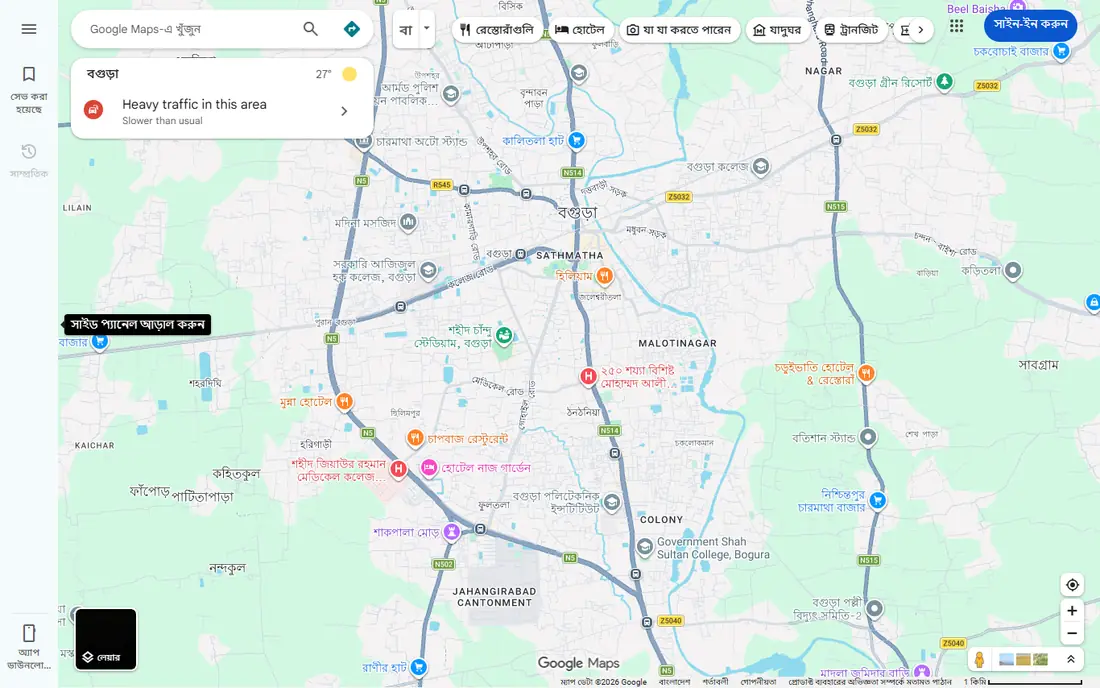
Google Maps is our pick for most mixed-device households because it works on Android and iPhone without a new subscription. You choose a contact and a duration, from one hour to until you turn it off, and the other person can see your live position on a familiar map. Arrival and departure notifications help with pickups and school runs, and battery level can show for the person sharing.
The catch is scope. Google Maps is a navigation app first, so it has no crash detection, driving scores, or SOS dispatch of the kind a family safety app offers. Location accuracy depends on phone settings, signal, and battery saver modes, so a stale dot does not always mean a problem. For everyday coordination, though, it is hard to beat a free tool everyone already has.
- Free on Android and iOS
- Time-limited or ongoing sharing
- Arrival and departure notifications
- No driving safety reports
- Sharing can be turned off by the other person
For households that all use iPhones, Apple Find My is the simplest best app for sharing location day to day. Sharing can last for one hour, until the end of the day, or indefinitely, and you can set notifications for arrivals and departures. The same app also finds a lost phone, iPad, Mac, or AirTag, which keeps everything in one place.
The limit is the ecosystem. An Android phone cannot join Find My sharing, so mixed families need Google Maps or a third-party app instead. Find My also focuses on location and finding things, not on driving reports or roadside help. If everyone in your circle uses Apple gear, start here and pay nothing extra.
- Free with Apple devices
- End-to-end encrypted sharing
- Works for people, devices, and AirTag items
- Apple devices only
- No Android support
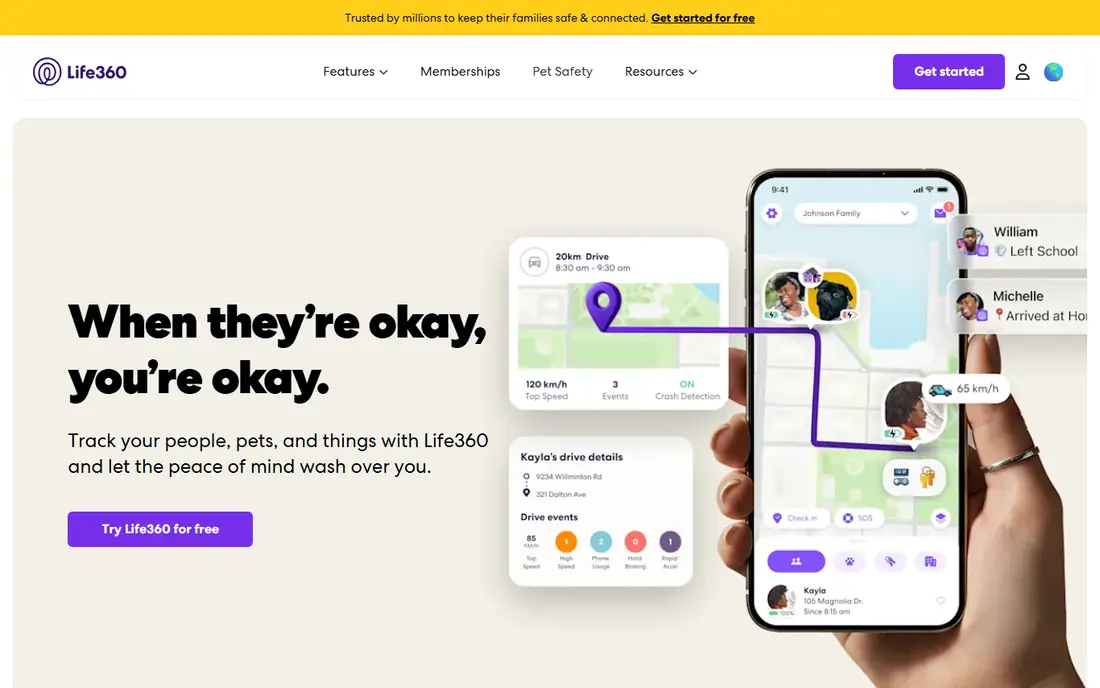
Life360 is the best-known dedicated family locator, and its strength is everything around the map. Paid Silver, Gold, and Platinum memberships add longer location history, more place alerts, driving reports, and assistance features, with Gold listed at $16.99 per month and Platinum at $24.99 per month in the United States. The free tier still covers basic real-time sharing and place alerts for a Circle.
That breadth comes with a price and a privacy conversation worth having at home. Teenagers and partners should agree on what is shared and when, because always-on tracking can feel intrusive even inside a family. Check the current plan page before you subscribe, since prices and included benefits vary by region and change over time.
- Free tier for basic sharing
- Driving reports and crash detection on paid plans
- One plan covers a Circle
- Paid features cost extra
- Location history is limited on the free tier
Glympse is the best app to share location for a single trip, a meetup, or a delivery window. You send a link, the other person watches your progress in a browser, and the share ends on its own when the timer runs out. That design limits exposure in a way always-on apps do not, and it avoids asking a friend to install something for one afternoon.
The trade-off is that Glympse is not a family safety system. There is no persistent circle, no driving history, and no crash response to lean on. Use it when the job is getting two people to the same place, and use a dedicated family app when you want ongoing alerts and history.
- Recipients need no app to view a share
- Shares expire automatically
- Works on Android and iOS
- No ongoing family circle or driving features
- Fewer safety extras
WhatsApp live location is easy to overlook because it sits inside a messaging app, yet for many couples and friend groups it is the most practical option. You share live location in a chat for a set period, the other person sees it alongside your messages, and the share stops when the timer ends. There is no new account, map, or subscription to manage.
The limits are clear. WhatsApp does not send arrival alerts for saved places, track driving, or keep a family history. It also only works between people who use WhatsApp. When coordination matters more than monitoring, that simplicity is a strength rather than a gap.
- Live location inside chats you already use
- End-to-end encrypted messages
- Time-limited sharing
- No place alerts or driving reports
- Needs a WhatsApp account
iSharing feels familiar to anyone who has used Life360, with private circles, a shared map, and alerts when people arrive or leave places. It runs on both Android and iPhone, which makes it a useful bridge for mixed-device families that want a dedicated app rather than a built-in tool. A free tier covers basic sharing, while paid tiers add history and extra alerts.
The downside is scale and polish. It does not have the built-in reach of Google Maps or Find My, and some features that families expect sit behind a subscription. Still, if you want a circle-style app without paying for driving extras you will not use, iSharing is worth a look.
- Cross-platform circles
- Location history and alerts on paid tiers
- Panic alert features
- Some advanced features need a paid plan
- Smaller user base than Google or Apple tools
GeoZilla combines a family locator with everyday coordination tools such as check-ins, location history, and shared lists. That mix suits families who want one app for knowing where people are and for sorting out who is picking up groceries or the kids. It works across Android and iOS, so device choice does not split the family.
The app is less familiar than Google Maps or Life360, which can matter when you need help from a grandparent or a babysitter who has never seen it. Paid tiers also gate some of the deeper history and alert features. Try the free tier first and confirm the features your family actually uses are included.
- Cross-platform family circles
- Location history
- Check-in and task features
- Some features need a subscription
- Less widely known than the big platforms
OwnTracks is the best sharing location app for people who want control over their data above all else. It is open source, and your location goes to a server you choose rather than to a vendor data store. Friends and family can follow you through that setup, and there is no monthly fee for the app itself.
The cost is effort. You need to set up and maintain a server or use a compatible service, and there is no ready-made driving report, crash alert, or customer support line. For a technically confident household, that trade is worth it. For most families, a mainstream app will be far easier to live with.
- Open source
- Location data goes to a server you control
- No subscription
- Setup is technical
- No polished family safety features out of the box
Snap Map inside Snapchat lets friends share location with each other without installing a separate locator. You can share with selected friends, share only when you choose, or switch on Ghost Mode so no one sees your position. For younger friend groups who already chat on Snapchat, that convenience is real.
Snap Map is not built for family safety. It has no driving reports, place alerts for parents, or crash response, and it only works for people on Snapchat. Treat it as a social sharing feature for friends, not as a replacement for a family locator when safety features matter.
- Snap Map sharing inside a popular app
- Ghost Mode for privacy
- Time-limited sharing options
- Only for Snapchat users
- Not a family safety app
How we picked these
Our method was simple and practical. We compared official feature pages, pricing pages, and app store listings for each app, and we checked whether sharing works across Android and iOS, whether it can be time-limited, and what happens when a subscription lapses. We did not claim hands-on testing, and we left out apps built for secret tracking, since location sharing between adults should rest on consent.
How to choose a location sharing app
Decide how long sharing should last
Always-on sharing suits a family with young drivers or an older relative who wants check-ins. Time-limited sharing suits friends meeting up, a road trip, or a single evening out. If you only need the second kind, a free temporary tool will serve you better than a paid family plan, and it leaves less location history behind.
Check the alert features you will actually use
Place alerts matter most for school runs, work arrivals, and pickups. Driving reports matter most for new drivers. Crash detection matters most for lone drivers and older relatives. Write down the two features your household needs before you compare prices, since bundles often charge for extras no one opens.
Agree on privacy rules before you install
Talk about who can see whom, when sharing pauses, and how long history is kept. Everyone sharing should know how to stop sharing in a few taps. A plan that feels fair will last longer than a plan that feels imposed, and it avoids arguments about a dot on a map.
Sources
Frequently asked questions
What is the best free location sharing app?
For mixed Android and iPhone households, Google Maps is our pick, since it is free, cross-platform, and supports time-limited sharing and arrival notifications. For all-Apple households, Apple Find My is just as strong and adds device finding. Both cover everyday coordination without a subscription.
What is the best app for sharing location temporarily?
Glympse is built for this job, since recipients can view a share in a browser without installing an app and the share expires on its own. WhatsApp live location is a close second when everyone already chats there, since you can set a time limit inside the conversation.
Do the best location sharing apps work on Android and iPhone?
Google Maps, Life360, Glympse, WhatsApp, iSharing, and GeoZilla work on both platforms, while Apple Find My works only on Apple devices. If your household mixes phones, start with a cross-platform option so no one is left out of the circle.
Is Life360 free?
Life360 has a free tier for basic location sharing and limited place alerts, with paid Silver, Gold, and Platinum memberships adding history, driving reports, and assistance features. Check the current plan page for your region, since prices and benefits change.
Can someone be tracked without knowing?
Legitimate location sharing apps are designed to be visible: the person sharing chooses to share, can see the share, and can stop it. Secret tracking of another adult raises serious legal and safety issues, so use these apps only with clear agreement from everyone involved.