Best Low-Code Development Platforms in 2026: 8 Platforms Compared
By ToolNimba Editorial Team November 1, 2026 9 min read

- Top pick
 OutSystems
Large enterprise apps
Starting priceSee websiteCheck out OutSystemsRead our review - Runner-up
 Mendix
Mixed dev and business teams
Starting price$998 per monthCheck out MendixRead our review - Also great
 Microsoft Power Apps
Microsoft centric firms
Starting price$20 per user per monthCheck out Microsoft Power AppsRead our review
How we researched this
We compared official pricing and feature pages, app store listings, privacy policies and public user reviews. Prices change, so check the provider's site before you pay.
Key takeaways
- OutSystems and Mendix lead for large enterprise apps, with strong governance and full stack development.
- Microsoft Power Apps is the best pick for firms already using Microsoft 365 and Azure.
- Bubble suits founders building a web app or MVP without a large team.
- Retool and Appsmith lead for internal tools, with Retool for speed and Appsmith for open source control.
- Zoho Creator and Glide style tools suit small businesses that need simple apps fast and cheap.
Quick comparison
| Name | Best for | Starting price | Free plan | |
|---|---|---|---|---|
| OutSystems | Large enterprise apps | See website | Yes | Visit |
| Mendix | Mixed dev and business teams | $998 per month | Yes | Visit |
| Microsoft Power Apps | Microsoft centric firms | $20 per user per month | Free trial | Visit |
 Appian | Regulated process apps | See website | Free trial | Visit |
 Zoho Creator | Small business apps | See website | Free trial | Visit |
 Bubble | Founder built web apps | Free | Yes | Visit |
 Retool | Developer built internal tools | See website | Yes | Visit |
 Appsmith | Self hosted internal tools | Free | Yes | Visit |
The best low-code development platforms
Low code platforms let teams build apps with visual modeling, drag and drop components, and less hand written code. They differ in audience, from citizen developers to professional engineers, and in price, from free to enterprise contracts. We compared official pricing pages, feature pages, and public reviews to match each platform to its real user.
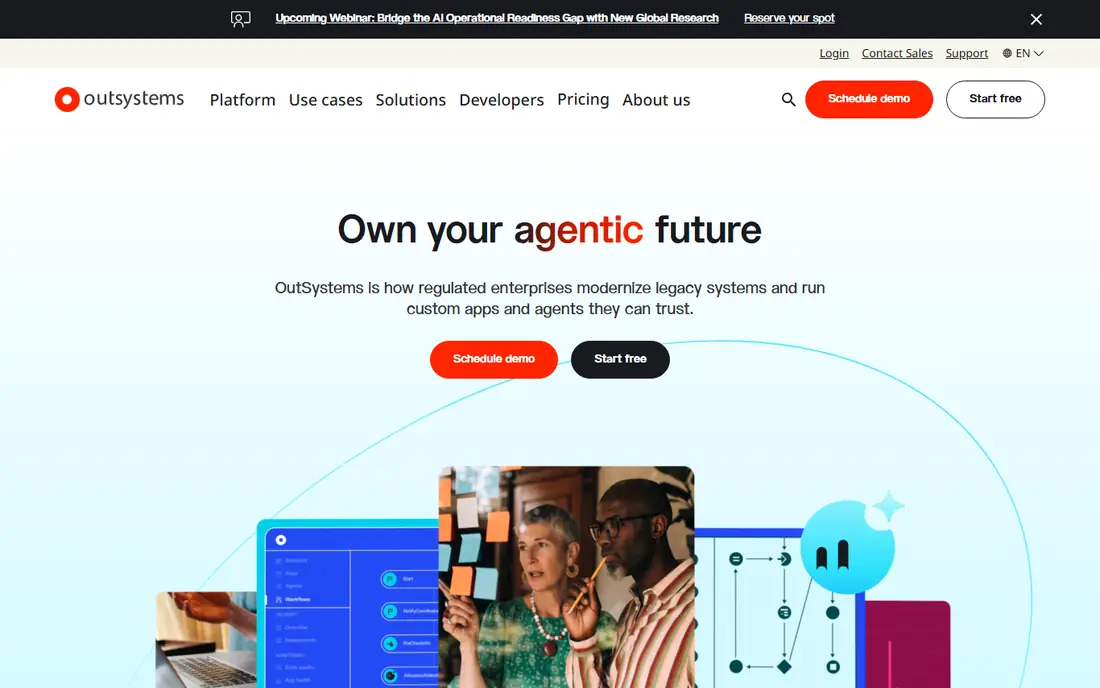
OutSystems is the closest rival to Mendix for large scale customer and internal apps. Its visual development, built in governance, and component library help large teams ship apps fast while keeping IT controls in place. Public comparisons put its cloud platform starting around $36,300 per year, which signals its enterprise focus.
The catch is cost and lock in. OutSystems pricing suits large firms, not small startups, and apps built on its proprietary model are hard to move elsewhere. Firms that accept those trade offs get a proven enterprise platform with strong deployment and lifecycle tools.
- Full stack visual development
- Strong governance and security
- Large component library
- High enterprise pricing
- Vendor lock in concerns
- Steep learning curve for full use
Mendix suits teams where business users and professional developers build together. Its two development environments let business users model workflows while developers extend apps with Java and React. Deployment options cover cloud, on premises, and hybrid setups, which matters for regulated firms.
Paid plans start at $998 per month for one app in public comparisons, with premium tiers quote based, so total cost climbs with apps and users. The learning curve is also real, especially for teams new to model driven development. For mixed teams at enterprise scale, Mendix remains a leader.
- Dual tools for business and pro developers
- Cloud, on premises, and hybrid deployment
- Offline mobile support
- Steep learning curve
- Debugging can be cumbersome
- High total cost for large use
Microsoft Power Apps is the obvious pick for firms already using Microsoft 365, Teams, SharePoint, and Azure. Apps connect to Microsoft data sources with little setup, and per user pricing from $20 per month in public listings makes budgeting simple for internal apps. Teams can build forms, approvals, and dashboards without a separate platform login.
Outside the Microsoft ecosystem, the advantage fades. Premium connectors can add cost, and customer facing web apps may suit Bubble or OutSystems better. For internal business apps in a Microsoft firm, Power Apps is usually the fastest and cheapest path.
- Deep Microsoft 365 and Azure integration
- Per user pricing
- Strong for internal business apps
- Best value only inside Microsoft ecosystem
- Premium connectors can add cost
Appian leads for regulated process automation, such as finance, healthcare, and government workflows. It combines low code app building with process automation, case management, and compliance controls, which suits firms where audit trails and approvals matter as much as speed.
The trade off is complexity and price. Pricing is quote based, and simple apps may feel over engineered on Appian. Firms that need process depth and regulatory controls get value that simpler tools cannot offer. Small firms building a basic directory or portal should look at Zoho Creator or Bubble instead.
- Strong process automation
- Compliance focus for regulated industries
- Case management depth
- Quote based pricing
- Complex for simple apps
- Needs trained builders for best results
Zoho Creator suits small and mid size businesses that need custom apps without enterprise cost. It builds web, iOS, Android, and progressive web apps from one visual builder, and it integrates well with other Zoho apps for CRM, mail, and accounting. That makes it a practical choice for firms already in the Zoho ecosystem.
The limit is scale. Zoho Creator is not built for the largest enterprise apps with complex governance needs, where OutSystems, Mendix, or Appian fit better. For internal tools, portals, and simple customer apps at a small business price, Zoho Creator is strong value.
- Low cost entry
- Good for Zoho users
- Mobile and web apps from one builder
- Less suited to large enterprise apps
- Pricing tiers vary in public listings
Bubble is the best low code platform for founders building a web app or MVP. Its visual editor covers database, workflows, and design, so a solo founder can ship a working product without hiring a full engineering team. The free tier lets you build and test before paying, and templates speed up common app types.
The catch is mobile and scale. Bubble builds web apps, not native mobile apps, so mobile apps need wrappers or separate tools. Pricing also scales with usage, so a fast growing app needs careful capacity planning. For web MVPs and SaaS prototypes, Bubble remains the most accessible full stack choice.
- Free tier for building
- Visual full stack web apps
- Large plugin and template library
- No native mobile app export without wrappers
- Performance and pricing scale with usage
Retool is built for developers who need internal tools fast: admin panels, dashboards, approval flows, and operations tools. Its drag and drop components connect to databases and APIs, while developers can add code where needed. That mix makes it faster than hand coding every internal tool, without forcing a purely visual workflow.
The limit is audience. Retool is best for internal tools, not polished customer facing apps, where Bubble or OutSystems fit better. Pricing scales with users, so large internal audiences need a cost check. For engineering teams drowning in internal tool requests, Retool is a clear win.
- Fast internal tool building
- Strong database and API connections
- Developer friendly components
- Less suited to customer facing apps
- Pricing scales with users
Appsmith is the open source alternative for internal tools. Its community edition is free and can be self hosted, which appeals to teams that want full control of data and deployment. Widgets connect to databases and APIs, and developers can extend apps with code.
Self hosting is also the catch. It needs technical setup and maintenance, unlike a fully managed cloud tool. Teams without DevOps capacity may prefer Retool cloud or Power Apps. For technical teams that value open source control and low license cost, Appsmith is the strongest free internal tool option here.
- Open source and self hosted option
- Free community edition
- Developer friendly widgets
- Needs technical setup for self hosting
- Customer app design is less polished than Bubble
How we picked these
We compared official pricing pages and feature pages, plus public comparisons of low code platforms. We did not claim hands on testing. We favored platforms with a clear audience, whether enterprise, founder, internal tool, or small business, over platforms that claim to serve everyone equally well.
How to choose the right platform
Start with who will build and who will use the app. Enterprise customer apps point to OutSystems, Mendix, or Appian. Internal tools point to Retool, Appsmith, or Power Apps. Founder web apps point to Bubble. Small business portals point to Zoho Creator. That audience filter narrows the list fast.
Next, test deployment and data needs. Check whether you need on premises hosting, offline mobile use, or specific database connections, since those requirements rule out several platforms at once. Also check lock in: can you export code or data if you leave, and what happens to running apps at contract end.
Finally, price a realistic app, not just the entry tier. Count builders, end users, apps, and usage, and ask for a total annual cost for that shape. Enterprise platforms often quote per app or per environment, while internal tools quote per user, so totals are not comparable until you model your own use.