Best Low Code Platform in 2026: 8 Platforms Compared
By ToolNimba Editorial Team November 11, 2026 9 min read

- Top pick
 OutSystems
Large-scale customer apps
Starting priceSee websiteCheck out OutSystemsRead our review - Runner-up
 Mendix
Mixed developer and business teams
Starting priceSee websiteCheck out MendixRead our review - Also great
 Microsoft Power Apps
Microsoft 365 organizations
Starting price$20 per user per monthCheck out Microsoft Power AppsRead our review
How we researched this
We compared official pricing and feature pages, app store listings, privacy policies and public user reviews. Prices change, so check the provider's site before you pay.
Key takeaways
- OutSystems and Mendix lead for large, complex apps, but both are priced by quote and suit enterprise budgets.
- Microsoft Power Apps is the practical pick for companies already running Microsoft 365.
- Bubble is the best route for founders who want to ship a real web product without hiring developers.
- Zoho Creator and Glide suit small teams that need internal tools fast and cheap.
Quick comparison
| Name | Best for | Starting price | Free plan | |
|---|---|---|---|---|
| OutSystems | Large-scale customer apps | See website | Free trial | Visit |
| Mendix | Mixed developer and business teams | See website | Yes | Visit |
| Microsoft Power Apps | Microsoft 365 organizations | $20 per user per month | Free trial | Visit |
 Appian | Regulated process automation | See website | Free trial | Visit |
 Zoho Creator | Small businesses on Zoho | $12 per user per month | Yes | Visit |
 Bubble | Founder-built web apps | Free | Yes | Visit |
 Glide | Spreadsheet-to-app builders | Free | Yes | Visit |
 Retool | Developer-built internal tools | $10 per user per month | Yes | Visit |
The best low code platforms
Low code platforms promise faster apps with less hand-written code, but they differ widely in who they serve. Some are enterprise systems for professional developers, while others let a non-technical founder build a working product. We compared official pricing and feature pages to sort that field.
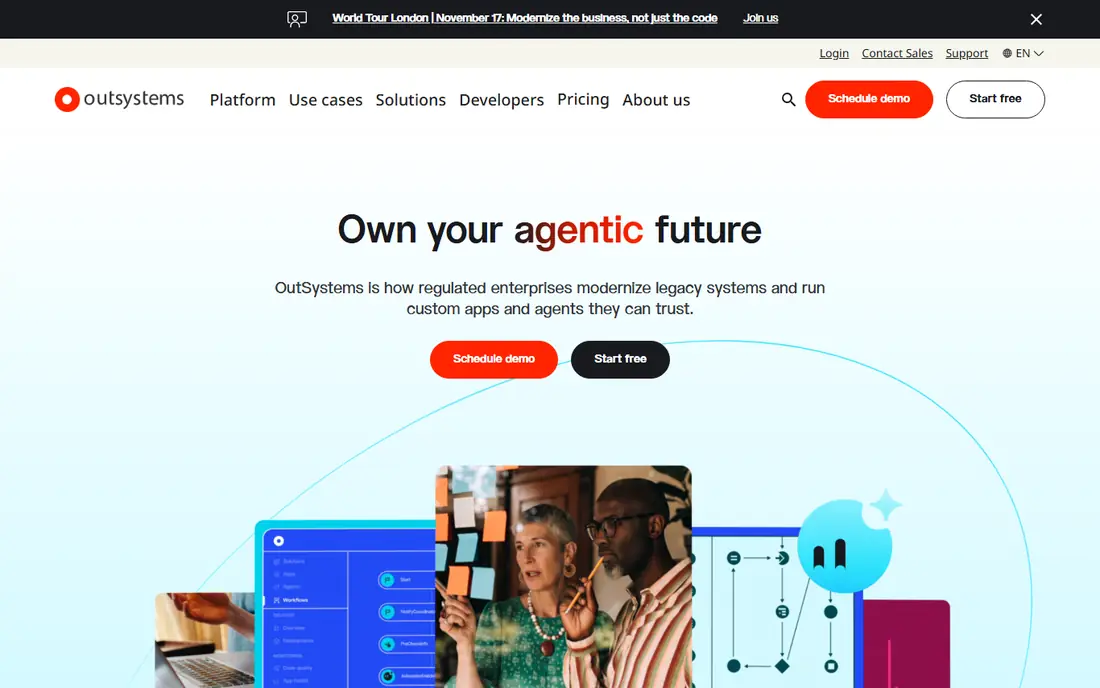
OutSystems is built for organizations that need serious apps, not prototypes. It covers visual modeling, integrations, deployment, and monitoring in one platform, and it handles customer-facing apps with large user counts better than most rivals. Teams that already employ developers will get the most from it, since custom code can extend the visual models where needed.
The barrier is price and process. Pricing is quoted rather than published, and entry costs run into tens of thousands per year, so it is not a tool for a solo founder. If you are choosing a platform for a core business system that must last years, that cost buys governance and scale. If you need a quick internal tool, a cheaper platform will serve you better.
- Full lifecycle from design to deployment
- Strong performance at scale
- AI-assisted development features
- Enterprise pricing by quote
- Sales-led process slows small teams down
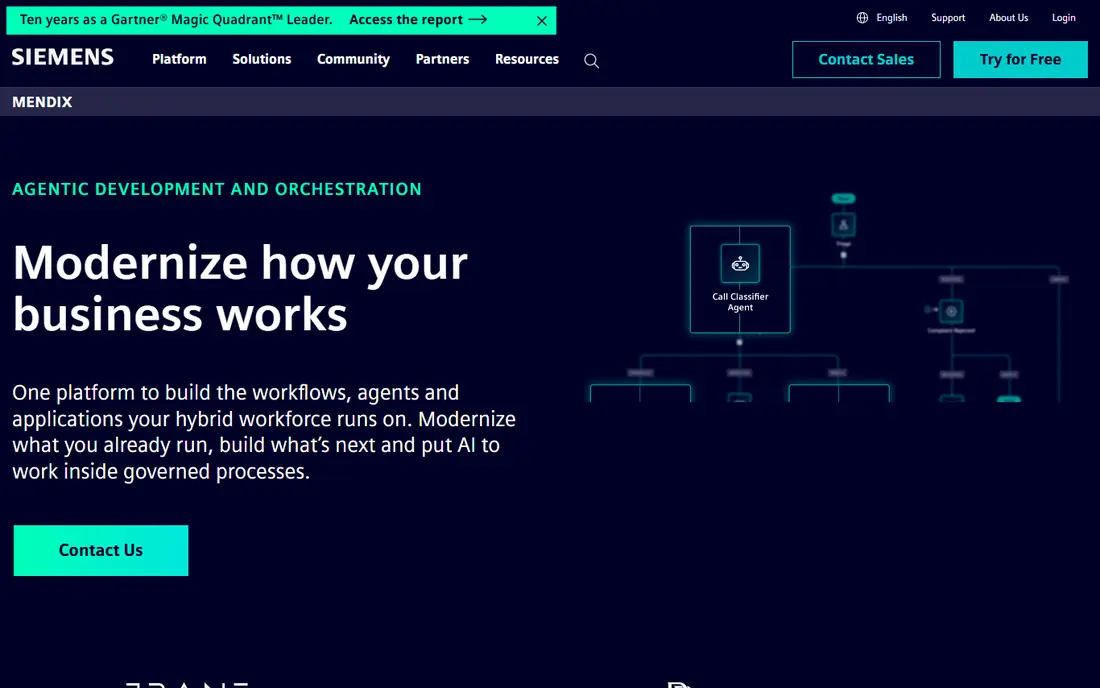
Mendix, owned by Siemens, is designed for the common situation where business staff know the process and developers know the systems. Its visual models let both groups work on the same app, with version control, testing, and deployment built in. That shared workspace is why many mid-size and large companies pick it for internal systems and customer portals.
A free community edition lets you learn and prototype, but production pricing is quoted and aimed at enterprise budgets. Complex apps still need trained developers, so Mendix shortens development rather than removing it. For a company that wants IT and business teams building together under proper governance, it is a strong, proven choice.
- Collaboration tools for business and IT
- Strong workflow and integration options
- Free community edition
- Enterprise pricing by quote
- Learning curve for complex apps
Power Apps is the low code platform most Microsoft shops should try first. Canvas apps and model-driven apps connect to SharePoint, Excel, Teams, and Dataverse, and the premium plan runs around $20 per user per month. Staff who already live in Office will find the interface familiar, and IT can govern apps through the same admin tools as the rest of Microsoft 365.
The pricing model deserves a careful read. Per-user costs grow with headcount, and storage beyond included Dataverse amounts costs extra, so price your real user count and data volume before committing. For a company already paying for Microsoft 365, though, Power Apps often beats buying and integrating a separate platform.
- Deep fit with Microsoft 365, Teams, and Dataverse
- Large connector library
- Familiar for Office users
- Costs add up per user
- Dataverse storage overages need watching
Appian combines low code app building with business process management, which suits regulated work like claims, onboarding, and case handling. Processes are modeled visually, approvals and audit trails are built in, and automation, including document processing and AI agents, sits inside the same platform. That combination matters when an auditor asks how a decision was made.
It is not a casual builder. Pricing is quoted, implementation often involves partners, and simple form apps are overkill here. Choose Appian when the process itself is the product: many steps, many roles, strict rules, and a need to prove what happened. For a simple directory app, Glide will finish the job in a weekend.
- Process modeling plus automation in one platform
- Strong governance and audit features
- AI agents for workflows
- Quote-based pricing
- Heavier than needed for simple apps
Zoho Creator is a low code platform inside the Zoho suite, and that context is its main selling point. If your business already runs on Zoho CRM, Books, or People, Creator apps share data with those tools without custom integration work. A free edition covers a single app, and paid plans start around $12 per user per month on monthly billing.
Watch the licensing math. Every internal user needs a license, and customer portal users need a paid add-on, so a widely shared app costs more than the headline rate suggests. Offline forms that sync later are a genuine plus for field teams. For a Zoho shop that needs custom forms, approvals, and dashboards, Creator is the obvious first look.
- Low starting price
- Tight fit with Zoho apps
- Mobile apps with offline forms
- Every internal user needs a license
- External portal users cost extra
Bubble is the closest thing on this list to a no code product builder. Founders use its visual editor, database, and workflows to build marketplaces, directories, dashboards, and booking tools that real customers can use. The free tier is enough to learn and prototype, and paid plans scale with capacity and usage rather than per seat.
The limits are real. Heavy apps can get slow or pricey as usage grows, and Bubble builds web apps, not native mobile apps, so a mobile-first product needs a different tool. Still, for a founder who wants to test an idea with real users before hiring a team, Bubble shortens the path from idea to working product more than any enterprise platform here.
- Can build full web products without code
- Large plugin and template library
- Free tier for learning
- Performance and pricing scale with usage
- No native mobile app export
Glide starts where many small teams already live: a spreadsheet. Point it at a Google Sheet or an Airtable base and it builds a working app with lists, details, forms, and user sign-in. That makes it ideal for staff directories, inventory lists, event apps, and customer portals that do not need complex workflows.
It is not a general app platform. Deep business logic, heavy automation, and highly custom screens will push against its limits, and pricing scales with users and data updates. Use Glide when the data already exists in a sheet and the app is mostly viewing, searching, and updating records. It is the fastest route on this list from a messy spreadsheet to something staff can use on their phones.
- Turns spreadsheets into apps in hours
- Very easy to learn
- Good for directories and portals
- Limited for complex logic
- Pricing rises with users and updates
Retool takes a different angle: it assumes you have developers and wants them to stop rebuilding admin panels, dashboards, and support tools from scratch. Drag-and-drop components handle tables, forms, and charts, while JavaScript and SQL queries connect to your databases and APIs. A free tier covers small teams, and paid plans start around $10 per user per month.
It is an internal tool builder, not a customer product platform, so do not judge it against Bubble. The payoff is speed on the tools your own team uses every day: an order lookup, a refund panel, a data fix screen. Companies that adopt Retool often find their developers spend less time on internal requests and more time on the product itself.
- Fast internal tools for developers
- Drag-and-drop components with real code
- Connects to databases and APIs
- Not for customer-facing products
- Pricing and limits need care at scale
How we picked these
We compared official pricing pages, feature pages, and documentation for low code platforms, and we kept tools that let users build working apps with visual tools plus code where needed. We included enterprise platforms, mid-market tools, and founder-friendly builders so the list covers different budgets and team sizes. Pure workflow automation tools were left out, since this list is about building apps.
How to choose a low code platform
Start with who will build and who will use the app. A founder building alone needs a different tool from an IT team building a regulated process, and picking the wrong category wastes more time than any feature gap.
Price it for your real user count
Per-user pricing looks cheap at five users and painful at five hundred, while usage-based pricing does the opposite. Model both your builders and your end users, plus storage and update limits, before you compare headline rates. Enterprise quotes should include implementation and training, not just licenses.
Test the hard parts early
Every platform demos well with a simple form. Test the parts that usually break: your trickiest workflow, your largest data table, and your most important integration. A two-week prototype on real data tells you more than a month of sales calls.
Plan your exit
Low code platforms vary in how easily you can leave. Some export code or data cleanly, while others lock logic into their own models. Ask about data export and code access before you build a core system on any platform, and keep critical data in a database you control.
Sources
Frequently asked questions
What is the best low code platform for startups?
Bubble is the best startup pick because a founder can build and launch a real web product without hiring developers. Retool is a useful second tool once you have engineers who need internal dashboards and admin panels.
What is the best low code app platform for small businesses?
Zoho Creator suits small businesses already using Zoho, while Glide suits teams whose data lives in spreadsheets. Both start cheap and can produce a working app in days rather than months.
Is Microsoft Power Apps better than OutSystems?
It depends on the job. Power Apps is cheaper and simpler for companies already on Microsoft 365, while OutSystems suits larger, customer-facing apps that need more scale and custom development. Most small teams should try Power Apps first.
Can low code replace traditional development?
For internal tools, dashboards, workflows, and standard business apps, largely yes. For novel products with unusual requirements or very heavy scale, traditional development still wins, and most companies end up using both.
Is there a free low code platform?
Yes, with limits. Bubble, Mendix, Zoho Creator, Glide, and Retool all offer free tiers or editions for learning and small projects. Free tiers work well for prototypes but rarely cover production use at scale.