Best Machine Learning Platforms in 2026: 8 Platforms Compared
By ToolNimba Editorial Team November 12, 2026 9 min read

- Top pick
 Amazon SageMaker
AWS-native ML lifecycle
Starting priceSee websiteCheck out Amazon SageMakerRead our review - Runner-up
 Google Vertex AI
Google Cloud ML and AutoML
Starting priceSee websiteCheck out Google Vertex AIRead our review - Also great
 Azure Machine Learning
Microsoft ecosystem ML
Starting priceSee websiteCheck out Azure Machine LearningRead our review
How we researched this
We compared official pricing and feature pages, app store listings, privacy policies and public user reviews. Prices change, so check the provider's site before you pay.
Key takeaways
- Cloud platforms win for production scale, while experiment tools win for research speed, so start from your deployment goal.
- SageMaker, Vertex AI, and Azure ML are the safest picks if you already live in AWS, Google Cloud, or Microsoft Azure.
- Databricks suits teams where data engineering and machine learning share one workspace.
- Hugging Face and Weights and Biases lower the barrier for teams that build on open models and need clear experiment tracking.
- Pricing is mostly usage-based, so set budgets, alerts, and instance limits before you train at scale.
Quick comparison
| Name | Best for | Starting price | Free plan | |
|---|---|---|---|---|
| Amazon SageMaker | AWS-native ML lifecycle | See website | Free trial | Visit |
| Google Vertex AI | Google Cloud ML and AutoML | See website | Free trial | Visit |
| Azure Machine Learning | Microsoft ecosystem ML | See website | Free trial | Visit |
 Databricks | Data plus ML in one place | See website | Free trial | Visit |
 H2O.ai | AutoML and open source | Free | Yes | Visit |
 DataRobot | Business-led AutoML | See website | Free trial | Visit |
 Weights and Biases | Experiment tracking | Free | Yes | Visit |
 Hugging Face | Open models and hosting | Free | Yes | Visit |
The best machine learning platforms
A machine learning platform covers more than model training. It should help you prepare data, track experiments, deploy a model, watch it in production, and retrain it when data changes. We compared official product pages, pricing models, and ecosystem fit, and we kept the list to platforms that are live and widely used in 2026.
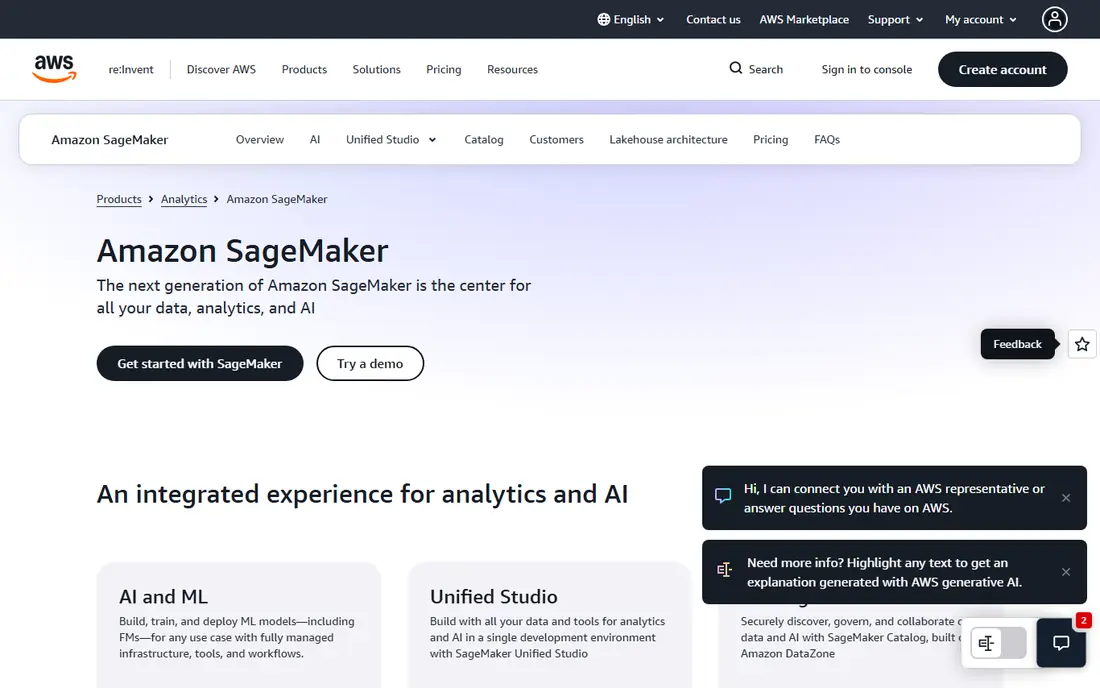
SageMaker is the most complete option for teams already on AWS. It covers data preparation, notebooks, training, tuning, deployment, and monitoring, and it connects directly to S3, Lambda, and other AWS services. SageMaker Studio gives data scientists a single workspace, while Canvas offers a lower-code path for analysts who want predictions without writing full training code.
The cost model is the main watch-out. You pay for compute, storage, and endpoints by use, so a forgotten endpoint or an oversized training job can add up fast. Set billing alerts, use managed spot training where it fits, and shut down idle resources. For AWS-heavy teams building production models, SageMaker remains the default choice.
- Full lifecycle from notebooks to deployment
- Deep AWS integrations
- Wide instance choice
- Pricing is complex and usage-based
- Learning curve is steep for newcomers
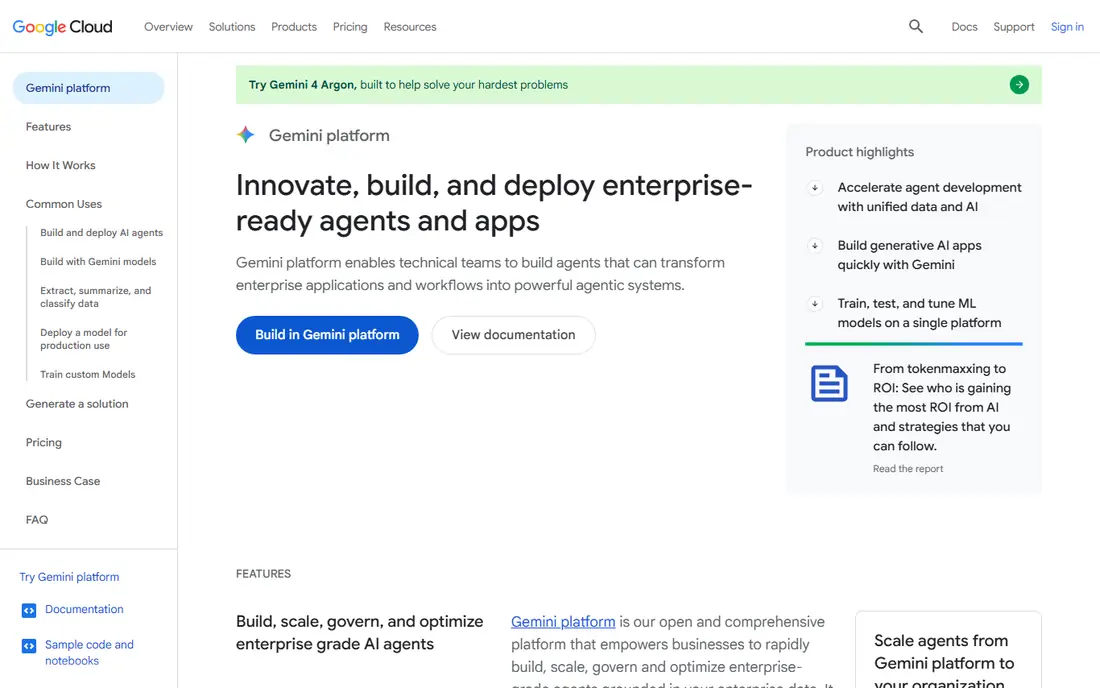
Vertex AI brings training, deployment, pipelines, and model governance into one Google Cloud service. Its AutoML tools help teams that have data but limited modeling experience, while Workbench and custom training serve experienced teams. Integration with BigQuery is a real advantage for data-heavy work, since features and training data can stay close to the warehouse.
New Google Cloud accounts often include trial credits, but long-term pricing is usage-based across compute, endpoints, and model calls. Watch endpoint costs for always-on models, and use batch prediction where real-time serving is not needed. Vertex AI is the natural pick for teams already invested in Google Cloud and BigQuery.
- Strong AutoML
- BigQuery integration
- Gemini model access in one platform
- Usage pricing needs careful tracking
- Google Cloud knowledge helps a lot
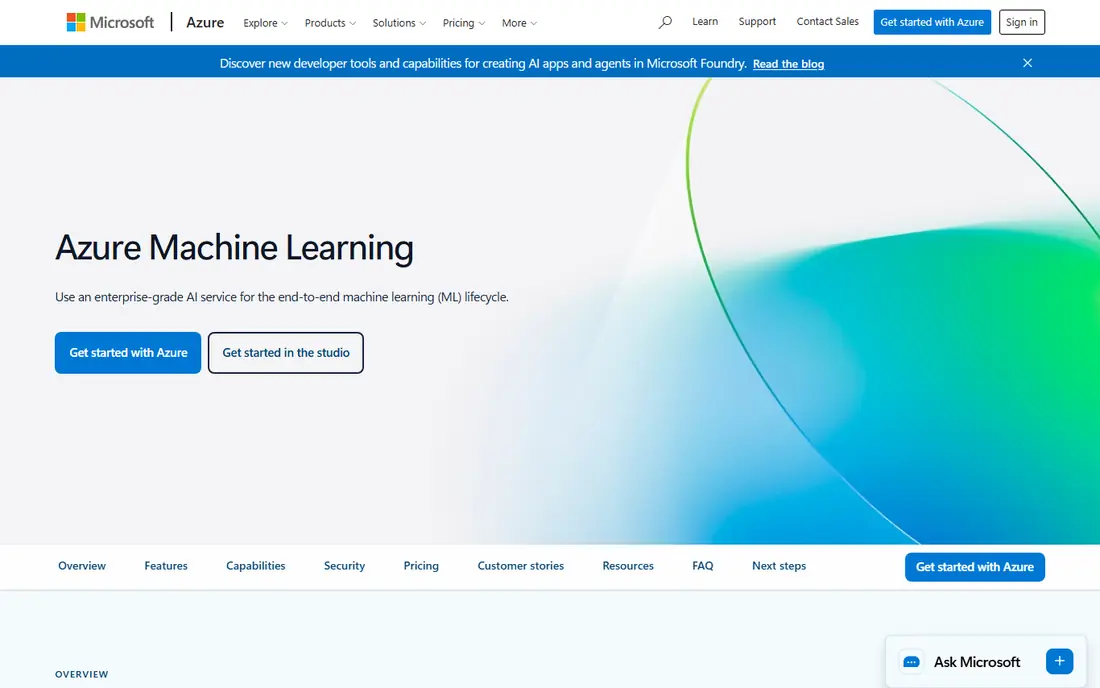
Azure Machine Learning suits organizations that run on Microsoft 365, Power BI, and Active Directory. It offers notebooks, a visual designer for drag-and-drop pipelines, AutoML, and managed endpoints, with MLflow support for experiment tracking. Enterprise controls for identity, networking, and governance fit regulated teams that already use Azure policies.
Pricing follows Azure compute and storage use, so small experiments can be cheap while production endpoints grow with traffic. Teams outside Azure can still use it, but the integration payoff is largest for Microsoft shops. Choose Azure ML if your data, identity, and reporting already live in Microsoft services.
- Strong Microsoft integrations
- Visual designer plus code tools
- Enterprise identity controls
- Portal and pricing can feel complex
- Best value shows inside Azure
Databricks is best understood as a data platform with serious machine learning built in, rather than a narrow training tool. Data engineers, analysts, and data scientists can work on the same lakehouse, share features, and move from batch data work to model training without copying data between systems. Mosaic AI tools add model serving, evaluation, and governance for teams moving toward production AI.
Pricing combines Databricks units with underlying cloud costs, which makes a simple headline price hard to quote. A trial and a scoped pilot help you learn real costs for your workloads. Databricks fits large data estates, teams that already use Spark, and companies that want data and AI governance in one place.
- Lakehouse unifies data and ML
- Strong Spark scale
- Governance with Unity Catalog
- Enterprise pricing is quote-based
- Platform depth takes time to learn
H2O.ai offers an open core that teams can run themselves, plus paid enterprise products for larger deployments. Its AutoML can build and rank many models quickly, which helps teams that need a solid baseline without weeks of manual tuning. Explainability features matter in finance, insurance, and healthcare, where a prediction alone is not enough.
The free open source tools are genuinely usable, but production support, security controls, and managed hosting sit on paid plans. Teams comfortable running their own infrastructure get strong value here. H2O.ai is a good pick for cost-sensitive teams and for analysts who want AutoML without locking into one cloud.
- Open source core
- Strong AutoML
- Explainability tools for regulated use
- Enterprise features and support are paid
- Interface is less polished than cloud rivals
DataRobot targets business teams that need accurate models fast, with clear explanations of what drives predictions. Users upload data, and the platform builds, compares, and ranks models, then helps deploy the winner with monitoring for drift. That guided path suits analysts and product teams more than research labs building novel architectures.
Pricing is enterprise-oriented and quote-based, so small teams should budget carefully and use a trial to test fit. The trade-off is speed and governance against cost and customization limits. Choose DataRobot when business users, not only data scientists, need to build and trust models.
- Guided AutoML for business users
- Model explainability
- Deployment and monitoring tools
- Enterprise pricing is high for small teams
- Less flexible for deep custom research
Weights and Biases, often called W and B, solves the messy middle of machine learning: keeping track of runs, hyperparameters, metrics, and model versions. Researchers can compare experiments side by side, share charts with teammates, and reproduce a result from a logged run. It integrates with common training frameworks and cloud training, rather than replacing them.
A free tier covers individuals and small projects, with paid plans for teams and enterprises. It will not, on its own, host your data warehouse or serve models at scale, so pair it with a cloud platform or your own infrastructure. For research teams drowning in spreadsheets of results, it is one of the highest-value tools on this list.
- Clear experiment tracking and charts
- Model and dataset versioning
- Team collaboration
- Not a full training cloud on its own
- Paid seats add up for large teams
Hugging Face is the open hub where many teams find, test, and share models and datasets. Its Transformers libraries and model pages make it easy to try a pretrained model, fine-tune it, and publish results. Spaces let teams demo models quickly, and hosted inference and enterprise hubs support production use.
The free tier covers browsing, many public models, and basic use, while paid plans add private hosting, faster inference, and enterprise controls. Model quality varies, since anyone can publish, so check licenses, evaluation results, and known limits before using a model in production. Hugging Face is essential for teams building on open models.
- Huge open model and dataset hub
- Easy model sharing
- Hosted inference options
- Production hosting and enterprise features are paid
- Model quality varies widely
How we picked these
We compared official product documentation, pricing models, ecosystem fit, and production features such as deployment, monitoring, and governance. We kept platforms that cover a real part of the machine learning lifecycle and are live in 2026, from full clouds to focused tools for tracking and open models. We did not claim hands-on testing, and we did not invent accuracy, market share, or customer counts.
Choosing a platform without overspending
Start with where your data already lives. Moving large datasets between clouds is slow and costly, so the cloud you already use often decides the shortlist. Next, decide who builds models. A small team of data scientists can use a code-first cloud platform, while business analysts need AutoML and clear explanations.
Then test with a real, small project, not a toy dataset. Train, deploy, and monitor one model end to end, and watch the bill for compute, storage, and endpoints. Set budget alerts on day one, use the smallest instance that runs well, and turn off endpoints you are not using. A platform that looks cheap for training can become costly if an endpoint runs all day for occasional traffic.
Sources
Frequently asked questions
What is the best machine learning platform for beginners?
H2O.ai and Vertex AI AutoML are friendly starting points, because they automate much of model selection. Hugging Face is also good for learning, since you can try many pretrained models for free before training your own.
Is SageMaker better than Vertex AI?
Neither is better in general. SageMaker fits AWS teams, Vertex AI fits Google Cloud teams, and Azure ML fits Microsoft teams. Your existing cloud, data warehouse, and identity system usually matter more than small feature differences.
Can I use machine learning platforms for free?
Yes, for learning and small projects. Hugging Face, Weights and Biases, and H2O.ai have free tiers, and the large clouds offer trials or free credits. Production use is almost always usage-based, so set a budget.
Do I need to code to build a model?
Not always. AutoML tools in Vertex AI, Azure ML, DataRobot, and H2O.ai can build models from tabular data with limited code. Custom models, images, and text work still benefit from Python skills and a clear understanding of your data.
How much does a machine learning platform cost?
It depends on compute, storage, and serving traffic, not a single monthly fee. Small experiments can cost a few dollars, while always-on production endpoints with GPUs can cost far more. Always test with a pilot and billing alerts.
What is MLOps, in plain terms?
MLOps is the practice of deploying, monitoring, and retraining models reliably, much like software operations for apps. It covers versioning, testing, deployment, drift checks, and retraining when data or performance changes.