Best Manufacturing Software in 2026: 8 Tools Compared
By ToolNimba Editorial Team November 12, 2026 9 min read

- Top pick
 Katana
Multi-channel product businesses
Starting priceSee websiteCheck out KatanaRead our review - Runner-up
 Fishbowl
QuickBooks and Xero users
Starting priceSee websiteCheck out FishbowlRead our review - Also great
 MRPeasy
Small manufacturers on a budget
Starting price$49 per user per monthCheck out MRPeasyRead our review
How we researched this
We compared official pricing and feature pages, app store listings, privacy policies and public user reviews. Prices change, so check the provider's site before you pay.
Key takeaways
- Small makers usually do best with a focused MRP tool, while larger firms need a full ERP with finance, inventory, and planning in one place.
- Katana and MRPeasy suit product businesses that want cloud setup and clear production visibility without a long implementation project.
- Fishbowl fits teams already using QuickBooks or Xero that need deep inventory and warehouse control tied to accounting.
- Odoo and Acumatica offer broad ERP depth, but expect partner help, training time, and quote-based pricing for larger setups.
- Always test with your own bills of materials, routings, and order types before you commit, because a demo with simple data hides real complexity.
Quick comparison
| Name | Best for | Starting price | Free plan | |
|---|---|---|---|---|
| Katana | Multi-channel product businesses | See website | Free trial | Visit |
| Fishbowl | QuickBooks and Xero users | See website | No | Visit |
| MRPeasy | Small manufacturers on a budget | $49 per user per month | Free trial | Visit |
 Odoo | Modular ERP on a budget | See website | Yes | Visit |
 Oracle NetSuite | Growing mid-size manufacturers | See website | No | Visit |
 Acumatica | Job shops and distributors | See website | No | Visit |
 JobBOSS2 | Custom job shops | See website | No | Visit |
 Unleashed | Inventory-led manufacturers | See website | Free trial | Visit |
The best manufacturing software
Manufacturing software should turn orders, materials, and shop time into one clear plan. We compared official feature pages, pricing pages, and public documentation, then weighed fit by company size, production style, and accounting stack.
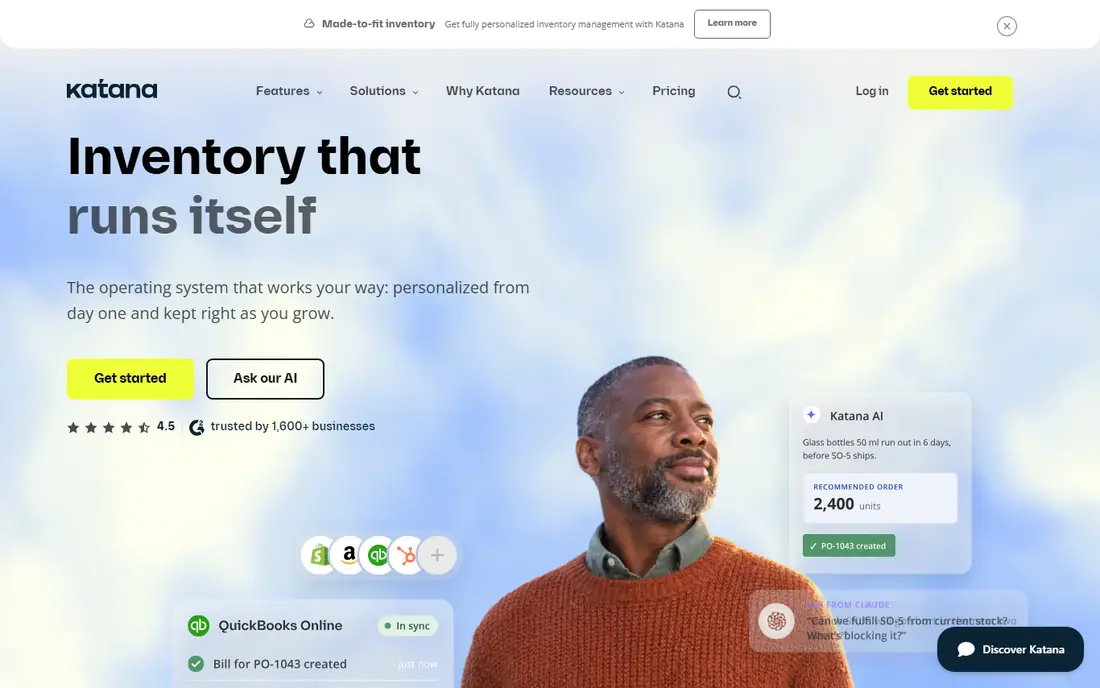
Katana suits product businesses that sell through Shopify, Amazon, WooCommerce, or wholesale and need stock, orders, and production in one view. Its visual production screen helps teams see what is ready, what is waiting on materials, and what is late. That clarity matters most when sales channels share the same inventory pool.
The trade-off is cost and plan detail. Katana has moved toward custom Advantage packages, so a small team should confirm exactly which features sit in the quoted plan. If you need multi-step routings or planned versus actual costs, ask for those in writing before signing.
- Real-time inventory across locations
- Multi-level bills of materials
- Strong ecommerce and accounting links
- Advanced manufacturing features may need a higher plan or add-on
- Pricing is not fully published on the homepage
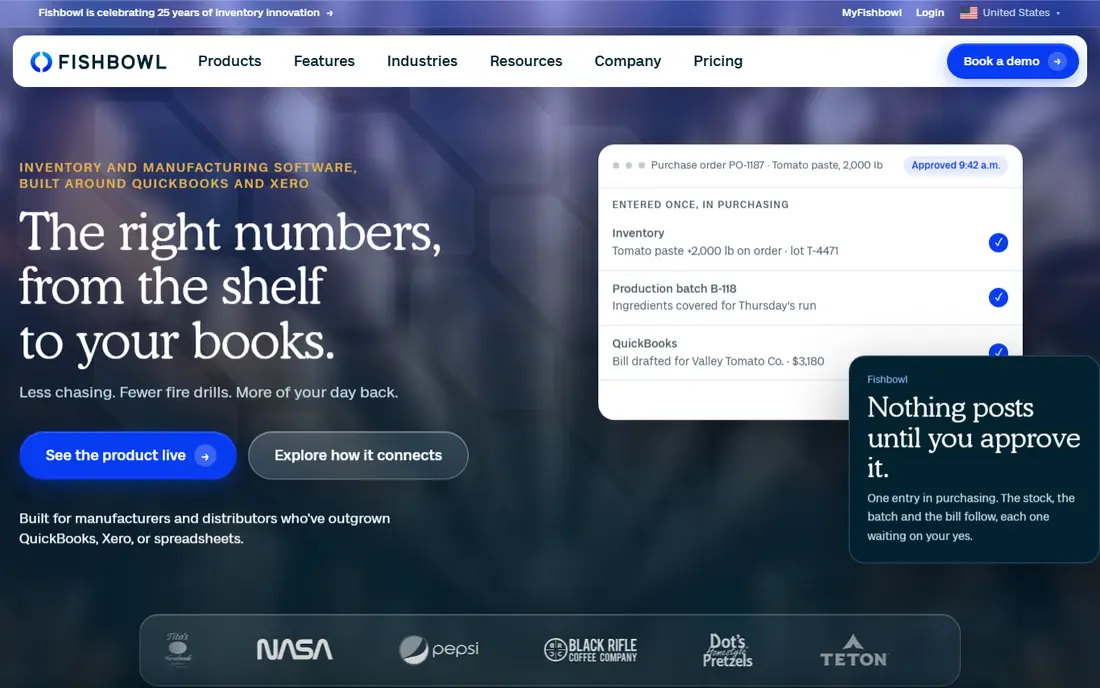
Fishbowl is a strong pick when accounting accuracy is the priority. Production, purchasing, and warehouse moves post back to QuickBooks or Xero, which helps finance teams close the books with fewer manual adjustments. Barcode scanning and multi-location tracking also suit distributors and makers with several warehouses.
The catch is that the entry product is not the full manufacturing package. Teams that need advanced manufacturing should price Fishbowl Advanced Manufacturing specifically and check user counts, implementation help, and support terms. A demo alone is not enough for a warehouse-heavy operation.
- Deep QuickBooks and Xero integration
- Multi-warehouse and barcode workflows
- Lot and serial tracking
- Pricing is quote-based
- Manufacturing depth sits in higher tiers
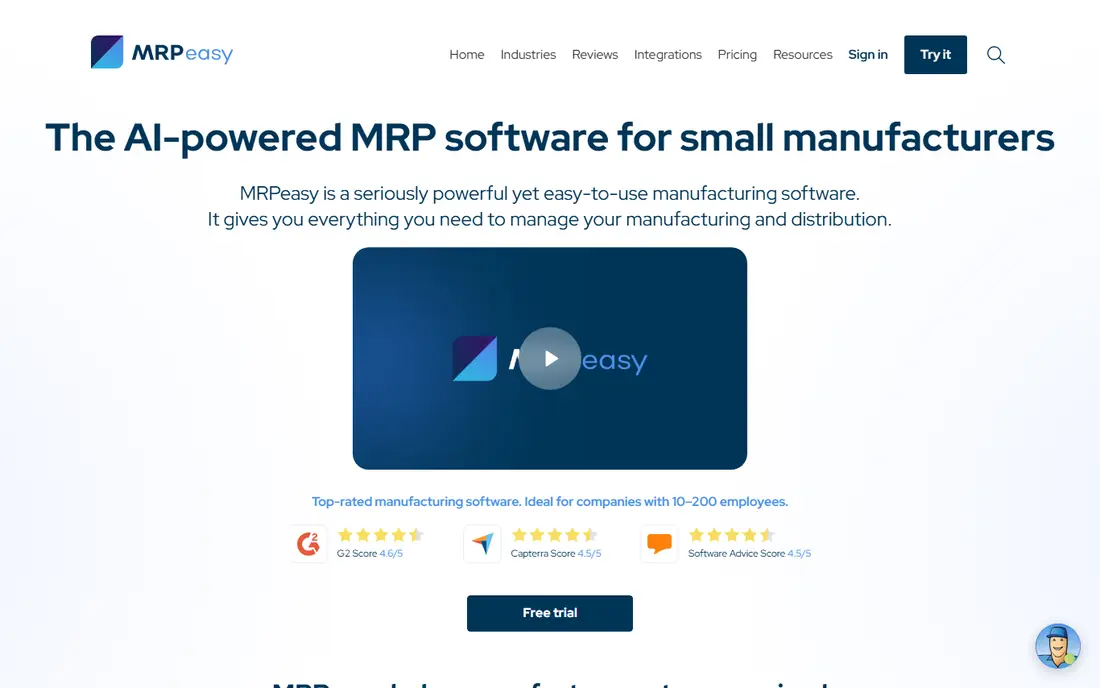
MRPeasy gives small manufacturers real MRP without enterprise pricing. It plans materials and capacity around actual demand, tracks inventory by lot or batch, and gives shop floor workers a simple reporting screen. For firms with roughly 10 to 200 staff, that scope is often enough.
Its limits show up at scale. Multi-plant scheduling, advanced quality modules, and deep custom workflows may need another system or add-ons. Still, for a first move off spreadsheets, MRPeasy offers a good balance of price, planning depth, and ease of setup.
- Clear MRP planning for small teams
- Lot and serial tracking
- Links to Xero, QuickBooks Online, and Shopify
- Less depth than a full ERP for complex multi-plant planning
- Interface feels dense at first
Odoo appeals to teams that want to start small and add apps as they grow. A maker can begin with inventory and manufacturing, then add sales, purchasing, accounting, and quality later without switching vendors. The Community edition is free and open source, which lowers the cost of a pilot.
The risk is scope creep. Each added app brings setup choices, and heavy customization can make upgrades harder. Keep the first rollout narrow, use standard workflows where possible, and get a written quote for Enterprise pricing per user before you expand.
- Large app suite in one system
- Free open-source Community edition
- Manufacturing, quality, and maintenance apps
- Customization can raise total cost
- Some depth depends on partners and add-on apps
NetSuite fits manufacturers that have outgrown separate tools for accounting, inventory, and sales. One suite means orders, stock, production, and financials share the same data, which helps leaders trust reports and plan across sites. It also handles multi-currency and multi-subsidiary work better than most small-business tools.
That breadth comes with a serious project. Expect discovery, data migration, training, and partner fees on top of the license. NetSuite is a good choice when growth and control matter more than speed of setup, and a poor choice when a team just needs simple MRP this month.
- Unified finance, inventory, CRM, and ecommerce
- Strong multi-subsidiary support
- Broad partner network
- Quote-based pricing with high total cost
- Implementation takes time and planning
Acumatica suits firms that dislike per-user pricing, because its model prices resources and transaction volume instead of seats. That can help a shop with many occasional users on the floor. Its manufacturing edition covers bills of materials, routing, production management, MRP, and shop floor data collection.
Because partners sell and implement Acumatica, two quotes can differ a lot. Ask which resource tier fits your volume, what the next tier costs, and what implementation, training, and migration include. A clear written quote matters more here than with a simple self-serve tool.
- Consumption-based pricing rather than per-user fees
- Strong manufacturing and distribution editions
- Flexible deployment
- Sold through partners, so quotes vary
- Implementation cost depends on scope
JobBOSS2 is built for shops where every job is different. It follows work from quoting and estimating through scheduling, costing, and invoicing, which helps machine shops, fabricators, and custom furniture makers see true job profit. Shop floor data collection keeps job status and cost current instead of relying on end-of-week updates.
If you mainly make the same stocked products in large runs, this focus works against you. Repetitive manufacturing tools with stronger forecasting and replenishment may fit better. Job shops, by contrast, often find that JobBOSS2 matches how they already quote and schedule work.
- Quote-to-cash workflow for custom jobs
- Job costing and shop floor control
- Built for non-repetitive work
- Less suited to high-volume make-to-stock production
- Pricing is quote-based
Unleashed works well for manufacturers whose main pain is inventory accuracy rather than complex shop floor scheduling. It tracks stock, production, and sales orders in one place and connects to common accounting and ecommerce tools. Teams that sell online and through wholesale often like its order workflow.
Watch the sales order limits in base plans. Higher monthly order volumes can trigger extra charges, so a growing seller should model cost at realistic order counts, not at the entry allowance. Confirm the production module is included in the quoted plan before comparing it with a full MRP tool.
- Clear inventory and production tracking
- Good ecommerce and accounting links
- Straightforward sales order workflow
- Sales order allowances can add cost at higher volumes
- Pricing varies by region
How we picked these
We compared official vendor pages, pricing pages, and public documentation for each tool, and checked that each homepage loads and matches the product named. We favored tools that cover bills of materials, work orders, inventory, and purchasing, and we kept a mix of focused MRP tools and full ERP suites. We did not claim hands-on testing. Where pricing was quote-based or had changed across sources, we wrote See website rather than publish a figure we could not verify.
What to check before you buy
Start with your production style, not with a feature list. A make-to-stock food maker, a custom machine shop, and a multi-warehouse distributor need different strengths, even though all three call themselves manufacturers.
Map your core workflow first
List how you quote, plan materials, schedule work, buy parts, track lots, and ship orders. Then run those exact steps in a trial with your own data. A tool that looks clean in a demo can still struggle with multi-level bills of materials, outside processing, or serial tracking.
Price the full setup, not just the license
Ask about implementation, training, data migration, integrations, and support tiers. Quote-based ERP tools can cost several times the license fee in year one. For per-user tools, model cost at your real user count and order volume, including seasonal peaks.
Test the accounting link early
Manufacturing data only helps if finance trusts it. Confirm how production, purchasing, and inventory post to your accounting system, and test a full month of transactions before go-live. A clean accounting link saves more time than a pretty dashboard.
Plan for growth and exit
Check how you export bills of materials, inventory history, and job costs if you later switch systems. Also confirm user permissions, audit trails, and backup options. A tool that locks your data in is a risk, even when the monthly price looks low.
Sources
- https://katanamrp.com
- https://www.fishbowlinventory.com
- https://www.mrpeasy.com
- https://www.odoo.com
- https://www.netsuite.com
- https://www.acumatica.com
- https://www.jobboss.com
- https://www.unleashedsoftware.com
- https://stocksmith.io/blog/best-manufacturing-software-for-small-business
- https://xorosoft.com/katana-vs-fishbowl/
Frequently asked questions
What is manufacturing software?
Manufacturing software plans and tracks production, inventory, purchasing, and orders in one system. It usually covers bills of materials, work orders, material requirements, shop floor reporting, and costing. Larger ERP suites add finance, CRM, and ecommerce to the same data set.
Is MRP software the same as ERP software?
No. MRP focuses on materials, production planning, and inventory for making goods. ERP is broader and adds finance, human resources, CRM, and other business functions. Many small makers need MRP first and move to ERP when finance and multi-site control become the main bottleneck.
How much does manufacturing software cost?
Focused cloud MRP tools often start around $49 per user per month, while full ERP suites are usually quote-based and cost far more in year one once implementation is included. Always ask for the full first-year total, including training, migration, and support, not just the license price.
Do I need manufacturing software if I use spreadsheets?
Spreadsheets work until order volume, material variety, or lot tracking makes them error-prone. If stock counts disagree, lead times slip, or job costs are guessed, a dedicated tool usually pays for itself in fewer stockouts and clearer margins. Start with a narrow pilot to prove the gain.
Which manufacturing software is best for small businesses?
For many small makers, MRPeasy or Katana offer a practical starting point, while Odoo suits teams that want a modular path toward ERP. The best choice depends on whether you make stocked goods, custom jobs, or both, and on which accounting system you already use.
Can manufacturing software work with QuickBooks or Xero?
Yes, several tools on this list connect to QuickBooks or Xero, and Fishbowl is built around that link. Confirm whether the link is two-way, which transactions sync, and how costs post, because a one-way export still leaves manual work for finance teams.