Best Marketing Analytics Tools in 2026: 10 Platforms Compared
By ToolNimba Editorial Team November 1, 2026 11 min read

- Top pick
 Google Analytics
Free web and app baseline
Starting priceFreeCheck out Google AnalyticsRead our review - Runner-up
 HubSpot
CRM-tied marketing analytics
Starting priceFreeCheck out HubSpotRead our review - Also great
 Adobe Analytics
Enterprise web measurement
Starting priceSee websiteCheck out Adobe AnalyticsRead our review
How we researched this
We compared official pricing and feature pages, app store listings, privacy policies and public user reviews. Prices change, so check the provider's site before you pay.
Key takeaways
- Google Analytics is the free baseline every marketing team should run, with strong Google Ads integration and no cost for most sites.
- HubSpot is our pick for teams that want marketing analytics tied directly to contacts, deals, and revenue in a CRM.
- Mixpanel and Amplitude are the strongest choices for product and behavioral analytics, with funnels, retention, and cohorts built in.
- Adobe Analytics suits large enterprises with a dedicated analytics team, but pricing is by quote and setup is heavy.
- Looker Studio and Matomo give smaller teams free or low-cost dashboards and reporting without an enterprise contract.
Quick comparison
| Name | Best for | Starting price | Free plan | |
|---|---|---|---|---|
| Google Analytics | Free web and app baseline | Free | Yes | Visit |
| HubSpot | CRM-tied marketing analytics | Free | Yes | Visit |
| Adobe Analytics | Enterprise web measurement | See website | No | Visit |
 Mixpanel | Product funnels and cohorts | Free | Yes | Visit |
 Amplitude | Behavioral analytics at scale | Free | Yes | Visit |
 Tableau | Interactive dashboards and visuals | See website | Free trial | Visit |
 Looker Studio | Free dashboards and reports | Free | Yes | Visit |
 Semrush | Search and campaign analytics | See website | Free trial | Visit |
 Supermetrics | Pulling data into sheets and dashboards | See website | Free trial | Visit |
 Matomo | Privacy-focused web analytics | Free | Yes | Visit |
The best marketing analytics tools
Marketing analytics covers several jobs at once: tracking traffic and campaigns, understanding what users do inside a product, tying marketing to revenue, and reporting it all clearly. No single tool does every job best, so the list below groups tools by the job they do well, from free baselines to enterprise suites.
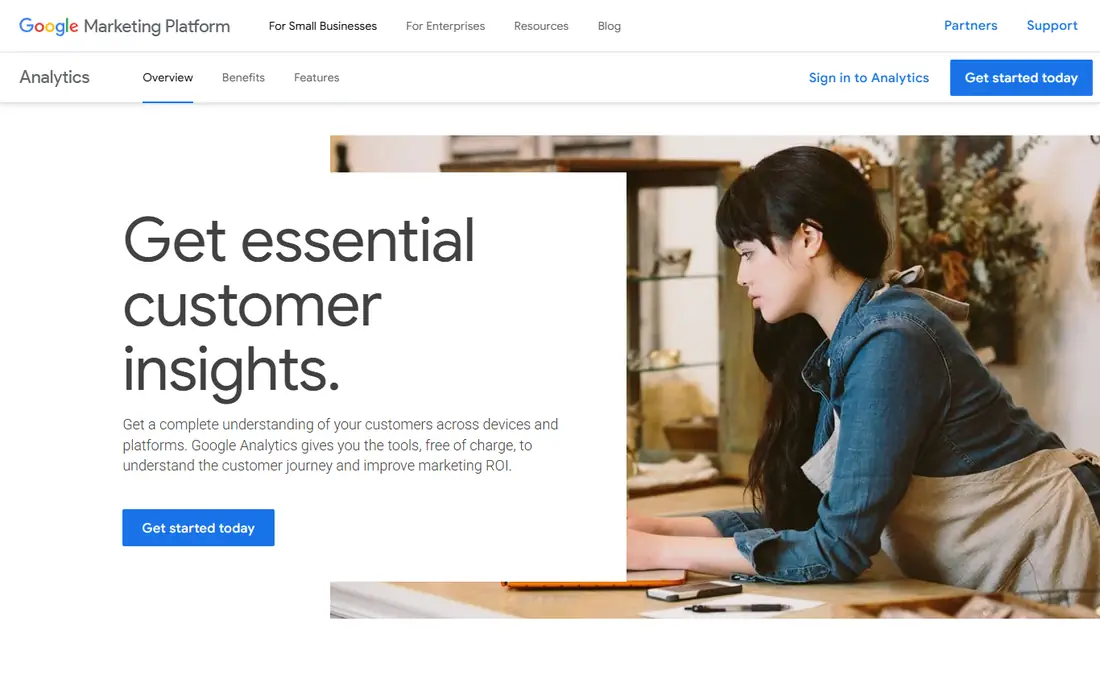
Google Analytics 4 is the default starting point for marketing measurement, and for good reason. It is free for the vast majority of sites, it tracks web and app activity in one event-based model, and conversion data flows back into Google Ads without a separate integration step. For teams running search and paid campaigns, that link alone justifies installing it.
The limits show up when you move past marketing reporting. Product-level funnels, retention, and cohort work are thinner than in dedicated product tools, and event-level detail in Explorations is capped at 14 months of retention. Exporting raw data to BigQuery solves the deeper questions, but that takes setup. As a free baseline, though, Google Analytics is our pick for nearly every team, even if you add another tool on top.
- Free for most sites and apps
- Strong Google Ads integration
- Event-based model for web and app
- Product analytics are shallow compared with Mixpanel or Amplitude
- Data retention caps detail in Explorations
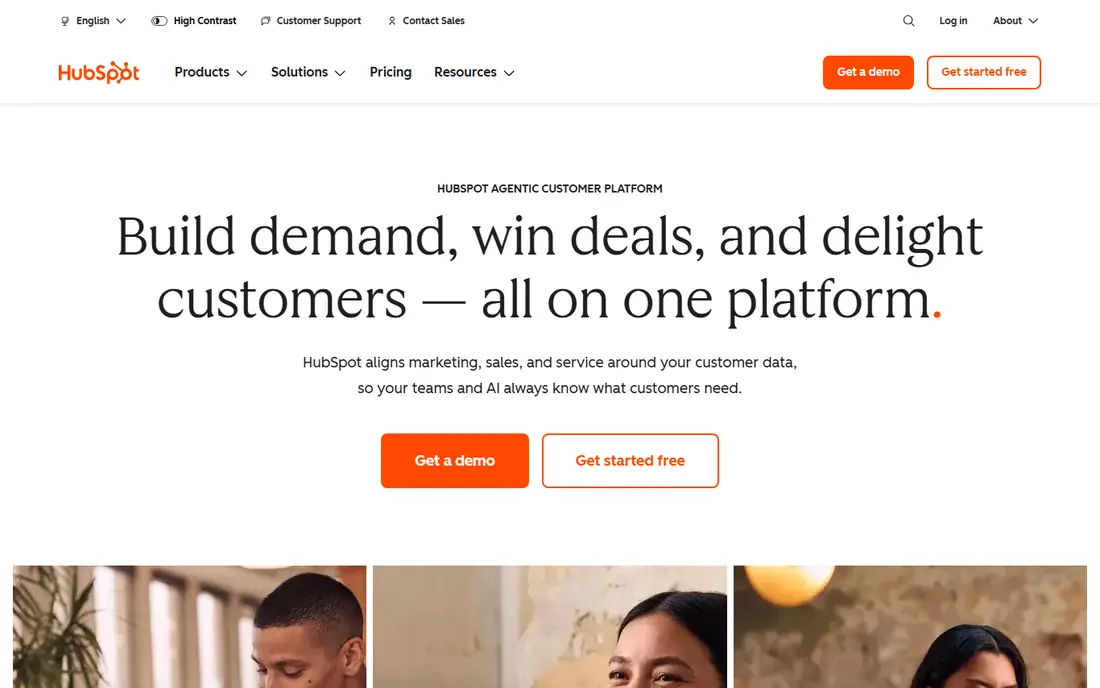
HubSpot earns its place because it answers the question other analytics tools leave open: which marketing actually turned into revenue. Marketing Hub reporting connects campaigns, emails, forms, and ads to contacts and deals in the CRM, so a team can trace a lead from first click to closed deal. Free tools cover basic CRM and marketing features, and Starter is listed at $20 per seat per month.
The cost curve is the honest catch. Professional is listed at $890 per month and Enterprise at $3,600 per month, with onboarding fees on higher tiers, and the bill grows with marketing contacts and seats. Teams that only need traffic reports should stick with Google Analytics. Teams that need marketing tied to pipeline will find HubSpot worth the price, and it is our pick for CRM-based marketing analytics.
- Analytics tied to contacts, deals, and revenue
- Campaign and email reporting in one place
- Free CRM tools to start
- Costs rise fast with contacts and seats
- Best automation and attribution sit on higher tiers
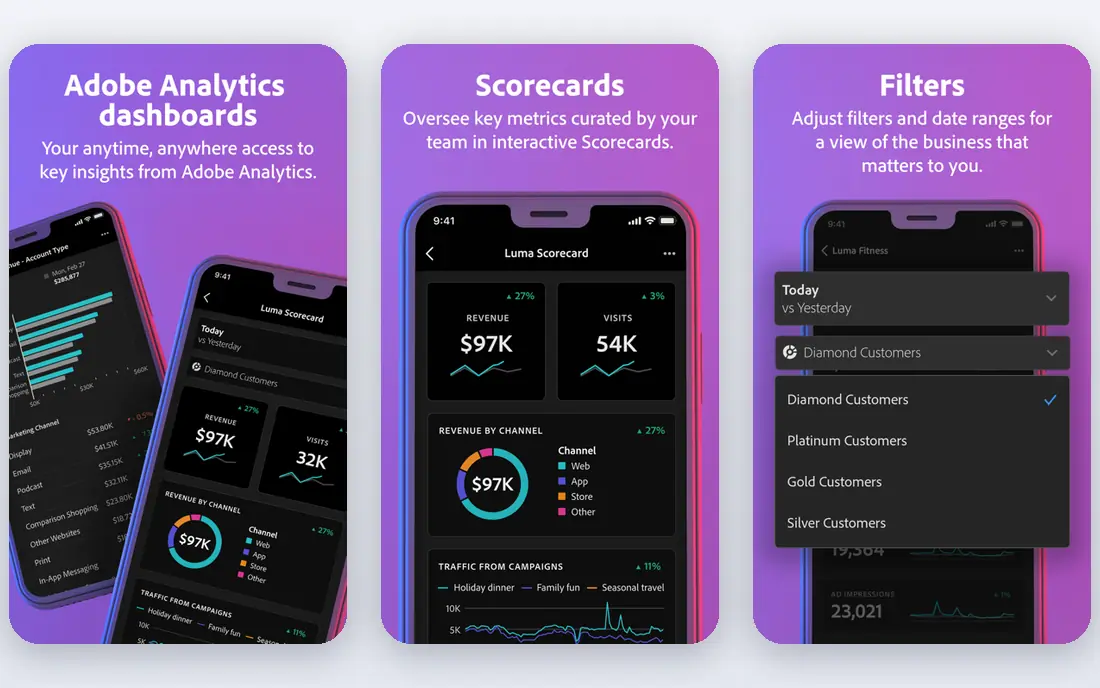
Adobe Analytics is the enterprise answer to web and app measurement. It handles large event volumes, custom segments, and complex reporting that smaller tools cannot match, and it integrates with Adobe Target, Journey Optimizer, and Customer Journey Analytics. Large organizations with a dedicated analytics team get the most from it.
That scale comes with cost and effort. Pricing is quoted per account, implementation and training are separate cost lines, and Adobe is steering new capability toward Customer Journey Analytics, so existing users need a migration plan. Small teams should not start here. For a large enterprise with the staff to run it, Adobe Analytics remains a strong pick.
- Deep segmentation and custom reporting at scale
- Strong Adobe Experience Cloud integration
- Real-time data
- Pricing is by quote
- Setup and staffing costs are high
- New features favor Customer Journey Analytics
Mixpanel is built for a different question from Google Analytics: what do users do once they are inside your product. Funnels, retention curves, and cohorts are fast to build without an analyst, and the free tier covers small teams getting started. Product and growth teams that need answers quickly tend to adopt it fast.
Event-based pricing is the catch. Bills grow with tracked events, so a team that tracks everything without a plan will pay for noise. Governance and enterprise controls are also less mature than Amplitude or Adobe at very large scale. For a small to mid-size product team that wants self-serve answers, Mixpanel is our pick in this category.
- Fast self-serve funnels, retention, and cohorts
- Free tier for small teams
- Good for web and mobile products
- Costs scale with event volume
- Governance is less mature than enterprise rivals at large scale
Amplitude answers the deeper product questions: what behaviors predict retention, which cohorts stick, and where users drop off in complex journeys. It scales to large products with stronger governance and data controls than lighter tools, and its free tier lets small teams start without a contract. Growth and product teams at scale often choose it for that combination.
The learning curve is real. Amplitude rewards teams that invest in a tracking plan and taxonomy, and casual users can find it heavier than Mixpanel. Pricing scales with monthly tracked users, so costs rise as a product grows. If your team has the discipline to plan events well, Amplitude is our pick for behavioral analytics at scale.
- Deep behavioral analysis and cohorts
- Strong governance for larger teams
- Free tier for getting started
- Steeper learning curve than Mixpanel
- Costs scale with monthly tracked users
Tableau is a visualization platform rather than a tracker, and that distinction matters. It does not collect marketing data on its own. Instead, it connects to warehouses, spreadsheets, CRM exports, and analytics tools, and turns them into interactive dashboards that managers can explore. Analyst teams value its flexibility and visual depth.
The catch is that Tableau is only as good as the data feeding it. A team without clean, joined data will spend more time preparing sources than building dashboards, and pricing varies by plan, so confirm the current rate on the vendor site. If you already have data in a warehouse and need reporting that non-analysts can explore, Tableau is a strong pick.
- Powerful interactive dashboards and visuals
- Connects to many data sources
- Strong for analyst teams
- Pricing varies by plan and role
- Needs clean data sources to shine
Looker Studio, formerly Data Studio, is the free dashboard tool most small marketing teams should try first. It connects easily to Google Analytics, Google Ads, Search Console, Sheets, and BigQuery, and reports can be shared by link or scheduled by email. Agencies use it heavily for client reporting, since a single dashboard can pull several sources together at no licence cost.
Advanced visualization and governance are thinner than Tableau, and slow data sources make slow dashboards. For a small team or agency that needs clear, shareable marketing reports without a new contract, Looker Studio is our pick. Pair it with Google Analytics and you have a capable free reporting stack.
- Free dashboards with Google data sources
- Easy sharing and scheduling
- Good for small teams and agencies
- Fewer advanced features than Tableau
- Performance depends on the underlying data source
Semrush is a marketing toolkit built around search. Keyword research, rank tracking, site audits, competitor analysis, and advertising research sit in one platform, and agencies use it to report search performance alongside campaign work. A free trial lets you test the core tools before committing, and pricing should be confirmed on the vendor site, since plans and limits change.
It is not a replacement for Google Analytics or Mixpanel. Semrush tells you how search and content perform, not what users do inside your product or which campaigns closed revenue. For search-led marketing teams and agencies, it is our pick as a companion tool. Use it with a web analytics baseline, not instead of one.
- Strong SEO, keyword, and competitor analytics
- Advertising and content tools in one platform
- Useful for agencies
- Pricing is subscription-based and rises with seats and limits
- Not a general product analytics tool
Supermetrics solves a boring but costly problem: pulling numbers from ad platforms, analytics tools, and social channels into one place without manual exports. It connects to Sheets, Excel, Looker Studio, and data warehouses, so a team can build a single report from many sources and refresh it on a schedule. Agencies and in-house teams with several ad accounts save hours each month.
Pricing varies by plan and data destination, and a free trial is available, so confirm the current rate for your sources before buying. If you only run one or two channels, native reports may be enough. If you report across five or more platforms, Supermetrics is our pick for cutting reporting time.
- Connects many ad and analytics sources to Sheets, Looker Studio, and warehouses
- Saves manual reporting time
- Pricing is by quote for many plans
- Value depends on how many sources you connect
Matomo is the privacy-first alternative to Google Analytics. The core software is free to self-host, which means you own the data and control where it lives, and the cloud version offers the same reports without running a server. It covers traffic, campaigns, goals, and funnels, and it suits teams in regulated industries or regions with strict privacy rules.
Product analytics depth is thinner than Mixpanel or Amplitude, and self-hosting needs technical upkeep, including updates and backups. Cloud pricing is tiered by monthly traffic, so confirm your tier on the vendor site. For teams where data ownership matters more than product depth, Matomo is our pick.
- Self-hosted option with full data ownership
- Privacy-friendly tracking
- No data sampling on core reports
- Product analytics depth is thinner than Mixpanel or Amplitude
- Cloud pricing is tiered by traffic
How we picked these
We compared official feature pages, pricing pages, and public reviews for each platform, and we kept only tools that are live and working in October 2026 and genuinely fit marketing analytics. We weighed traffic and campaign reporting, product analytics depth, CRM and revenue linkage, dashboard quality, privacy controls, and price. We did not claim hands-on testing. Where pricing is quote-based or varies by volume, we say so rather than guessing a figure.
Building a reporting stack that fits your team
Start with a free baseline, then add one tool per unanswered question. Google Analytics plus Looker Studio covers traffic and reporting for most small teams. Add HubSpot when you need revenue linkage, Mixpanel or Amplitude when you need product behavior, and Semrush when search is a core channel. Each addition should answer a question the current stack cannot, or it will just add cost and noise.
Avoiding the tracking trap
The most common mistake is tracking everything without a plan. Agree a short list of events and metrics tied to real decisions, name them consistently, and review them quarterly. Clean data in one tool beats messy data in five tools, and a simple dashboard that the team actually reads beats a complex one that nobody opens.
Sources
- https://marketingplatform.google.com/about/analytics/
- https://www.hubspot.com
- https://business.adobe.com/products/analytics/adobe-analytics.html
- https://mixpanel.com
- https://amplitude.com
- https://www.tableau.com
- https://lookerstudio.google.com
- https://www.semrush.com
- https://supermetrics.com
- https://matomo.org
- https://kurums.com/best-marketing-analytics-software-2026-comparison/?v=653f5ac96a69
- https://www.dolphinanalytics.co.uk/blog/digital-analytics-tools-comparison