Best Medical Dictation Software in 2026: 9 Tools Compared
By ToolNimba Editorial Team November 12, 2026 9 min read

- Top pick
 Dragon Medical One
Traditional clinical dictation
Starting priceSee websiteCheck out Dragon Medical OneRead our review - Runner-up
 Suki
Voice-first EHR control
Starting priceSee websiteCheck out SukiRead our review - Also great
 DeepScribe
Specialty ambient scribing
Starting priceSee websiteCheck out DeepScribeRead our review
How we researched this
We compared official pricing and feature pages, app store listings, privacy policies and public user reviews. Prices change, so check the provider's site before you pay.
Key takeaways
- Traditional dictation and ambient AI scribing solve different problems, so pick by whether you dictate notes or want visit notes drafted for you.
- HIPAA compliance and a signed business associate agreement matter more than any single feature for clinical use.
- EHR fit decides daily value: deep integration saves clicks, while copy-and-paste tools suit smaller practices.
- Solo clinicians should favour monthly billing and a trial, while hospitals need enterprise procurement and IT support.
Quick comparison
| Name | Best for | Starting price | Free plan | |
|---|---|---|---|---|
| Dragon Medical One | Traditional clinical dictation | See website | No | Visit |
| Suki | Voice-first EHR control | See website | No | Visit |
| DeepScribe | Specialty ambient scribing | See website | No | Visit |
 Freed | Solo and small practice scribing | See website | Free trial | Visit |
 Abridge | Enterprise ambient scribing | See website | No | Visit |
 Heidi Health | Low-cost ambient notes | Free | Yes | Visit |
 Sunoh | Multi-specialty ambient notes | See website | Free trial | Visit |
 Ambience Healthcare | Documentation plus coding | See website | No | Visit |
 Philips SpeechLive | Cloud dictation workflow | See website | Free trial | Visit |
The best medical dictation software
We compared vendor feature pages, EHR integrations, and pricing models for tools that are built for clinical documentation today. This article is general information only, not medical advice, and it does not replace your organisation's compliance review. Always check HIPAA status, data handling, and EHR compatibility before using any tool with patient information.

Dragon Medical One, from Nuance, is the long-standing name in medical dictation. You speak, and the software turns speech into text inside your EHR, with a medical vocabulary built for specialties from radiology to primary care. Cloud profiles mean your voice profile follows you across workstations, which helps clinicians who move between rooms.
The trade-off is that it is dictation, not an ambient scribe. You still direct the note, which suits clinicians who like control, but it does not draft a full visit note from a conversation on its own. Pricing is custom and varies by organisation, so get a quote for your user count. For traditional dictation at scale, Dragon remains the reference point.
- Long clinical vocabulary history
- Works inside many EHRs
- Cloud-based profiles
- Windows-first workflow
- Enterprise pricing needs a quote
- Learning curve for voice commands
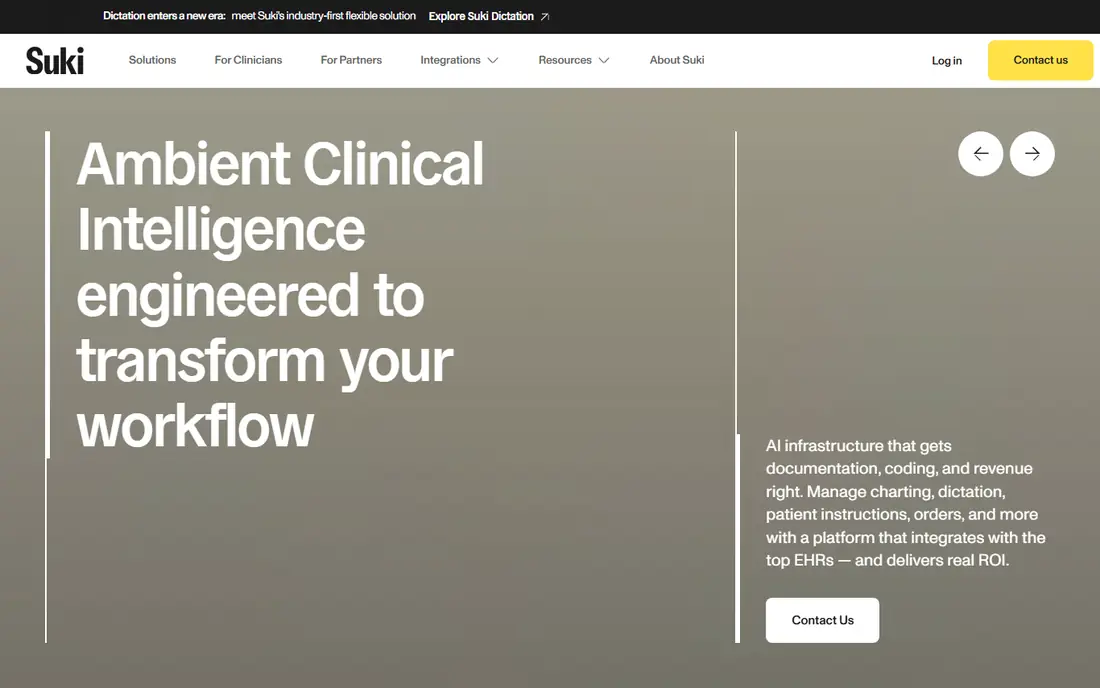
Suki combines dictation with an AI assistant that can draft notes and handle EHR commands by voice, such as pulling up information or starting orders where supported. That voice-first design suits clinicians who want to stay focused on the patient rather than clicking through menus. It integrates with major EHRs including Epic, athenahealth, and Oracle Health in supported deployments.
Suki is sold mainly to organisations, so solo clinicians may find procurement harder and pricing custom. If your practice already uses a supported EHR and you want both dictation and ambient help in one tool, Suki is a strong enterprise option to evaluate with your IT team.
- Voice commands for EHR tasks
- Ambient note drafting
- Integrations with major EHRs
- Enterprise pricing
- Setup needs IT coordination
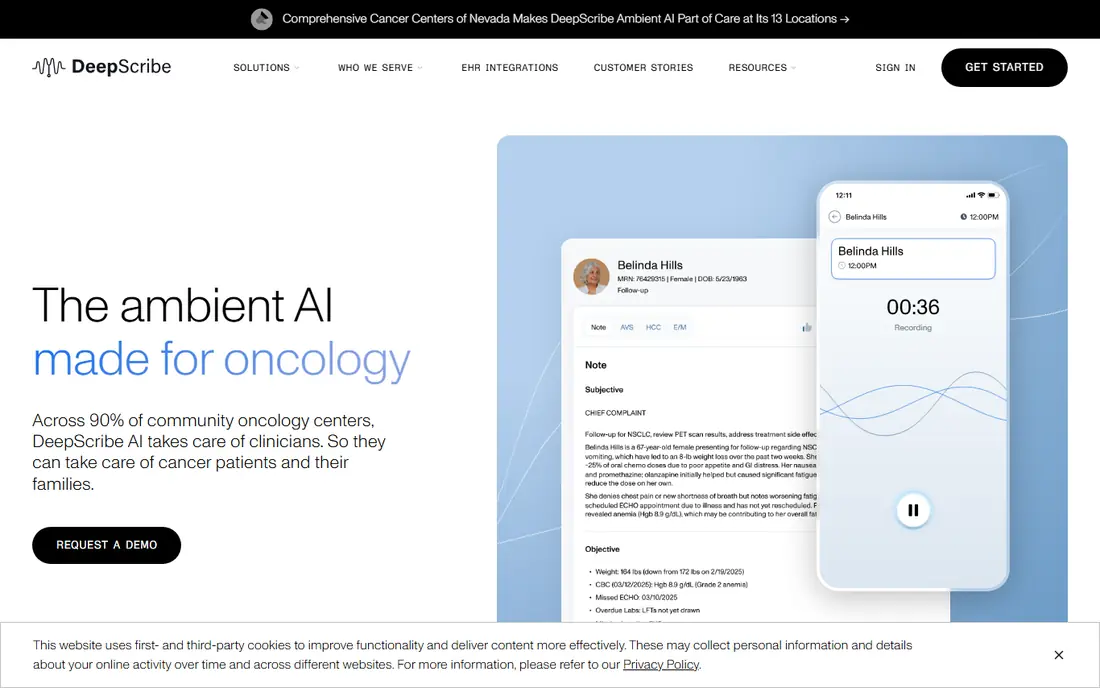
DeepScribe listens to the visit, with patient consent and proper controls, and produces a structured clinical note for review. It suits specialty care and larger groups where visits are complex and documentation time is high. Integrations with athenahealth, eClinicalWorks, Epic, and other systems help move notes into the chart without heavy manual copying.
The price reflects that depth, and smaller practices may find it out of reach. Setup also takes coordination with your EHR team. If your group handles high-acuity or specialty visits and wants ambient drafting with human-quality review, DeepScribe is worth a scoped pilot.
- Ambient capture for complex visits
- Specialty support
- EHR integrations
- Higher price point
- Best suited to larger groups
Freed is built for solo clinicians and small clinics who want ambient scribing without enterprise procurement. You record the visit, Freed drafts a note in your style, and you review and edit before moving it into your chart. Signup is fast compared with hospital tools, and pricing is published on its site for individual plans.
The catch is integration depth. In many setups, notes move into browser-based EHRs rather than through a deep native integration, so check your EHR workflow before buying. For a solo practice that wants to cut after-hours charting, Freed is one of the most accessible options here.
- Fast signup for individuals
- Simple workflow
- Learns your note style over time
- EHR transfer is browser-based in many setups
- Fewer deep integrations than enterprise tools
Abridge is an enterprise ambient AI platform used by large health systems, with deep Epic integration where deployed. It captures the visit conversation and produces a structured note, with audit and review tools for clinical and compliance teams. That enterprise focus suits hospitals and academic centres that need governance, security review, and scale.
Individual clinicians generally cannot buy Abridge directly, and pricing is custom. If you work in a large system, ask whether your organisation already has an Abridge deployment or pilot, since that is the usual route to access. For enterprise ambient scribing, it is a leading name to evaluate.
- Deep Epic integration in supported systems
- Enterprise-grade controls
- Visit note plus context
- Enterprise-only access in practice
- Custom pricing
Heidi Health offers ambient note drafting with a free tier, which makes it easy for a curious clinician to test the workflow before paying. You can record, generate a note, and edit it in the browser, and the tool supports multiple specialties and languages in supported plans. That low barrier is rare in this market.
The limit is integration. Heidi suits clinicians who are comfortable reviewing and moving notes into their EHR, rather than those who need a deep native write-back. Check the current free tier limits and paid plan details on its site, since they change. For cost-sensitive testing, Heidi is a sensible first try.
- Free tier to try
- Fast signup
- Works across devices via browser
- EHR integrations are limited
- Paid tier needed for fuller features
Sunoh, from eClinicalWorks, combines ambient listening with dictation and produces notes for many specialties. Its eClinicalWorks integration is a natural strength, and it also works with other major EHRs in supported setups. That breadth suits multi-specialty groups that want one tool across departments.
Pricing is custom, so request a quote for your provider count and EHR setup. A trial helps you test whether its note style fits your specialty, since templates and output quality vary. If your practice uses eClinicalWorks, Sunoh deserves a close look.
- EHR integrations including eClinicalWorks
- Multi-specialty templates
- Ambient plus dictation
- Pricing needs a quote
- Feature depth varies by EHR
Ambience Healthcare goes beyond note drafting by adding coding support and documentation help for complex settings, including emergency and inpatient care. That combination can help large systems where accurate coding and complete documentation affect billing and compliance as well as clinician time. Enterprise controls and EHR integrations support that scale.
Solo and small practices will find it out of scope and price. For a health system that wants documentation and coding in one ambient platform, Ambience is a serious enterprise contender to pilot alongside other large-system tools.
- Ambient notes plus coding support
- Enterprise controls
- ED and inpatient focus
- Enterprise pricing
- Not aimed at solo buyers
Philips SpeechLive is a cloud dictation platform for clinicians and teams who dictate notes for transcription, rather than an ambient scribe that drafts from a visit conversation. You dictate from a recorder, app, or browser, and the file routes to a transcriptionist or service for completion. That workflow suits practices with established transcription teams.
The trade-off is that it does not replace charting with ambient AI, and turnaround depends on your transcription setup. If your practice already uses Philips hardware and a transcription workflow, SpeechLive modernises that process without forcing a switch to ambient scribing.
- Cloud dictation and transcription workflow
- Works with Philips recorders
- Team routing
- Not a full ambient scribe
- Transcription workflow needs staff or service time
How we picked these
We compared vendor feature pages, EHR integrations, and pricing models, and we kept only tools built for clinical documentation and available to US practices or health systems today. We favoured tools with clear HIPAA positioning, a signed business associate agreement path, and a real EHR story, whether deep integration or a workable browser workflow. We left out general dictation apps with no clinical controls, and tools with no verifiable clinical deployment.
How to choose medical dictation software safely
Start with your documentation style. If you like to dictate a structured note yourself, a traditional tool like Dragon Medical One or SpeechLive fits. If you want the visit conversation turned into a draft, an ambient tool like Freed, Heidi, Sunoh, or an enterprise scribe fits better. Mixing the two models in one practice often causes confusion, so pick a primary model first.
Check compliance before price
Ask each vendor for its HIPAA documentation, business associate agreement terms, data retention policy, and where audio and transcripts are stored. Check whether patients must consent to recording and how that consent is captured in your workflow. A tool that cannot answer those questions clearly should not handle patient data, no matter how good its demo looks.
Test with your EHR and your specialty
Run a pilot with your real EHR, your real visit types, and your own note templates. Check how notes move into the chart, how edits work, and how long review takes. A tool that saves dictation time but adds review time may not save time at all. Include a compliance reviewer and an IT contact in the pilot, not just enthusiastic early adopters.
Plan for review and editing
No ambient tool should send notes to the chart without clinician review. Build review time into the schedule, especially in the first month, and track edit rates by clinician and visit type. If edit rates stay high, the tool, the template, or the visit workflow needs adjustment before wider rollout.
Sources
Frequently asked questions
What is the best medical dictation software?
Dragon Medical One is our pick for traditional dictation, Freed is our pick for solo ambient scribing, and Abridge or Suki are strong enterprise picks. The best choice depends on whether you dictate notes yourself or want visit notes drafted from conversation.
Is medical dictation software HIPAA compliant?
Tools on this list position themselves for HIPAA use and offer business associate agreements, but compliance also depends on your setup, consent process, and EHR handling. Confirm the agreement and data practices with the vendor and your compliance team before use.
What is the difference between dictation and an ambient scribe?
Dictation turns your spoken note into text that you control. An ambient scribe listens to the visit conversation, with consent, and drafts a note for your review. Dictation suits clinicians who like control, while ambient scribing suits those who want less after-visit charting.
Do I need my EHR vendor involved?
Deep integrations need EHR and IT coordination, especially in hospitals. Browser-based tools can work without deep integration, but you should still test how notes move into the chart and whether that workflow is safe and efficient for your team.
Can solo clinicians use these tools?
Yes. Freed and Heidi Health offer individual signup and trials, while enterprise tools like Abridge and Ambience are usually bought through health systems. Solo buyers should favour monthly billing, a trial, and a clear cancellation path.