Best Mind Mapping Software in 2026: 9 Tools Compared
By ToolNimba Editorial Team November 10, 2026 10 min read

- Top pick
 XMind
Solo planning and offline maps
Starting price$4.92 per monthCheck out XMindRead our review - Runner-up
 MindMeister
Teams and browser collaboration
Starting priceSee websiteCheck out MindMeisterRead our review - Also great
 MindNode
Apple users and offline mapping
Starting price$24.99 per yearCheck out MindNodeRead our review
How we researched this
We compared official pricing and feature pages, app store listings, privacy policies and public user reviews. Prices change, so check the provider's site before you pay.
Key takeaways
- XMind and MindMeister suit most users, with XMind stronger offline and MindMeister stronger for live collaboration.
- MindNode is the pick for Apple users who want a fast, offline-first app with a simple one-time style purchase option.
- Miro and Whimsical work better when a map is one part of a wider team workspace rather than the whole job.
- Free plans are genuinely useful here, but map counts, export options, and collaboration limits decide when to pay.
Quick comparison
| Name | Best for | Starting price | Free plan | |
|---|---|---|---|---|
| XMind | Solo planning and offline maps | $4.92 per month | Yes | Visit |
| MindMeister | Teams and browser collaboration | See website | Yes | Visit |
| MindNode | Apple users and offline mapping | $24.99 per year | Yes | Visit |
 Miro | Team workshops and whiteboards | $8 per user per month | Yes | Visit |
 Coggle | Simple shared maps in a browser | $5 per month | Yes | Visit |
 Ayoa | Visual planning with tasks | $13 per user per month | Yes | Visit |
 Mindomo | Students and teachers | See website | Yes | Visit |
 SimpleMind | Private offline mapping | $29.99 one-time | Yes | Visit |
 Whimsical | Fast team diagrams and maps | See website | Yes | Visit |
The best mind mapping software
We compared mind mapping tools on map styles, collaboration, offline use, exports, and price, so you can pick one that matches how you think and who you share maps with.
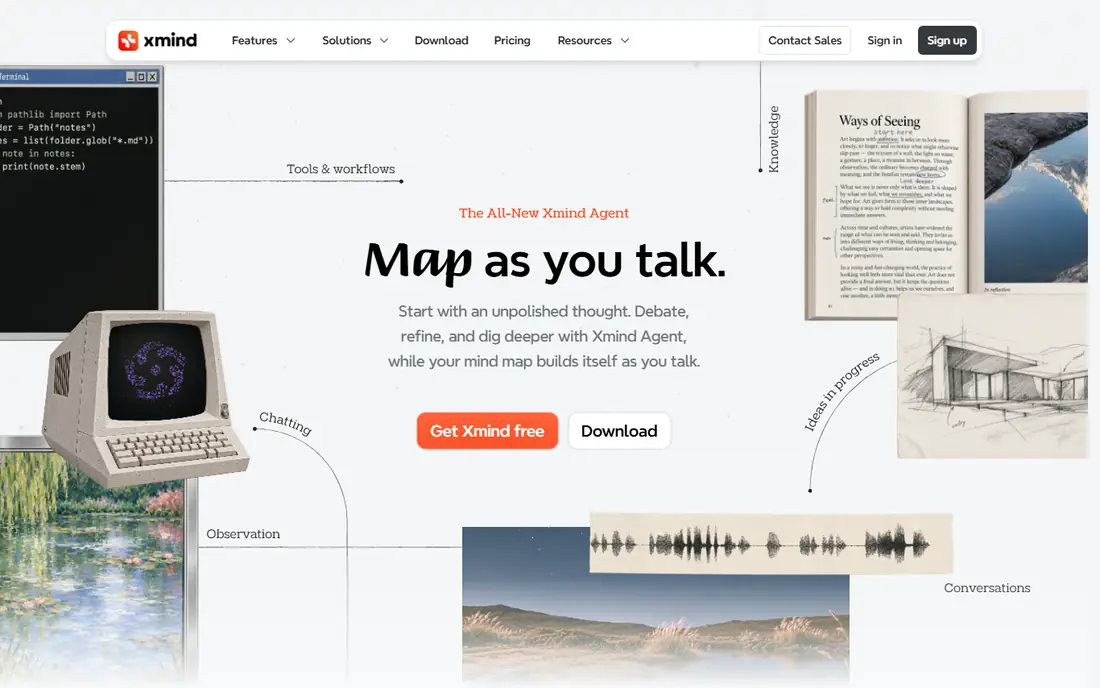
We place this option here because it is a polished desktop and mobile mind mapping app with many structures and a presentation mode that turns a map into slides. its range of structures, from radial maps to timelines and fishbone diagrams, makes it useful for study notes, project plans, and meeting outlines in one app. That detail matters in daily use. The honest catch is that collaboration is not its strongest suit, so teams that edit the same map at the same time may prefer a browser tool built for that job. Before you commit, trial it with your real work, check the limits on the plan you would actually buy, and confirm that the features you need are not locked behind a higher tier. If it passes, it fits the readers above.
- Many map structures including tree, timeline, and org chart
- Offline desktop apps
- Presentation mode
- Full features need the paid plan
- Cloud collaboration is lighter than browser-first tools
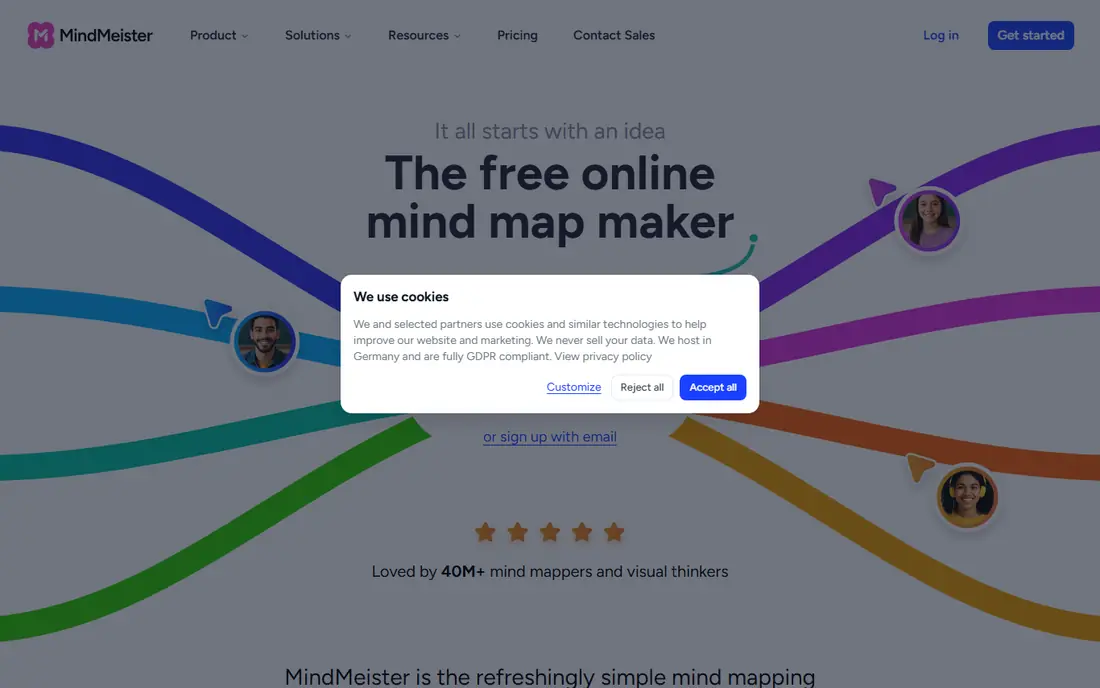
This pick earns its place because it is a browser-first mind mapping tool from MeisterLabs, built for teams that create and edit maps together online. real-time editing, comments, and sharing by link make it easy for a group to build one map during a call, and the presentation mode helps you share the result. That detail matters in daily use. The honest catch is that the free plan allows only three maps, so regular users will need a paid plan, and offline use is limited compared with desktop apps. Before you commit, trial it with your real work, check the limits on the plan you would actually buy, and confirm that the features you need are not locked behind a higher tier. If it passes, it fits the readers above.
- Real-time collaboration in the browser
- Templates and presentation mode
- Mobile apps
- Free plan limits you to three maps
- Advanced exports and history sit on paid plans
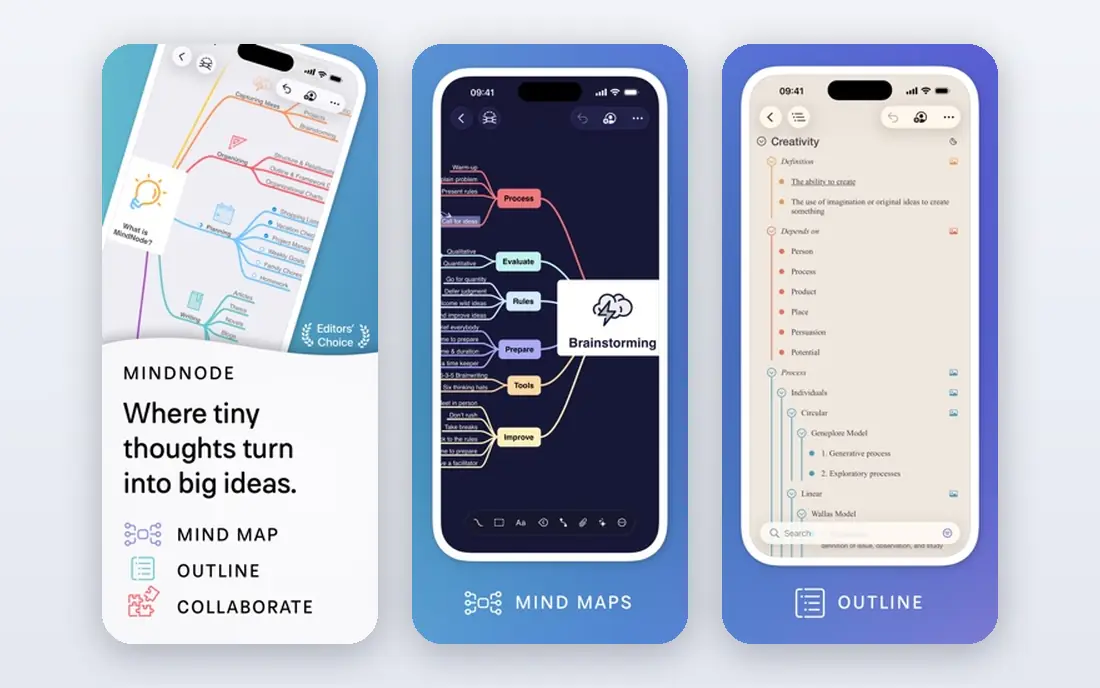
For many readers, this is the practical choice because it is an Apple-native mind mapping app for Mac, iPad, and iPhone, known for a calm interface and fast, keyboard-friendly editing. its focus mode and visual tags help you work on one branch of a large map without losing the whole picture, and offline use means your maps stay available anywhere. That detail matters in daily use. The honest catch is that it only runs on Apple devices, so mixed-device households or teams will need a cross-platform tool instead. Before you commit, trial it with your real work, check the limits on the plan you would actually buy, and confirm that the features you need are not locked behind a higher tier. If it passes, it fits the readers above.
- Clean Apple-native design
- Offline use
- Visual tags and focus features for large maps
- Apple platforms only
- No Windows or Android app
We include this tool because it is a visual collaboration board where mind maps sit alongside sticky notes, diagrams, and planning templates. teams that run workshops will like the shared canvas, templates, and comment features, since a brainstorm can move straight into prioritized tasks without switching tools. That detail matters in daily use. The honest catch is that if you only need mind maps, the breadth can feel heavy, and the price is per user, so costs rise with every teammate you add. Before you commit, trial it with your real work, check the limits on the plan you would actually buy, and confirm that the features you need are not locked behind a higher tier. If it passes, it fits the readers above.
- Huge canvas for maps, sticky notes, and diagrams
- Strong templates
- Many integrations
- Mind mapping is one feature inside a larger whiteboard, so it feels less focused than a dedicated app
We place this option here because it is a simple browser mind mapping tool that keeps the interface minimal and the sharing straightforward. its clean design makes it quick to learn, and the free plan covers unlimited public diagrams, which suits students and public project notes. That detail matters in daily use. The honest catch is that users who need private maps, many structures, or offline editing will hit the free limits fast and may need a paid plan or a desktop app. Before you commit, trial it with your real work, check the limits on the plan you would actually buy, and confirm that the features you need are not locked behind a higher tier. If it passes, it fits the readers above.
- Simple, fast browser maps
- Unlimited public diagrams free
- Easy sharing and chat on branches
- Private maps are limited on the free plan
- Fewer structures than XMind or MindMeister
This pick earns its place because it is a visual workspace that pairs mind maps with task management and whiteboards for teams that plan and act in one place. combining maps with tasks means an idea can become an assigned action without copying it into another app, which suits small teams with shared projects. That detail matters in daily use. The honest catch is that the paid price is higher than many dedicated mapping tools, and the free plan is limited, so solo users may find better value elsewhere. Before you commit, trial it with your real work, check the limits on the plan you would actually buy, and confirm that the features you need are not locked behind a higher tier. If it passes, it fits the readers above.
- Mind maps plus task boards and whiteboards
- Chat and collaboration features
- Entry paid plan is pricier than most rivals
- Free plan is basic for personal use
For many readers, this is the practical choice because it is a web and desktop mapping tool with many diagram types, used by students, teachers, and teams for study and project planning. its range of diagrams, from concept maps to org charts, plus task and presentation features, makes it flexible for classroom and office use alike. That detail matters in daily use. The honest catch is that the interface packs in many options, so a user who wants a quick, simple map may find it busier than Coggle or MindNode. Before you commit, trial it with your real work, check the limits on the plan you would actually buy, and confirm that the features you need are not locked behind a higher tier. If it passes, it fits the readers above.
- Many diagram types beyond mind maps
- Education plans
- Presentation and task features
- Interface feels busy for simple maps
- Some advanced features need higher plans
We include this tool because it is a straightforward offline mind mapping app for Windows, Mac, iOS, and Android, sold as a one-time purchase per platform. offline use and a one-time price appeal to users who want private notes without a subscription, and the interface stays out of the way while you draw. That detail matters in daily use. The honest catch is that there is no live collaboration, and buying the Pro version for several platforms costs more than the single price suggests at first glance. Before you commit, trial it with your real work, check the limits on the plan you would actually buy, and confirm that the features you need are not locked behind a higher tier. If it passes, it fits the readers above.
- Offline desktop and mobile apps
- One-time purchase per platform
- Clean, distraction-free maps
- No real-time collaboration
- Paid version is per platform, so costs add up across devices
We place this option here because it is a fast browser tool for mind maps, flowcharts, and wireframes, popular with product and design teams. its speed and clean style make it pleasant for quick team diagrams, and sharing by link keeps feedback simple for remote teams. That detail matters in daily use. The honest catch is that dedicated mind mapping features are lighter than XMind, so users who need advanced map structures may want a specialist app. Before you commit, trial it with your real work, check the limits on the plan you would actually buy, and confirm that the features you need are not locked behind a higher tier. If it passes, it fits the readers above.
- Fast, clean diagrams for maps, flowcharts, and wireframes
- Good team sharing
- Mind mapping is part of a wider diagram tool
- Free plan limits boards and collaborators
How we picked these
We compared official feature pages, pricing pages, and app store listings, and we focused on what each tool does at its free or entry price. We gave weight to map structures, export formats, collaboration, and offline access, since those decide whether a map stays useful after the first brainstorm. We did not claim hands-on testing, and we treated vendor plan limits as stated on their own pages.
How to choose a mind mapping tool
Decide where the map lives
A browser tool suits shared team work and quick sharing by link. A desktop or Apple app suits private planning, offline work, and faster drawing when you do not want to depend on a connection.
Check exports before you commit
A map you cannot export in a useful format can trap your notes. Check PDF, image, and outline exports, and check whether free plans limit them, before you build a large map in a new tool.
Match the structure to the task
Radial maps suit brainstorming, while tree, timeline, and org-chart structures suit planning and teaching. Pick a tool that offers the structures you use weekly, not just the one that looks best in a demo.
Sources
Frequently asked questions
What is the best mind map software for beginners?
MindMeister and XMind are both friendly starting points, with free plans that let you build real maps before paying. MindMeister is easier to share with a team, while XMind feels more complete as a solo desktop app.
What is the best mind mapping app for Apple devices?
MindNode is built for Mac, iPad, and iPhone, with a clean interface and offline use. Its Plus subscription adds advanced features, and the free version covers unlimited basic maps for personal use.
Is there a good free mind mapping tool?
Yes. Several tools here offer free plans, and Coggle offers unlimited public diagrams on its free plan. Free plans usually limit private maps, exports, or collaboration, so check those limits against how you work.
What is the best mind mapping tool for teams?
Miro and MindMeister suit teams that edit together in real time and comment on maps. Miro adds whiteboard features beyond mapping, which helps when a session moves from ideas to plans.
Can I use mind mapping software offline?
XMind, MindNode, and SimpleMind support offline work on desktop or mobile, depending on the plan. Browser-only tools need a connection for editing, though some offer mobile apps with limited offline access.