Best Mobile Photo Editing Apps in 2026: 9 Apps Compared
By ToolNimba Editorial Team November 9, 2026 10 min read

- Top pick
 Adobe Lightroom
Serious editing and RAW
Starting price$9.99 per monthCheck out Adobe LightroomRead our review - Runner-up
 Snapseed
Completely free editing
Starting priceFreeCheck out SnapseedRead our review - Also great
 VSCO
Film-inspired presets
Starting price$7.99 per monthCheck out VSCORead our review
How we researched this
We compared official pricing and feature pages, app store listings, privacy policies and public user reviews. Prices change, so check the provider's site before you pay.
Key takeaways
- Adobe Lightroom is the best all-round mobile editor for serious photographers, thanks to RAW editing, presets and cloud sync.
- Snapseed is the best completely free editor, with professional tools, no ads and no subscription.
- VSCO is the pick for a consistent film-inspired look, while PicsArt suits creative edits, stickers and social content.
- Most paid apps cost $8 to $13 per month, so try the free tier first and pay only for the tools you actually use weekly.
- Check whether the app you want works on your platform, since Darkroom and some Apple-first editors have no Android version.
Quick comparison
| Name | Best for | Starting price | Free plan | |
|---|---|---|---|---|
| Adobe Lightroom | Serious editing and RAW | $9.99 per month | Yes | Visit |
| Snapseed | Completely free editing | Free | Yes | Visit |
| VSCO | Film-inspired presets | $7.99 per month | Yes | Visit |
 PicsArt | Creative and social edits | $11.99 per month | Yes | Visit |
 Canva | Design plus photo editing | $12.99 per month | Yes | Visit |
 Afterlight | Simple stylish editing | $2.99 per month | Yes | Visit |
 Darkroom | iPhone-first workflow | $49.99 per year | Yes | Visit |
 TouchRetouch | Object removal | $3.99 one-time | No | Visit |
 PhotoRoom | Product and listing photos | $12.99 per month | Yes | Visit |
The best mobile photo editing apps
A good phone editor should fix exposure and color fast, then get out of the way. We compared official app store listings, pricing pages and public reviews to find editors for casual shooters, social creators and serious photographers alike.
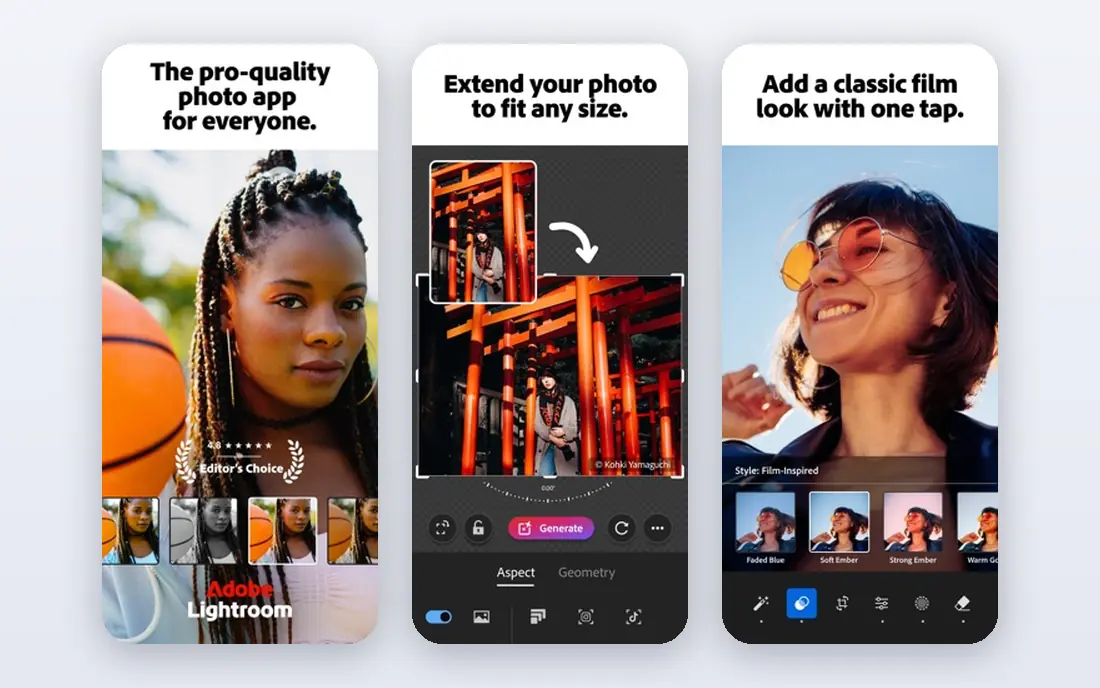
Lightroom remains the standard for photographers who edit on a phone and mean it. RAW files get full control over exposure, color, masking and geometry, and presets let you apply a consistent look across a whole shoot in seconds. Edits sync across phone, web and desktop, so a photo started on the train can be finished at a desk.
The subscription is the honest cost. The free tier covers basic edits, but masking, batch work and cloud sync sit behind the paid plan. Photographers who shoot often will find the price fair for the workflow. Casual shooters who edit a few photos a month will get more value from Snapseed for free.
- Full RAW editing with masking and color grading
- Presets and batch editing
- Cloud sync across phone, web and desktop
- Best features require a subscription
- Cloud workflow ties you to Adobe
- Storage limits apply on lower plans
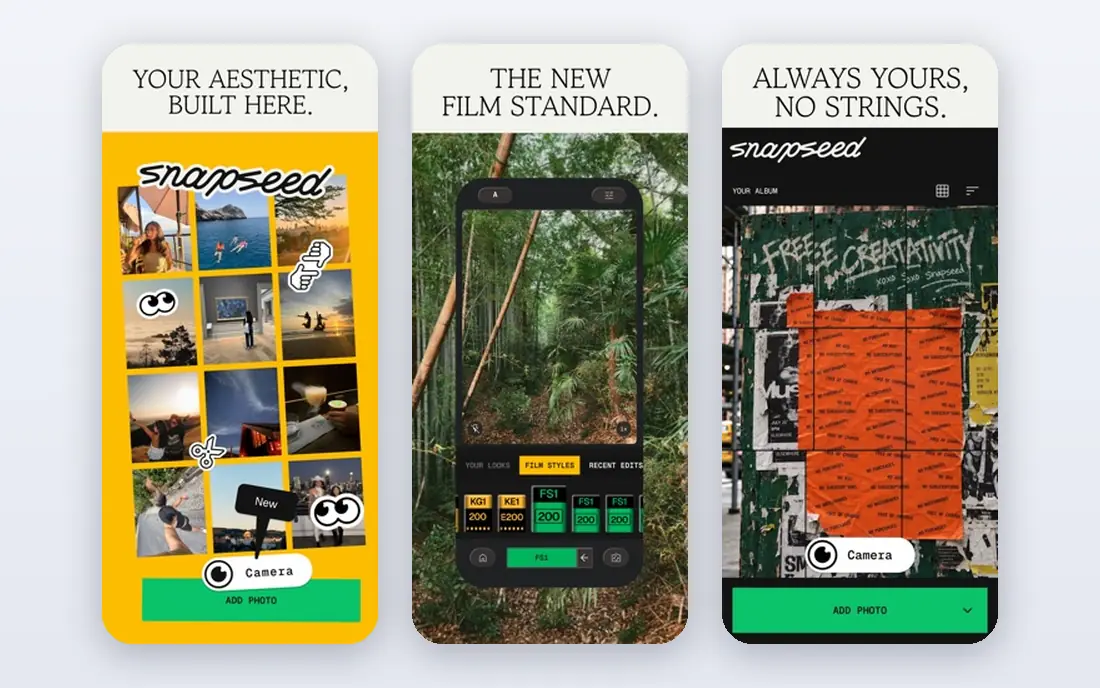
Snapseed is the rare app that asks for nothing and gives a great deal. Google's editor includes selective adjustments, curves, white balance, healing and a long list of filters, all free, with no ads and no watermark. For most phone photos, its toolset matches paid editors, and its selective edit brush still stands out.
The limits are about workflow, not editing power. There is no cloud library or desktop version to hand work to, and organizing thousands of photos is basic. If you want one free editor that makes single photos look great, install Snapseed first and see whether you ever need anything else.
- Professional tools at no cost
- No ads, no subscription, no watermark
- Selective edits and healing tools included
- No cloud sync or desktop continuity
- Library management is basic
- Interface looks plain next to paid rivals
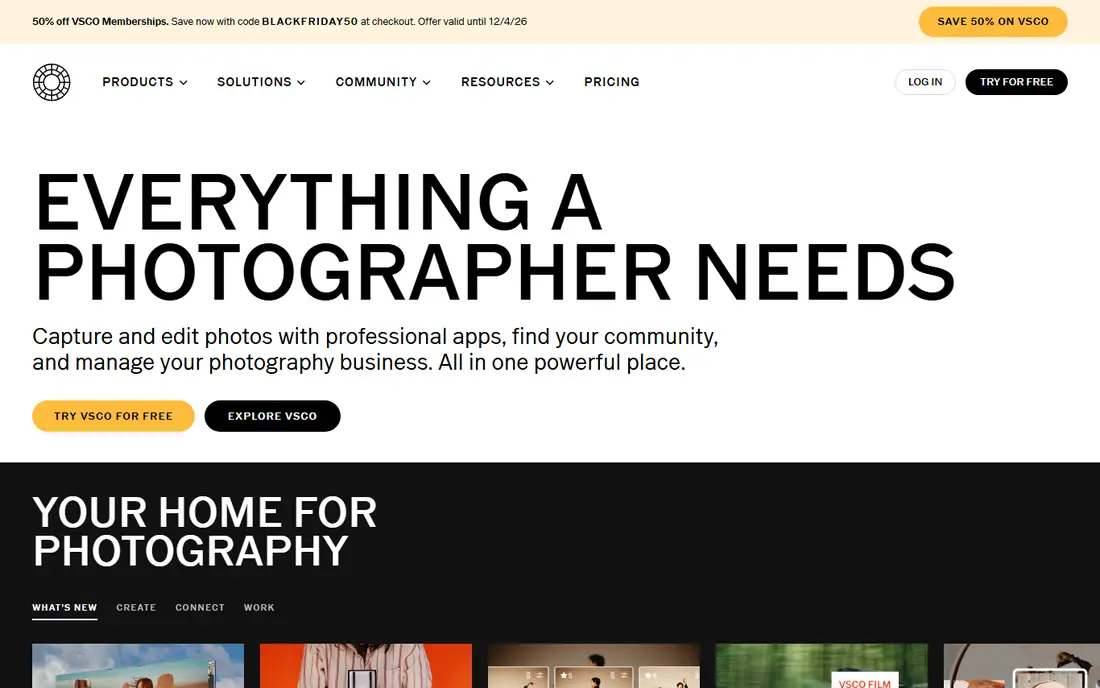
VSCO built its name on presets that mimic film stocks, and that look still defines the app. Apply a preset, fine-tune exposure and color, and your feed gains a consistent style that is hard to copy with generic filters. The editor covers the basics well, and the community offers a quieter alternative to mainstream social feeds.
Membership opens the full preset library and advanced tools, so free users get a taste rather than the whole catalog. Photographers who need RAW workflows or batch catalog work should pair VSCO with Lightroom. Creators who care most about a consistent aesthetic will find VSCO worth the subscription.
- High-quality film-inspired presets
- Consistent look across a feed
- Editing tools plus a photo community
- Best presets and tools sit behind membership
- No deep RAW workflow like Lightroom
- Community features are optional for many
PicsArt is the playground of this list, built for people who edit for social feeds rather than print. Stickers, effects, AI background removal, collage layouts and text tools make it easy to turn a plain photo into a post with personality. The template library helps when you need a story or thumbnail fast.
The trade-off is focus. PicsArt is less precise for careful color work than Lightroom or Snapseed, and the free version nudges you toward paid features with ads and limits. Social creators who post daily will use enough of it to justify the plan. Photographers chasing accurate color should look elsewhere.
- Stickers, effects and AI tools for creative edits
- Collage and background removal built in
- Large template and content library
- Interface can feel crowded
- Best AI features require the paid plan
- Free version includes ads and watermarks on some exports
Canva is the right pick when a photo is one part of a design, not the whole job. Edit a photo, drop it into a template, add text and branding, and export a finished post, all in one app. Magic Edit, background removal and a huge template library make social and marketing graphics fast for non-designers.
It is not a substitute for a RAW editor. Fine color grading, masking and batch photo work are thinner here than in Lightroom or Darkroom, and the strongest AI tools require Pro. If your output is posts, flyers and presentations, Canva is the most useful app on this list. If it is photographs, pair it with a specialist editor.
- Templates for posts, stories and presentations
- Background remover and Magic Edit tools
- Huge design asset library
- Design-first workflow, not a full RAW editor
- Best AI tools sit behind Pro
- Photo precision trails specialist editors
Afterlight appeals to editors who want a calm, attractive app rather than a wall of sliders. Filters, textures, frames and adjustment tools cover everyday edits with a clean interface, and the low subscription price makes it an easy second app. It is the kind of editor you open, fix a photo in a minute, and close.
Power users will notice the ceiling. RAW handling and advanced masking are thinner than in Lightroom, and the preset and template libraries are smaller than VSCO or Canva. For quick, stylish edits at a low price, Afterlight is a strong pick, especially for people who dislike busy interfaces.
- Clean interface that stays out of the way
- Good filters and textures
- Low subscription price
- Less deep than Lightroom for RAW work
- Smaller community and template library
- Some features vary by platform
Darkroom is the best iPhone-first editor for photographers who live in Apple Photos. It edits the same library without importing and exporting copies, handles RAW files and batch edits, and even covers video. The workflow feels native to iOS in a way cross-platform apps rarely match.
The hard limit is platform: there is no Android version, so Android users should skip it entirely. Several advanced tools also sit behind the paid plan, listed at $49.99 per year. iPhone photographers who want speed and Apple Photos integration will like Darkroom a lot. Everyone else should pick from the cross-platform options above.
- Fast workflow synced with Apple Photos
- RAW and batch editing
- Video editing included
- No Android version
- Advanced tools require the paid plan
- Smaller ecosystem than Adobe
TouchRetouch does one job better than any general editor: removing unwanted objects, lines and blemishes from a photo. Brush over a stray person, a power line or a trash can, and the app fills the gap convincingly. It is the tool professionals keep beside a main editor for cleanup work.
It is not a full editor, so you still need another app for exposure, color and cropping. The one-time price of about $3.99, with no subscription, makes it an easy add-on. If your photos often need a distraction removed, buy it once and keep it. If they do not, skip it and use the healing tools in Snapseed.
- Best-in-class object and line removal
- One-time purchase, no subscription
- Fast and simple to use
- Only removes objects, it is not a full editor
- Paid up front with no free tier
- No cloud or desktop sync
PhotoRoom is built for sellers, not general photographers. Point it at a product photo and it removes the background, stages the item in a clean scene, and exports listing-ready images in batches. Online shops, marketplace sellers and small brands save hours compared with cutting out backgrounds by hand.
General photographers will find it narrow, since color and RAW tools are not the focus, and the paid plan is where the useful batch and high-resolution features live. If you sell things online, PhotoRoom pays for itself quickly. If you shoot for fun, the editors above will serve you better.
- AI background removal and staged scenes for products
- Batch editing for listings
- Templates for shops and marketplaces
- Less suited to general photography
- Best features require the paid plan
- Subscription adds up for occasional sellers
How we picked these
We compared official app store listings, vendor pricing pages and public reviews for mobile editors that work on iPhone or Android in October 2026. We favored apps with a real free tier or a clear one-time price, and we mixed general editors with specialists for object removal and product photos. We did not claim hands-on testing, and prices reflect app store and vendor listings checked in October 2026.
How to choose the right editor
Match the app to the photo's destination. Social posts and designs point to Canva or PicsArt, a consistent feed points to VSCO, and careful photography points to Lightroom or Darkroom. Product listings point to PhotoRoom, and quick fixes point to Snapseed or Afterlight.
Try free before paying
Nearly every app here has a free tier, and the free tier usually answers the only question that matters: do you open it every week? Edit ten real photos in each finalist before paying, and check exports at full size, since watermarks and resolution limits only show up at export time.
Watch subscription stacking
Photo apps are easy to stack: one for presets, one for design, one for cleanup. That stack can pass $30 per month without you noticing. Pick one main editor, add TouchRetouch as a one-time purchase if you need cleanup, and let the rest go unless you use them weekly.
Sources
Frequently asked questions
What is the best free mobile photo editing app?
Snapseed is our pick for a completely free editor, with professional tools, no ads, no subscription and no watermark. Lightroom, VSCO, PicsArt and Canva all have free tiers too, but their best features require a subscription, while Snapseed is free in full.
Is Lightroom mobile worth paying for?
Yes, if you shoot RAW files, edit often, or want presets and cloud sync across phone and desktop. The free tier covers basic edits, so casual editors should start there. Photographers who edit weekly or manage large shoots will get the most from the paid plan.
Which photo editing app is best for Instagram?
VSCO is the best choice for a consistent film-inspired feed, while PicsArt and Canva suit bolder creative posts with stickers, text and templates. Lightroom works well too if you build your own presets. Pick based on the look you want, since all three export clean images for social feeds.
Do I need a separate app for object removal?
Not always. Snapseed and Lightroom include healing tools that handle small blemishes and objects. TouchRetouch is worth its one-time price when you remove lines, people or clutter often, since it handles tricky removals more cleanly than general editors.
Are mobile photo editors good enough for professional work?
For social, web and many client jobs, yes, especially Lightroom and Darkroom with RAW support. Large prints and heavy retouching still favor desktop software, where bigger screens and precise tools help. Many professionals now edit on mobile for speed and finish on desktop when a job demands it.