Best Money Advance Apps in 2026: 8 Apps Compared
By ToolNimba Editorial Team November 12, 2026 10 min read

- Top pick
 EarnIn
Paycheck advances without a monthly fee
Starting priceFreeCheck out EarnInRead our review - Runner-up
 Chime MyPay
Chime customers who want fast access
Starting priceFreeCheck out Chime MyPayRead our review - Also great
 Dave
Small advances plus budgeting tools
Starting priceSee websiteCheck out DaveRead our review
How we researched this
We compared official pricing and feature pages, app store listings, privacy policies and public user reviews. Prices change, so check the provider's site before you pay.
Key takeaways
- This is not financial advice. These apps move money before payday, and they are not a long-term fix for a budget gap.
- EarnIn and Chime MyPay stand out for users who want no mandatory monthly fee, although instant transfer fees may still apply.
- Brigit and Dave bundle advances with budgeting and account tools, but the monthly cost adds up if you only borrow rarely.
- Always check the total cost for your amount and speed, including subscription fees, instant fees, and any optional tip, before you confirm.
Quick comparison
| Name | Best for | Starting price | Free plan | |
|---|---|---|---|---|
| EarnIn | Paycheck advances without a monthly fee | Free | Yes | Visit |
| Chime MyPay | Chime customers who want fast access | Free | Yes | Visit |
| Dave | Small advances plus budgeting tools | See website | Free trial | Visit |
 Brigit | Repayment flexibility and credit tools | $8.99 per month | Free trial | Visit |
 MoneyLion | Banking plus advances in one app | See website | Yes | Visit |
 Current | Advances tied to a Current account | Free | Yes | Visit |
 Gerald | Fee-free advances after a purchase | Free | Yes | Visit |
 Albert | Advances plus money management | See website | Yes | Visit |
The best money advance apps
A money advance app gives you part of your expected pay early, then repays itself from your next deposit. That can help with a bill that lands a few days before payday, but fees and repayment timing matter. We compared official app pages, fee disclosures, and app store listings, and we note fees and repayment plainly for each app below.
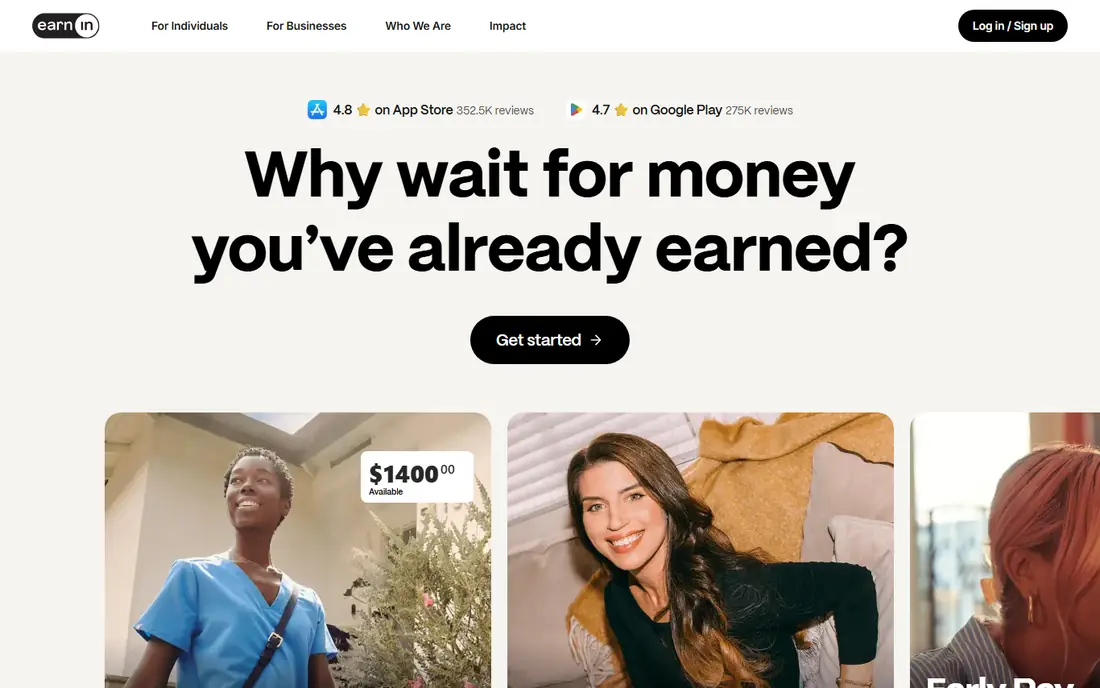
EarnIn is built around pay you have already earned. You connect a bank account and payroll information, and the app sets a limit based on your pay pattern. That model suits hourly and salaried workers with regular deposits, because the advance is tied to income rather than a credit score.
Standard delivery is the cheapest route, although it takes one to two business days in many cases. If you need money at once, an instant transfer fee applies, and optional tips can add to the cost if you choose to leave one. Read the total before you confirm, because a small fee on a short advance can still feel large in proportion.
Repayment happens automatically on your next payday, which is simple but also means the next paycheck will be smaller. EarnIn works best as an occasional bridge, not as a regular part of your monthly income. If you find yourself advancing every pay period, that is a sign to review the budget itself.
- No mandatory monthly fee
- Standard transfers can be free
- Pay-based limits
- Limits start low for new users
- Instant transfers carry a fee
- Availability varies by state
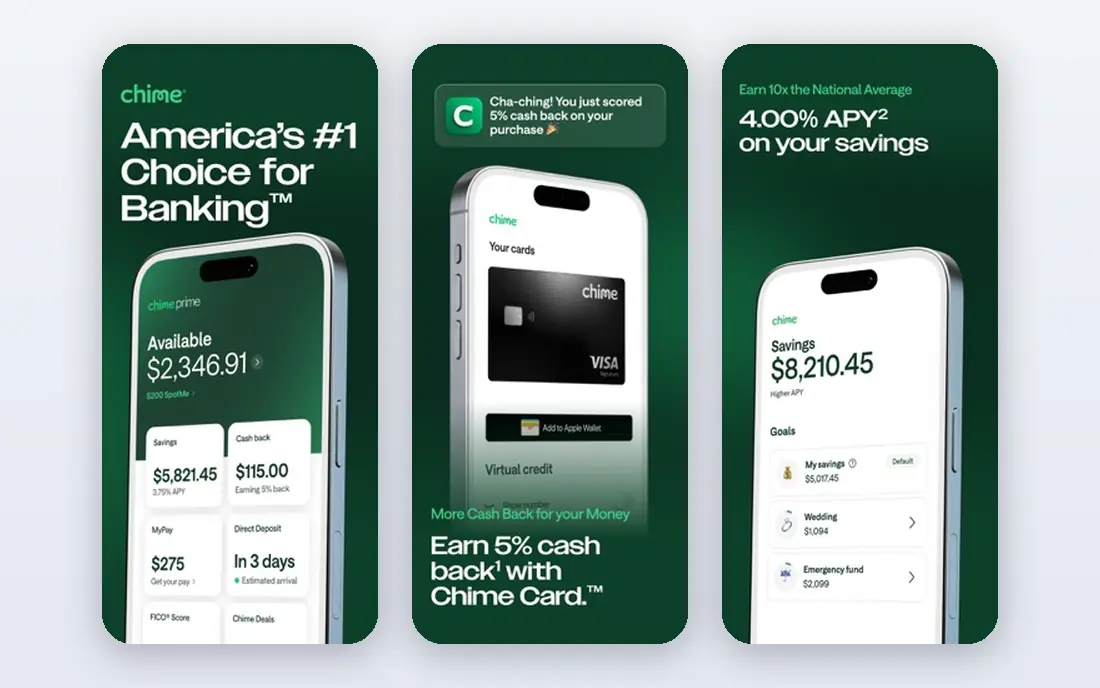
Chime MyPay is only useful if you already bank with Chime or are willing to switch your direct deposit there. For those users, it is one of the cleanest options, because there is no separate app to manage and no mandatory monthly fee for the advance feature itself.
Standard access can arrive within about 24 hours for eligible users, which is faster than many rivals that need several business days. Instant access costs a small fee, so the free route is still the better choice when you can wait a day. Your limit grows with your direct deposit history, so new users should expect a modest start.
Repayment comes from your next qualifying deposit. That automatic link is convenient, but it also reduces the next deposit in the same way as other advance apps. If Chime is not your main bank, the account requirement is a real barrier, and another app on this list will fit better.
- No mandatory fee for standard access
- Simple setup for Chime users
- Fast standard timing
- Requires a Chime account with direct deposit
- Limits depend on pay history
- Instant fee applies
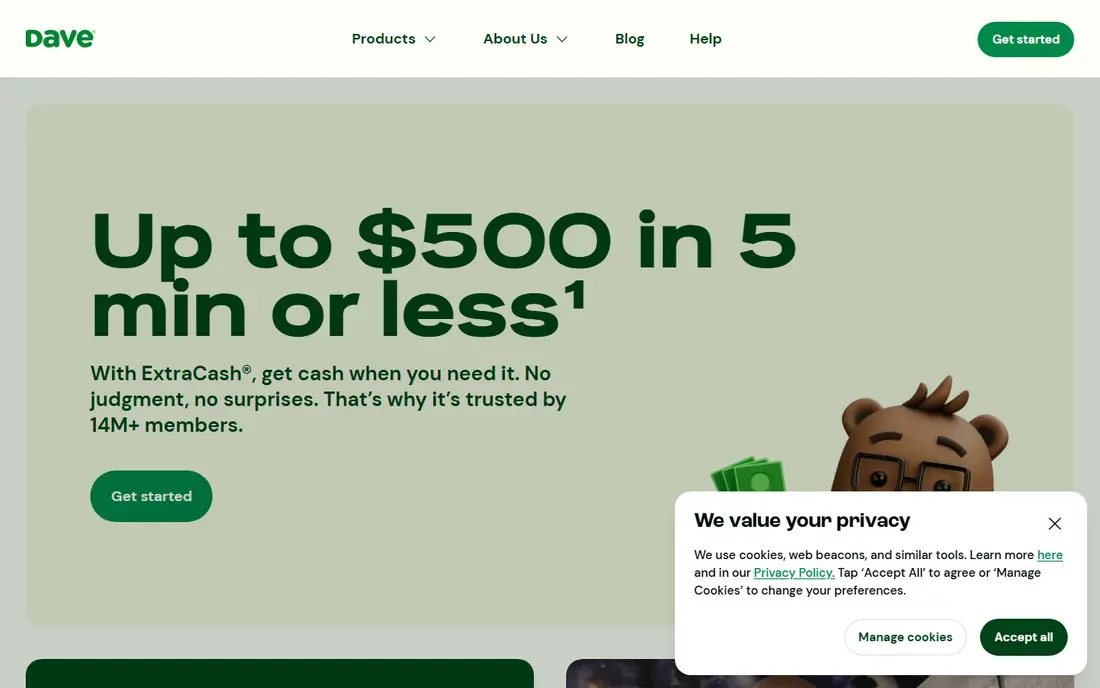
Dave pairs a cash advance with a banking account, budgeting tools, and side-hustle listings. That bundle appeals to users who want one app for short-term cash and everyday money habits. You can see the advance amount, fee, and repayment date in the app before you accept.
The cost structure needs care. Dave charges a membership fee, and instant transfers add a further fee on top. Standard transfers are cheaper but slower, so the total depends on how fast you need the money. If you only need an advance once or twice a year, the membership may cost more than the convenience is worth.
Repayment is taken from your linked account on the agreed date, usually your next payday. Dave is a reasonable pick if you will use the budgeting and account features as well as advances. If you only want a rare advance, a no-fee option will usually cost less.
- Advances plus budgeting and account tools
- Clear in-app fee display
- Wide bank support
- Monthly membership cost
- Instant transfer fees
- Limits start modestly
Brigit is a subscription service, so you pay each month whether or not you take an advance. In return, you get instant advances for eligible users, budgeting tools, and features aimed at building credit history. That package suits someone who wants ongoing help with cash flow, not just a single advance.
Repayment flexibility is the main draw. Brigit lets eligible users adjust the repayment date when payday shifts, which can prevent an overdraft when timing is tight. That flexibility does not remove the cost, and the monthly fee means a single small advance can be expensive if you do not use the other tools.
Check your limit and fee total in the app before you sign up. Brigit makes sense when you will use the full service through the year. For a one-off need, a no-fee app is usually the cheaper path.
- Flexible repayment dates
- Budgeting and credit-building tools
- Instant delivery on a paid plan
- Monthly fee applies even in months you do not borrow
- Advance limits vary
- Not free to use
MoneyLion offers Instacash advances inside a wider financial app that also covers banking, investing, and credit building. That breadth appeals to users who want one place for several money tasks. Basic advances can be free with standard delivery, which keeps the entry cost low.
Limits and speed depend on your account setup. Users with a MoneyLion account and direct deposit tend to qualify for higher amounts and faster access, while outside accounts may see lower limits. Instant transfer fees vary by amount, so check the fee shown for your specific advance.
Repayment is automatic on the scheduled date. MoneyLion is best when you already use, or plan to use, its other features. If you only want an advance, a simpler app may be easier to manage and cheaper in practice.
- Advances alongside banking and investing tools
- No mandatory fee for basic Instacash
- Broad feature set
- Higher limits often need a MoneyLion account
- Instant fees vary
- Feature set can feel busy
Current offers advances to customers who use its account and direct deposit. For those users, the lack of a mandatory fee is a clear benefit, and limits can reach a useful level once pay history is established. The app keeps the advance, balance, and spending in one place.
The limit is the main constraint at the start. New users and users with short deposit history will see lower amounts, and the instant fee is not always shown clearly before you apply. Standard delivery remains the low-cost route, so plan a few days ahead when you can.
Repayment comes from your next direct deposit. Current is a strong pick if you already bank there or are open to moving your pay there. If you want to keep your current bank, choose an app that works with outside accounts.
- No mandatory monthly fee for advances
- Higher limits for established users
- Fast standard access
- Requires a Current account with direct deposit
- Instant fee not always published
- Not for outside banks
Gerald takes a different approach from most apps on this list. It states no subscription, interest, late, or transfer fees, and it funds that model through its shopping feature. You use a buy now, pay later purchase in the app, which then makes a cash advance transfer available.
That link is both the benefit and the catch. If you already plan a purchase through Gerald, the advance can be genuinely low cost. If you do not want to shop through the app, the advance may not be available, and the limit will be modest compared with larger rivals.
Repayment follows the schedule shown in the app, so read it before you accept. Gerald is worth a look for a small, occasional need when the purchase step fits your plans. For a larger advance, or one with no shopping step, another app will fit better.
- No subscription, interest, or transfer fees stated
- Simple advance model
- Buy now, pay later link
- Advance access is linked to a purchase
- Limits are modest
- Newer and less widely known
Albert combines cash advances with budgeting, savings, and investing tools. That mix suits users who want help with the wider money picture, not just a quick advance. The app layout makes balances, goals, and upcoming bills easy to see in one place.
Basic access can be free, while the fuller Genius plan adds human guidance and more features for a monthly fee. Advance limits depend on your account history, and instant delivery may carry a fee, so the cost for a fast advance is higher than the free label suggests.
Repayment is automatic from your linked account. Albert is a good fit if you will use the budgeting and savings tools regularly. If you only need an advance now and then, compare its total cost with a no-fee option first.
- Advances alongside budgeting and savings tools
- Optional human guidance on paid plans
- Clear app layout
- Full features need a paid plan
- Advance limits vary
- Instant fees apply in some cases
How we picked these
We compared official app pages, fee disclosures, and app store listings for apps that are available in the US in 2026. We favored apps with clear repayment terms, a working standard delivery option, and a stated fee structure. We did not claim hands-on testing, and we avoided apps with unclear ownership or no published terms.
We also looked at the total cost, not just the headline fee. A free app with a high instant fee, or a low-fee app with a monthly subscription, can cost more than it first appears. That is why each write-up states fees and repayment plainly, and why we suggest standard delivery when you can wait.
What to check before you take an advance
Start with the amount you truly need, not the maximum you can get. A smaller advance leaves more of your next paycheck intact, which makes it less likely you will need another advance right away. If the bill can wait a few days, standard delivery is usually the cheapest option.
Next, add up every cost for that advance. Include the monthly fee if one applies, the instant fee if you need money at once, and any tip you choose to leave. Compare that total with the cost of the problem you are solving, such as a late fee or an overdraft charge, and choose the lower total cost.
Finally, check the repayment date and make sure your next deposit covers it plus your essential bills. If repayment would leave you short again, the advance is likely to create a cycle. In that case, contact the biller about a payment plan, or speak with a nonprofit credit counselor, before you borrow again.
Sources
Frequently asked questions
How much can I usually advance?
Most apps on this list offer between 20 dollars and 500 dollars for established users, with higher limits for some users over time. New users usually start lower, and limits depend on pay history, deposit history, and account type.
Do cash advance apps charge interest?
Most do not charge interest in the usual loan sense, but they do charge fees through subscriptions, instant transfer fees, or optional tips. Those fees can still add up, so compare the total cost for your amount and speed before you accept.
How fast will I get the money?
Standard delivery usually takes one to three business days, while instant delivery can arrive in minutes for a fee. Chime MyPay standard access can be faster for eligible users, but timing still depends on your bank and the time of day.
Will an advance affect my credit score?
Most advance apps do not run a hard credit check for a basic advance, and they do not usually report advances to credit bureaus. Check the app terms, because credit-building features linked to some plans may work differently.
What happens if I cannot repay on time?
Repayment is usually automatic from your linked account or next deposit, so a failed repayment can trigger an overdraft or a paused advance limit. Contact the app support team early if your payday shifts, and check whether the app allows a repayment date change.