Best Password App in 2026: 9 Apps Compared
By ToolNimba Editorial Team November 10, 2026 9 min read

- Top pick
 Bitwarden
Best value and open source
Starting price$1.65 per monthCheck out BitwardenRead our review - Runner-up
 1Password
Most polished apps
Starting price$3.99 per monthCheck out 1PasswordRead our review - Also great
 Dashlane
VPN and monitoring bundle
Starting price$4.99 per monthCheck out DashlaneRead our review
How we researched this
We compared official pricing and feature pages, app store listings, privacy policies and public user reviews. Prices change, so check the provider's site before you pay.
Key takeaways
- Bitwarden is our pick for most people, because its free plan covers unlimited passwords and devices, and its paid plan is still low cost.
- 1Password is the most polished option, with excellent family sharing and travel features, but it has no free plan.
- Dashlane bundles a VPN and dark web monitoring, while Proton Pass adds email aliases for people who want extra privacy.
- Every app below uses end-to-end encryption for vault data, so the real choice is price, ease of use and device support.
Quick comparison
| Name | Best for | Starting price | Free plan | |
|---|---|---|---|---|
| Bitwarden | Best value and open source | $1.65 per month | Yes | Visit |
| 1Password | Most polished apps | $3.99 per month | Free trial | Visit |
| Dashlane | VPN and monitoring bundle | $4.99 per month | Free trial | Visit |
 NordPass | Simple, low-cost paid plan | $1.49 per month | Yes | Visit |
 Proton Pass | Privacy and email aliases | $4.99 per month | Yes | Visit |
 Keeper | Strong admin controls | See website | Yes | Visit |
 LastPass | Familiar name, limited free tier | $3 per month | Yes | Visit |
 RoboForm | Strong form filling | $2.49 per month | Yes | Visit |
 Enpass | Offline-first vaults | $1.99 per month | Yes | Visit |
The best password apps
A good password app should store logins, generate strong passwords, support passkeys and fill them in without friction. It should also make sharing with family or a partner simple, and it should protect the vault if a device is lost. The nine below cover free, paid, open source and privacy-focused options.
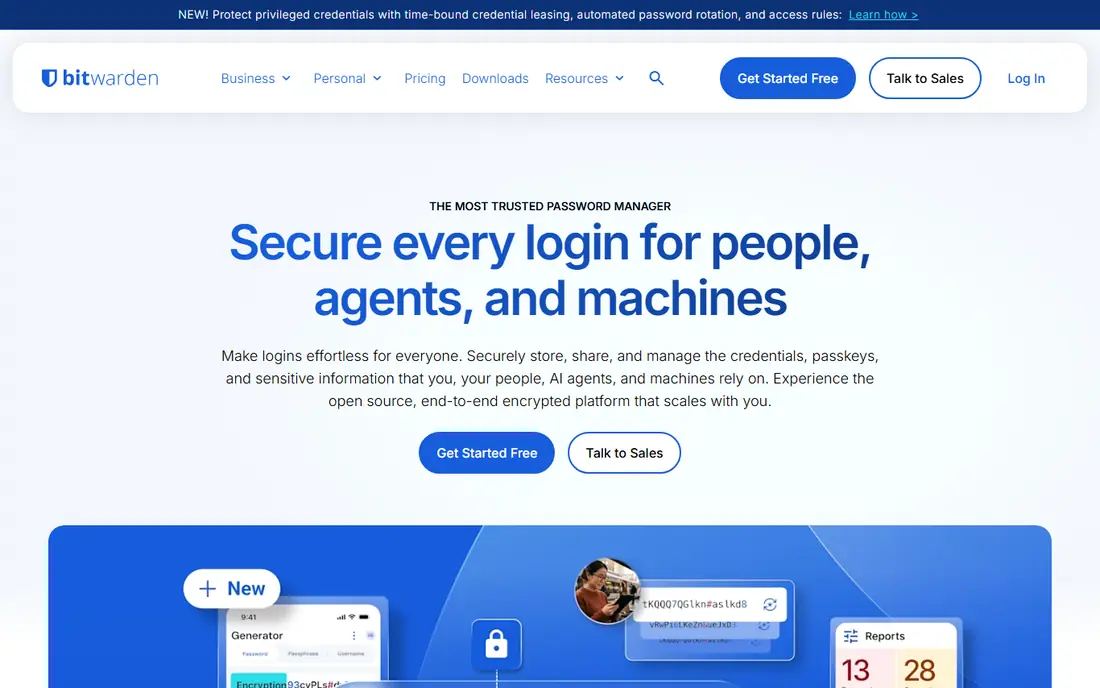
Bitwarden stands out because its free plan is a complete product, not a demo. You get unlimited passwords, unlimited devices, sync across desktop, mobile and browsers, and passkey support without paying. The code is open source and has been independently audited, which helps people who want to inspect how their vault is protected.
Paid Premium adds a built-in authenticator, 1 GB of encrypted file storage, emergency access and deeper vault health reports, at $1.65 a month on annual billing. The apps are functional rather than beautiful, and autofill occasionally needs a manual step. If value and transparency matter most, Bitwarden is our pick for most people.
- Free plan with unlimited passwords and devices
- Open source
- Self-hosting option
- Interface looks plain
- Autofill can miss some fields
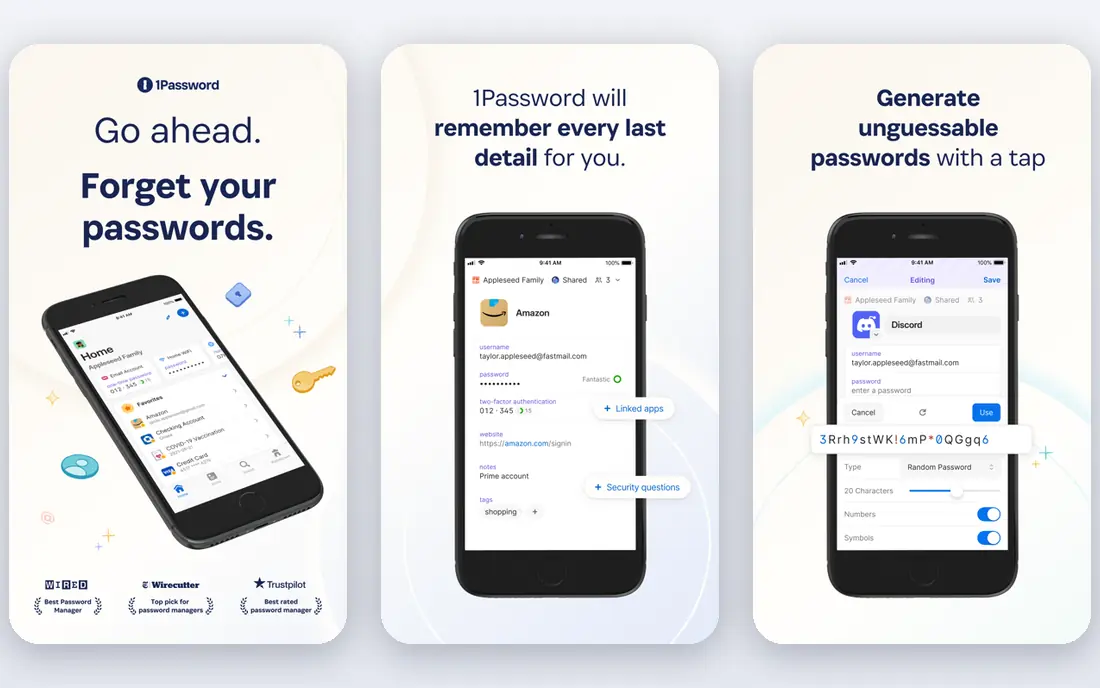
1Password is the app many people recommend when ease of use matters more than price. Its apps on desktop, mobile and browsers feel consistent, family sharing is simple, and Watchtower flags weak, reused or breached passwords. Travel Mode can remove sensitive vaults from devices while travelling, which is a thoughtful touch for frequent travellers.
There is no free plan, only a 14-day trial, and the individual plan is $3.99 a month on annual billing. That is still reasonable for a household that shares logins daily, but it is more than Bitwarden. If you want the smoothest experience and you are happy to pay, 1Password is the best password app for most households.
- Excellent apps and sharing
- Travel Mode
- Watchtower health checks
- No free plan
- Monthly billing costs more than annual billing
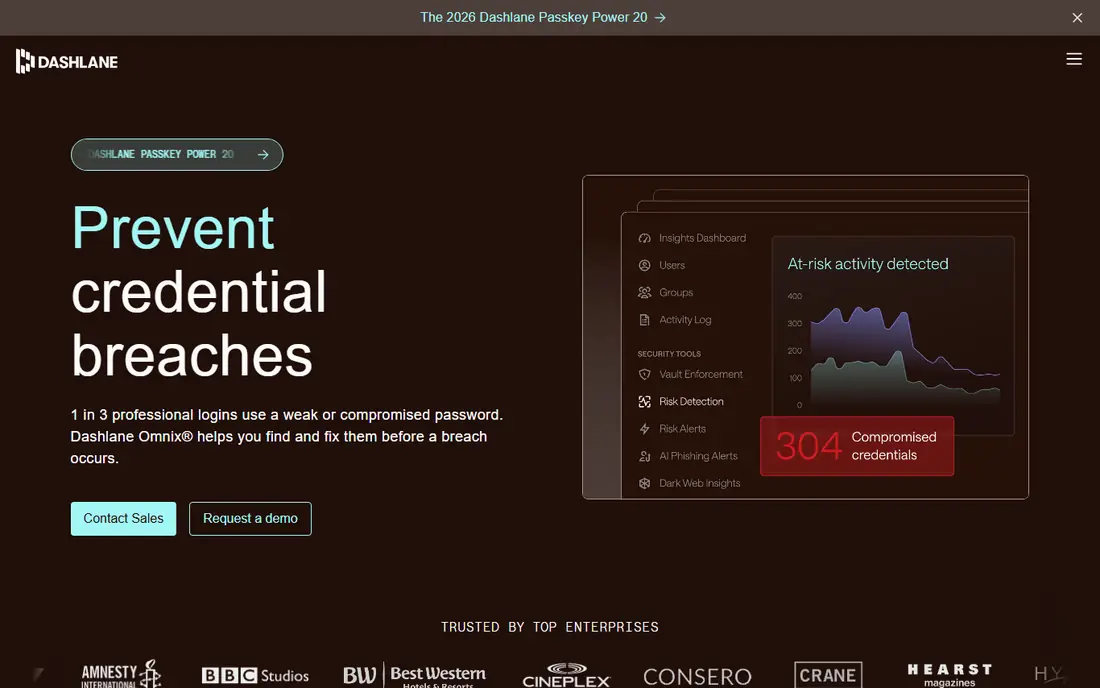
Dashlane pairs a password vault with a VPN and dark web monitoring on its paid plans, which suits people who want several security tools in one subscription. The interface is clean, autofill works well, and the health checks highlight passwords that need changing. Family plans cover up to 10 members, which helps larger households.
The trade-off is price and the loss of a permanent free plan, with a trial instead. At $4.99 a month on annual billing for an individual, Dashlane costs more than Bitwarden, NordPass or 1Password. If you would pay for a VPN anyway, the bundle can make sense. If you only need a vault, a cheaper app will do the same core job.
- Bundled VPN on paid plans
- Dark web monitoring
- Clean interface
- No permanent free plan now
- Higher price than rivals
NordPass, from the team behind NordVPN, keeps the experience simple. It stores passwords and passkeys, generates strong passwords, and syncs across devices on paid plans, with a clean interface that new users learn quickly. The two-year plan brings the individual price down to around $1.49 a month, which is competitive.
The free plan is limited to one device, so it works as a trial rather than a daily tool for people with a phone and a computer. The best price also requires a longer commitment, so check the renewal terms before you pay. For a low-cost paid vault with a simple interface, NordPass is a solid choice.
- Low-cost two-year plan
- Simple interface
- XChaCha20 encryption
- Free plan limited to one device
- Best price needs a two-year commitment
Proton Pass comes from Proton, the company behind Proton Mail and Proton VPN, and it reflects that privacy focus. The free plan covers unlimited logins and devices, plus a set of email aliases that hide your real address when you sign up for sites. Paid plans add more aliases, vaults and sharing options, and the apps work across desktop, mobile and browsers.
The regular individual price is $4.99 a month on annual billing, which is higher than Bitwarden or NordPass, though promotions can lower it. The ecosystem is also smaller than 1Password, so check any integration you need. If privacy and email aliases matter to you, Proton Pass is a distinctive and well-built option.
- Email aliases included
- Strong privacy focus
- Free plan with unlimited logins
- Regular price higher than some rivals
- Smaller third-party ecosystem
Keeper is best known for business and family plans with strong admin controls, secure sharing and breach monitoring. Individuals get a vault, autofill and passkey support, while teams get user management, reporting and policy controls that larger organisations need. That makes it a natural shortlist option for a small business as well as a household.
The free plan is limited, and published pricing varies by plan and billing term, so use See website for the current figure and confirm the family or business price that fits you. The interface is more business-like than 1Password. If admin control and secure sharing are priorities, Keeper deserves a trial.
- Strong business admin controls
- Secure sharing
- Breach monitoring
- Pricing varies by plan
- Free plan is limited
LastPass is one of the oldest names in this category, and it still offers a vault, autofill, passkey support and family sharing across major platforms. Its paid individual plan starts at around $3 a month on annual billing, and the family plan covers up to six people. For users who already know the interface, it remains a workable choice.
Two caveats matter. The free plan is limited to one device type, either computers or mobile, which is a real limit for most people. LastPass also suffered security incidents in 2022 and 2023 that damaged trust, even though vault data remained encrypted. New users should weigh that history against the convenience of a familiar brand.
- Long track record
- Wide platform support
- Family plan available
- Free plan limited to one device type
- Past security incidents
RoboForm has long been known for form filling, and that strength still shows. It fills logins, addresses and payment details across many browsers, and it handles older sites that some rivals miss. The paid plan starts at around $2.49 a month on annual billing, with a free plan for basic use.
The interface feels older than 1Password or Proton Pass, and it offers fewer modern extras such as built-in email aliases. That will not matter if your main need is reliable filling on many sites. For people who fill long forms often, or who use older browsers, RoboForm is a practical and low-cost pick.
- Strong form filling
- Low paid price
- Wide browser support
- Interface feels older
- Fewer modern extras than rivals
Enpass takes an offline-first approach that appeals to people who want control over where their vault lives. You can store the vault locally or sync it through your own cloud account, rather than relying only on the vendor cloud. The apps cover desktop and mobile, and the paid price starts at around $1.99 a month on annual billing.
That control comes with responsibility. Setting up sync through your own cloud storage takes more steps, and sharing features are lighter than family plans from 1Password or Bitwarden. If you like owning your data location and you do not need heavy family sharing, Enpass is a distinctive and affordable option.
- Offline-first design
- Vault stored where you choose
- Low price
- Sync needs your own cloud account
- Fewer sharing features
How we picked these
We compared official pricing pages, feature pages and app store listings for password apps available in the United States in October 2026. We kept only apps that store passwords and passkeys, offer sync across devices on a paid plan, and use end-to-end encryption for vault data. Prices come from vendor pages and recent pricing comparisons, and we used See website where pricing varies by plan. We did not claim hands-on testing, and we did not use invented ratings.
What to check before you choose
Start with devices. A free plan that covers only one device will frustrate anyone with a phone and a computer, so check device limits first. Then check passkey support, autofill on the browsers you actually use, and whether family sharing fits the number of people in your household.
Security habits matter as much as the app. Use a strong master password that you do not reuse, turn on two-factor authentication for the vault account, and store recovery details somewhere safe and offline. Review the vault health report after import, change reused passwords first, and remove old logins you no longer need. A password app only helps if the vault itself is protected.
Finally, test import and export before you commit. Import from your browser or old app, check that logins fill correctly on your most-used sites, and confirm you can export your data if you ever want to leave. Portability is a safety feature, not a minor detail.
Sources
Frequently asked questions
What is the best app for passwords for most people?
Bitwarden is our pick for most people, thanks to a free plan with unlimited passwords and devices and a low-cost paid plan. 1Password is better if you want the most polished apps and are happy to pay. Both support passkeys and sync across devices.
What is the best free password app?
Bitwarden offers the strongest free plan, with unlimited passwords and devices. Proton Pass also offers a useful free plan with email aliases. Other free plans are often limited to one device or a small number of passwords, so read the limits carefully.
What is the best rated password app for families?
1Password Families and Bitwarden Families are both strong, with shared vaults and account recovery options. 1Password is smoother for new users, while Bitwarden is cheaper. Dashlane Families covers up to 10 members, which helps larger households.
Are password apps safe?
Reputable password apps encrypt vault data end-to-end, so the vendor cannot read your passwords. That protection depends on a strong master password and two-factor authentication on your account. No app can protect a weak master password, so choose one you can remember and do not reuse it elsewhere.
Should I use passkeys instead of passwords?
Passkeys are a good addition where sites support them, because they resist phishing better than passwords. Most apps above now store passkeys alongside passwords. Keep passwords for sites that do not support passkeys yet, and keep your vault as the single place you manage both.