Best Payment Apps for Small Business in 2026: 8 Apps Compared
By ToolNimba Editorial Team November 12, 2026 9 min read

- Top pick
 Square
Simple in-person and online sales
Starting priceFreeCheck out SquareRead our review - Runner-up
 PayPal
Checkout trust and online sales
Starting priceFreeCheck out PayPalRead our review - Also great
 Stripe
Online payments and developer tools
Starting priceFreeCheck out StripeRead our review
How we researched this
We compared official pricing and feature pages, app store listings, privacy policies and public user reviews. Prices change, so check the provider's site before you pay.
Key takeaways
- Square suits new businesses that want simple in-person and online payments with no monthly fee.
- Stripe suits online-first businesses and teams that need developer tools.
- PayPal suits sellers who value buyer trust at checkout.
- Helcim suits growing businesses that want clearer interchange-plus pricing.
- Clover and Toast suit retail and restaurant point-of-sale needs, but hardware and terms matter.
Quick comparison
| Name | Best for | Starting price | Free plan | |
|---|---|---|---|---|
| Square | Simple in-person and online sales | Free | Yes | Visit |
| PayPal | Checkout trust and online sales | Free | Yes | Visit |
| Stripe | Online payments and developer tools | Free | Yes | Visit |
 Clover | Retail and restaurant POS | See website | No | Visit |
 SumUp | Low-cost mobile card payments | Free | Yes | Visit |
 Helcim | Transparent interchange-plus pricing | Free | Yes | Visit |
 QuickBooks Payments | Businesses already on QuickBooks | See website | No | Visit |
 Toast | Restaurants and cafes | See website | No | Visit |
The best payment apps for small business
The best payment app for small business fits how you actually sell: in person, online, by invoice or all three. Fees look small per sale, but they add up fast, so compare the full cost, not just the headline rate. This is not financial advice. Payment terms, fees and payout timing change, so confirm the current terms on each provider site before you sign up.
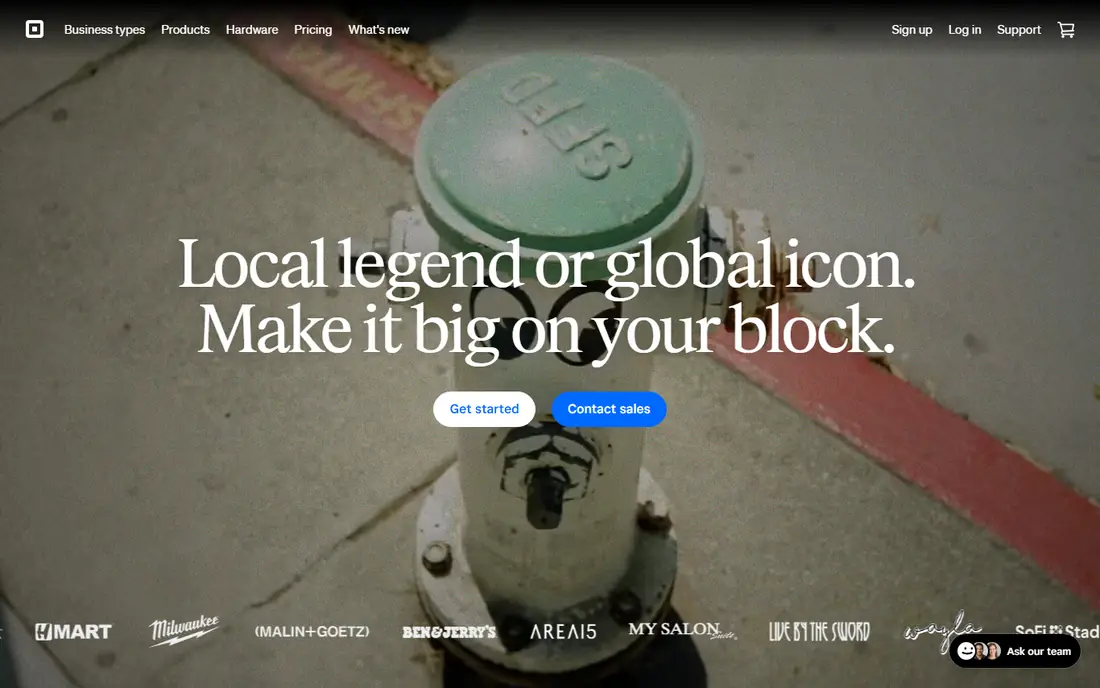
Square fits new shops, market stalls and service businesses. Its main strength is simple setup with no monthly software fee. You can start with a phone and reader, add a register later, and send invoices from the same account. The catch is fees on small tickets add up because of the fixed per-sale charge. Model fees on your real average sale, not on a round example. We would shortlist it if you want to start fast with little upfront cost. When you trial Square, test it on the exact job you listed for simple in-person and online sales. Use real data, real users and real deadlines, and write down what worked, what failed and what cost extra. That short trial record will tell you more than a demo, and it makes the final choice easier to defend to colleagues or family.
- No monthly fee on the free plan
- Free card reader offer
- Easy POS and invoicing
- Online rates are higher than in-person rates
- Larger volumes may find cheaper options
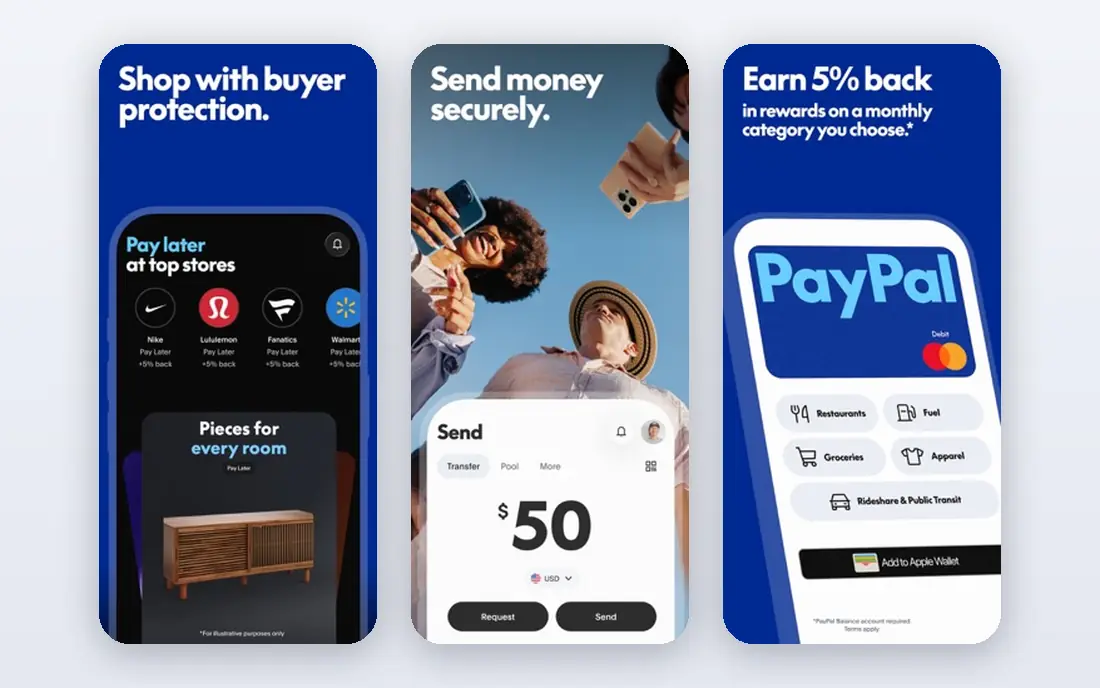
PayPal fits sellers who rely on online checkout. Its main strength is buyer trust at checkout. Many buyers already have an account, which can reduce checkout friction for first-time orders. The catch is in-person rates and hardware options are less central than Square or Clover. Check payout holds and dispute rules for your category before launch. We would shortlist it if buyer recognition matters more than the lowest rate. When you trial PayPal, test it on the exact job you listed for checkout trust and online sales. Use real data, real users and real deadlines, and write down what worked, what failed and what cost extra. That short trial record will tell you more than a demo, and it makes the final choice easier to defend to colleagues or family.
- Wide buyer recognition
- Online checkout and invoicing
- Many integrations
- Online card rates are higher than some rivals
- Holds can affect new sellers
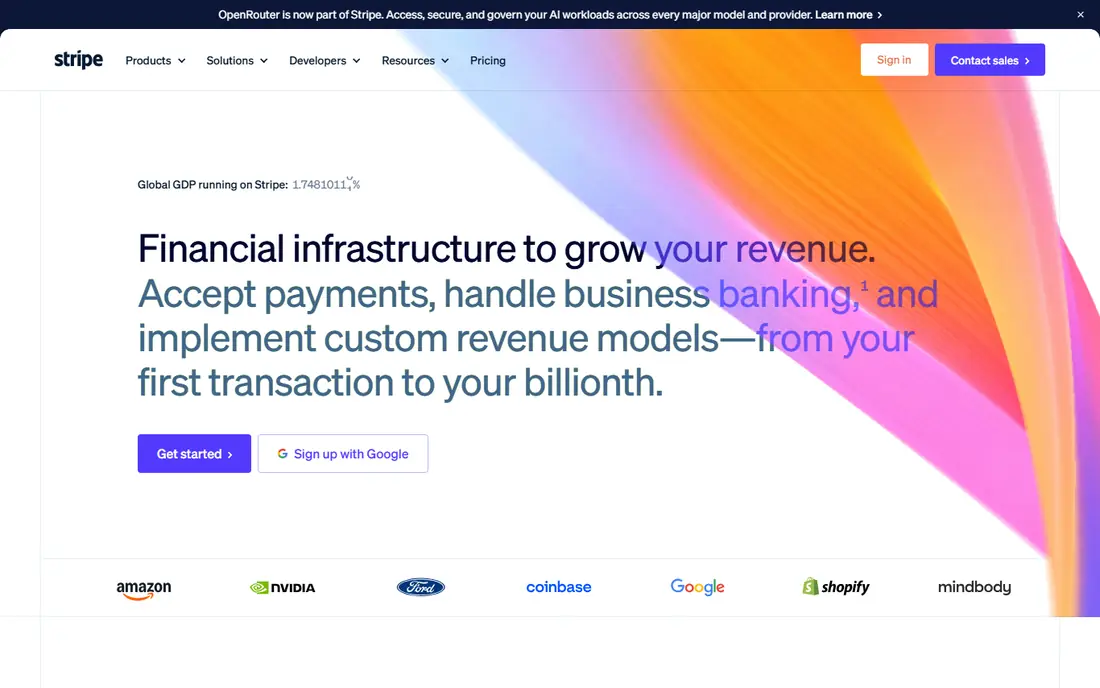
Stripe fits online businesses and developer-led teams. Its main strength is developer-friendly online payments. Stripe covers subscriptions, invoices, payment links and checkout with one account. The catch is non-technical owners may need help or a partner app. Use hosted checkout first, then add custom code only if you need it. We would shortlist it if online sales and subscriptions are core to your business. When you trial Stripe, test it on the exact job you listed for online payments and developer tools. Use real data, real users and real deadlines, and write down what worked, what failed and what cost extra. That short trial record will tell you more than a demo, and it makes the final choice easier to defend to colleagues or family.
- Strong APIs and checkout tools
- Subscriptions and invoicing
- Global payment options
- Needs developer help for custom setups
- In-person hardware is an extra step
Clover fits retail shops and restaurants that need a full POS. Its main strength is a full counter system in one brand. Clover pairs terminals, registers and software, so staff training stays in one system. The catch is quotes vary, so compare the full contract, not just the rate. Get hardware, monthly fees and contract length in writing. We would shortlist it if you need a counter POS, not just a phone reader. When you trial Clover, test it on the exact job you listed for retail and restaurant pos. Use real data, real users and real deadlines, and write down what worked, what failed and what cost extra. That short trial record will tell you more than a demo, and it makes the final choice easier to defend to colleagues or family.
- All-in-one POS hardware and apps
- Restaurant and retail features
- App marketplace
- Hardware and monthly software costs add up
- Pricing varies by reseller
SumUp fits mobile sellers and pop-up traders. Its main strength is low-cost card acceptance on the move. SumUp suits a seller who mainly takes cards in person and wants little admin. The catch is online and POS depth is more limited. Confirm US availability and rates for your state and card mix. We would shortlist it if you sell mainly in person and travel light. When you trial SumUp, test it on the exact job you listed for low-cost mobile card payments. Use real data, real users and real deadlines, and write down what worked, what failed and what cost extra. That short trial record will tell you more than a demo, and it makes the final choice easier to defend to colleagues or family.
- Simple mobile readers
- No monthly fee on the basic option
- Easy invoicing
- Feature depth is lighter than Square or Clover
- US coverage needs checking
Helcim fits growing businesses that want pricing clarity. Its main strength is clearer pricing as volume grows. Helcim passes interchange through and adds a stated markup, which can beat flat rates at volume. The catch is the monthly statement takes more reading than a flat-rate bill. Compare a full month of statements, not one rate. We would shortlist it if your volume is high enough that markup matters. When you trial Helcim, test it on the exact job you listed for transparent interchange-plus pricing. Use real data, real users and real deadlines, and write down what worked, what failed and what cost extra. That short trial record will tell you more than a demo, and it makes the final choice easier to defend to colleagues or family.
- Interchange-plus pricing
- No monthly fee on the basic option
- Invoicing and POS tools
- Interchange-plus bills are harder to predict
- Hardware costs extra
QuickBooks Payments fits QuickBooks users who invoice often. Its main strength is accounting and payments in one flow. When a customer pays an invoice, the books update without retyping, which cuts admin errors. The catch is owners outside QuickBooks gain less from the link. Check processing rates for your card mix before you switch. We would shortlist it if you already run QuickBooks and invoice regularly. When you trial QuickBooks Payments, test it on the exact job you listed for businesses already on quickbooks. Use real data, real users and real deadlines, and write down what worked, what failed and what cost extra. That short trial record will tell you more than a demo, and it makes the final choice easier to defend to colleagues or family.
- Payments sync with QuickBooks books
- Invoicing and estimates in one flow
- Best value shows mainly inside QuickBooks
- Standalone appeal is lower
Toast fits restaurants, cafes and bars. Its main strength is a POS built for food service. Toast covers tables, handhelds, kitchen display and online orders in one system. The catch is retail or service businesses will find a poor fit. Ask for the full hardware and plan cost for your site count. We would shortlist it if you run a restaurant and need food-service workflows. When you trial Toast, test it on the exact job you listed for restaurants and cafes. Use real data, real users and real deadlines, and write down what worked, what failed and what cost extra. That short trial record will tell you more than a demo, and it makes the final choice easier to defend to colleagues or family.
- Restaurant POS, handheld ordering and kitchen tools
- Online ordering options
- Pricing and hardware depend on plan
- Best fit is food service only
How we picked these
We compared official feature pages, pricing pages and app store listings, and we kept only products that exist and work in October 2026 and truly fit the topic. We favoured clear pricing, usable free plans or trials where they exist, and features that match the main job. We did not claim hands-on testing, and we left out products that had closed, changed focus or did not fit, even when they were well known nearby. Prices change, so treat the figures here as a snapshot from October 2026 and confirm the current price on the vendor site before you pay. Where we could not verify a price, we wrote See website rather than guessing.
How to choose a payment app for a small business
Model fees on your own sales
Take a real month of sales: count, average ticket, in-person share and online share. Run each provider rate on those numbers. A low percentage with a high fixed fee can cost more on small tickets, while a high percentage hurts on large tickets.
Check payout, holds and hardware together
Ask how fast standard payouts arrive, what triggers a hold, and what hardware costs. Instant payouts often carry an extra fee. A free reader is only a saving if the rate and monthly fees still fit.
Keep an exit path
Avoid long contracts and leased hardware until you know the provider fits. Read the cancellation, chargeback and reserve terms. A provider that is easy to leave is often easier to trust.
Sources
Frequently asked questions
What is the best payment app for small business overall?
Square is the simplest default for new businesses, while Stripe suits online-first sellers. PayPal suits checkout trust, and Helcim suits growing volume. Pick by how you sell, not by brand alone.
What is the best payment platform for small business with no monthly fee?
Square, PayPal, Stripe and SumUp offer no-monthly-fee starting options, but you still pay per sale. Helcim also offers a no-monthly-fee basic option. Compare per-sale rates on your own average ticket.
What is the best app for small business payments in person?
Square and SumUp suit mobile in-person sales, while Clover suits a full counter setup. Toast suits restaurants. Choose the reader and POS that fits your counter, not just the rate.
What is the best online payment service for small business?
Stripe suits developer-led online stores, PayPal suits buyer trust, and Square suits simple online stores and invoices. QuickBooks Payments suits sellers who invoice from QuickBooks.
How much do small business payment apps cost?
Most charge a percentage plus a fixed fee per sale, with no monthly fee on entry plans. Hardware, instant payouts and chargebacks add cost. Model a real month before you choose.