Best PDF Splitting App for Mobile in 2026: 9 Tools Compared
By ToolNimba Editorial Team November 9, 2026 8 min read

- Top pick
 iLovePDF
Best mobile splitter
Starting price$9 per monthCheck out iLovePDFRead our review - Runner-up
 Smallpdf
Most polished splitter
Starting price$15 per monthCheck out SmallpdfRead our review - Also great
 Adobe Acrobat
Trusted brand, mobile app
Starting priceSee websiteCheck out Adobe AcrobatRead our review
How we researched this
We compared official pricing and feature pages, app store listings, privacy policies and public user reviews. Prices change, so check the provider's site before you pay.
Key takeaways
- iLovePDF is the best PDF splitting app for mobile, with iOS and Android apps plus a simple split page.
- Smallpdf is the most polished online splitter, with files deleted after one hour and no account needed.
- PDF24 and Sejda are the best free web options that work in any mobile browser.
- Splitting by page range, by every page, or by file size covers nearly every need, from lecture chapters to email limits.
- Sensitive documents should be split offline or in an app that processes files on your device, not on a server.
Quick comparison
| Name | Best for | Starting price | Free plan | |
|---|---|---|---|---|
| iLovePDF | Best mobile splitter | $9 per month | Yes | Visit |
| Smallpdf | Most polished splitter | $15 per month | Yes | Visit |
| Adobe Acrobat | Trusted brand, mobile app | See website | Yes | Visit |
 Xodo | Free mobile PDF editor | Free | Yes | Visit |
 PDFelement | Full mobile PDF suite | See website | Free trial | Visit |
 Foxit PDF Editor | Fast mobile editing | See website | Yes | Visit |
 Sejda | Free web splitting | Free | Yes | Visit |
 PDF24 | Unlimited free web splits | Free | Yes | Visit |
 PDF2GO | Quick web splits | Free | Yes | Visit |
The best PDF splitting app for mobile
Splitting a PDF on your phone means pulling out the pages you need: one chapter from a lecture file, one contract from a bundle, or smaller parts that fit email limits. The best mobile splitters let you pick any pages, not just continuous ranges, and they work on iOS and Android without a desktop. The tools below cover dedicated mobile apps and web tools that run well in a mobile browser.
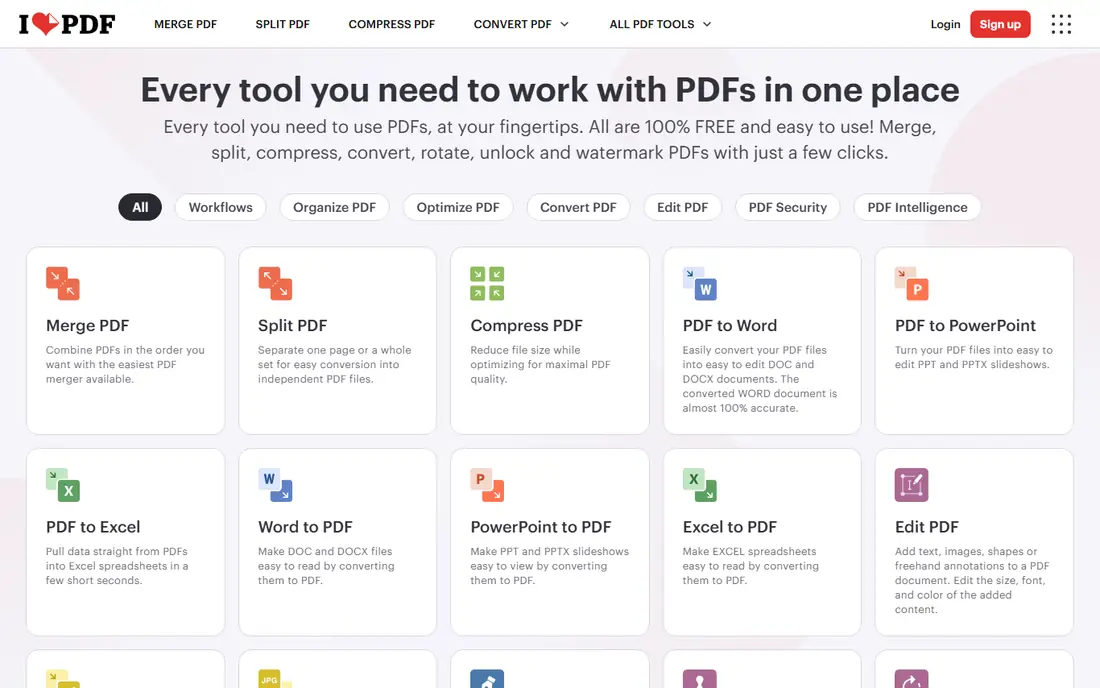
iLovePDF is the best pick for splitting PDFs on a phone. Its mobile apps for iOS and Android cover splitting, merging, compressing, converting, and signing, with cloud imports from Google Drive and Dropbox. The split page is simple: upload, pick pages, download. Premium costs about $9 per month, or $60 per year billed annually, and students and academics can get a free year of Premium.
Free limits are listed without numbers, and files upload to servers, with deletion within two hours of processing. For mobile-first PDF splitting, iLovePDF is our top pick.
- Dedicated iOS and Android apps
- Very simple split page
- Many other PDF tools on the same site
- Free limits are listed without numbers
- Files upload to servers to split
- Ads on the free page
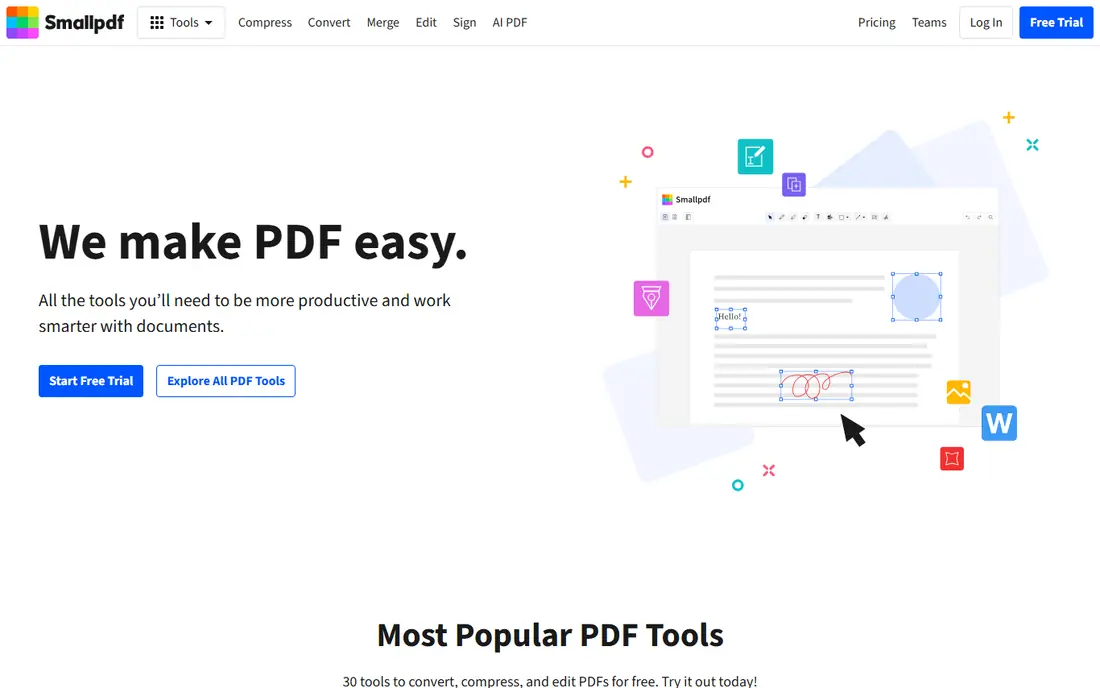
Smallpdf is the most polished online splitter, and it works well in a mobile browser. Its split page is clear about security, with TLS encryption, ISO/IEC 27001 certification, and files deleted after one hour. It needs no account or install, and it lets you upload several PDFs, rearrange pages, and split them in one pass. Pro costs about $15 per month or $120 per year.
The free plan limits document downloads, and only continuous pages can be selected and extracted, unlike iLovePDF's any-page selection. For a polished, no-install splitter, Smallpdf is the best web option.
- Most polished online splitter
- Files deleted after one hour
- No account or install needed
- Free plan limits document downloads
- Only continuous pages can be selected
- Pro about $15 per month
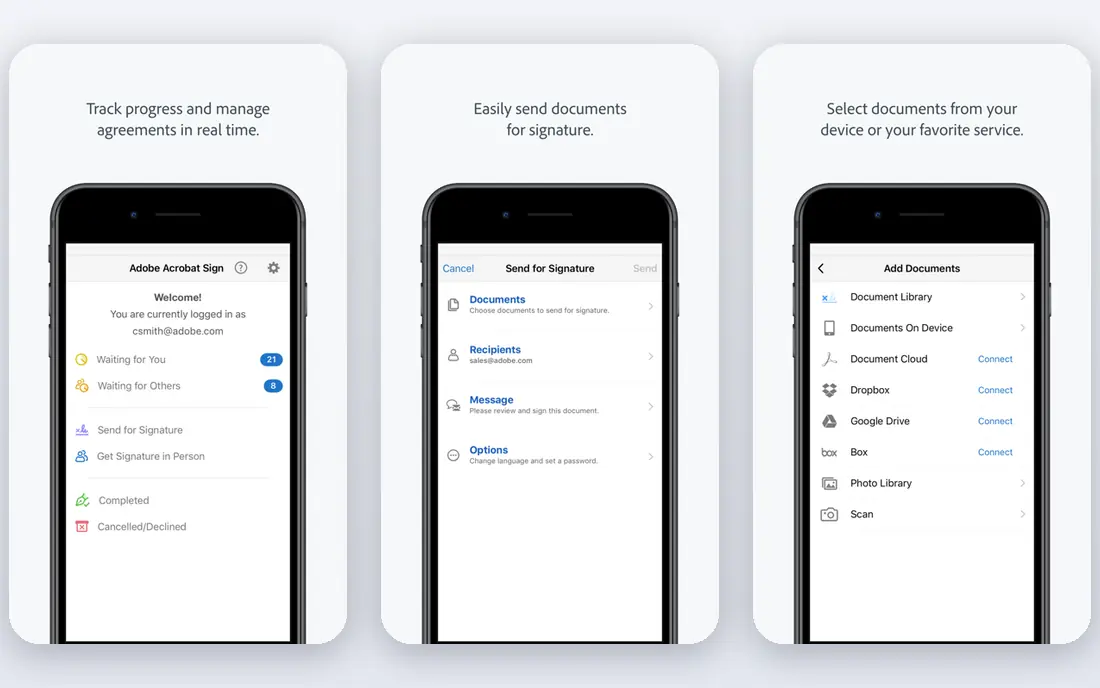
Adobe Acrobat is the trusted brand option, with mobile apps for iOS and Android that split, merge, and edit PDFs. It suits users already in the Adobe ecosystem or handling client files where the Acrobat name matters. A free tier exists, though some listings limit the free split to one use.
Premium pricing varies by plan and region, so check the current page, and sign-in is required. For brand trust and a full mobile PDF suite, Acrobat is the safe choice.
- Trusted Acrobat brand
- Mobile apps for iOS and Android
- Full PDF editing suite
- Free split trial limited to one use in some listings
- Premium pricing varies
- Sign-in required
Xodo is the best free mobile PDF editor with page management. Its iOS and Android apps let you view, annotate, and reorganize PDFs, including splitting out pages you need, with sync across devices. The free tier covers everyday use.
Advanced features need a paid plan, and the interface feels busy. For a free mobile app that also splits PDFs, Xodo is a strong all-round pick.
- Free mobile PDF editing
- Page management including split workflows
- Syncs across devices
- Advanced features need a paid plan
- Interface is busy
- Splitting depth trails dedicated tools
PDFelement, from Wondershare, is a full mobile PDF suite with split, merge, edit, convert, and annotate tools in one app. The mobile interface is clean, and desktop versions cover Windows and Mac for users who also work on a computer. A free trial lets you test it.
The free tier is a trial with limits, and pricing varies by platform, so check the current store price. For a complete mobile PDF toolkit, PDFelement is a solid choice.
- Full mobile PDF suite with split, merge, and edit
- Clean mobile interface
- Desktop versions available
- Free tier is a trial with limits
- Pricing varies by platform
- Some features need a subscription
Foxit PDF Editor is the fast, lightweight mobile option. Its iOS and Android apps split and organize pages, annotate, and fill forms without the weight of a full desktop suite. A free tier covers basic use, with subscriptions for advanced features.
Pricing varies by platform, and the mobile feature set is smaller than desktop. For a quick, light PDF app that splits on the go, Foxit is a dependable pick.
- Fast, lightweight mobile app
- Split and organize pages
- Trusted PDF brand
- Some features need a subscription
- Pricing varies
- Smaller mobile feature set than desktop
Sejda is one of the best free web splitters, and it works in any mobile browser without an install. Upload a PDF, pick the pages, and download the split files. It is a favorite of guides that rank free splitters, alongside EasePDF.
The free plan has limits, and only continuous pages can be selected. For a quick free split on a shared device or a phone without app installs, Sejda is a reliable choice.
- Free web splitter that works in mobile browsers
- Clear page selection
- No install needed
- Free plan has limits
- Only continuous pages can be selected
- Files upload to servers
PDF24 offers unlimited free web splitting with ads, which makes it the best free option for repeated splits. It needs no account, runs in any mobile browser, and covers split, merge, compress, and convert tools. For users who split PDFs often and refuse to pay, PDF24 is the best free web tool.
Only continuous pages can be selected, and free pages carry ads. For unlimited free use, PDF24 beats capped free tiers.
- Unlimited free use with ads
- No account needed
- Works in mobile browsers
- Only continuous pages can be selected
- Ads on free pages
- Files upload to servers
PDF2GO is a quick free web splitter that lets you select any pages to extract as a new PDF, unlike tools limited to continuous ranges. It needs no install, runs in a mobile browser, and handles one-off splits fast.
The free plan has limits, and files upload to servers. For a fast, free, any-page split on your phone's browser, PDF2GO is a practical pick.
- Free web splitter with any-page selection
- No install needed
- Fast for one-off splits
- Free plan has limits
- Files upload to servers
- Interface is plain
How we picked these
We compared official pricing pages and independent 2026 comparisons of PDF splitters, favoring tools with current availability in October 2026, a real mobile app or mobile-friendly web tool, and a clear job: dedicated mobile splitting, polished web splitting, or unlimited free use. We mixed apps with web tools, since many phones handle web splitters well. Prices change often, so confirm on each vendor page before you pay. We did not test every tool hands-on; our comparison rests on published features, pricing, and public reviews.
Splitting safely on a phone
Two things matter more than the app. First, pick the right split mode: extract any pages for chapters, split by range for parts, or split by size for email limits. Second, think about where your file goes: most web splitters upload your PDF to a server, with deletion windows from one to two hours, while desktop and some mobile apps process files locally. For sensitive contracts or medical files, prefer an app that processes on your device, or use a desktop tool offline.
Sources
- https://www.zenifiq.com/blog/best-free-pdf-splitters
- https://www.pdfreaderpro.com/blog/how-to-split-pdf
- https://savedelete.com/article/pdf-editor-comparison-2025-savedelete-vs-smallpdf-vs-ilovepdf/
- https://www.softwaretestinghelp.com/best-pdf-splitter/
- https://www.ilovepdf.com
- https://smallpdf.com
- https://www.adobe.com
- https://www.xodo.com
- https://pdf.wondershare.com
- https://www.foxit.com
- https://www.sejda.com
- https://tools.pdf24.org
- https://www.pdf2go.com
Frequently asked questions
What is the best PDF splitting app for mobile?
iLovePDF is the best PDF splitting app for mobile, with dedicated iOS and Android apps, a simple split page, and a free tier. Smallpdf is the most polished web splitter, and PDF24 is the best unlimited free web option.
Can I split a PDF on my phone for free?
Yes. iLovePDF, Smallpdf, Sejda, PDF24, and PDF2GO all offer free splitting, and Xodo and Foxit offer free mobile apps. Free plans have limits, such as download caps or continuous-page-only selection, so check the limits before a big job.
How do I split a PDF by pages on mobile?
Open the splitter, upload your PDF, and choose the split mode: extract specific pages, split by page range, or split every page into its own file. iLovePDF and PDF2GO let you select any pages, while Smallpdf, Sejda, and PDF24 limit free splits to continuous ranges.
Is it safe to split PDFs online?
Most reputable splitters use TLS encryption and delete files within one to two hours, with ISO/IEC 27001 certification at Smallpdf and iLovePDF. For sensitive documents, prefer an app that processes files on your device rather than uploading them.
Do I need an app, or does a website work?
A website works well for one-off splits, since tools like Smallpdf, Sejda, and PDF24 run in any mobile browser. An app like iLovePDF or Xodo is better if you split PDFs often, work offline, or want cloud imports from Google Drive and Dropbox.